Multi-Vendor & Complex SaaS Marketplaces
 Modern Headless & Jamstack Web Development
 High-End Corporate & Specialized Business Websites
 Advanced API, Checkout & Database Troubleshooting
Disability Digital Support & Community Access Melton, Victoria
Calm, jargon-free digital help for NDIS community access across Melton, Victoria.
We coach participants, families, and support workers through portals, booking apps, maps, and devices so outings, appointments, and local activities stay manageable—from estate streets to busy retail strips. Strengthen your support experience: dial 0421498927 or reach us via Book patient digital support · Smart Solutions. Human Support.
About this service
Get patient, plain-English digital support so community access in Melton, Victoria feels achievable—not overwhelming—for NDIS participants, families, and disability support workers.
What You'll Get
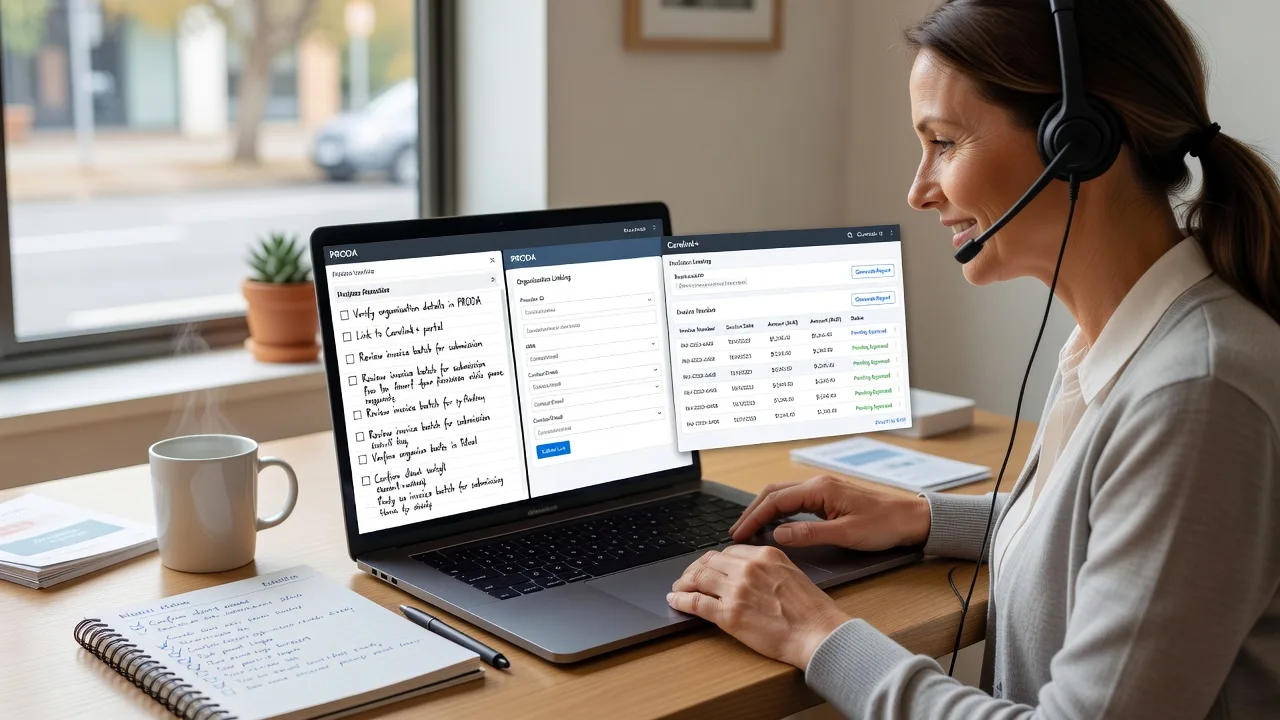
- NDIS & portal walkthroughs - Step-by-step help with myplace, plan budgets, service bookings, and document uploads without rushed jargon.
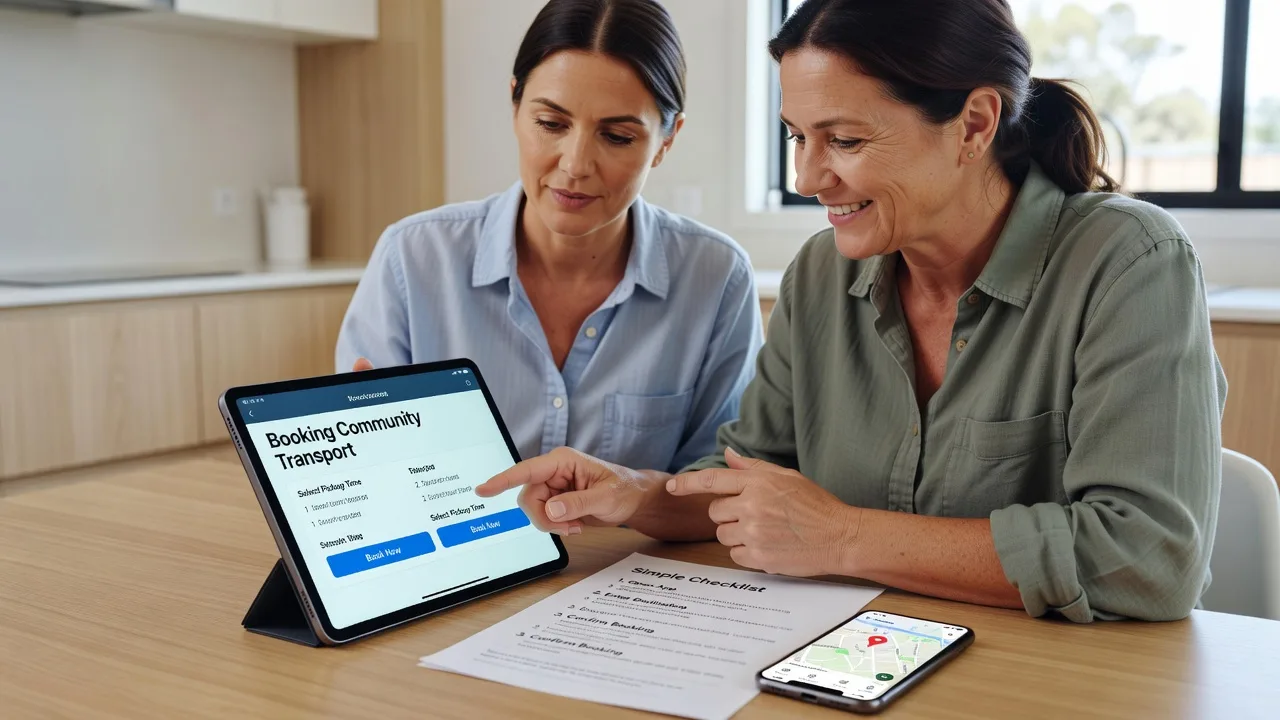
- Community access tech setup - Maps, transport apps, calendar reminders, video-call tools, and safe messaging so outings are easier to plan.
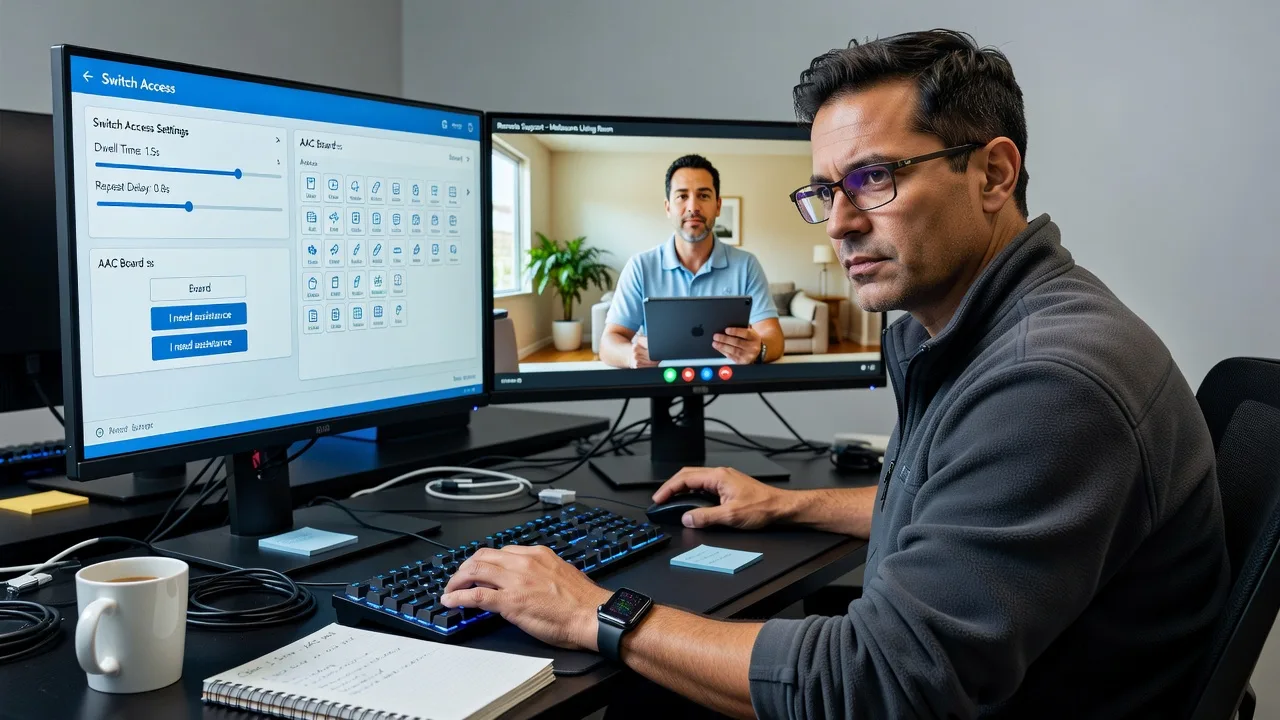
- Device confidence coaching - Phone, tablet, or laptop sessions paced to the participant—large text, simplified home screens, password habits that stick.
- Support-worker digital handoff - Clear notes and repeatable steps your team can reuse between shifts.
- Telehealth & appointment readiness - Camera, mic, and link checks before clinics or allied-health sessions.
- Optional on-site or hybrid sessions - When home setup or shared screens work better than remote-only.
Serving Melton, Victoria & surrounds
Melton’s rapid growth means more new estates, school-zone mornings, and retail-hub afternoons where digital tools either unlock community life or create friction. We tailor sessions to real local rhythms—not generic metro scripts—and can reference nearby hubs such as Caroline Springs when travel or shared services matter.
- New-housing corridors where families are still setting up NDIS routines, Wi‑Fi, and school communication apps
- Retail and community-centre days around major Melton shopping strips when transport apps and booking confirmations matter most
- Hybrid support with remote first sessions and optional on-site visits when device setup or shared-screen coaching works better at home
How We Work
- Step 1: Reach Out - Tell us the community-access or digital goal—portal stuck point, booking stress, or device overwhelm—and we listen first.
- Step 2: Tailored Plan - We outline a clear support path (session length, remote or on-site, who should join) with a fixed scope—no bidding noise.
- Step 3: We Deliver - Patient video or in-person digital coaching, plus quiet infrastructure help in the background if logins, email, or Wi‑Fi are blocking progress.
- Step 4: Confirm & Follow-up - Plain-English summary, saved steps, and optional next session so skills hold between support workers.
Expert Insights: What Most People Get Wrong
Based on 8+ years coaching NDIS participants and support networks on everyday tech, here are the critical mistakes we still see in Melton homes—and how we fix them:
- Teaching the app before fixing the home screen - Participants abandon community apps when 40 icons fight for attention. We strip the home screen to 6–8 large shortcuts (maps, calendar, support contact, booking app) before any advanced feature training. Good looks like one-tap launch; bad looks like scrolling three pages to find the bus app on outing day.
- Sharing one login across the whole support team - When every worker uses the same portal or email password, access breaks on staff change and audit trails vanish. We set participant-owned credentials, a simple recovery path, and a one-page handoff so the next worker continues without reset drama.
- Booking transport without a buffer calendar - In growth corridors with longer drive times and school peaks, last-minute rideshare or bus checks fail. We build a 24-hour prep checklist: confirm booking, pin the address, charge the device, and save a backup contact—practiced once in session so it is automatic.
- Skipping offline fallbacks - Community access collapses when mobile data drops between estates. We save offline maps of key Melton routes, screenshot booking confirmations, and print or PDF a wallet card with address and support phone—actions most generic guides never sequence for real outing days.
When you book Fixwebnode, you get direct professional support—infrastructure expertise and patient human help—without freelancers, bidding, or marketplace noise.
Why Choose Fixwebnode
We blend Tier‑2 human digital support with quiet Tier‑1 technical backup so community access tools actually work on the day. Local knowledge of Melton’s estate growth, school peaks, and retail-hub patterns means sessions stay practical, not theoretical.
- ✓ Direct provider model—we deliver the coaching ourselves with one clear plan
- ✓ NDIS-aware, jargon-free pacing suited to participants, families, and support workers
- ✓ Optional hybrid visits plus remote follow-ups that fit Melton schedules
Tools & Technologies
myplace NDIS portal, Google Maps and Apple Maps offline packs, common transport and rideshare apps, Microsoft Teams / Zoom / FaceTime for telehealth, Google Calendar and phone Reminders, password managers with simple recovery, accessibility settings (text size, VoiceOver/TalkBack basics), secure PDF and photo document handling, and basic home Wi‑Fi checks when connectivity blocks access.
Perfect For
NDIS participants, families, and disability support workers in Melton, Victoria who need community access to feel organised—not stressful. Ideal when portals, booking apps, or devices are the barrier between the plan and real outings, appointments, or local activities. Small providers seeking consistent digital handoffs across rotating staff also fit well.
FAQ
We start remote for most digital coaching so sessions are easy to schedule, and we can arrange hybrid or on-site visits across Melton when hands-on device setup or shared screens work better at home. Travel is planned with you in advance and scoped clearly—no surprise marketplace mark-ups. Surrounding areas can be discussed case by case.
We deliver human digital support: patient coaching on portals, booking tools, devices, and community-access tech so participants and support workers can organise outings and appointments with less stress. We are not a substitute for your funded face-to-face disability support worker for personal care or community participation hours—we make the digital layer usable.
Yes. Joint sessions are encouraged so everyone hears the same steps. We leave a short handoff sheet so the next worker can continue without resetting passwords or relearning the process from scratch.
We slow the pace, use large text and simple language, and stop before overwhelm. Sessions focus on one or two wins only. Many Melton clients prefer shorter repeated sessions over one long technical dump—we design the plan that way from the start.