Multi-Vendor & Complex SaaS Marketplaces
 Modern Headless & Jamstack Web Development
 High-End Corporate & Specialized Business Websites
 Advanced API, Checkout & Database Troubleshooting
NDIS PRODA & Carelink+ Integration Specialist Melbourne
Calm PRODA and Carelink+ setup for Melbourne plan-managed and self-managed NDIS participants and providers.
We connect your claiming tools, fix stuck organisation links, and walk you through each screen in plain English—whether you run a suburban support coordination desk or a clinic-side admin team. Unregistered provider for Plan-Managed & Self-Managed participants.
Power up your support: call 0421498927 or book at fixwebnode.com.au/contact-support.
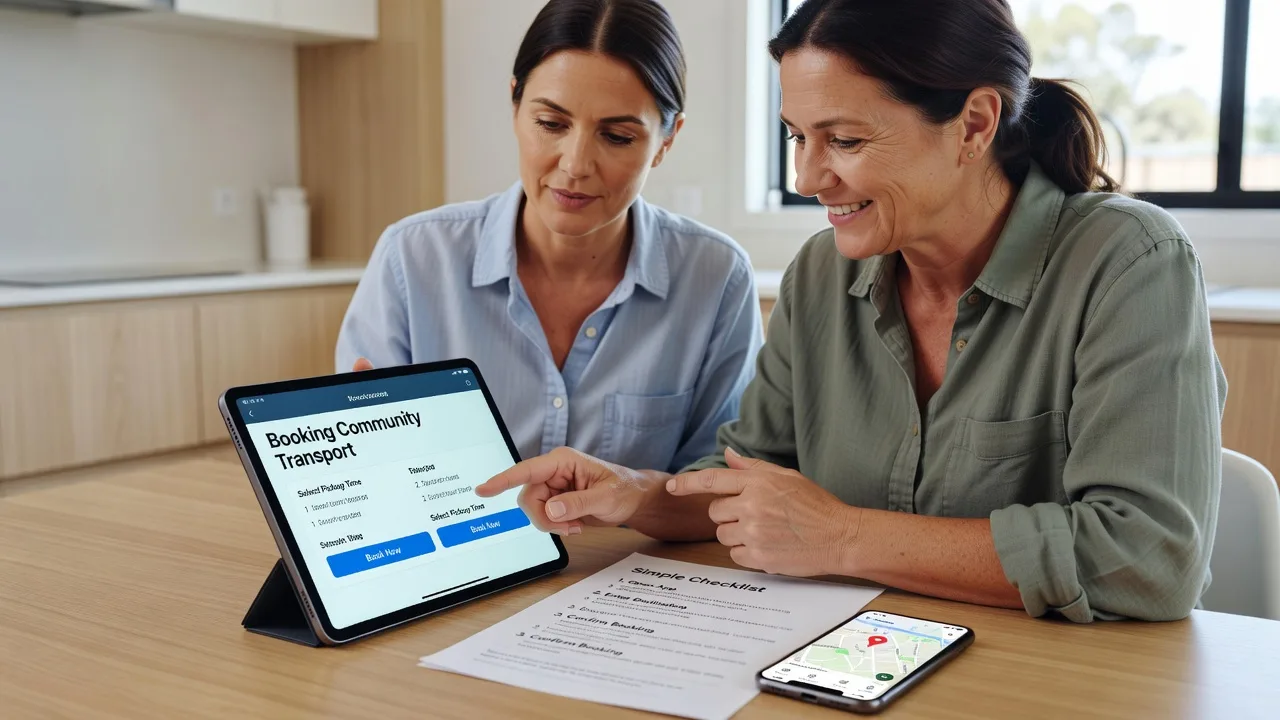
- Patient, jargon-free screen share
- Fixed-scope integration packages
- Remote-first across metro Melbourne
About this service
Get PRODA, Carelink+, and your NDIS claiming flow working cleanly—without the jargon maze—so Melbourne plan managers, support coordinators, and self-managed participants can invoice with confidence. We deliver the integration and training ourselves as a direct provider, with patient human digital support and quiet technical backup when systems misbehave.
What You'll Get
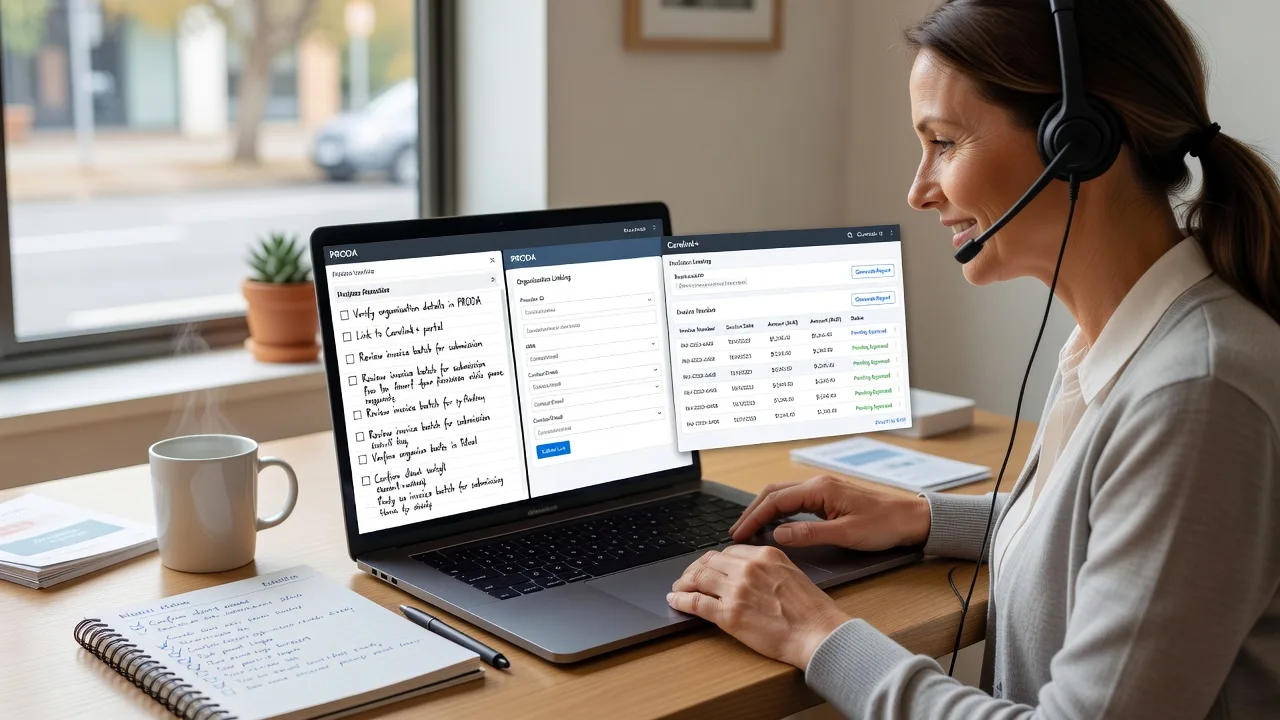
- PRODA organisation & role mapping - Correct linking so staff can sign claims without endless “access denied” loops.
- Carelink+ claim path setup - Align participant records, service bookings, and invoice export with how you actually work week to week.
- Plain-English walkthrough sessions - Screen-share coaching at your pace; no assumed IT background.
- Error log triage - We translate portal messages into the one action that usually fixes them.
- Handoff notes for your admin - Simple checklist your team can reuse after we finish.
- Unregistered provider pathway - Clear support for Plan-Managed and Self-Managed participants who need software help inside their plan budget rules.
Serving Melbourne & surrounds
Melbourne’s NDIS admin load is rarely “one office, one login.” Support coordinators juggle home-office mornings with clinic afternoons; allied-health rooms near major hospital corridors share desks; and freight-heavy outer industrial estates still need reliable remote claiming when staff are on the road. We centre remote sessions on metro and greater Melbourne rhythms—school-zone pickup windows, after-hours plan manager catch-ups, and quiet mid-week slots when portals are less congested.
- Apartment-dense inner corridors where sole traders run Carelink+ from a laptop between participant visits
- High-street allied health and therapy suites that need clean PRODA role separation for admin vs clinicians
- Fully remote setup and training across Melbourne; optional on-site by arrangement when multiple staff share one workstation
How We Work
- Step 1: Reach Out - Tell us whether PRODA will not link, Carelink+ exports fail, or your team needs patient training. We listen first—no tech quiz.
- Step 2: Tailored Plan - Fixed-scope package with clear inclusions for integration work and/or human digital support sessions.
- Step 3: We Deliver - Secure remote session: we configure, demonstrate, and coach until you can repeat the steps.
- Step 4: Confirm & Follow-up - Plain-English summary, optional short follow-up slot, and when to escalate if a portal outage is the real culprit.
Common Issues & How to Fix Them
These are the patterns we see repeatedly with Melbourne NDIS admin teams—specific enough that a generic search rarely solves them cleanly.
PRODA shows your organisation but “Request access” never completes for Carelink+ or the myplace provider portal
Usually a mismatch between the ABN/organisation record, the email used at signup, and the role your software expects—not a broken password.
- Step 1: Sign into PRODA, open the organisation card, and note the exact Organisation ID and the email listed as Authorised Contact—screenshot both.
- Step 2: In Carelink+ (or your claiming tool), open Organisation / PRODA link settings and confirm the same Organisation ID and that the linking user is an Authorised Person or Delegate, not only a generic staff login.
- Step 3: Retry the link, then attempt one low-value draft claim or connectivity test; success is a completed link status plus the ability to open the provider portal without a fresh access error within five minutes.
Carelink+ invoices export, but NDIS claim status stays “Pending” or rejects with participant/booking mismatches
Common when service booking line items, support category codes, or date ranges in Carelink+ do not mirror the active booking on the portal—especially after a plan reassessment.
- Step 1: Pull the participant’s current service booking on the portal and write down booking reference, support item code, and remaining hours for the exact dates you billed.
- Step 2: In Carelink+, open that invoice line and match code, units, and date to the booking; correct any “old plan” templates still attached to the participant card.
- Step 3: Re-export or resubmit only the corrected line; verify the claim moves from pending/reject to a clear accepted or actionable status—not a silent duplicate.
Bulk CSV or batch claim upload fails halfway with cryptic row errors
Almost always hidden characters, wrong date format, or a participant NDIS number copied with a space from a spreadsheet—worse at month-end when Melbourne providers rush multiple coordinators’ files together.
- Step 1: Open the CSV in a plain text editor (not only Excel) and check the failing row number for extra commas, blank mandatory fields, or NDIS numbers that are not 9 digits clean.
- Step 2: Re-export from Carelink+ using the tool’s native template; paste values as values-only if you must edit in a sheet, and save UTF-8 CSV without formula columns.
- Step 3: Upload a three-row pilot file first; if those three accept, run the full batch—proof is zero format errors and matching claim counts on the confirmation screen.
Expert insight (Melbourne scenario): When a Footscray-side support coordination desk and a CBD clinic share one ABN but two Carelink+ “sites,” do not create duplicate PRODA organisations. Link once at organisation level, then separate users by role and site tags inside Carelink+. Duplicate PRODA orgs are a recovery nightmare after staff turnover and are the #1 reason month-end claims “belong to the wrong login.” Good looks like one org ID, named delegates, and a shared runbook; bad looks like each admin inventing a new PRODA identity every time someone leaves.
When DIY is not enough (urgent, unsafe, recurring, or burning time), book Fixwebnode for direct professional support—no freelancers, bidding, or marketplace noise.
Why Choose Fixwebnode
We are a direct two-tier provider: patient human digital support for NDIS software workflows, with infrastructure-grade backup when logins, browsers, or server-side quirks get in the way. Melbourne teams get plain language, fixed scopes, and someone who has cleaned these same PRODA/Carelink+ tangles many times—not a bid board.
- ✓ Unregistered provider experienced with Plan-Managed and Self-Managed participant pathways
- ✓ Remote-first sessions fitted around Melbourne clinic and home-office hours
- ✓ Jargon-free coaching plus technical depth when the portal, not the person, is at fault
Tools & Technologies
PRODA; myplace provider portal; Carelink+ (organisation linking, participant cards, invoices, bulk/CSV export); secure screen share; browser profile hygiene (Chrome/Edge); MFA/authenticator recovery; basic CSV validation; optional Google Workspace or Microsoft 365 mailbox checks when invite emails never arrive.
Perfect For
Melbourne support coordinators, small allied-health practices, plan managers’ admin desks, and self-managed or plan-managed participants who need PRODA and Carelink+ to stop fighting each other. Ideal when you want one calm specialist on the call—not a marketplace thread—and a clear path from broken link to working claims.
Ready when you are: dial 0421498927 or continue at fixwebnode.com.au/contact-support.
Choose a package
Single remote session to diagnose and fix one PRODA or Carelink+ linking or export issue, with plain-English notes.
Full PRODA–Carelink+ link check, claim-path alignment for your team, and guided practice on two real workflows.
End-to-end integration, multi-user role setup, bulk/CSV process hardening, and follow-up coaching for Melbourne NDIS admin teams.
FAQ
Most PRODA and Carelink+ work is done securely by remote screen share across metro and greater Melbourne, which suits clinic and home-office schedules. If several staff share one workstation or you need side-by-side coaching, we can discuss on-site by arrangement within the Melbourne area after the remote scope is clear.
Yes—we work as an unregistered provider supporting Plan-Managed and Self-Managed participants, as well as providers and coordinators who need the software working. We do not replace your plan manager’s financial decisions; we make the tools and claiming steps usable and understandable.
Have PRODA login access (or the authorised person available), Carelink+ admin access, one example invoice or failed claim, and any error screenshots. If MFA codes go to someone else’s phone, arrange that person for the first ten minutes so we are not blocked mid-link.
That is the default. We use plain language, pause often, and leave a short checklist so your Melbourne admin team can repeat the process after we disconnect. Technical depth stays in the background unless the portal itself is misbehaving.