Multi-Vendor & Complex SaaS Marketplaces
 Modern Headless & Jamstack Web Development
 High-End Corporate & Specialized Business Websites
 Advanced API, Checkout & Database Troubleshooting
Remove Malicious Redirects and Pharma-Hacks From Your Site
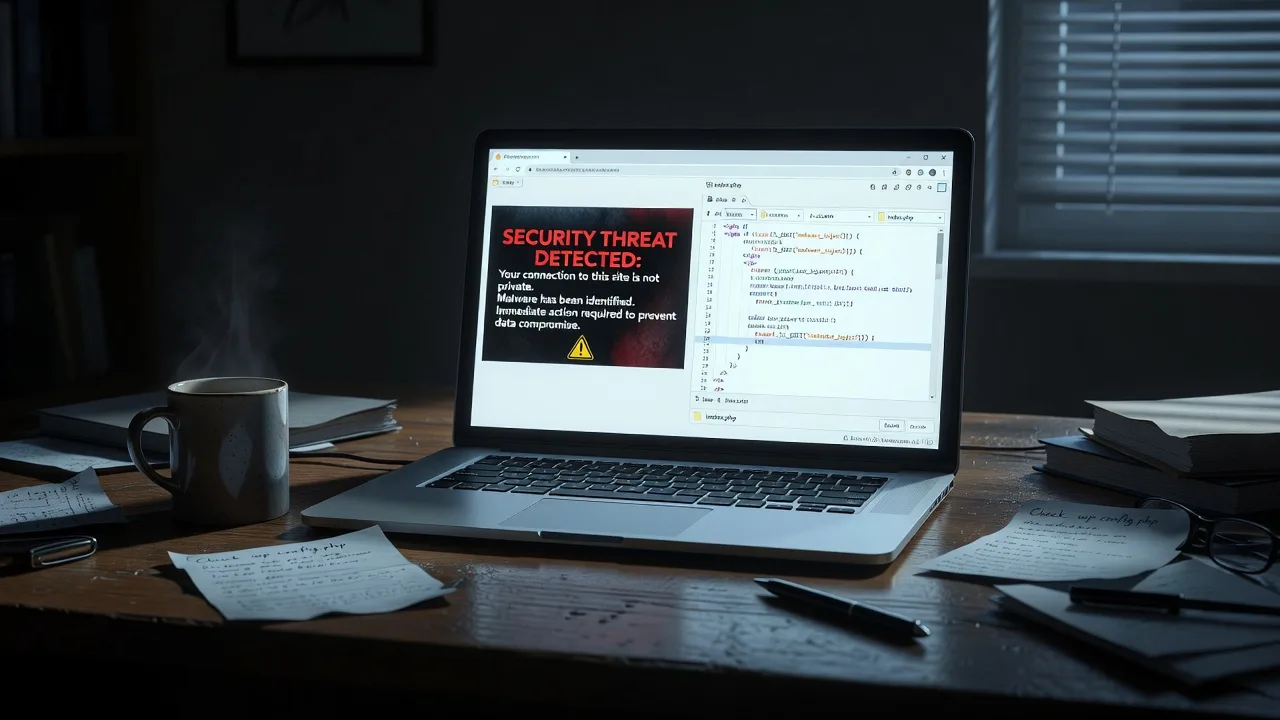
Pharma redirects and sneaky malware can send visitors to spam drug sites while your homepage looks fine. This guide covers real symptoms, DIY cleanup steps, and when Fixwebnode should take over.

If customers open your site and land on fake pharmacy pages, weight-loss spam, or random “miracle pill” offers, you are dealing with a classic pharma-hack or malicious redirect—not a random glitch.
These infections often hide from the site owner, fire only on mobile or Google referrals, and leave your desktop homepage looking normal. Search rankings drop, browsers show “deceptive site” warnings, and trust evaporates fast. This practical guide walks homeowners and small-business owners through how to remove malicious redirects and pharma-hacks from your website, what to check first, and when to book specialist Website support from Fixwebnode—especially if you run a local business site serving Geelong or nearby regions.
You do not need marketplace bidding or vague “SEO magic.” You need methodical cleanup: find the injection point, remove it, rotate credentials, and verify the site is clean from multiple devices.
Why malicious redirects and pharma-hacks matter
Pharma-hacks are mass-compromise campaigns that inject redirect logic into CMS files, databases, or server config so a portion of traffic is siphoned to pharmaceutical spam. Attackers care about affiliate clicks; you care about lost sales, blacklists, and Google Safe Browsing flags.
Common business impact includes:
- Mobile visitors only seeing spam while you test on a desktop and “see nothing wrong.”
- Google Search Console reporting “site may be hacked” or strange indexed URLs.
- Email providers and ad networks blocking links to your domain.
- Admin logins that still work while a backdoor keeps reinfecting overnight.
Fixwebnode treats this as hands-on website support: locate the payload, strip persistence, harden access, and confirm redirects are gone. If your stack is WordPress, a custom PHP site, or a long-lived builder theme, the patterns below still apply.
Common issues with malicious redirects and pharma-hacks
These problems look similar on the surface (“we get redirected”) but have different root causes. Treat them as separate investigations.
1. .htaccess or server rewrite rules hijacking mobile and referrer traffic
Symptoms: Desktop looks fine; phones and tablets bounce to pill spam. Redirects often trigger only when the Referer header shows Google or when the user-agent string matches Android/iPhone. You may also see unexpected 301/302 chains in browser devtools.
2. Cloaked JavaScript or base64 loaders in themes, headers, and plugins
Symptoms: Homepage HTML looks clean in “View Source” on your PC, but a minified script, eval() blob, or external loader injects a timed redirect. Sometimes the script is appended after </html> or buried in header.php, footer.php, or a “must-use” plugin.
3. Database-level spam: options, posts, and injected iframes
Symptoms: Odd pharmacy keywords appear in search snippets; random posts or widgets show foreign links; siteurl / home options were changed; cleanup of files alone does not stick because the payload lives in MySQL/MariaDB content.
4. Backdoor PHP droppers and rogue admin users that reinfect nightly
Symptoms: You delete bad code, restore a backup, and by morning the redirect returns. File timestamps change without your edits. Unknown admin accounts exist. Web shells sit in uploads, cache, or oddly named folders like wp-tmp.
How to fix issue 1: malicious .htaccess and rewrite redirects
Server-level redirects are a favourite of pharma campaigns because they run before your CMS boots.
Step 1 — Back up before you touch anything
Download a full copy of the site files and export the database. Work on a staging copy if you have one. Note current DNS and SSL status so you can restore quickly if a bad edit breaks the site.
Step 2 — Inspect root and nested .htaccess files
Via SFTP/SSH, open the document root .htaccess and also check subfolders (wp-admin, uploads, language folders). Look for unfamiliar RewriteCond blocks that match mobile user-agents, Google referrers, or base64-looking query strings.
find /var/www/html -name '.htaccess' -type f 2>/dev/null
ls -la /var/www/html/.htaccess
grep -nE 'RewriteCond|RewriteRule|HTTP_USER_AGENT|HTTP_REFERER|base64|eval' /var/www/html/.htaccess
Step 3 — Replace with a known-good ruleset
If the file is heavily polluted, rename the infected file and drop in a clean default for your stack (for WordPress, the standard pretty-permalink block only). Remove any auto_prepend / php_value directives you did not add.
mv /var/www/html/.htaccess /var/www/html/.htaccess.infected.$(date +%Y%m%d)
# Then upload a clean .htaccess from a fresh CMS install or your last known-good backup
Step 4 — Check nginx / host panel redirects too
On nginx hosts there is no .htaccess. Review server blocks and any “redirects” UI in cPanel/Plesk for rules sending paths to external pharmacy domains. Remove foreign return 301 / rewrite lines that you did not create.
Step 5 — Verify from a phone and a clean browser profile
Open the site in a private mobile browser and via a third-party redirect checker. Confirm your homepage and top landing pages stay on your domain with a 200 response.
When to call Fixwebnode: If redirects persist after a clean .htaccess, or you are on a managed host where you cannot see vhost config, specialist access is safer than guessing panel settings.
How to fix issue 2: cloaked scripts and theme injections
File-based JavaScript loaders often evade casual “view source” checks because they only print for certain IPs or user-agents.
Step 1 — Diff core themes and plugins against clean copies
Download virgin copies of your theme and plugins from official sources. Compare critical files: header.php, footer.php, functions.php, index.php, and any js enqueue wrappers.
# Example on a Linux workstation after extracting a clean theme
diff -ru clean-theme/ wp-content/themes/your-theme/ | head -n 200
grep -RInE 'eval\(|base64_decode|gzinflate|str_rot13|document\.location|window\.location|fromCharCode' wp-content/themes wp-content/plugins wp-content/mu-plugins 2>/dev/null | head -n 100
Step 2 — Strip obvious payloads
Delete injected script tags pointing at unknown domains, long one-line obfuscated PHP at the top of theme files, and any auto_prepend_file references in php.ini, .user.ini, or wp-config.php.
find /var/www/html -type f \( -name '.user.ini' -o -name 'php.ini' -o -name '.htaccess' \) -print
grep -nE 'auto_prepend_file|auto_append_file' /var/www/html/wp-config.php /var/www/html/.user.ini 2>/dev/null
Step 3 — Clear all layers of cache
Purge WordPress object/page cache, CDN cache (Cloudflare etc.), and host-level cache. Malware snippets linger in cache long after files are fixed and will keep redirecting until every layer is flushed.
Step 4 — Re-test with real mobile traffic patterns
Use a phone on cellular data (not only office Wi-Fi) and an external “what you see” crawler. Pharma scripts often skip office IP ranges.
When to call Fixwebnode: Obfuscated multi-file loaders, encoded ionCube-like blobs, or infections inside premium themes you cannot legally re-download cleanly are better handled by a specialist who can surgically remove persistence without breaking the design.
How to fix issue 3: database spam and option-table redirects
If files look clean but redirects or spam links remain, the database is usually guilty.
Step 1 — Export and search the dump offline
Export MySQL/MariaDB and search for pharmacy brand strings, unfamiliar <script> blocks, and unexpected domains.
mysqldump -u DBUSER -p DBNAME > /tmp/site-backup.sql
grep -nEi 'viagra|cialis|pharmacy|\\x3cscript|document\.location|wp_options' /tmp/site-backup.sql | head -n 80
Step 2 — Fix WordPress home/siteurl and rogue options (if applicable)
In wp-admin → Settings, confirm WordPress Address and Site Address. From SQL or WP-CLI, inspect options that should not contain scripts.
wp option get home
wp option get siteurl
wp db query "SELECT option_id, option_name, LEFT(option_value,120) FROM wp_options WHERE option_value REGEXP 'script|iframe|viagra|cialis' LIMIT 50;"
Remove or clean malicious option rows. Re-save permalinks afterward so rewrite rules regenerate cleanly.
Step 3 — Hunt post content and widgets
Search posts, postmeta, and widget text for injected anchors. Trash spam posts created by bots. If a page builder stores HTML in meta, clean those rows too—not only wp_posts.post_content.
wp db query "SELECT ID, post_title FROM wp_posts WHERE post_content REGEXP 'viagra|cialis|<iframe' AND post_status IN ('publish','draft') LIMIT 50;"Step 4 — Verify public HTML again
curl the homepage and a few deep URLs; confirm no foreign script hosts remain.
curl -sL -A 'Mozilla/5.0 (iPhone; CPU iPhone OS 16_0 like Mac OS X)' https://YOUR-DOMAIN/ | grep -iE 'location:|viagra|cialis|<script' | headWhen to call Fixwebnode: Large multisite databases, serialized PHP options that break when hand-edited, or WooCommerce stores with order data at risk should not be “search-and-replaced” casually. Fixwebnode can clean serialized structures without corrupting carts and memberships.
How to fix issue 4: backdoors, rogue admins, and reinfection loops
Cleanup that does not remove the door the attacker used will fail within hours.
Step 1 — Inventory users and kill unknowns
List administrators. Delete or demote accounts you do not recognize. Force password resets for every remaining privileged user and rotate database, FTP/SFTP, hosting panel, and CDN credentials.
wp user list --role=administrator --fields=ID,user_login,user_email,user_registered
# Review, then delete rogue IDs only after confirming they are not yours
wp user delete ROGUE_ID --reassign=YOUR_ADMIN_ID
Step 2 — Find recently modified and suspicious PHP in uploads
Uploads should rarely contain executable PHP. Quarantine odd files.
find /var/www/html/wp-content/uploads -type f -name '*.php' 2>/dev/null
find /var/www/html -type f -name '*.php' -mtime -7 -printf '%TY-%Tm-%Td %TT %p\n' 2>/dev/null | sort
grep -RInE 'Filesman|c99|r57|eval\(\$_|assert\(\$_|move_uploaded_file' /var/www/html --include='*.php' 2>/dev/null | head -n 50
Step 3 — Remove droppers and harden execution
Delete confirmed webshells. Block PHP execution in upload directories at the web server. Disable unused plugins, remove mu-plugins you did not install, and ensure file permissions are not world-writable.
# Example hardening snippet idea for Apache inside uploads/.htaccess (after cleanup)
# <FilesMatch "\.php$">
# Require all denied
# </FilesMatch>
find /var/www/html -type d -exec chmod 755 {} \;
find /var/www/html -type f -exec chmod 644 {} \;
Step 4 — Patch CMS, plugins, and PHP version
Update core, themes, and plugins from official channels. Old contact forms, file managers, and abandoned builders are frequent entry points for pharma injectors.
Step 5 — Monitor for 48–72 hours
Re-scan modified times daily. Watch Google Search Console security reports. Keep a clean offline backup taken only after you confirm redirects are gone from mobile and desktop.
When to call Fixwebnode: Reinfection after two cleanups, unknown cron jobs, compromised hosting accounts, or mixed malware (redirect + SEO spam + mailer) usually means persistence beyond a DIY afternoon. That is core website support work.
When DIY is enough vs when to book Fixwebnode
DIY is reasonable when: you have SSH/SFTP access, a recent backup, a single obvious .htaccess or theme injection, and the site is a simple brochure or blog with low traffic complexity.
Book a specialist when:
- Redirects are cloaked by user-agent, country, or Googlebot-only rules you cannot reproduce.
- The site reinfects after file replacement—classic backdoor or stolen credentials.
- You run e-commerce, membership, or booking systems where a bad SQL edit means real downtime money.
- Safe Browsing / host suspension needs formal cleanup evidence and follow-up verification.
- Legacy code or custom builders need a security pass, not just “delete one file.”
Fixwebnode provides direct specialist help—not a freelance bidding board. For geography and coverage across regions, see All service areas. Related deeper work includes Melbourne CBD Legacy Code Refactoring & Security Audits when old codebases keep inviting the same class of injection, and industry-specific builds such as Website Solutions for Canberra Builders & Construction Specialists when you need a stable site after the emergency cleanup.
Local owners around Geelong often discover the hack only after a customer texts a screenshot of a pharmacy page. Fast isolation beats weeks of “maybe it will clear itself.”
Book cleanup and keep the redirects gone
Malicious redirects and pharma-hacks are solvable: identify whether the weapon is rewrite rules, theme JavaScript, database spam, or a reinfecting backdoor; remove it with disciplined steps; rotate every secret; and verify on real mobile paths.
If you want a specialist to take the wheel—audit, clean, harden, and confirm—start a conversation with Fixwebnode via Website support. Bring hosting login availability, approximate when redirects started, and any Search Console alerts. We will focus on this infection path until your URLs stay on your domain for every visitor who should see your business—not a spam pharmacy.