Multi-Vendor & Complex SaaS Marketplaces
 Modern Headless & Jamstack Web Development
 High-End Corporate & Specialized Business Websites
 Advanced API, Checkout & Database Troubleshooting
Fix Render-Blocking JS & FOIT for Faster Visual Loads
Invisible text and blank screens often come from render-blocking JavaScript and missing fonts. This guide shows homeowners and small businesses how to diagnose FOIT, unblock scripts, and restore fast first paint—plus when Fixwebnode should take over.
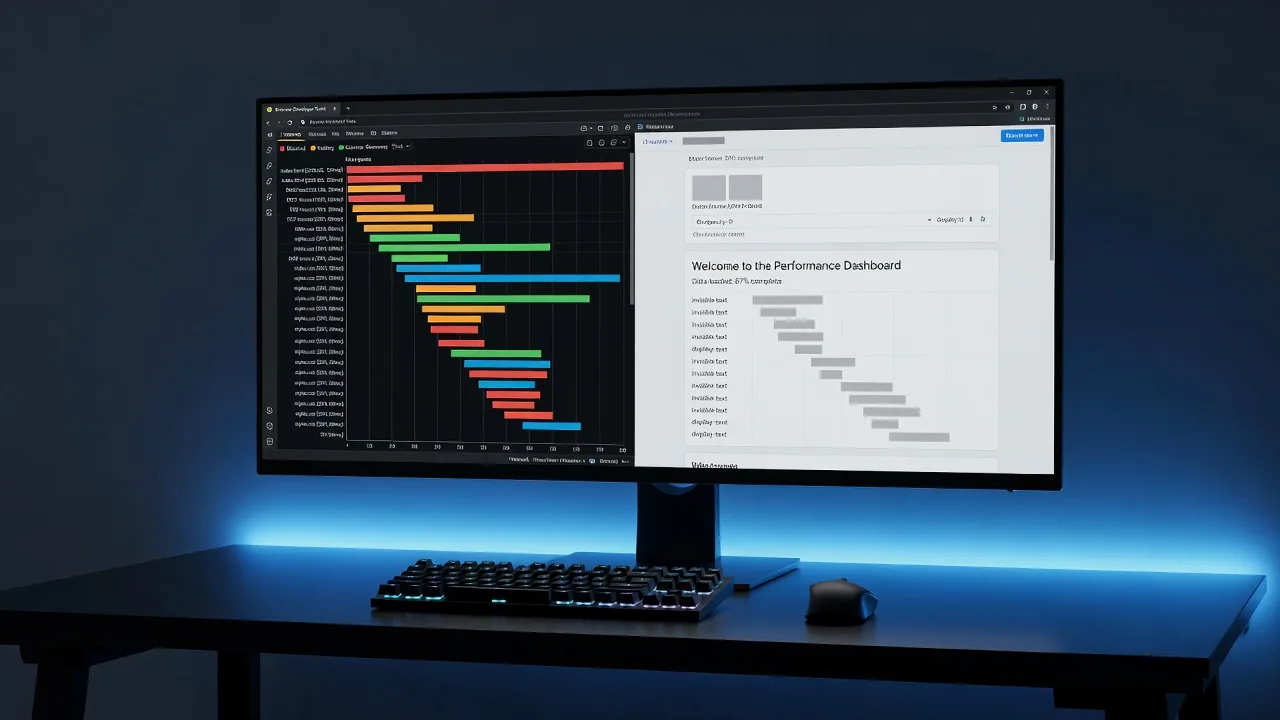
If your homepage stays blank, flashes empty boxes, or shows invisible text before fonts finally appear, you are dealing with render-blocking JavaScript and FOIT (Flash of Invisible Text)—not “slow internet.”
Visitors judge a site in the first second. Scripts in the <head> that lack defer or async, plus web fonts loaded without a safe font-display strategy, delay first contentful paint and leave body copy unreadable. This practical guide walks through the unique failure modes we see on small-business sites, the DIY fixes you can apply safely, and when to book Render-Blocking JavaScript & Missing Fonts: How to Fix Slow Visual Loading (FOIT) help from Fixwebnode so the visual load path is fixed properly—not patched with another plugin stack.
Why render-blocking JavaScript and missing fonts wreck visual loading
The browser must download, parse, and execute parser-blocking scripts before it can finish building the DOM and paint meaningful UI. Separately, custom fonts requested without fallbacks or font-display: swap can hold text invisible until the font file arrives (classic FOIT). Together they produce a slow, empty-looking page even when the server responds quickly.
Homeowners running brochure sites and local operators (builders, clinics, shops) feel this as “the site looks broken on mobile.” Search tools flag it as poor LCP/FCP and layout instability when late fonts reflow the page. Fixing it means controlling script order, font delivery, and critical CSS—not buying a bigger hosting plan first.
Common issues that cause slow visual loading and FOIT
These problems look similar in a screenshot but have different root causes. Treat each on its own terms.
1. Parser-blocking scripts in the document head
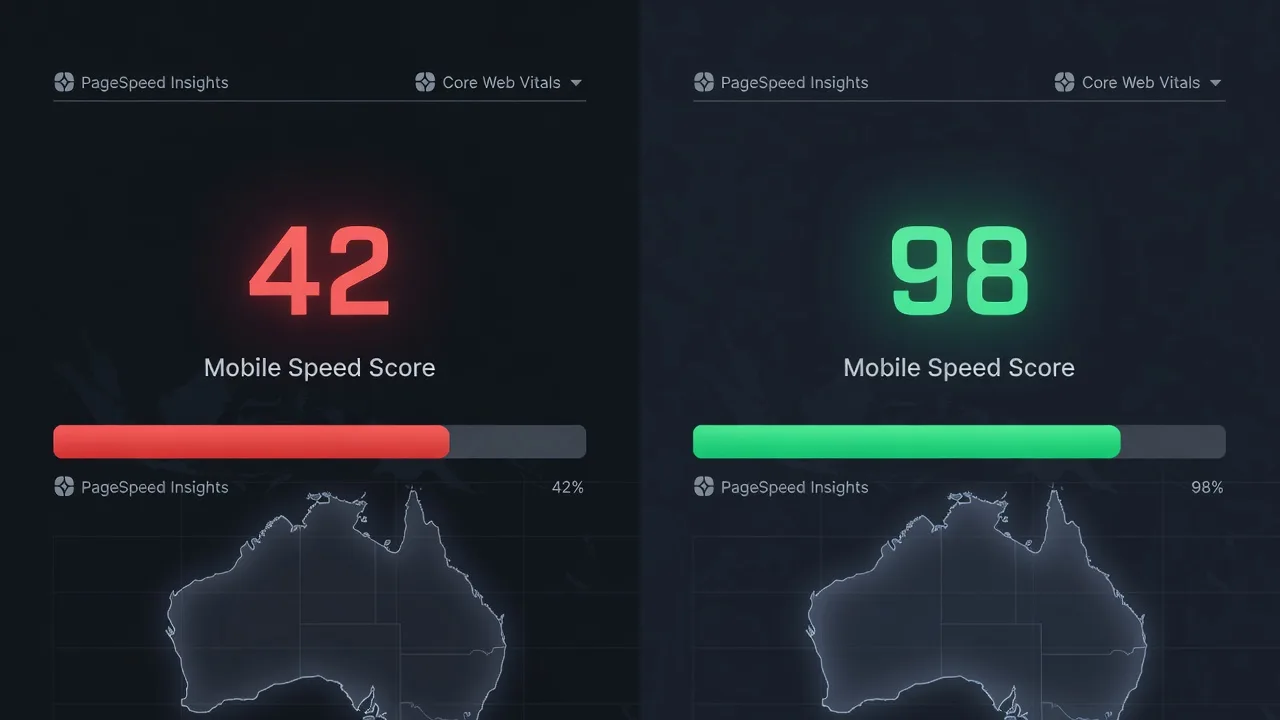
Symptoms: Lighthouse or PageSpeed flags “Eliminate render-blocking resources” for .js files. The hero and navigation stay blank longer than the HTML download time. Mobile feels worse than desktop because CPU and network are constrained.
2. Web fonts without font-display (true FOIT)
Symptoms: Headlines and body copy are invisible for 1–3 seconds, then snap in. DevTools Network shows woff2 files finishing after first paint. Users think the page “has no text.”
3. Missing, mislinked, or cross-origin fonts that never apply
Symptoms: Design uses a brand typeface, but production falls back forever—or worse, requests 404 font URLs and still blocks rendering while retries spin. CORS headers missing on a CDN font origin can prevent the face from applying even after download.
4. Third-party tags and @import chains that serialize the critical path
Symptoms: Chat widgets, tag managers, and CSS @import for Google Fonts add extra round trips before paint. Waterfall charts show long chains: HTML → CSS → imported CSS → fonts → finally text.
How to fix parser-blocking JavaScript
Goal: keep only truly critical logic in the critical path; defer everything else so HTML can parse and paint sooner.
Step 1 — Inventory what blocks render
Run a lab audit from your machine (Node.js Lighthouse CLI) against the live URL:
npx lighthouse https://www.example.com \
 --only-categories=performance \
 --output=json \
 --output-path=./lh-report.json

node -e "const r=require('./lh-report.json'); console.log((r.audits['render-blocking-resources']||{}).details||r.audits['render-blocking-resources']);"
Note every JS URL listed as render-blocking. In Chrome DevTools → Network, filter JS and confirm which files start before first paint.
Step 2 — Mark non-critical scripts defer or async
For classic scripts that do not need to run before first paint (analytics stubs, carousels, non-critical UI):
<!-- Prefer defer for ordered DOM-dependent code -->
<script src="/assets/js/main.js" defer></script>

<!-- async only when order does not matter and early execution is OK -->
<script src="/assets/js/analytics-loader.js" async></script>
Never leave a large bundle as a plain <script src> in <head> without defer unless it is required for above-the-fold interactivity you cannot progressive-enhance.
Step 3 — Move third-party tags after interactive content
Load tag managers and chat embeds after the main content landmark, still with defer, or inject them on idle:
<script>
window.addEventListener('load', function () {
 var s = document.createElement('script');
 s.src = 'https://example-tags.example/gtm.js';
 s.async = true;
 document.body.appendChild(s);
});
</script>
Step 4 — Verify first paint improved
npx lighthouse https://www.example.com --only-categories=performance --view
# Confirm fewer render-blocking scripts and improved FCP/LCP
If a monolithic theme bundle still blocks, split critical UI from optional features or book a specialist—theme rewires often break checkout or builders’ quote forms when done blindly.
How to fix FOIT from web fonts
Goal: text remains readable immediately using a system fallback, then swaps to the brand face without long invisible periods.
Step 1 — Declare font-display on every @font-face
@font-face {
 font-family: 'BrandSans';
 src: url('/fonts/brandsans.woff2') format('woff2');
 font-weight: 400 700;
 font-style: normal;
 font-display: swap; /* avoid FOIT; accept brief FOUT */
}
If you use Google Fonts CSS, prefer a self-hosted subset or add the display parameter when you must stay on the CDN:
<link rel="stylesheet"
 href="https://fonts.googleapis.com/css2?family=Inter:wght@400;600&display=swap">
Step 2 — Preload only the critical face/weight
<link rel="preload" href="/fonts/brandsans.woff2" as="font" type="font/woff2" crossorigin>The crossorigin attribute is required even for same-origin fonts because the font fetch mode is CORS. Missing it wastes the preload.
Step 3 — Pair with a close system fallback stack
body {
 font-family: 'BrandSans', system-ui, -apple-system, 'Segoe UI', Roboto, sans-serif;
}
Step 4 — Confirm FOIT is gone
In DevTools → Rendering, enable “Paint flashing” and throttle to Fast 3G. Text should appear with the fallback immediately; the custom face may swap in later without a multi-second blank. Optional check:
curl -sI https://www.example.com/fonts/brandsans.woff2 | tr -d '\r' | grep -iE 'HTTP/|content-type|access-control-allow-origin|cache-control'Expect font/woff2 (or appropriate type), long-lived cache headers, and CORS allow-origin if the font is on another host.
How to fix missing or misconfigured fonts
Goal: every referenced face resolves, applies, and is cacheable—no silent 404s on the critical path.
Step 1 — Prove the URLs exist
# List font URLs referenced by CSS (simple rip; refine as needed)
curl -s https://www.example.com/assets/css/main.css | grep -oE 'url\(([^)]+\.(woff2?|ttf|otf))\)'

# HEAD each file
curl -sI https://www.example.com/fonts/brandsans.woff2 | head -n 1
Replace 404 paths in CSS or restore files to the correct public directory. Case-sensitive hosts (common on Linux servers) break fonts that worked on a local Mac volume.
Step 2 — Fix cross-origin font application
If fonts are served from a static CDN or object storage, ensure the response includes an ACAO header matching your site origin (or * for public fonts) and that every @font-face / preload uses crossorigin.
# Example nginx snippet for a font location
# location ~* \.(woff2?)$ {
# add_header Access-Control-Allow-Origin *;
# add_header Cache-Control "public, max-age=31536000, immutable";
# types { font/woff2 woff2; font/woff woff; }
# }
Step 3 — Subset and limit weights
Ship only the weights you actually use (often 400 and 600). Oversized family files delay the swap even with font-display: swap. Tools such as glyphhanger or foundry subsetters reduce file size; keep a single woff2 per critical face when possible.
Step 4 — Re-test computed styles
In DevTools → Elements, select a headline and confirm Computed → font-family shows your brand face after load—not only the fallback. If the face never applies, revisit CORS and path casing before chasing more preload tags.
How to break third-party and @import chains
Goal: remove serialized CSS/font imports that stall first paint.
Step 1 — Eliminate CSS @import for fonts
Replace:
/* Bad: extra round trip before the rest of the CSS applies */
@import url('https://fonts.googleapis.com/css2?family=Inter:wght@400;600&display=swap');
With self-hosted @font-face rules in your main stylesheet (or a single blocking critical CSS file you control), plus preload as above.
Step 2 — Cap competing third parties
Disable non-essential widgets on the homepage template. One chat script plus one pixel plus a maps embed is often enough to recreate a blocking waterfall on mobile. Load maps on click (“Show map”) instead of on every landing page view.
Step 3 — Re-measure the waterfall
npx lighthouse https://www.example.com --only-categories=performance --output=html --output-path=./after.html
# Open after.html and compare render-blocking audits and LCP element timing
When DIY is enough vs when to book Fixwebnode
DIY is enough when you control the theme or static templates, can add defer, host a couple of woff2 files, and Lighthouse shows only a handful of blocking URLs. The steps above clear most brochure-site FOIT and script delays without touching server architecture.
Book Fixwebnode when any of the following apply: a page-builder or ecommerce stack injects scripts you cannot reorder safely; font licenses and multi-brand design systems need subsetting across templates; Core Web Vitals fail after plugin “optimization” layers conflict; or you need the work coordinated with other web builds such as Website Solutions for Canberra Builders & Construction Specialists or Full-Stack JavaScript Engineering for Richmond Startups. Fixwebnode is the direct specialist for this performance path—not a bid board—so you get a coherent script-and-font strategy instead of stacked quick fixes.
Geography is straightforward: see all service areas for where on-site and remote delivery is offered, including work tied to Canberra- and Richmond-area teams when your project sits in those metros.
Talk through your FOIT and render-blocking fixes
Blank heroes and invisible text are fixable once scripts stop blocking parse and fonts stop hiding copy. Use the inventories and numbered steps above to clear safe wins, then bring complex stacks to a specialist before another plugin masks the symptoms.
Ready for a focused review of your critical rendering path? Start a conversation with Fixwebnode about Render-Blocking JavaScript & Missing Fonts: How to Fix Slow Visual Loading (FOIT) and get a clear plan for faster visual loading on the pages that matter to your customers.