Multi-Vendor & Complex SaaS Marketplaces
 Modern Headless & Jamstack Web Development
 High-End Corporate & Specialized Business Websites
 Advanced API, Checkout & Database Troubleshooting
Fix Cloudflare Error 521 on AWS and DigitalOcean
Cloudflare Error 521 means your origin on AWS or DigitalOcean is unreachable. Learn the unique causes, copy-paste checks for nginx, firewalls, and SSL, and when to book Fixwebnode server support.
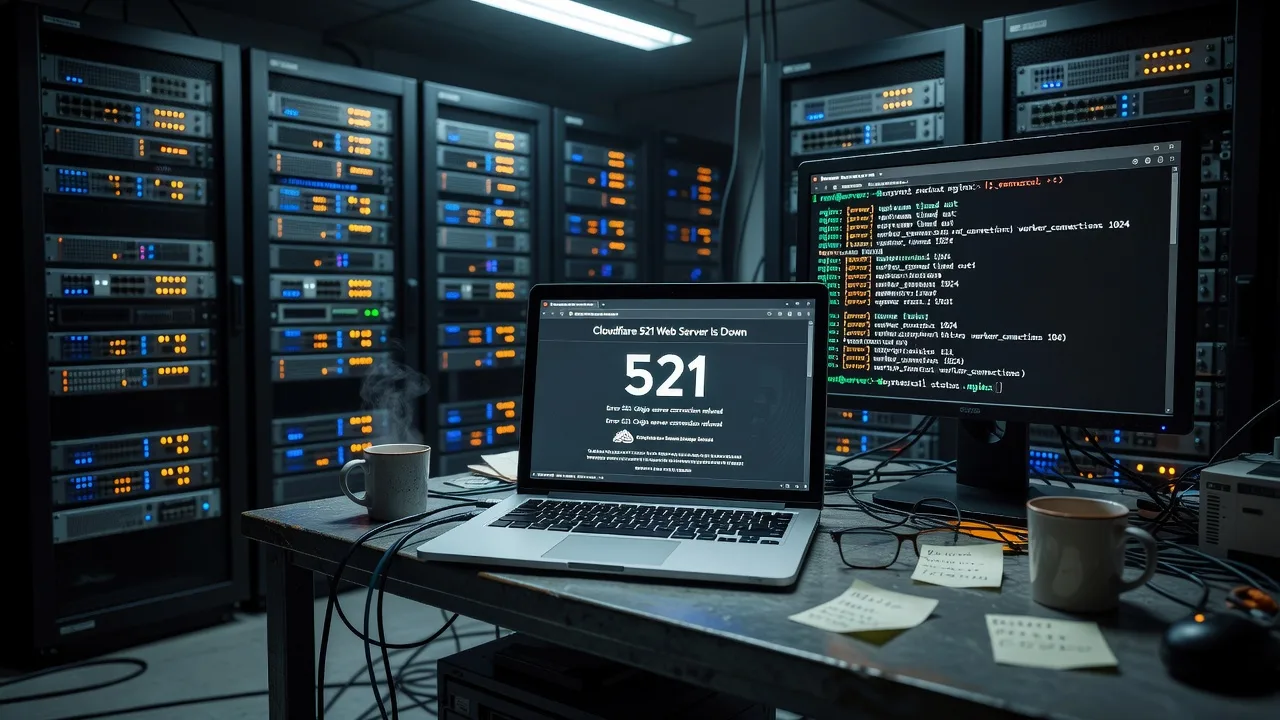
If visitors see Cloudflare “Error 521: Web server is down,” your site is not serving traffic at the origin—even though Cloudflare itself is up. This guide walks homeowners and small-business operators through the exact checks that clear 521 on AWS EC2 and DigitalOcean Droplets: process status, security groups and host firewalls, SSL mode mismatches, and bad origin DNS. Follow the DIY steps first; when the outage is deeper than a restart, Fixwebnode server support can take over the same stack without marketplace bidding.
Error 521 is Cloudflare’s way of saying it reached your public IP (or tried to) and got no valid HTTP response from the origin. The problem almost always lives on the VPS, the cloud firewall, or the SSL handshake path—not in the Cloudflare dashboard alone. The steps below assume Ubuntu 22.04/24.04 on a single EC2 instance or Droplet with nginx or Apache, and Cloudflare proxy (orange cloud) enabled.
Why Error 521 matters on AWS and DigitalOcean
A 521 takes the whole storefront offline for anyone hitting the proxied hostname. Unlike a soft 5xx from the app, Cloudflare never connects to PHP, WordPress, or your API. Small teams often waste hours toggling DNS while the real fault is a stopped nginx unit, a security group that only allows their laptop IP, or “Full (strict)” SSL against a self-signed or missing certificate on port 443. Clearing it quickly protects bookings, payments, and local reputation—whether you run the box yourself or work with a specialist covering service areas from Canberra through Footscray and beyond via Fixwebnode service areas.
Common issues that trigger Cloudflare 521
These are distinct root causes with different symptoms. Match your signs before jumping into fixes.
- Origin web server process is stopped or crashed — SSH works, but curl to localhost:80 or :443 fails;
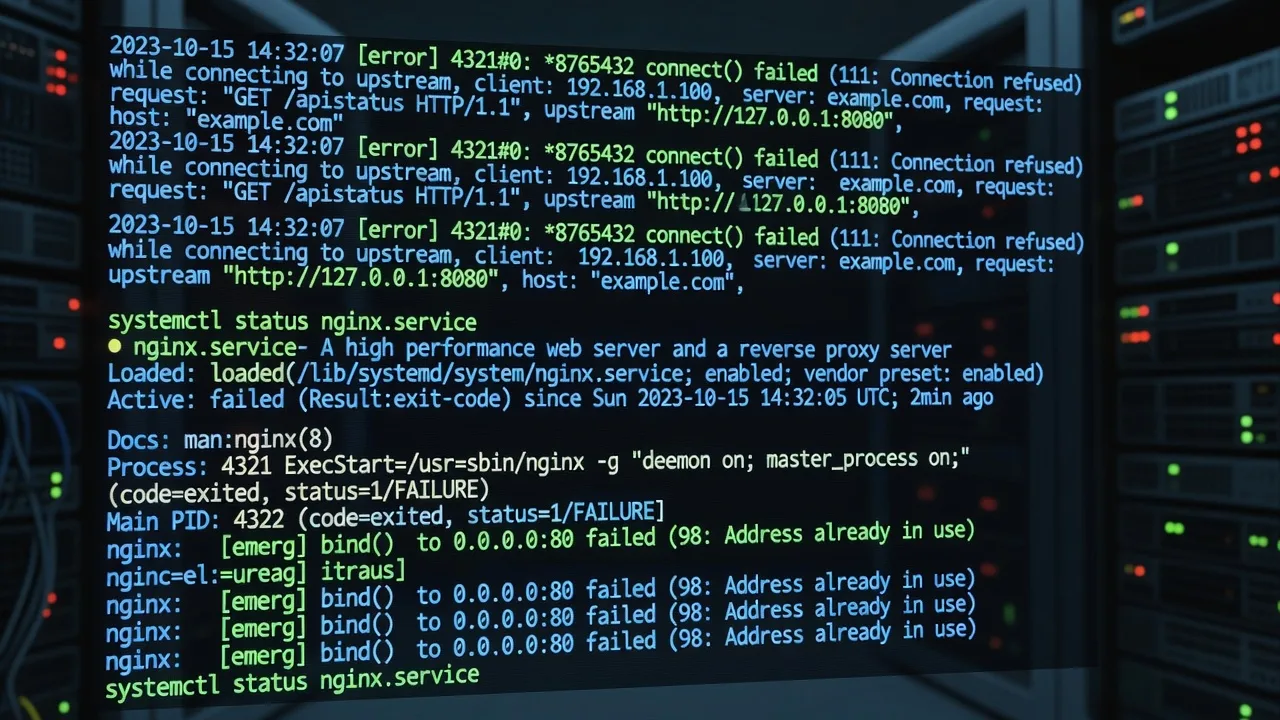
systemctl status nginx(or apache2) shows inactive/failed; Cloudflare still shows 521 on the public hostname. - Cloud firewall or host firewall blocks Cloudflare — Browser 521; from the server, local curl succeeds; AWS security group or DigitalOcean cloud firewall allows only 22/your IP; UFW may deny 80/443 from Cloudflare ranges.
- SSL/TLS mode mismatch between Cloudflare and origin — HTTP on port 80 works with Flexible temporarily, but Full or Full (strict) yields 521; origin has no listener on 443, expired cert, or wrong vhost.
- Wrong origin IP or grey-cloud confusion in DNS — A record points at an old Elastic IP, destroyed Droplet, or load balancer that no longer targets a healthy instance; direct IP in browser also fails or hits the wrong host.
Fix 1 — Restart and repair the origin web server
When the VM is reachable over SSH but nothing answers on 80/443, restore the HTTP daemon before touching Cloudflare.
Step 1 — Confirm you are on the origin and check listeners
sudo ss -tlnp | grep -E ':80|:443'
sudo systemctl status nginx --no-pager
# or: sudo systemctl status apache2 --no-pager
Empty output on 80/443 means nothing is bound. Note whether the unit is failed or merely inactive.
Step 2 — Inspect logs for the crash reason
sudo journalctl -u nginx -n 80 --no-pager
# Apache:
sudo journalctl -u apache2 -n 80 --no-pager
sudo tail -n 80 /var/log/nginx/error.log
Typical culprits: bad server block after a deploy, full disk, or missing upstream socket for PHP-FPM.
Step 3 — Free disk and test config, then start
df -h
sudo nginx -t
# Apache: sudo apache2ctl configtest
sudo systemctl start nginx
sudo systemctl enable nginx
If nginx -t fails, fix the cited file (often a duplicate listen or missing ;) before starting again.
Step 4 — Verify locally and via public IP
curl -sI --max-time 5 http://127.0.0.1/
curl -sI --max-time 5 http://$(curl -s ifconfig.me)/
You want HTTP/1.1 200 (or a redirect you expect). Then recheck the site through Cloudflare. If the unit keeps dying, inspect PHP-FPM and OOM:
sudo systemctl status php*-fpm --no-pager
dmesg -T | tail -n 50 | grep -i -E 'oom|killed'
When to call Fixwebnode: repeated crash loops, full root volume you cannot safely shrink, or broken vhosts after a migration. Specialists who already handle stacks like WordPress automated backups and AWS/DigitalOcean migration in Footscray can stabilise the origin without guesswork.
Fix 2 — Open 80/443 to Cloudflare on AWS and DigitalOcean
Cloudflare edge IPs must reach your origin. A laptop-only security group is a classic 521 after you “locked down” SSH.
Step 1 — Prove the origin answers locally
curl -sI --max-time 5 http://127.0.0.1/
curl -skI --max-time 5 https://127.0.0.1/
If local works but the world sees 521, focus on network path—not nginx config.
Step 2 — AWS EC2 security group
In the EC2 console, open the instance security group. Inbound rules need TCP 80 and 443 from Cloudflare (or temporarily 0.0.0.0/0 for a controlled test). Prefer Cloudflare’s published IP list over wide open access long term. Example CLI pattern (replace IDs):
aws ec2 authorize-security-group-ingress \
 --group-id sg-________________ \
 --ip-permissions IpProtocol=tcp,FromPort=80,ToPort=80,IpRanges='[{CidrIp=0.0.0.0/0,Description=HTTP-temp}]' \
 --region ap-southeast-2
aws ec2 authorize-security-group-ingress \
 --group-id sg-________________ \
 --ip-permissions IpProtocol=tcp,FromPort=443,ToPort=443,IpRanges='[{CidrIp=0.0.0.0/0,Description=HTTPS-temp}]' \
 --region ap-southeast-2
Re-test the hostname. After recovery, replace 0.0.0.0/0 with current Cloudflare IPv4 ranges and remove the temporary rules.
Step 3 — DigitalOcean cloud firewall and Droplet networking
In Networking → Firewalls, ensure inbound TCP 80 and 443 are allowed to the Droplet. If the firewall is attached, rules on the Droplet alone are not enough.
Step 4 — Host firewall (UFW)
sudo ufw status verbose
sudo ufw allow 80/tcp
sudo ufw allow 443/tcp
sudo ufw reload
sudo ufw status numbered
Confirm OpenSSH stays allowed so you do not lock yourself out.
Step 5 — Verify from outside
curl -sI --max-time 10 http://YOUR_PUBLIC_IP/
curl -skI --max-time 10 https://YOUR_PUBLIC_IP/
Then load the Cloudflare hostname in a private window. Persistent 521 with open ports often means an upstream network ACL or wrong NIC/public IP mapping—stop DIY if you are unsure.
When to call Fixwebnode: multi-layer firewalls (security group + UFW + DO firewall), locked SSH after a bad rule, or need to pin allowlists to Cloudflare only without downtime.
Fix 3 — Correct Cloudflare SSL/TLS mode and origin certificates
521 appears when Cloudflare expects HTTPS to the origin and the origin refuses the connection on 443—or presents a certificate Full (strict) will not accept.
Step 1 — See what the origin actually serves
sudo ss -tlnp | grep 443
curl -sI --max-time 5 http://127.0.0.1/
curl -skI --max-time 5 https://127.0.0.1/
sudo ls -la /etc/nginx/sites-enabled/
No process on 443 while Cloudflare SSL mode is Full or Full (strict) is a direct 521 path.
Step 2 — Align mode for a controlled recovery
In Cloudflare → SSL/TLS → Overview, note the current mode. For emergency recovery only, Flexible can confirm HTTP origin works (traffic Cloudflare→origin is HTTP—use briefly). Prefer restoring real HTTPS on the origin, then set Full or Full (strict).
Step 3 — Install or renew a valid origin certificate (nginx example)
sudo apt-get update
sudo apt-get install -y certbot python3-certbot-nginx
sudo certbot --nginx -d example.com -d www.example.com --redirect
sudo nginx -t && sudo systemctl reload nginx
Or use a Cloudflare Origin CA certificate installed on the vhost if you intentionally keep the cert Cloudflare-only. Ensure the server block listens on 443 ssl and points at the correct fullchain and privkey paths.
Step 4 — Verify TLS end-to-end
curl -sI --max-time 10 https://example.com/
echo | openssl s_client -servername example.com -connect example.com:443 2>/dev/null | openssl x509 -noout -dates -subject
Set Cloudflare back to Full (strict) once the certificate matches the hostname and is unexpired. Mixed “HTTPS only” visitor rules with a dead origin 443 will keep producing 521.
When to call Fixwebnode: broken multi-domain vhosts, stuck certbot renewals, or builders’ marketing sites that need hardened SSL without trial-and-error—see also website solutions for Canberra builders and construction specialists when the public site is part of a local trade business stack.
Fix 4 — Repair origin DNS and IP targeting
If Cloudflare proxies an A record to an IP that is powered off, reassigned, or not your web VM, every request 521s.
Step 1 — Read what Cloudflare and the public DNS see
dig +short example.com A
dig +short example.com A @1.1.1.1
curl -s ifconfig.me
Compare the public IP of the live EC2/Droplet with the A record under the orange cloud.
Step 2 — Confirm the instance address
# AWS metadata (from the instance)
curl -s http://169.254.169.254/latest/meta-data/public-ipv4
# DigitalOcean
curl -s http://169.254.169.254/metadata/v1/interfaces/public/0/ipv4/address
Step 3 — Update the Cloudflare A record to the current public IPv4, keep proxy enabled once origin HTTP/HTTPS works on that IP, and purge cache if an old error page is stuck. Wait for propagation and re-test:
curl -sI --max-time 10 https://example.com/Step 4 — Elastic IP / reserved IP hygiene
On AWS, associate a stable Elastic IP so stop/start does not change the address Cloudflare targets. On DigitalOcean, use a Reserved IP attached to the Droplet if you rebuild often.
When to call Fixwebnode: cutovers between Droplets and EC2, load balancers with unhealthy targets, or dual-stack IPv6 records that point nowhere.
When DIY is enough vs when to book Fixwebnode
DIY is enough when SSH works, logs show a clear failed unit or full disk you can clean, security groups were obviously too tight, or the A record simply pointed at yesterday’s IP. Use the commands above, verify with curl before and after, and change one layer at a time.
Book a specialist when you cannot SSH, the instance is in a stop-reboot loop, disk and inode exhaustion keep returning, firewall changes risk locking production, SSL renewals fail across many hostnames, or a migration left half the vhosts on the old origin. Fixwebnode provides direct server support for this exact outage class—not a freelance bid board—so you talk through the 521 path on AWS or DigitalOcean and get hands-on remediation.
Get the origin healthy again
Cloudflare Error 521 is almost never “Cloudflare is broken.” It is your origin process, firewall path, TLS posture, or DNS target. Work the four issues in order: process and logs, network allow rules, SSL mode and certificates, then IP accuracy. When you want a specialist on the call instead of another round of guesswork, start a conversation through the Fixwebnode step-by-step server support page and get the site answering cleanly behind Cloudflare again.