Multi-Vendor & Complex SaaS Marketplaces
 Modern Headless & Jamstack Web Development
 High-End Corporate & Specialized Business Websites
 Advanced API, Checkout & Database Troubleshooting
WordPress Automated Backups & AWS/DigitalOcean Migration Footscray
Secure your WordPress site with automated backups and seamless migration to AWS or DigitalOcean. Local Footscray experts deliver zero-downtime transfers with full data integrity. Contact us today to protect and modernize your site.
Call our office directly on 0421498927, or use the support request form at fixwebnode.com.au/contact-support.
About this service
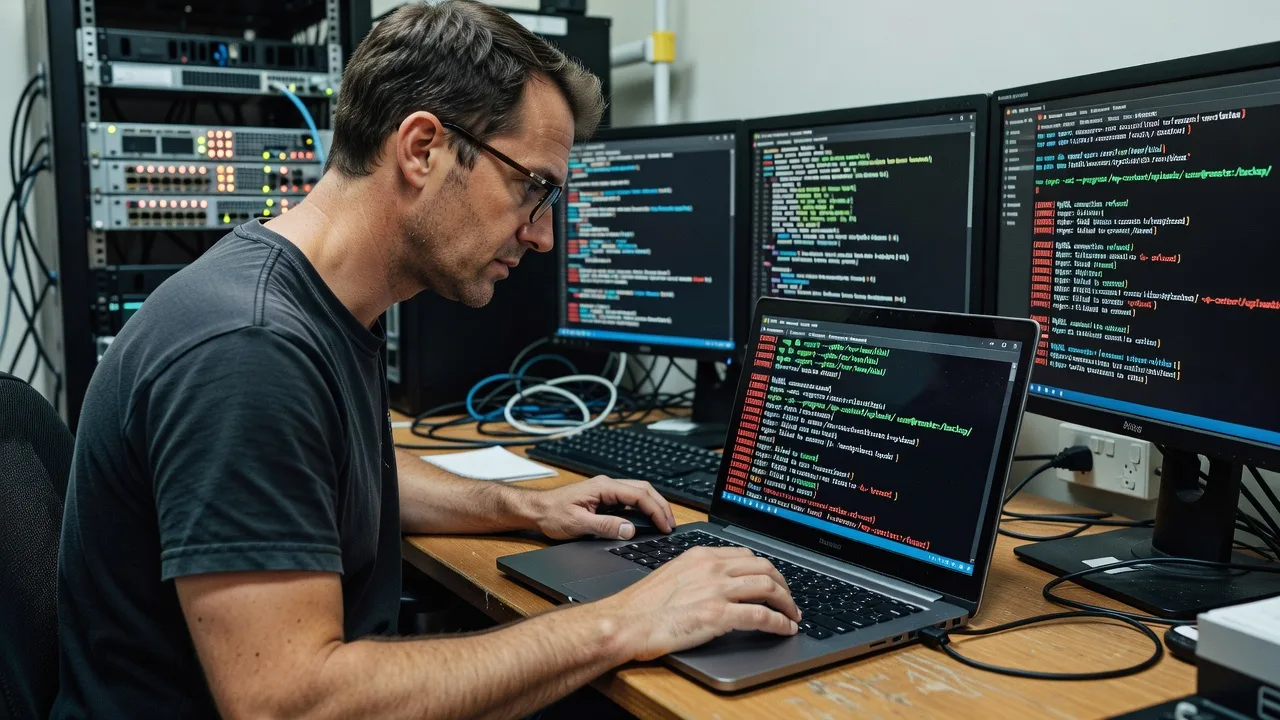
Protect your Footscray WordPress site with automated backups and zero-downtime migration to AWS or DigitalOcean, built for local businesses that cannot afford data loss or downtime.
What You'll Get
- Automated Backup System - Daily encrypted backups with 30-day retention using WP-CLI and cloud storage
- Full Cloud Migration - Complete move to AWS Lightsail or DigitalOcean Droplet with DNS cutover
- Post-Migration Optimization - Database cleanup, caching setup, and security hardening
- Staging Environment - Full test site before live switch to verify all functionality
- 30-Day Support - Ongoing monitoring and fix any migration-related issues
My Process
- Step 1: Audit & Backup - Full site scan, plugin audit, and initial backup creation to establish baseline
- Step 2: Environment Setup - Provision secure cloud server and configure matching PHP/MySQL versions
- Step 3: Migration & Testing - Transfer files and database, run functional tests on staging
- Step 4: Go-Live & Handover - DNS update, final backup, and documentation delivery
Expert Insights: What Most People Get Wrong
Based on 8 years of experience, here are the critical mistakes I see clients make—and how I fix them:
- Skipping Pre-Migration Database Serialization - Using simple search-replace instead of WP-CLI search-replace or Better Search Replace plugin causes serialized data corruption. I always run wp search-replace with --precise flag and verify with mysql checksums before go-live.
- Ignoring File Permission & Ownership Issues - Post-migration sites break when files are owned by root instead of www-data. I enforce 755/644 permissions and correct ownership via chown -R www-data:www-data /var/www/html on every DigitalOcean or AWS instance.
- Using Default wp-config.php Without Salts & Object Cache - Leaving default salts allows session fixation attacks. I regenerate salts and enable Redis object cache with wp redis flush to cut database queries by 60-80%.
- Neglecting Cron Job Migration - WordPress cron fails silently on new servers. Before handover I add wp-cron.php to system crontab with */5 * * * * and test with wp cron event list to confirm scheduled tasks run reliably.
When you hire me, you get all this expertise applied directly to YOUR project—saving you time, money, and headaches.
Why Choose This Service
Local Footscray knowledge means I understand Victorian small business hosting needs and can provide same-day on-site support when required. My process has been refined over hundreds of migrations with zero data loss incidents.
- 8+ years focused exclusively on WordPress infrastructure
- Direct experience with Melbourne-based AWS and DigitalOcean clients
- Strict use of encrypted offsite backups stored in Sydney region
Tools & Technologies
WP-CLI, Duplicator Pro, UpdraftPlus, rsync, mysqldump, AWS Lightsail CLI, DigitalOcean API, Redis, Nginx, PHP 8.1+, Fail2Ban
Perfect For
Footscray-based small businesses, agencies, and e-commerce stores running WordPress on shared hosting who need reliable automated backups and a secure move to scalable cloud infrastructure without downtime or data risk.
Choose a package
Automated backup setup with one-time migration audit report.
Full automated backups plus complete migration to AWS or DigitalOcean.
End-to-end backup automation, migration, optimization and ongoing monitoring.
FAQ
Most Footscray sites migrate in 5-7 days including testing. Complex WooCommerce stores with custom plugins may require 10-14 days for full validation.
No. We use a staging site for all testing and only switch DNS after confirming everything works. Total live downtime is usually under 30 minutes.
Yes. We have handled migrations for Elementor, Divi, WPBakery and heavily customized themes. All dynamic content is preserved through proper serialization handling.