Multi-Vendor & Complex SaaS Marketplaces
 Modern Headless & Jamstack Web Development
 High-End Corporate & Specialized Business Websites
 Advanced API, Checkout & Database Troubleshooting
Cloudflare Enterprise CDN Setup for West Perth Wholesalers
Scale wholesale sites globally without stale stock or blocked orders. Practical Cloudflare Enterprise CDN fixes for West Perth wholesalers—cache rules, origin IPs, WAF allowlists—plus when to book Fixwebnode remotely.
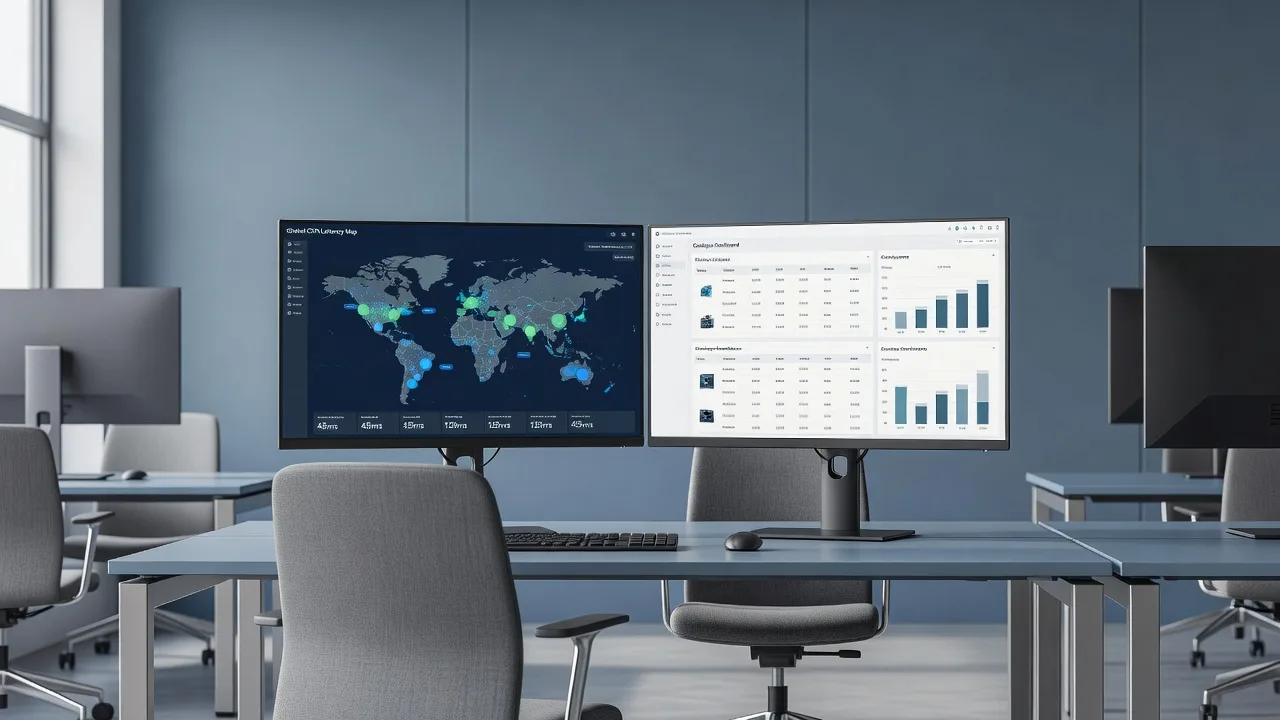
West Perth wholesalers running multi-region B2B catalogues need Cloudflare Enterprise CDN tuned for live stock, authenticated portals, and low-latency checkout—not generic “turn on caching” advice. This guide walks site owners and sysadmins through the failure modes we see most often when Enterprise CDN, Argo, and WAF sit in front of wholesale origin stacks, and how Fixwebnode resolves them remotely.
If your storefront or dealer portal is already on Cloudflare Enterprise but Perth customers still hit stale prices, failed logins, or unexplained 403s, start here. For hands-on configuration help, Fixwebnode works directly as your specialist provider—see Cloudflare Enterprise CDN configuration with Fixwebnode. We support teams across our service areas, including remote cutovers for West Perth operations.
Why global CDN scaling matters for West Perth wholesale sites
Wholesale platforms mix public catalogue pages, authenticated price lists, EDI/API feeds, and large media assets. Cloudflare Enterprise CDN can shrink TTFB worldwide, absorb bot scrapes, and shield origin capacity—but only if cache keys, Bypass Cache on Cookie rules, TLS mode, and WAF custom rules match how your ERP and dealer logins actually work. Misconfiguration shows up as wrong regional pricing, “ghost” stock after a Perth warehouse update, or partner APIs blocked as automated traffic.
Remote delivery is ideal for this work: DNS, page rules / Cache Rules, Workers, Load Balancing pools, and WAF sit in the Cloudflare dashboard and API. Origin checks (nginx/php-fpm, reverse-proxy headers, TLS) can be done over SSH while you keep warehouse systems online.
Why does my West Perth wholesale catalogue show stale prices on Cloudflare Enterprise CDN?
Stale wholesale prices almost always mean the CDN is caching HTML or JSON that should vary by cookie, query string, or Authentication header—or an overly broad Cache Everything rule is ignoring Cache-Control from the origin. Confirm with a cache-status header check, tighten Cache Rules so authenticated and price-sensitive paths bypass or use short TTLs, then purge by URL or tag after ERP publishes. Call Fixwebnode if purge automation, custom cache keys, or Workers for A/B dealer tiers are required.
| Symptom | Quick check | When to call Fixwebnode |
|---|---|---|
| Old prices after ERP update | cf-cache-status: HIT on price JSON/HTML | Custom cache keys, tag purge from ERP, or Workers |
| Dealers see another tier’s rates | Missing Vary / cookie bypass | Enterprise cache key design + auth rules |
| API partners get 403/429 | WAF or Bot Fight on EDI paths | WAF exception design without opening the origin |
Common Cloudflare Enterprise CDN issues for wholesalers
These problems are distinct: different root causes, different dashboards, different fixes. Match your symptoms before changing production rules.
- Stale catalogue or tiered pricing after warehouse updates — Public and semi-public pages stay on
HITlong after stock or dealer rates change in Perth. - Wrong client IP / fraud and rate-limit false positives — Origin sees Cloudflare edge IPs only; order fraud tools, fail2ban, or app rate limits punish every dealer behind the same PoP.
- WAF or Bot Management blocking legitimate B2B API and EDI traffic — Partner integrations, bulk CSV uploads, or headless ordering clients trip managed rules or JS challenges.
- TLS mode and mixed-content breakage on dealer portals — Flexible SSL or incomplete Full (strict) leaves admin/checkout assets loading over HTTP or failing handshake to the origin certificate.
- High latency to Australian buyers despite “global” CDN — Poor origin shield / load-balancer pool health, missing Argo, or DNS still pointing some hostnames past Cloudflare.
Fix 1 — Stale wholesale prices and catalogue cache
Goal: keep anonymous marketing pages fast, but never serve yesterday’s dealer price list or stock count as a long-lived HIT.
Step 1 — Prove what Cloudflare is caching
From your laptop or a jump host, request a price-sensitive URL twice and inspect edge headers:
curl -sI "https://www.example.com.au/api/prices?sku=WP-1001" \
 -H "Accept: application/json" | egrep -i 'HTTP/|cf-cache-status|cf-ray|age|cache-control|vary'

curl -sI "https://www.example.com.au/api/prices?sku=WP-1001" \
 -H "Accept: application/json" | egrep -i 'cf-cache-status|age'
If you see cf-cache-status: HIT with a rising age on authenticated or tiered JSON, the edge is holding content it should not.
Step 2 — Compare logged-in vs anonymous responses
curl -sI "https://www.example.com.au/dealers/pricelist" \
 -H "Cookie: session=YOUR_TEST_SESSION" | egrep -i 'cf-cache-status|cache-control|set-cookie'

curl -sI "https://www.example.com.au/dealers/pricelist" | egrep -i 'cf-cache-status|cache-control'
Logged-in HTML must not be a shared HIT across dealers.
Step 3 — Tighten Cache Rules (DIY-safe pattern)
- In Cloudflare Dashboard → Caching → Cache Rules, create a rule matching dealer, account, checkout, cart, api/prices, and erp webhook paths.
- Action: Bypass cache (or Eligible for cache with Edge TTL Respect origin and Browser TTL Respect origin only if the origin sends correct
Cache-Control). - For anonymous catalogue HTML only, prefer Cache eligibility with a short edge TTL and proper
Varyrather than blanket Cache Everything. - Disable or narrow any legacy Page Rule that sets Cache Level: Cache Everything on
/*.
Step 4 — Origin should emit honest cache headers
On nginx (example), ensure private routes are not marked public:
# inside the dealer/API location
add_header Cache-Control "private, no-store" always;
add_header Vary "Cookie, Authorization, Accept-Encoding" always;
Reload and verify:
sudo nginx -t && sudo systemctl reload nginx
curl -sI https://www.example.com.au/dealers/pricelist | egrep -i 'cache-control|vary'
Step 5 — Purge after ERP publish
# Single URL purge via API (replace zone and token)
curl -X POST "https://api.cloudflare.com/client/v4/zones/ZONE_ID/purge_cache" \
 -H "Authorization: Bearer CF_API_TOKEN" \
 -H "Content-Type: application/json" \
 --data '{"files":["https://www.example.com.au/api/prices?sku=WP-1001"]}'
When to call Fixwebnode: You need cache tags from Magento/ERP, custom cache keys by dealer group, or a Worker that strips cookies only on truly public assets. That is easy to get wrong and leak pricing.
Fix 2 — Origin sees Cloudflare IPs only (fraud, logs, allowlists)
Wholesale fraud engines and fail2ban often ban edge addresses, which blocks many legitimate West Perth and interstate dealers at once.
Step 1 — Confirm the IP your origin logs
# On the origin (nginx access log sample)
sudo tail -n 20 /var/log/nginx/access.log

# App-level check if you log request.remote_addr
# Expect a Cloudflare IP range unless restoring visitor IP
Step 2 — Restore visitor IP at the reverse proxy
Install current Cloudflare IP lists and set real_ip (nginx example):
# /etc/nginx/conf.d/cloudflare-realip.conf
# Keep this list updated from https://www.cloudflare.com/ips/
set_real_ip_from 173.245.48.0/20;
set_real_ip_from 103.21.244.0/22;
# ... remaining Cloudflare IPv4/IPv6 ranges ...
real_ip_header CF-Connecting-IP;
sudo nginx -t && sudo systemctl reload nginx
curl -sI https://www.example.com.au/ | egrep -i 'cf-ray'After reload, new access log lines should show the end-client address, not only the PoP.
Step 3 — Authenticated Origin Pulls / firewall allowlist
- At the host firewall or security group, allow only Cloudflare IP ranges (and your admin VPN) to ports 80/443.
- Prefer Authenticated Origin Pulls so only Cloudflare presents a trusted client cert.
- In the application, trust
CF-Connecting-IPonly when the immediate peer is a Cloudflare range—never trust that header from the open internet.
Step 4 — Retune rate limits and fail2ban
# Example: filter should key on restored client IP, not CF edge
sudo fail2ban-client status
# Reload jails after nginx real_ip change
sudo systemctl restart fail2ban
When to call Fixwebnode: Multi-node load balancers, Magento/Varnish stacks, or cloud WAFs in front of the origin need a coordinated real-IP and AOP design so you do not lock yourself out mid-cutover.
Fix 3 — WAF and Bot Management blocking B2B API / EDI
Partners posting bulk orders or polling stock should not solve JS challenges. Symptoms: intermittent 403, 429, or challenge HTML on /api/*, /edi/*, or webhook callbacks.
Step 1 — Capture the CF-Ray and rule id
curl -sI "https://www.example.com.au/api/edi/stock" \
 -H "Authorization: Bearer PARTNER_TOKEN" \
 -H "User-Agent: PartnerEDI/1.0" | egrep -i 'HTTP/|cf-ray|cf-mitigated|content-type'
In Security → Events, filter by that CF-Ray and note the managed rule or bot score.
Step 2 — DIY exception pattern (narrow, not “disable WAF”)
- Create a WAF custom rule: skip specific managed rule classes only when path starts with
/api/ediAND a signed header or mTLS/partner IP list matches. - Keep OWASP critical rules on; skip only the noisy signature that blocks your payload shape (large JSON, unusual content-type).
- For Bot Management, set an exception for known partner ASNs or service tokens—do not turn Bot Fight Mode off globally.
- Rate limiting: separate dealer-browser routes from machine clients with higher thresholds and token auth.
Step 3 — Verify partners no longer receive challenge HTML
curl -s -o /tmp/edi_body -w "%{http_code}\n" "https://www.example.com.au/api/edi/stock" \
 -H "Authorization: Bearer PARTNER_TOKEN" \
 -H "User-Agent: PartnerEDI/1.0"
head -c 200 /tmp/edi_body; echo
Expect 200 and JSON—not a Cloudflare challenge page.
When to call Fixwebnode: You need service tokens, mTLS to origin, or Enterprise custom rulesets that protect public forms while allowing headless wholesale traffic. Guessing skip rules can open SQLi paths on the same hostname.
Fix 4 — TLS mode, origin certs, and mixed content on portals
Dealer portals that load scripts from HTTP or fail Full (strict) handshake break login and checkout even when the marketing site looks fine.
Step 1 — Check edge-to-browser and edge-to-origin
curl -sI https://www.example.com.au/dealers/login | egrep -i 'HTTP/|strict-transport|content-security'
openssl s_client -connect origin.example.com.au:443 -servername origin.example.com.au </dev/null 2>/dev/null | \
 openssl x509 -noout -dates -subject -issuer
Step 2 — Set SSL/TLS mode correctly
- SSL/TLS → Overview: use Full (strict) with a valid origin certificate (Advanced Certificate Manager or origin CA cert installed on nginx).
- Never leave production wholesale traffic on Flexible—edge HTTPS with origin HTTP invites redirect loops and cookie issues.
- Enable Always Use HTTPS and HSTS only after every hostname (www, api, static) serves clean HTTPS.
Step 3 — Fix mixed content at the app
# Search origin templates/config for hard-coded http:// assets
sudo grep -R "http://www.example.com.au" -n /var/www/app/config /var/www/app/templates 2>/dev/null | head
Force canonical HTTPS base URLs in the CMS/ERP store config, purge cache, and re-test the dealer login page assets in browser devtools.
When to call Fixwebnode: Multi-hostname zones, SaaS origins, or incomplete certificate chains need a planned Full (strict) cutover so EDI partners do not see a hard outage.
Fix 5 — Latency for Australian buyers and origin health
If West Perth staff and east-coast dealers still wait on TTFB, the edge may be healthy while the origin pool or DNS is not.
Step 1 — Measure edge vs origin timing
curl -s -o /dev/null -w "dns:%{time_namelookup} tls:%{time_appconnect} ttfb:%{time_starttransfer} total:%{time_total}\n" \
 https://www.example.com.au/catalogue

dig +short www.example.com.au A
dig +short www.example.com.au CNAME
Confirm the hostname is orange-clouded (proxied) and not grey-cloud bypassing CDN.
Step 2 — Origin reachability and shield basics
- Traffic → Load Balancing: ensure pool health checks hit a cheap HTTPS path that does not require dealer cookies.
- Health check failure = traffic pinned to a sick ERP node; fix origin php-fpm/nginx before blaming CDN.
- On the origin:
sudo systemctl status nginx php8.2-fpm
sudo journalctl -u php8.2-fpm -n 50 --no-pager
sudo tail -n 50 /var/log/nginx/error.log
Step 3 — Regional performance levers
- Enable Argo Smart Routing on the zone if your plan includes it—useful when origin sits outside ideal PoP paths.
- Use a nearby origin or tiered cache / origin shield placement that matches where the ERP actually lives.
- Cache static product media aggressively; never “fix” TTFB by caching authenticated HTML.
When to call Fixwebnode: Designing Load Balancing steeting, geo pools, or Argo plus Workers for edge auth is specialist work—especially during business-hours wholesale peaks.
When DIY is enough vs when to book Fixwebnode
DIY is enough when you can reproduce a single symptom with curl, adjust one Cache Rule or real_ip block, purge a short URL list, and verify cf-cache-status and partner HTTP codes yourself. Keep a change log and roll back rules if Events spike.
Book Fixwebnode when issues stack: stale tiered pricing plus WAF false positives plus Full (strict) migration; when ERP must push cache-tag purges; when multiple origins or authenticated APIs share one zone; or when a bad rule could expose dealer PII or open the origin. We configure Cloudflare Enterprise CDN remotely—dashboard, API, and origin SSH—without marketplace bidding. Geography and remote coverage are listed on Fixwebnode service areas; West Perth wholesale teams typically schedule remote change windows around warehouse cutoffs.
Talk to Fixwebnode about your Enterprise CDN cutover
If your wholesale catalogue must stay fast worldwide without serving the wrong price list or blocking EDI partners, get a direct specialist review rather than stacking generic page rules. Fixwebnode configures Cloudflare Enterprise CDN for scaling, cache correctness, TLS, and WAF allowlisting as a remote engagement tailored to dealer portals and ERP-fed stock.
Start the conversation and book a remote session via the landing page: Cloudflare Enterprise CDN — configure with Fixwebnode. Bring your zone plan level, a sample CF-Ray from a failed partner call, and whether price lists are cookie- or token-scoped—we will map DIY-safe changes versus guided production rules from there.