






 Multi-Vendor & Complex SaaS Marketplaces
 Modern Headless & Jamstack Web Development
 High-End Corporate & Specialized Business Websites
 Advanced API, Checkout & Database Troubleshooting
Fast, Friendly Tech Support in Melbourne
Broken website, slow laptop, Wi‑Fi drama, Linux server hiccup or NDIS digital setup — we sort it in plain English. Local Melbourne team, remote or on-site, clear pricing before we start.
- Same-day help
- Clear pricing
- Local team
- Remote + on-site
What we do at Fixwebnode
Enterprise-grade IT and patient, people-first digital support — tailored to how you work and live.
Tier 1 — Technical IT
Secure Linux admin, full-stack web engineering, infrastructure hardening, and performance tuning that keep complex systems running.
- ✓ Secure remote desktop access
- ✓ Linux & infrastructure specialists
- ✓ Business-grade diagnostics
Tier 2 — Digital Support
Patient, jargon-free help for NDIS participants, seniors, students, and small business owners — at your pace, on your terms.
- 🛡️ NDIS screened & insured
- 🩺 First aid certified
- ✅ Aged care & telehealth ready
In-Person & Remote
Flexible delivery across industries — remote diagnostics nationwide, plus hands-on support available in Melbourne when you need it.
- ✓ Multi-industry digital coaching
- ✓ Website repair & monitoring
- ✓ Melbourne on-site available
How it works
Simple Process. Real Results.
Ready to get started?
Whether you need a professional to secure your company’s data or a patient guide to help you connect with your doctor online — we’re here to help.
Guides & insights
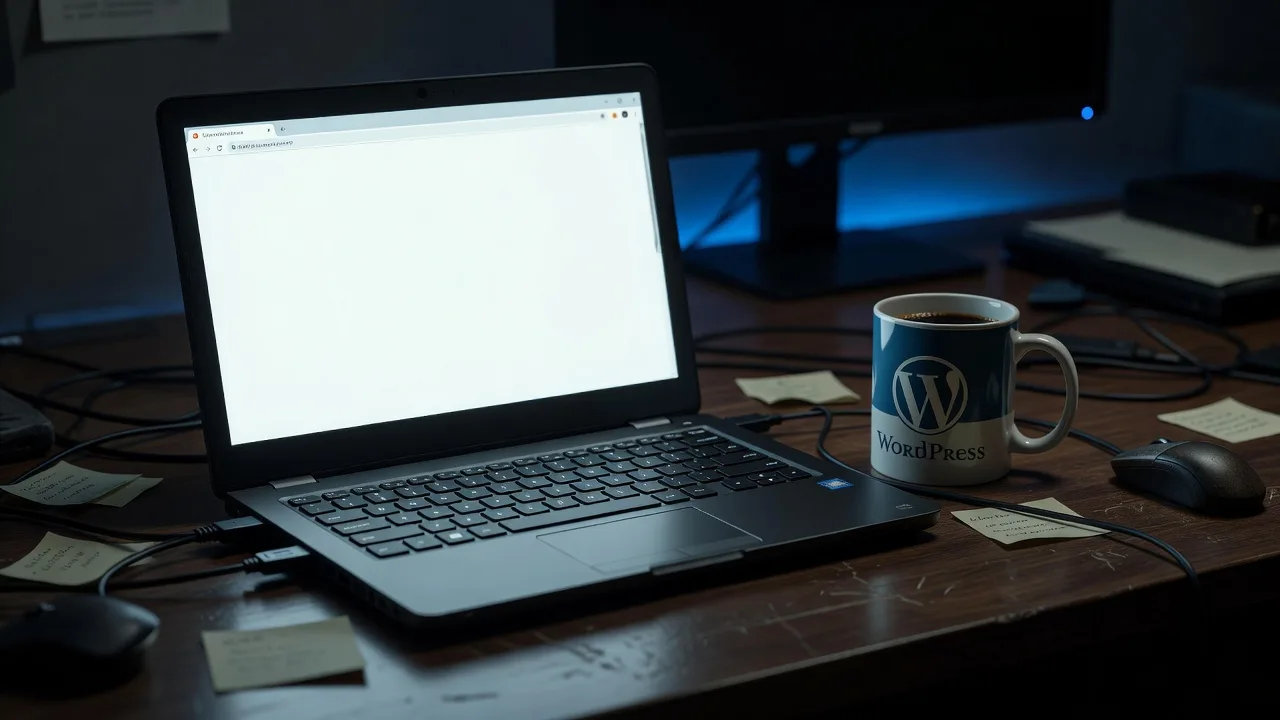 Emergency Outage & Crash Recovery
Fix WordPress White Screen of Death Without Losing Data
Blank WordPress admin or front end? Learn the real causes of the White Screen of Death, safe DIY recovery steps that protect your database and media, and when to book Fixwebnode WordPress support.
 Website
Fix 500 DB Errors & 502/504 Bad Gateway on Melbourne Servers
Database connection failures and Bad Gateway timeouts take Melbourne sites offline fast. This guide covers unique causes, copy-paste checks, and when Fixwebnode should take over.
 Website
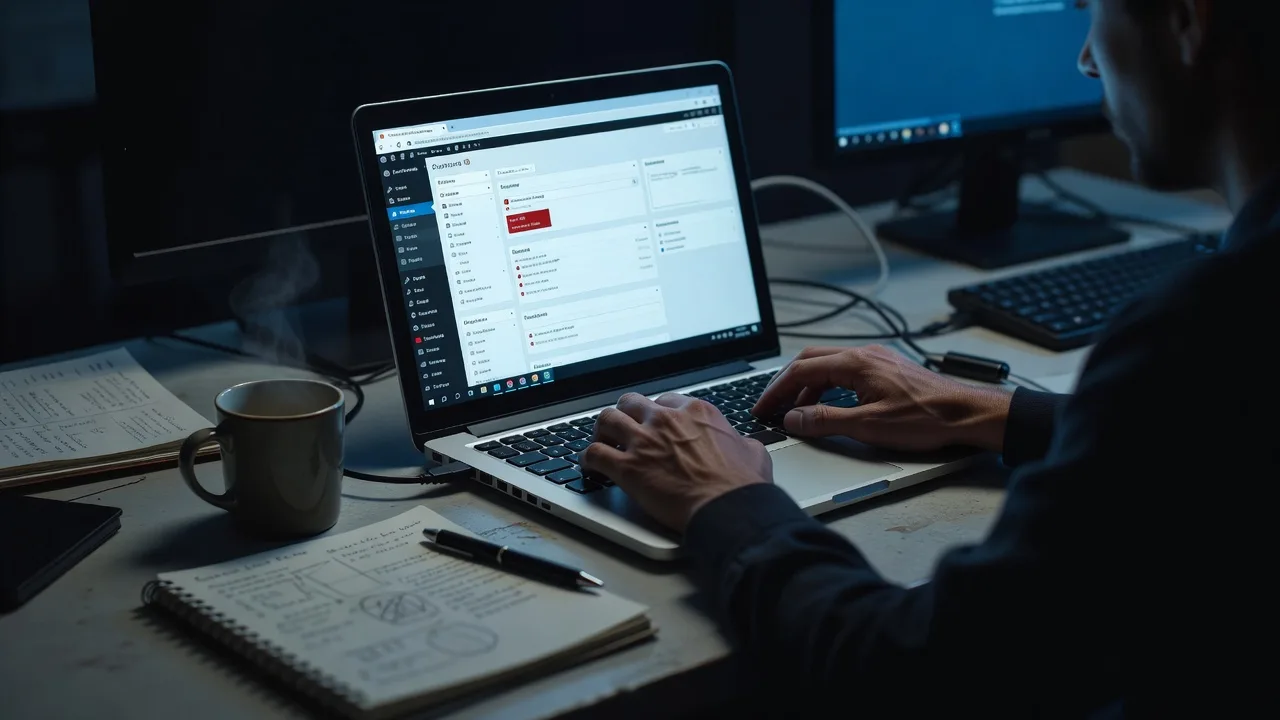
WordPress White Screen of Death: Emergency DIY Fixes
Site blank after an update? Diagnose four common White Screen of Death causes, follow numbered recovery steps, and know when Fixwebnode should take over before you lose more traffic.
 Website
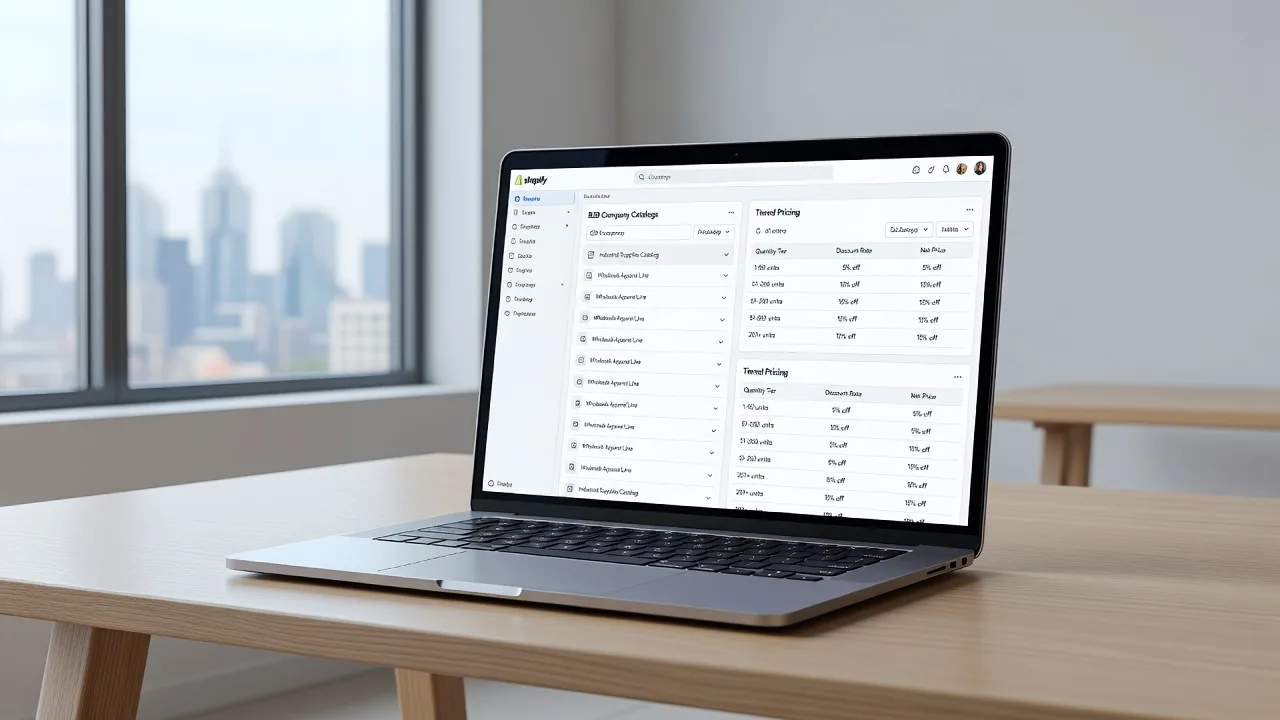
Shopify Plus B2B Setup: Wholesale, Tiers & Portals in Melbourne
Configure native Shopify Plus B2B wholesale channels, tiered pricing, and corporate portals the right way. Practical DIY fixes for Melbourne operators—plus when to book Fixwebnode.