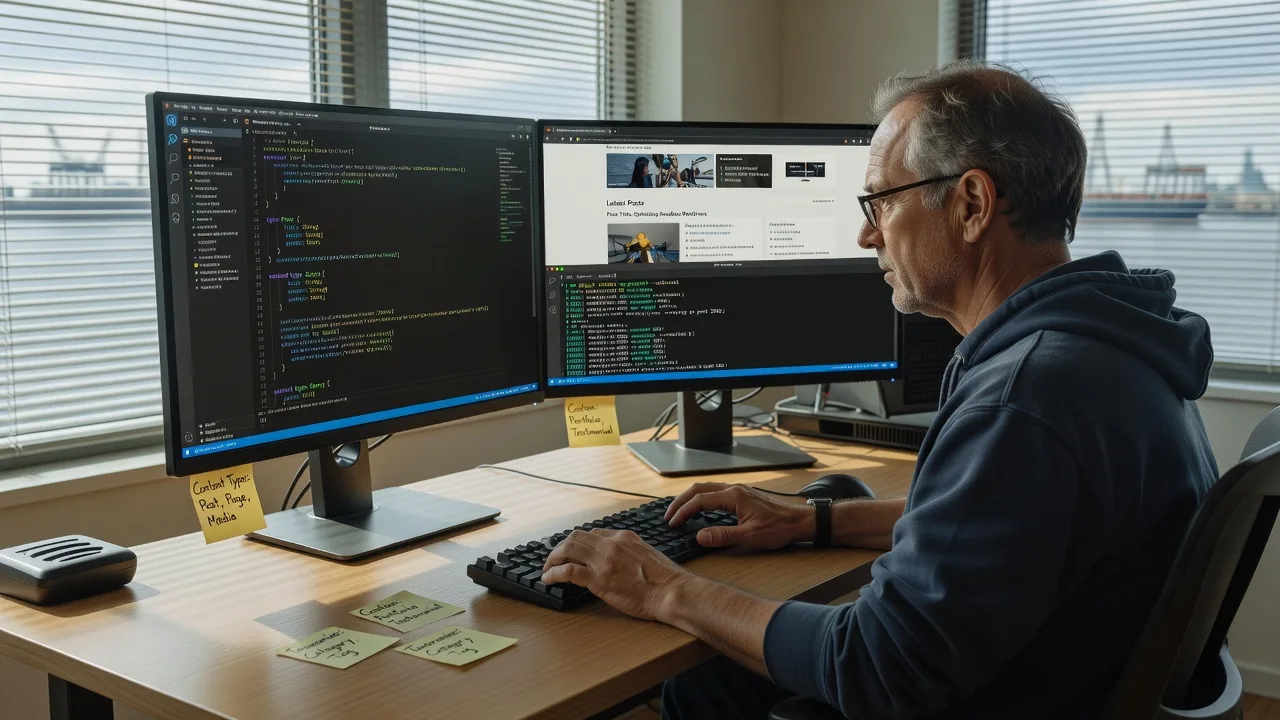
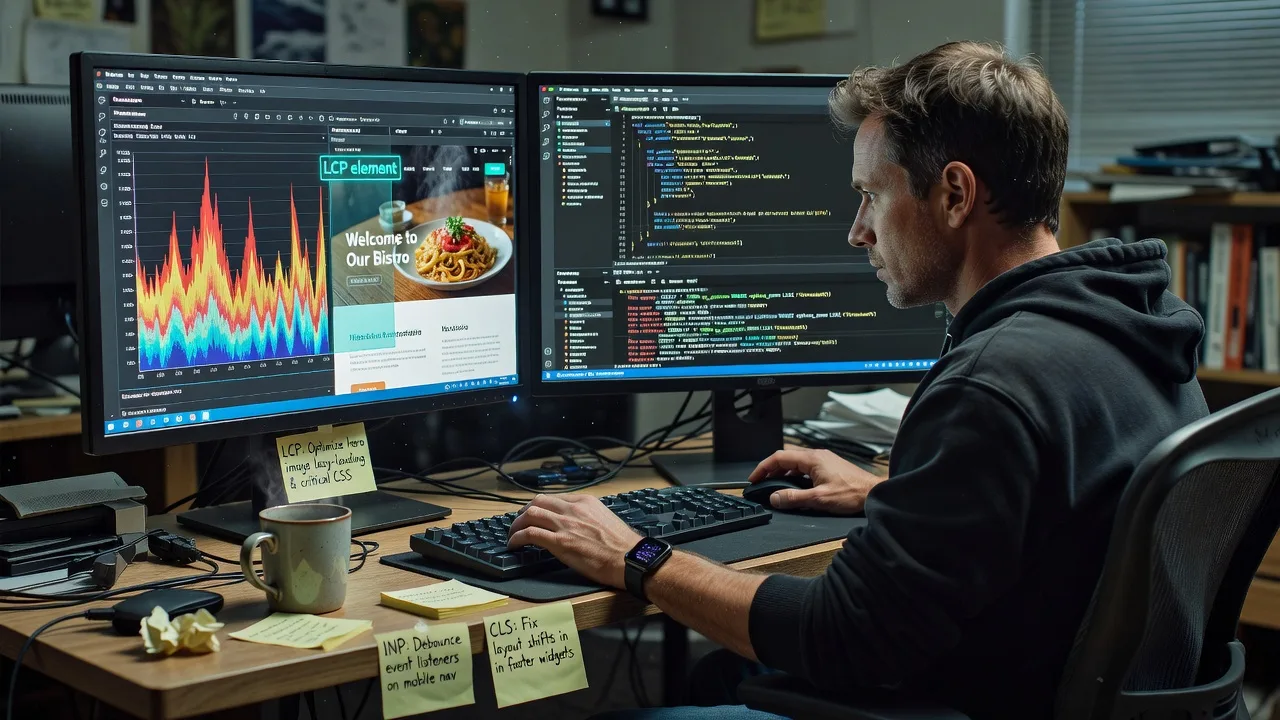
Multi-Vendor & Complex SaaS Marketplaces
 Modern Headless & Jamstack Web Development
 High-End Corporate & Specialized Business Websites
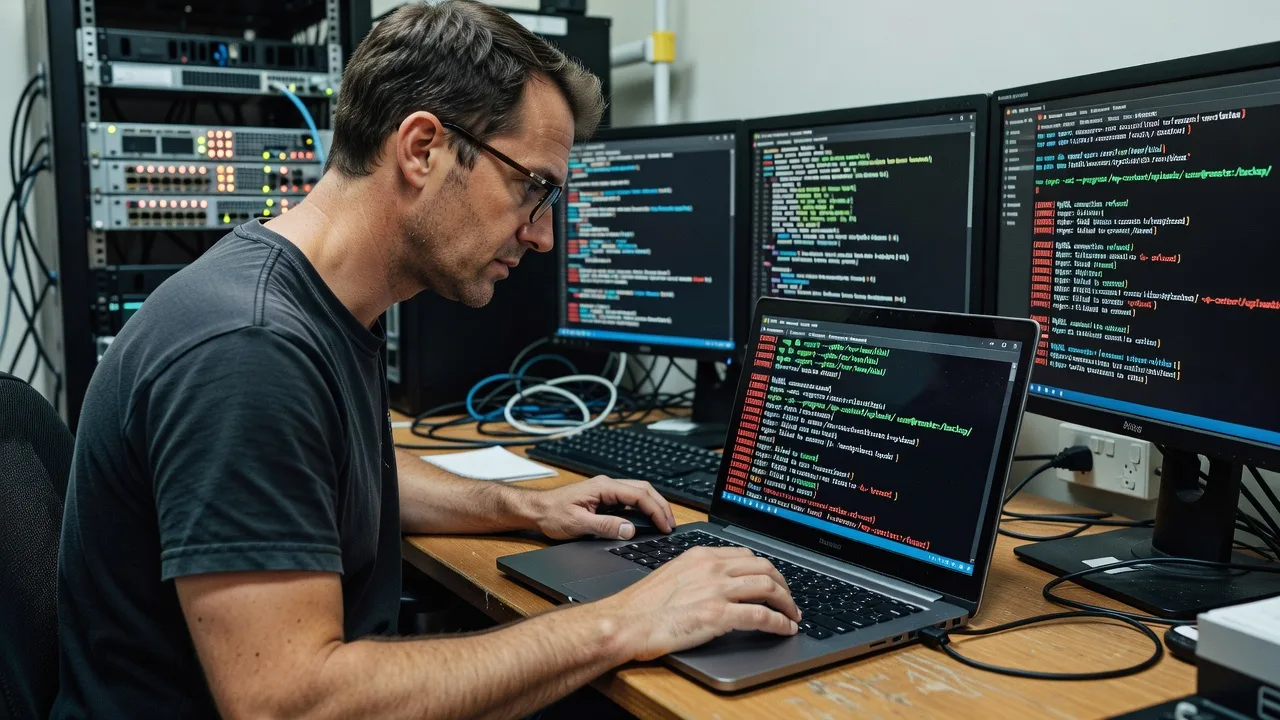
 Advanced API, Checkout & Database Troubleshooting
WordPress Malware Removal Expert for Footscray, Victoria
Fast, thorough WordPress malware removal for Footscray, Victoria businesses that cannot afford downtime on a busy high-street or warehouse site.
We strip backdoors, reinfecting cron jobs, and database spam from your live site, then harden core, plugins, and hosting so the clean-up sticks. Ideal when a café-strip retailer, clinic booking page, or light-industrial catalogue suddenly redirects or serves junk SEO pages.
Power up your support—call 0421498927 or reach us at fixwebnode.com.au/contact-support.
- Full file + database clean
- Hardening and malware monitoring options
- Direct Fixwebnode engineers—no marketplace bidding
About this service
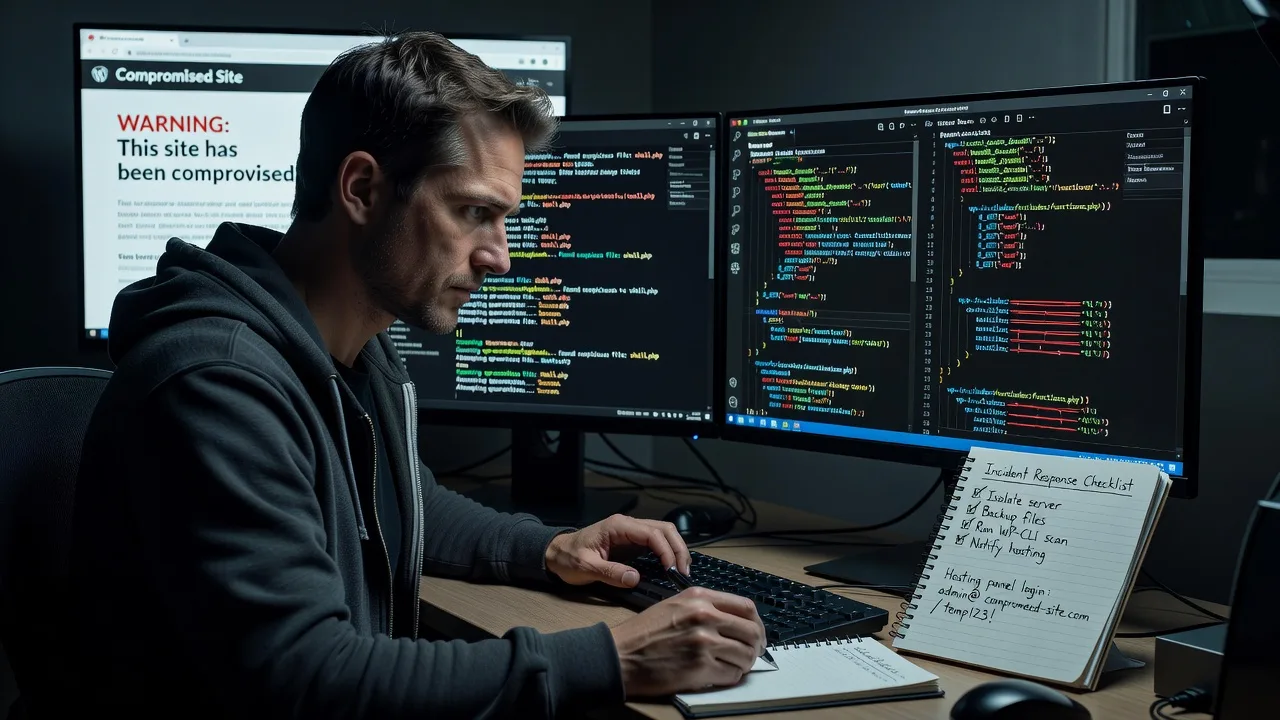
Get your Footscray, Victoria WordPress site cleaned, secured, and back online with a direct Fixwebnode malware removal specialist—not a ticket queue or freelancers queue. We treat infected stores, clinic sites, and catalogue sites as production infrastructure: isolate, eradicate, verify, then harden so traffic from the high street and warehouse precincts stays on your brand.
What You'll Get
- Full malware scan & eradication - Core, themes, plugins, uploads, and mu-plugins inspected; known and novel webshells removed.
- Database & content purge - Injected spam links, rogue admins, pharma/SEO spam posts, and option-table payloads cleaned.
- Backdoor & persistence hunt - Hidden cron, modified wp-config,.htaccess redirects, and scheduled PHP droppers neutralised.
- Credential & salt rotation plan - Admin users audited; salts/keys rotated; weak logins flagged with plain-English next steps.
- Hardening baseline - File permissions, XML-RPC abuse controls, unused plugins removed, and security headers guidance.
- Post-clean verification report - What was found, what we fixed, and what hosting or plugin risk remains.
Serving Footscray, Victoria & surrounds
Footscray’s mix of dense high-street retail, multicultural food precincts, student and strata housing, and light-industrial / freight-adjacent businesses means a compromised WordPress site hits real revenue fast—online menus, booking forms, and B2B catalogues cannot sit offline through a Friday market rush or a mid-week dispatch window. We work remotely-first across metro Melbourne and can coordinate with your host or local IT when on-site access to office gear is needed. Nearby operators in West Footscray and Yarraville use the same clean-and-harden workflow when infection spreads from shared agencies or outdated builders.
- Barkly Street and Nicholson Street retailers whose sites redirect shoppers or inject spam after a cheap plugin update
- Warehouse and trade suppliers near the Maribyrnong corridor with catalogue WordPress installs hit by SEO spam during freight-heavy weeks
- Remote clean preferred; optional coordinated access when your team is on-site in Footscray strata offices or shared workspaces
How We Work
- Step 1: Reach Out - Tell us the symptoms (blacklists, redirects, odd admins, Google Safe Browsing warnings). We listen first and confirm access paths without jargon overload.
- Step 2: Tailored Plan - Fixed-scope quote for the clean tier you need—single site rescue through full harden-and-monitor—plus clear timelines for live or staging work.
- Step 3: We Deliver - Remote infrastructure-grade cleanup: quarantine risky plugins, remove malware, repair core, purge the database, and restore legitimate content where possible.
- Step 4: Confirm & Follow-up - Plain-English handoff, blacklist resubmit guidance, and optional maintenance so Footscray traffic keeps landing on a clean site.
Expert Insights: What Most People Get Wrong
Based on 12+ years of WordPress incident response, here are the critical mistakes I see clients make—and how I fix them:
- Deleting only the obvious infected PHP file - Attackers almost always leave a second-stage loader in uploads, a must-use plugin, or a one-line include in an otherwise legitimate theme file. We run multi-pass comparisons against clean core/plugin hashes and hunt for base64/gzinflate chains, not just AV signatures.
- Restoring from a backup taken after the breach window - A Footscray café site we cleaned had “good” nightly backups that already contained a rogue wp-cron PHP dropper. Good looks like verifying backup integrity against pre-incident timestamps and clean package checksums; bad looks like rolling back and celebrating while the dropper rewrites index.php at 3 a.m.
- Ignoring the database and user table - File-only cleans miss option_value spam, injected JavaScript in post_content, and silent administrator accounts named like “wpsupport_update”. We dump and inspect wp_options, usermeta, and posts for encoded payloads before declaring the site clean.
- Leaving salts, FTP, and host panel passwords unchanged - If the attacker had file write, they likely exfiltrated wp-config. Immediately after clean: rotate all WordPress salts/keys, force password resets for every admin, revoke unused application passwords, and change hosting/SFTP credentials. You can start that rotation today even before we finish the file pass.
When you book Fixwebnode, you get direct professional support—infrastructure expertise and patient human help—without freelancers, bidding, or marketplace noise.
Why Choose Fixwebnode
We are a direct provider: enterprise-grade remote IT and WordPress infrastructure work delivered by our team, with human support when non-technical owners need plain explanations. For Footscray operators, that means fast containment without guessing which seller on a marketplace will show up.
- ✓ WordPress malware response focused on persistence removal, not surface file deletes
- ✓ Local awareness of high-street, strata, and warehouse site pressures across Footscray, Victoria
- ✓ Clear fixed packages, phone support on 0421498927, and follow-up hardening paths
Tools & Technologies
WP-CLI, server-side malware scanners, clean WordPress core/package checksums, PHP static review for obfuscated loaders, MySQL/MariaDB query inspection,.htaccess and nginx rule audit, Wordfence/Sucuri-style signal correlation (without relying on a single plugin), SSL/TLS and security-header checks, Google Search Console / Safe Browsing review guidance, and secure SFTP or host-panel access workflows.
Perfect For
Footscray retailers, clinics, education providers, and small manufacturers running WordPress who need a production-grade clean—not a plugin toggle. Ideal when Google flags the domain, customers report redirects, or your host suspended the account after spam mail or phishing pages. We pair technical authority with clear updates so owners and office managers stay in control.
Choose a package
Single WordPress site malware scan, file cleanup, and basic verification report.
Complete clean including database purge, backdoor hunt, and hardening baseline for one live site.
Priority incident response with deep persistence removal, credential rotation plan, and 30-day post-clean monitoring setup.
FAQ
Most WordPress malware removals for Footscray are completed fully remotely via secure host or SFTP access, which is faster for live sites. If your team needs us to coordinate while someone is at a strata office, warehouse desk, or shared workspace in Footscray, we can schedule that handoff. Travel for pure on-site work is arranged case-by-case after remote triage.
Whenever possible we work on a staging copy or during a short maintenance window you approve. If the infection is actively phishing or spreading, we may recommend temporary isolation first. You will always know before we take any step that affects public visitors.
Typically WordPress admin, hosting panel or SFTP/SSH, and DNS or Search Console access if blacklists are involved. We never ask you to post credentials in public forms—we guide a secure share and rotate advice after the job. If access is limited, we still outline the safest path before quoting.
A plugin can alert and block some threats, but it does not replace a human persistence hunt across files, database, cron, and config. We remove what is already inside, then leave you with a hardening baseline so plugins and monitoring actually work. That is infrastructure cleanup, not another dashboard widget.