Multi-Vendor & Complex SaaS Marketplaces
 Modern Headless & Jamstack Web Development
 High-End Corporate & Specialized Business Websites
 Advanced API, Checkout & Database Troubleshooting
Website Support in Brisbane: When to DIY vs Book a Specialist
Know when to fix your site yourself and when to call local help. A practical Brisbane guide for homeowners and small businesses covering updates, security, downtime, and specialist support.

A slow, broken, or outdated website costs Brisbane businesses leads long before anyone notices the problem on a Monday morning.
Homeowners running a side business and small operators from Fortitude Valley to Sunnybank need clear rules for what they can safely handle and what needs a specialist. This guide walks through real Website Support decisions, with local context from our Web Developer team serving the City of Brisbane.
What Website Support actually covers day to day
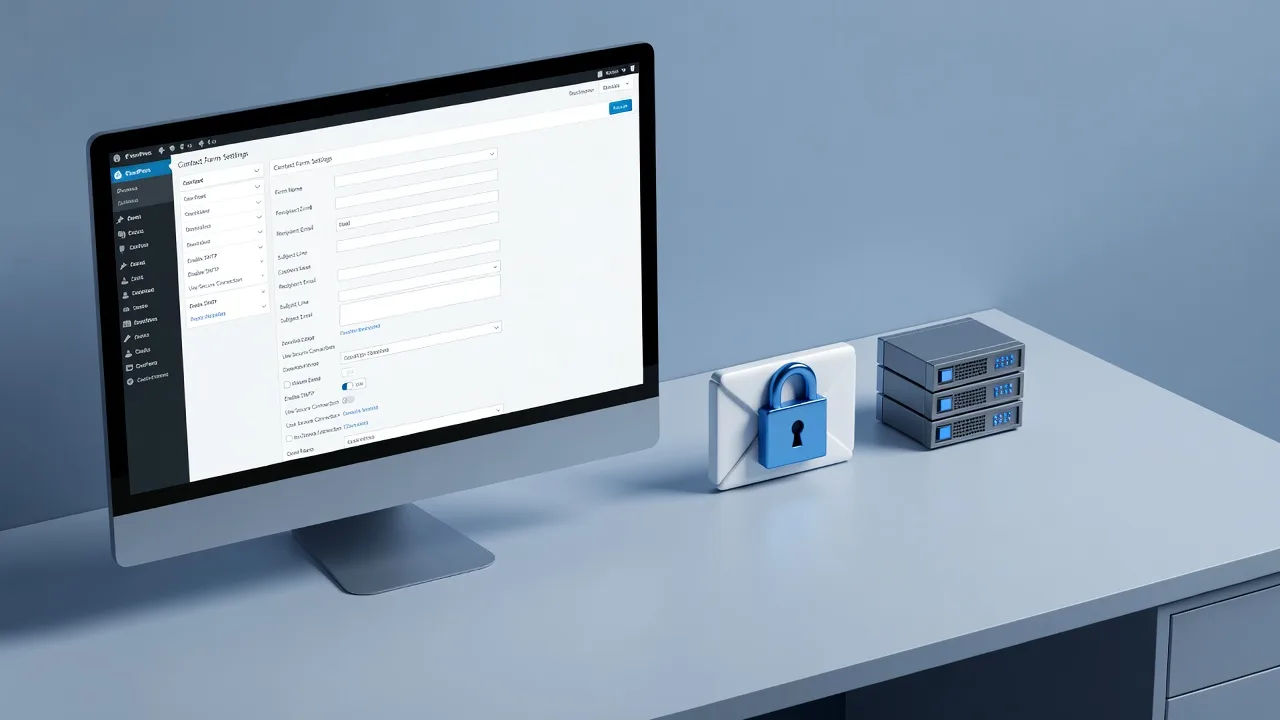
Website Support is more than “someone who can change a phone number.” For a typical Brisbane small business site—WordPress, Shopify, Wix, Squarespace, or a custom build—support usually means keeping the site online, secure, fast, and accurate. That includes plugin and theme updates, SSL certificate renewals, backup checks, form and booking fixes, content edits, hosting hiccups, email-on-domain issues, and recovery after a hack or failed update.
If you sell services locally (trades, clinics, cafes, professional practices), support also means protecting Google rankings: fixing 404s after a page move, keeping Core Web Vitals acceptable on mobile, and making sure contact details match your Google Business Profile. DIY is fine for small content tweaks. Specialist help matters when a change can take the site offline or expose customer data.
- Routine content — Blog posts, opening hours, staff bios, and photo swaps are usually safe DIY if you use the CMS editor and preview before publish.
- Technical maintenance — Core updates, PHP version changes, DNS edits, and security hardening need a tested process and a recent backup.
- Incident response — White screens, malware warnings, payment failures, and sudden traffic drops should not be “trial and error” on a live site.
DIY checklist: tasks Brisbane owners can handle safely
You do not need a developer for every edit. Use this checklist before you book help. Work on a staging copy if your host offers one. Always export or download a backup first—even for “simple” changes.
Safe DIY examples: updating service descriptions, adding a summer special, replacing a hero image under 200 KB, fixing a typo on the contact page, embedding a Google Map, and publishing a blog post with alt text. On WordPress, stick to the block or classic editor; avoid installing random free plugins from unknown authors. On Shopify, edit theme content sections rather than raw Liquid unless you know version control.
- Backup before you touch anything — Confirm the last full backup date in your host panel (cPanel, SiteGround, WP Engine, Shopify admin, or similar). Download a copy if the tool allows.
- Change one thing at a time — Publish, then check the live page on phone and desktop. If something breaks, you know the cause.
- Avoid DNS and domain panel experiments — Wrong A or MX records can drop email and the whole site for hours. Leave nameserver and DNS changes to someone who can verify propagation.
- Skip “security optimiser” plugins from ads — Stacking cache, security, and SEO plugins often causes conflicts worse than the original issue.
If your site is a brochure for a home-based service and you only need seasonal copy updates, DIY is enough. Document your login method (password manager, 2FA) and keep a simple change log in a notes app so you remember what you altered last month.
Book a specialist: clear red flags and local scenarios
Call specialist 🌐 Website Support for Brisbane Businesses 💻 ⚙️ when the risk of downtime, data loss, or lost bookings outweighs the cost of a short support session. Common Brisbane triggers include: site down after a host migration, checkout failing on mobile, contact forms not emailing to your @yourbusiness.com.au address, Google flagging the site as hacked, or a redesign that broke phone-click buttons.
Trades and home-service operators feel this quickly. A bathroom renovator relying on quote forms cannot afford a broken “Request a quote” button over a long weekend. Industry-focused builds such as Brisbane QLD | ⚡ Bathroom Renovator Website Specialists 🏗️ show how support is tied to lead flow, not just aesthetics—speed, mobile layout, trust signals, and form reliability matter as much as the gallery.
Book help immediately if you see any of the following:
- White screen of death or critical error — Especially after a plugin or PHP update. Do not keep refreshing or reinstalling plugins blind.
- SSL or “Not secure” warnings — Mixed content, expired certificates, or bad redirects hurt trust and rankings.
- Spam user accounts or odd admin users — Signs of compromise; needs clean-up, password rotation, and hardening.
- Slow mobile load over roughly three seconds on 4G — Heavy images, render-blocking scripts, or cheap shared hosting under load.
- Email from the site never arrives — Often SPF, DKIM, or hosting mail limits—not “the contact form widget.”
We work across the City of Brisbane service area, so support can align with how local businesses actually operate: after-hours outages, weekend enquiry spikes, and mobile-first customers searching from the suburbs.
A simple decision framework: DIY, guided, or full specialist
Use three buckets. DIY for content and media inside the CMS with a backup in place. Guided when you can do the click-work but want a written sequence (for example, updating WooCommerce safely or connecting a new domain email). Full specialist for code, server, security, migrations, and anything that touches payments or personal data.
Time math helps. If a fix will take you three evenings of YouTube tutorials and still might break checkout, a specialist session is cheaper than lost jobs. If the task is renaming a menu item, do it yourself in ten minutes. Write the decision down: impact if wrong (low/medium/high), reversibility (easy undo vs hard), and data sensitivity (public copy vs customer records).
- Low impact, easy undo, public content — DIY with preview and backup.
- Medium impact, partial undo — Guided steps or a short support booking; stage first if possible.
- High impact or security/payment related — Specialist only; insist on backup verification before work starts.
Keep access organised: hosting login, domain registrar, CMS admin, and analytics in one secure place. Specialists waste less time—and you stay in control—when credentials are ready and scoped (not a shared personal Gmail with everything inside).
How to prepare for local Website Support so the job stays efficient
Before a support session, list symptoms with times (“form stopped sending Friday 4 pm after plugin update”), screenshots, and what you already tried. Note your platform, host, and whether you have staging. Say whether the priority is restore service, improve speed, or lock down security. That framing prevents scope creep and gets the site stable faster.
Aftercare matters as much as the fix. Ask for a short plain-English summary: what changed, what you should not click, backup schedule, and update cadence (for example, monthly plugin review vs emergency-only). For multi-location or multi-site operators, confirm whether monitoring covers uptime only or also SSL and broken forms.
If you operate outside the CBD corridor or compare neighbouring coverage, browse All service areas to see how regional support is structured. Consistency across suburbs matters when staff update the site from different locations and devices.
Conclusion
DIY Website Support is right for content, images, and low-risk CMS edits when you have a backup and change one thing at a time. Book a specialist for outages, security issues, DNS and email, updates that can white-screen the site, payment problems, and anything that blocks Brisbane customers from contacting or paying you. Match the response to impact: a typo can wait until tonight; a dead quote form cannot.
If you need practical, local help rather than guesswork, talk to the Web Developer team at Fixwebnode about Website Support suited to homeowners and small businesses across Brisbane. Share what broke, when it started, and your platform—we will help you stabilise first, then set a simple maintenance rhythm you can actually keep.