Multi-Vendor & Complex SaaS Marketplaces
 Modern Headless & Jamstack Web Development
 High-End Corporate & Specialized Business Websites
 Advanced API, Checkout & Database Troubleshooting
Website Support Adelaide: When to DIY vs Book a Specialist
Know when DIY website fixes save time—and when they cost you. A clear Adelaide guide for homeowners and small businesses on updates, security, hosting, and when local Website Support Adelaide specialists are the smarter call.

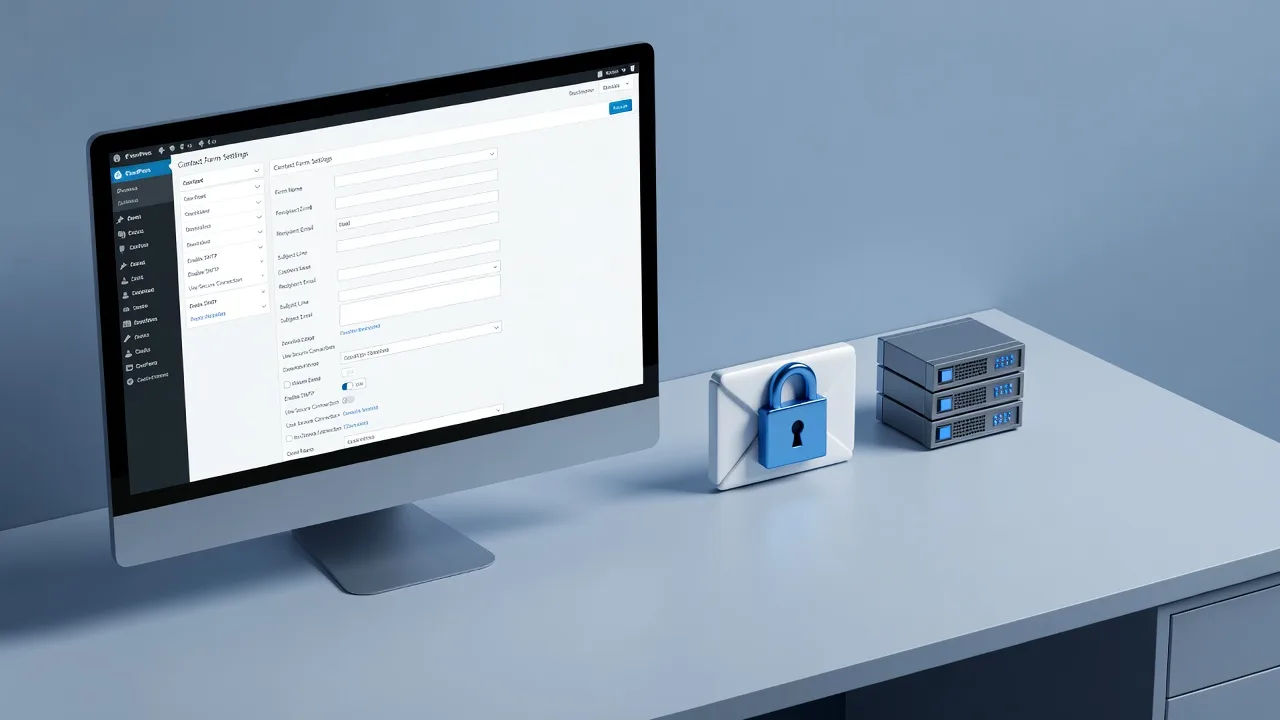
Broken contact forms, slow load times, and half-finished plugin updates cost Adelaide businesses leads long before they notice the problem.
If you run a home business, trade, or small shop in Adelaide, your site is often the first place customers check after a Google search or a recommendation. This practical guide explains what you can safely handle yourself, when to stop, and how local Web Developer support keeps your site reliable without turning every issue into a crisis.
What Website Support Adelaide Actually Covers
Website support is not the same as a full redesign. It is the ongoing work that keeps a live site secure, fast, accurate, and easy to use. For homeowners selling a property or side hustle, and for small businesses taking enquiries online, that usually means content updates, plugin and CMS maintenance, backups, performance checks, form and email troubleshooting, SSL and hosting health, and small layout fixes after browser or device changes.
In Adelaide, support also has a local layer: correct phone numbers with the 08 prefix, service-area copy that matches where you actually work, opening hours that reflect public holidays, and pages that load well on mobile for customers browsing from North Terrace to the suburbs. Teams working across the City of Adelaide service area see the same patterns repeatedly—outdated WordPress cores, abandoned page builders, and contact forms that stopped sending after a host or DNS change.
- Content and listings — Opening hours, price lists, project galleries, and service blurbs that match what you offer this season.
- Technical health — Updates, backups, malware scans, certificate renewals, and uptime monitoring so the site does not silently fail overnight.
- Conversion basics — Working enquiry forms, clear calls to action, click-to-call on mobile, and pages that do not jump or break on common phones.
When DIY Website Support Makes Sense
DIY is reasonable when the change is low risk, reversible, and does not touch security, payments, or core structure. Most modern builders and CMS dashboards are designed for owners to edit text, swap photos, and publish simple posts without developer access. If you are comfortable logging into your host or CMS and you have a recent backup, small content jobs are a good place to start.
Use DIY for tasks you can complete in one sitting and verify immediately. Update a service description after you add a new offering. Replace a hero image with a sharper photo of your work. Add a public holiday notice to the homepage. Publish a short blog post about a completed job in Adelaide. Fix a typo on the contact page. Change a phone number everywhere it appears—if your theme uses a single header field, that is straightforward; if the number is hard-coded in five templates, stop and get help.
- Safe DIY checklist — Edit copy and images in the CMS, draft and schedule posts, update menus only if you understand parent/child items, and adjust simple SEO titles you already control.
- Always before you click update — Export or confirm a backup, note the current plugin and theme versions, and test the change on a phone and desktop after publish.
- Stop DIY if — You see white screens, login loops, mixed HTTP/HTTPS warnings, payment or booking plugins, or any prompt to edit theme files, .htaccess, or DNS records you do not fully understand.
Homeowners refreshing a simple brochure site can often handle seasonal text and photo swaps. Small businesses should still treat plugin bulk-updates, PHP version changes, and caching plugins as specialist work—one wrong combination can take the shop offline during peak enquiry hours.
When You Should Book a Specialist Instead
Book specialist Website Support Adelaide help when downtime, data loss, or lost leads are on the table. Security incidents, failed updates, broken checkout or booking flows, email that no longer arrives from the contact form, and sudden Google ranking drops after a migration are not weekend experiments. The cost of a few hours of expert recovery is almost always lower than a week of silent form failures.
Specialists also make sense for structural work: migrating hosts, consolidating duplicate pages, fixing Core Web Vitals issues that hurt mobile search, setting up proper staging so you never edit live, and aligning the site with how your trade actually sells. Builders, renovators, and home-service brands often need tighter portfolio and lead-capture setups than a generic template allows—see focused offerings such as Adelaide Bathroom Renovation Website Experts | SA 5000 🚀 and Web Solutions for Adelaide Builders & Luxury Home Specialists when your site must showcase projects and convert high-intent local traffic.
- Security and access — Suspected hack, spam users in the CMS, ransomware notes, or staff who left still having admin logins.
- Infrastructure — Hosting moves, domain renewals tied to old emails, DNS changes, SSL errors, and email authentication (SPF/DKIM) affecting form deliverability.
- Growth and compliance — Speed work, structured data, accessibility fixes, privacy policy pages that match how you collect leads, and multi-location or service-area landing pages done properly.
A Simple Decision Framework for Adelaide Owners
Use this rule of thumb before you open the dashboard. If the task is content-only, reversible, and you have a backup, DIY. If the task changes code, servers, payments, SEO architecture, or security, book support. If you are unsure which bucket it falls into, assume specialist—especially before a busy season, open day, or advertising campaign when the site must work.
Walk through five questions: Do I have a verified backup from this week? Can I undo this in under five minutes? Does this touch plugins, PHP, DNS, or forms? Will customers notice if it fails for a day? Am I doing this because it is urgent or because it is cheap? Urgency plus uncertainty is a specialist signal. Cheap plus high risk is how small Adelaide sites stay offline for days.
- Content tweak — DIY after backup; proof on mobile.
- Plugin or theme update — Specialist or staged update with rollback plan.
- Form or email failure — Specialist; check logs, SMTP, and spam folders methodically.
- Slow site or poor mobile scores — Specialist audit; avoid random “speed” plugins stacked on top of each other.
- New service or rebrand copy — DIY draft in a document first, then publish carefully or hand clean copy to support for layout-safe implementation.
Document what you changed. A simple notes file with date, page URL, and what you edited saves hours if something breaks later. Share that log when you engage support so the specialist is not reverse-engineering last month’s experiments.
How Local Support Should Work Day to Day
Good support is predictable: clear scope, named contacts, maintenance windows that suit Australian business hours, and plain-language reports after work is done. You should know what was updated, what was deferred, and what needs a decision from you. Ask for staging on non-trivial changes, monthly or quarterly update cadences for WordPress and similar stacks, and offsite backups you can request as a restore test at least once.
Fixwebnode provides hands-on website support for owners who want a direct specialist relationship—not a bidding board. Coverage is organised by region so you can confirm fit for the CBD and surrounds via the City of Adelaide service area, or browse All service areas if your customers span wider Adelaide metro catchments. Bring your host login method, domain registrar details, and a short list of must-work pages (home, services, contact, any booking or quote flow) to the first conversation so triage is fast.
- Prepare a brief — Site URL, CMS type if known, what broke or what you want improved, and when the issue started.
- Prioritise revenue paths — Forms, click-to-call, and key service pages before cosmetic polish.
- Agree on access — Temporary admin users beat shared passwords; revoke access when the job ends.
Conclusion
DIY website care works for copy, images, and simple publishing when you back up first and verify on real devices. Specialist Website Support Adelaide is the right call for security, hosting, updates that can brick the site, forms and email, performance, and any change you cannot confidently reverse. Homeowners and small businesses protect both time and leads by drawing that line early—especially before campaigns, seasonal peaks, or platform updates.
If you need dependable local help rather than guesswork, start with the Fixwebnode Web Developer team for Website Support Adelaide: share your URL, the symptoms or goals, and whether you prefer a one-off fix or ongoing maintenance. We will tell you plainly what you can keep doing yourself and what we should take off your plate.