Multi-Vendor & Complex SaaS Marketplaces
 Modern Headless & Jamstack Web Development
 High-End Corporate & Specialized Business Websites
 Advanced API, Checkout & Database Troubleshooting
Unrecognised Admin Users in Your Database: Clean a Compromised Site
Unknown admin accounts in your database are a classic compromise signal. Learn the symptoms, run safe DIY checks with real SQL and file steps, and know when to book Fixwebnode to finish the cleanup properly.
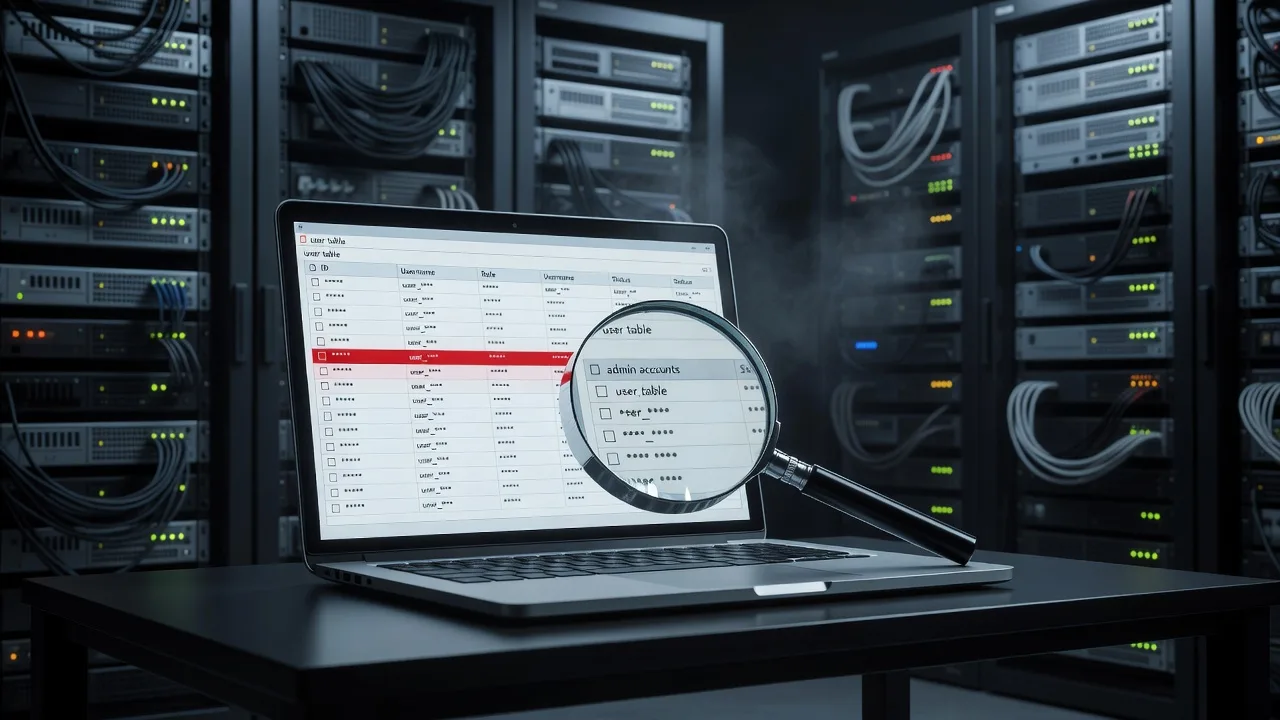
If you open your CMS user list or database and see administrator accounts you never created, treat it as an active compromise—not a glitch. This guide walks homeowners and small-business owners through how unrecognised admin users appear, how to investigate and remove them safely, and when a specialist cleanup is the smarter path.
Fixwebnode helps Australian site owners lock down compromised databases and CMS installs without turning a bad day into a full rebuild. Start with the practical checks below, or go straight to the dedicated service page for Unrecognised Admin Users in Your Database? How to Clean a Compromised Site when you want hands-on help.
Why unrecognised admin users matter
An unexpected administrator is not a cosmetic problem. That account can edit pages, install plugins or themes, create more users, export customer data, and plant backdoors that survive a simple password change. Many small sites only notice after spam pages appear in search results, checkout breaks, or the host flags outbound mail abuse.
Whether you run a local trade site, a shopfront brochure site, or a small web app, the pattern is the same: attacker gains write access (weak password, vulnerable plugin, stolen hosting credentials, or infected workstation), creates a durable admin in the application database, then hides persistence in files, cron, or mu-plugins. Cleaning the user row alone is rarely enough—you must confirm how they got in and whether anything else still grants admin power.
Fixwebnode works with site owners across metro regions and regional Australia; if you need coverage detail by area, see all service areas. Builders and construction firms in the ACT often need fast, low-drama recovery so listings and quote forms stay online—related work is outlined under Website Solutions for Canberra Builders & Construction Specialists. Startup teams in Victoria facing the same admin-user pattern on product sites can review Web App Development for Melbourne Startups when rebuild or hardening is part of the path forward.
Common issues with unrecognised admin users
These problems look similar in the dashboard but have different root causes. Match your symptoms before you delete anything.
1. Mystery administrator rows in the users table
Symptoms: A user you never registered appears with role Administrator (or equivalent). Login email may look random, use a free mailbox, or spoof a staff name with a typo. The account may have a recent user_registered date you cannot explain, or an old date if the attacker backdated it.
2. “Ghost” admins that return after you delete them
Symptoms: You remove the user in wp-admin (or your CMS UI), then hours or days later the same or a similar admin is back. Sometimes the UI shows no extra user, but SQL still lists one—or a plugin quietly re-creates the account on each request.
3. Normal-looking staff admin with elevated or forged capabilities
Symptoms: The username matches a real person, but password resets fail oddly, sessions appear from foreign IPs, or the account can do things the role should not allow. Capability rows in the database may include administrator level keys the person never had, or a second meta row points a low-privilege user at full admin caps.
4. Database admin confusion: app users vs MySQL accounts
Symptoms: Hosting panel shows unexpected MySQL/MariaDB users or a new remote host allowed to connect, while the CMS still looks “fine.” Attackers sometimes create a database-level user for dumps and backdoors even when they also plant a CMS admin.
How to fix issue 1: mystery administrator rows
Work on a staging copy or take a full backup first (files + database). Prefer read-only investigation until you understand the blast radius.
Step 1 — Put the site in maintenance mode and rotate your own password
Change the password for every account you still trust, using a password manager. Invalidate sessions where the CMS allows it (WordPress: Users → Profile → log out everywhere, or delete session tokens in usermeta).
Step 2 — List administrators directly in the database
For a typical WordPress install (adjust table prefix if not wp_):
SELECT u.ID, u.user_login, u.user_email, u.user_registered, u.user_status
FROM wp_users u
INNER JOIN wp_usermeta m ON u.ID = m.user_id
WHERE m.meta_key = 'wp_capabilities'
 AND m.meta_value LIKE '%administrator%'
ORDER BY u.user_registered DESC;
Export the result. Note IDs, emails, and registration times you do not recognise.
Step 3 — Cross-check content and options touched by that user
SELECT ID, post_title, post_type, post_status, post_modified
FROM wp_posts
WHERE post_author = [SUSPECT_USER_ID]
ORDER BY post_modified DESC
LIMIT 50;
SELECT option_name, option_value
FROM wp_options
WHERE option_name IN ('siteurl','home','admin_email','active_plugins','template','stylesheet')
OR option_name LIKE '%user_roles%';Unexpected authors on pages, altered siteurl/home, or plugin lists you did not change are strong compromise markers.
Step 4 — Remove the rogue application user cleanly
Only after backup. Delete the user via CMS if possible and reassign content to a known-good admin. If the UI is untrusted, remove related rows carefully:
DELETE FROM wp_usermeta WHERE user_id = [SUSPECT_USER_ID];
DELETE FROM wp_users WHERE ID = [SUSPECT_USER_ID];
Then confirm the admin list query returns only known accounts.
Step 5 — Force a fresh login surface
Reset salts/keys in wp-config.php (WordPress) so existing cookies die, and clear any object cache or page cache that might serve a poisoned admin bar.
When to call Fixwebnode: If you cannot access the database safely, the suspect user owns hundreds of posts, or siteurl was rewritten to a phishing domain, stop DIY deletion and book a cleanup—wrong deletes can orphan content or leave the malware path open.
How to fix issue 2: ghost admins that keep coming back
Reappearing admins almost always mean a persistence mechanism outside the single user row.
Step 1 — Search for code that creates users on boot
On the server (SSH), from the web root:
grep -R --include='*.php' -nE 'wp_create_user|wp_insert_user|add_role\s*\(|grant_super_admin' . 2>/dev/null | head -100grep -R --include='*.php' -nE 'eval\s*\(|base64_decode\s*\(|gzinflate\s*\(|assert\s*\(' wp-content 2>/dev/null | head -100Pay special attention to wp-content/mu-plugins, wp-content/uploads (PHP should not live there), abandoned themes, and drop-in files like object-cache.php or advanced-cache.php.
Step 2 — Inspect scheduled tasks and server cron
wp cron event list 2>/dev/null || true
crontab -l
ls -la /etc/cron.* 2>/dev/null
Look for curl/wget hitting odd PHP paths or wp eval-file style jobs. In the database:
SELECT option_value FROM wp_options WHERE option_name = 'cron'\GStep 3 — Compare file integrity against a clean package
Replace core CMS files from a known-good release matching your version; do not “patch” random infected core files by hand. For WordPress, reinstall core without touching wp-content, then audit plugins/themes one by one (prefer fresh downloads from official sources).
Step 4 — Remove persistence, then remove the user again
Delete or quarantine malicious PHP, disable unknown must-use plugins, remove bad cron, then re-run the administrator SQL list and delete the ghost account once more. Monitor for 48–72 hours.
When to call Fixwebnode: Repeated re-creation after a full plugin disable, encoded loaders you cannot decode safely, or malware in uploads and multiple themes—this is specialist malware response, not a quick user delete.
How to fix issue 3: forged capabilities on a “real” account
Attackers often prefer hijacking a believable username so staff ignore it.
Step 1 — Dump capability and level meta for every user
SELECT user_id, meta_key, meta_value
FROM wp_usermeta
WHERE meta_key IN ('wp_capabilities','wp_user_level','session_tokens')
 OR meta_key LIKE '%capabilities%'
ORDER BY user_id;
Any non-admin who suddenly holds a:1:{s:13:"administrator";b:1;} (or your prefix variant) is compromised or mis-assigned.
Step 2 — Reset roles from a known-good map
Set the affected account back to the correct role in the CMS UI if the UI is trustworthy. Otherwise update meta deliberately (example demotes to subscriber—adjust to the real role you need):
UPDATE wp_usermeta
SET meta_value = 'a:1:{s:10:"subscriber";b:1;}'
WHERE user_id = [USER_ID]
 AND meta_key = 'wp_capabilities';

UPDATE wp_usermeta
SET meta_value = '0'
WHERE user_id = [USER_ID]
 AND meta_key = 'wp_user_level';
Step 3 — Kill sessions and force password reset
DELETE FROM wp_usermeta
WHERE user_id = [USER_ID]
 AND meta_key = 'session_tokens';
Issue a password reset from a channel you control (not a link found in spam). Enable 2FA on remaining admins if the stack supports it.
Step 4 — Audit recent privilege changes in logs
Check host access logs for POSTs to wp-login.php, xmlrpc.php, and plugin AJAX endpoints around the time capabilities changed. Disable XML-RPC if you do not need it; rate-limit login.
grep -E 'wp-login|xmlrpc' /var/log/apache2/access.log 2>/dev/null | tail -50
grep -E 'wp-login|xmlrpc' /var/log/nginx/access.log 2>/dev/null | tail -50
When to call Fixwebnode: Multiple “real” accounts show forged caps, or you rely on custom roles/membership plugins where a wrong UPDATE breaks billing or member access.
How to fix issue 4: unexpected database (MySQL) users and remote grants
Application admins and database server accounts are different layers. Clean both.
Step 1 — List database accounts and hosts
SELECT user, host FROM mysql.user ORDER BY user, host;Flag accounts you did not create, wildcards like % from untrusted networks, or duplicates of your app user with broader grants.
Step 2 — Review grants for the application schema
SHOW GRANTS FOR 'appuser'@'localhost';
SHOW GRANTS FOR 'appuser'@'%';
The web app should use a least-privilege account limited to its schema—not a global admin equivalent.
Step 3 — Remove or restrict rogue DB users
DROP USER 'suspicious'@'%';
FLUSH PRIVILEGES;
Or tighten host to localhost / the app server IP only. Rotate the password in both MySQL and the CMS config file in one maintenance window:
ALTER USER 'appuser'@'localhost' IDENTIFIED BY 'long-random-password-here';
FLUSH PRIVILEGES;
Update DB_PASSWORD (or equivalent) and reload PHP-FPM/application workers so connections do not flap.
Step 4 — Confirm no leftover routines or file imports
SHOW PROCEDURE STATUS WHERE Db = 'your_database';
SHOW FUNCTION STATUS WHERE Db = 'your_database';
Unexpected procedures can re-open doors after you think you are done.
When to call Fixwebnode: Shared hosting panels hide raw MySQL user control, you share a database with other apps, or you are unsure whether DROP USER will break a still-needed integration.
When DIY is enough vs when to book Fixwebnode
DIY can be enough when: you have a recent verified backup, only one unexplained CMS admin, no encoded PHP loaders, core file checksums match, and after removal the admin list stays clean for several days while logs show only your IPs.
Book Fixwebnode when:
- Admins reappear after deletion or plugin/theme purge
- You see mass spam pages, SEO spam injections, or skimmer-like scripts in checkout templates
- Hosting suspended the site for malware or mail abuse
- Multiple environments (production + staging) share credentials and may all be tainted
- You lack SSH/SQL comfort and risk breaking live orders or lead forms
- Customer personal data may have been exported—you need a structured containment and evidence-minded cleanup
A proper cleanup usually includes: full file and database audit, removal of persistence, core/plugin integrity restore, secret rotation (CMS, database, FTP/SFTP, host panel, API keys), session invalidation, and hardening (2FA for admins, least-privilege DB user, disabled unused endpoints, tighter file permissions). That is the difference between deleting a row and actually owning the site again.
Talk to Fixwebnode about cleaning unrecognised admin users
Unrecognised administrators are a clear signal your site’s trust boundary failed. Use the steps above to inventory admins, strip forged capabilities, hunt re-create scripts, and lock down MySQL grants—but do not leave half a backdoor in place because the dashboard “looks empty.”
If you want a specialist to take over investigation and remediation, start a conversation through the landing page for Unrecognised Admin Users in Your Database? How to Clean a Compromised Site. Bring what you already found (suspect usernames, dates, greps, and host notices)—it shortens time to a clean, monitored baseline for your home-business or small-business site.