Multi-Vendor & Complex SaaS Marketplaces
 Modern Headless & Jamstack Web Development
 High-End Corporate & Specialized Business Websites
 Advanced API, Checkout & Database Troubleshooting
Stop Basic Shopify Templates: Build a B2B Wholesale Portal
Basic Shopify themes choke on true wholesale. Learn the common Australian B2B portal failures—tier pricing, buyer accounts, MOQs—and the DIY fixes before you book Fixwebnode for a custom build.
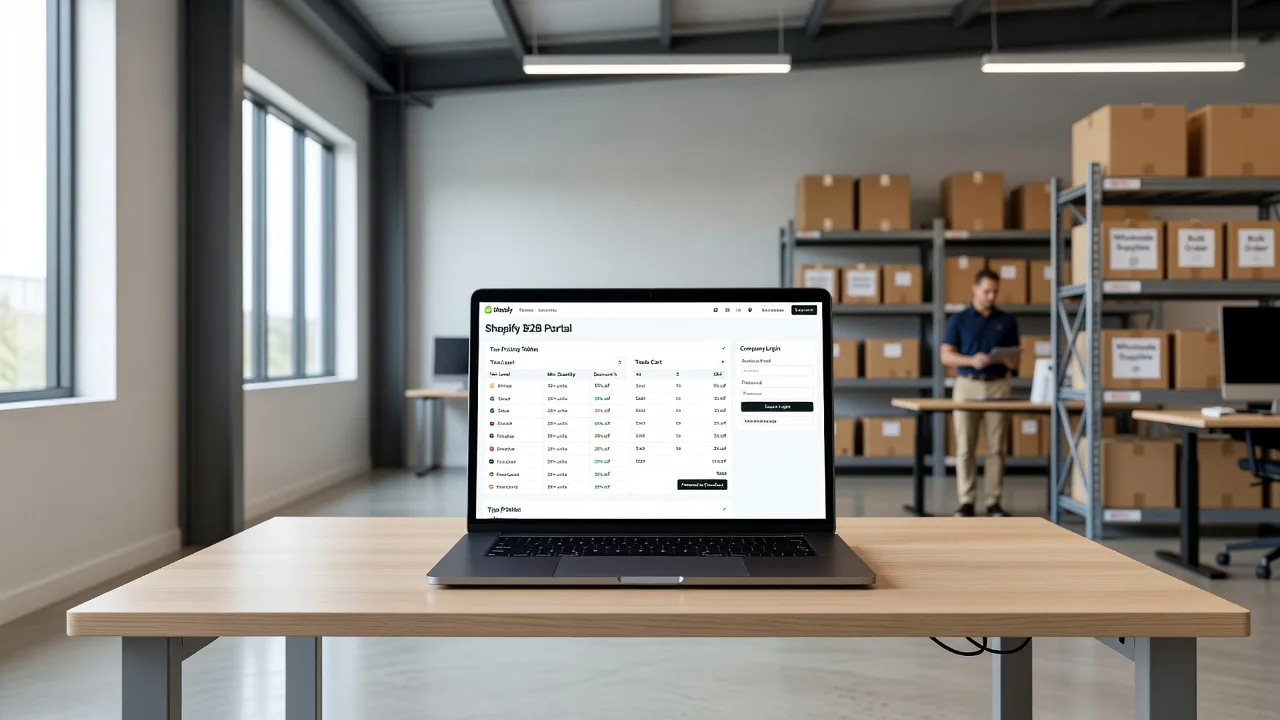
If your Australian wholesale buyers still log into a retail-looking storefront, fight with one-size pricing, or email you for every quote, a basic Shopify template is costing you orders. This guide walks sole traders and small manufacturers through the real gaps in off-the-shelf themes, the DIY checks you can run yourself, and when an advanced custom B2B wholesale portal is the cleaner path. Fixwebnode works directly with individuals, sole traders, and local operators on website repair and custom Shopify builds across Australia—not as a freelance marketplace, but as a specialist you speak to about this exact problem.
Why basic Shopify templates fail serious wholesale in Australia
Retail themes are built for one price list, guest checkout, and impulse carts. B2B needs company accounts, net terms, customer-specific catalogues, minimum order quantities (MOQs), and bulk reorder flows. When those pieces are bolted on with apps alone, merchants across Australia often see broken price tables, buyers who still see retail SKUs, and checkout that rejects purchase-order workflows. An advanced custom build keeps the Shopify admin you already use while reshaping the storefront and account layer for wholesale reality.
Can you build a proper B2B wholesale portal on Shopify in Australia without a basic theme?
Yes. Shopify Plus B2B features, customer tags, price lists, and a purpose-built theme (or heavily extended custom theme) can deliver company accounts, tier pricing, and restricted catalogues. Basic public themes rarely expose those controls cleanly, so Australian wholesalers usually need targeted theme work, metafields, and checkout rules rather than another free template swap.
| Symptom | Quick check | When to call Fixwebnode |
|---|---|---|
| Every buyer sees the same retail price | Confirm customer tags and price lists in admin | Lists exist but theme never switches |
| Wholesale login still shows full retail catalogue | Test a tagged buyer account on a private browser | Collection rules fight the theme navigation |
| MOQ or pack-size rules ignored at cart | Validate cart scripts / quantity rules on one SKU | Rules break on multi-location or draft orders |
Common issues when you outgrow a basic Shopify template
These problems show up repeatedly when Australian wholesalers try to stretch a retail theme into a portal. Each has a different root cause.
1. Customer-specific wholesale prices never appear on the storefront
Symptom: You set price lists or compare-at prices in admin, tag the company, and the product page still shows the public retail price—or shows the wholesale price to logged-out visitors.
2. Company accounts and multi-buyer logins collapse into one messy customer record
Symptom: Staff at the same trade customer share one password, order history mixes personal and company purchases, and you cannot assign different approval roles or shipping addresses cleanly.
3. Minimum order quantities, pack sizes, and hidden retail SKUs fail at cart
Symptom: Buyers add single units of case-only lines, retail gift SKUs still appear in search for tagged wholesale users, and the cart total ignores your stated MOQ until someone notices in fulfilment.
4. Net terms and purchase-order checkout still force card payment
Symptom: Approved trade accounts hit the same Shopify Payments wall as retail shoppers; draft-order or payment-terms flows never surface because the theme and checkout configuration were never aligned for B2B.
How to fix each issue (DIY first)
Fix 1 — Make wholesale price lists actually render
Root cause is usually a theme that hard-codes product.price and never reads the logged-in customer’s price list or tag-based logic.
- In Shopify admin, open Customers and confirm the trade buyer has the correct tags (for example
wholesaleor a company-specific tag) and, if you use Shopify’s B2B/price list tools, is attached to the right catalogue. - Create or open a second browser profile, log in only as that buyer, and open one known SKU. Note whether the price, compare-at, and unit change.
- In the theme customiser, check product and collection sections for any “show price to logged-in customers only” or app-block settings. Disable conflicting price apps temporarily so you test one system at a time.
- If you use metafields for tier tables, open the product JSON (or theme liquid preview if you have theme access) and confirm the section that prints price is the one your developer intended—not a leftover retail price block from the base template.
- Document one working SKU and one failing SKU with screenshots. That pair is what a specialist needs if the theme still ignores lists after tags are correct.
When to call Fixwebnode: Tags and catalogues are correct in admin, but the live theme never switches price, or wholesale prices leak to guests. That is theme architecture work, not another app install.
Fix 2 — Separate company buyers from personal customer noise
Root cause is treating a whole trade business as one retail customer profile instead of a company structure with locations and roles.
- List every person who orders for each trade account and whether they should only view, place orders, or approve spend.
- In admin, stop sharing one login. Create distinct customer records (or B2B company contacts where your plan supports it) and attach them to the same company or shared tag set.
- Standardise shipping addresses under the company, not under individual staff home addresses, so fulfilment and freight quotes stay clean.
- Turn on order history visibility only where appropriate; remove leftover retail wishlists or discount codes that do not belong on a trade login.
- Send each buyer a short internal note: how to log in, which price list they should see, and who to contact if the catalogue looks retail again.
When to call Fixwebnode: You need proper company → location → role structure, punch-out style reordering, or a portal dashboard the base theme cannot express. Bring a laptop or device with admin access if you book an on-site working session so catalogues can be verified live.
Fix 3 — Enforce MOQs, case packs, and catalogue separation
Root cause is quantity rules living only in a policy page while the theme and cart allow any quantity, plus collections that do not filter by buyer tag.
- For each wholesale-only SKU, write down pack size, minimum units, and whether retail variants must stay hidden.
- Apply a consistent tag or product type (for example
b2b-only) and build a wholesale collection that includes only those products. - In navigation and search settings, restrict or duplicate menus so a tagged wholesale customer lands on the trade catalogue first—not the public gift range.
- Add quantity rules via your existing quantity-break app or theme settings on one pilot product. Test add-to-cart at 1 unit (should block or snap to pack size) and at a valid case quantity (should succeed).
- Repeat the test logged out and logged in as retail to confirm retail shoppers never receive wholesale pack pricing by accident.
When to call Fixwebnode: Rules work on one product but fail across variants, multi-location inventory, or draft orders your sales team still uses for phone accounts. Related Shopify work such as Melbourne pet lifestyle Shopify eCommerce design or Shopify subscription setup in Kew, Victoria follows the same principle: the storefront must match how the business actually sells, not how a generic template assumes it sells.
Fix 4 — Surface net terms and PO-friendly checkout for approved buyers only
Root cause is checkout and payment configuration still aimed at card-first retail, with no path for payment terms on eligible companies.
- Confirm which companies are allowed net-14 / net-30 (or on-account) and which must prepay.
- In Shopify, review payment terms / B2B checkout settings available on your plan, and ensure those companies are actually assigned terms—not only tagged in a spreadsheet.
- Place a test order as an approved buyer and as a non-approved buyer. Approved should see terms or a draft/PO path; non-approved should not.
- Align order confirmation emails and invoices so finance receives PO number, company name, and terms in one place.
- If you still rely on manual draft orders for every trade sale, list the weekly volume—that number tells you whether a portal checkout is overdue.
When to call Fixwebnode: Terms exist in admin but never appear in checkout, or your team is drowning in draft orders that a custom portal flow would replace. For on-site or drop-in working sessions in Australia, bring the primary admin laptop, 2FA device, and a recent backup export of products and customers so nothing is edited without a restore point.
When DIY is enough vs when to book Fixwebnode
DIY is enough when tags, catalogues, and one pilot quantity rule already behave correctly and you only need process discipline (cleaner logins, clearer menus, documented MOQs).
Book a specialist when the basic template’s product, cart, and account templates cannot read price lists; when company structures and roles are required; when retail and wholesale catalogues leak into each other; or when checkout still cannot express payment terms. Fixwebnode is a direct provider for this class of advanced custom Shopify work—conversation-led, not bid-based. Service coverage is described on the Australia service area page and the wider all service areas hub. Local / on-site sessions focus on your live admin, devices you already use for order entry, and verifying the portal the way your buyers will see it—not on remote server theatrics.
Before a session: note failing SKUs, export a product CSV backup, and decide which three trade customers must work on day one. That preparation shortens diagnosis whether you meet online or on-site.
Build the wholesale portal your buyers actually need
Stopping basic Shopify templates is not about chasing a trend—it is about matching price, catalogue, account, and checkout to how Australian trade customers order. Work through the checks above; if the theme still fights your price lists, MOQs, or company logins, bring the problem to a direct specialist.
Ready to map a proper B2B wholesale portal instead of patching a retail theme? Start a conversation with Fixwebnode via the website repair and custom build landing page for Australia and outline your current stack, buyer types, and where the storefront breaks. We will tell you plainly what you can finish in-house and what needs a custom build.