Multi-Vendor & Complex SaaS Marketplaces
 Modern Headless & Jamstack Web Development
 High-End Corporate & Specialized Business Websites
 Advanced API, Checkout & Database Troubleshooting
One-Product Shopify Landing Pages That Convert in Box Hill
Build a high-converting one-product Shopify landing page without clutter or slow apps. Practical fixes for weak heroes, theme bloat, and checkout friction—plus when Box Hill entrepreneurs should book Fixwebnode remote support.
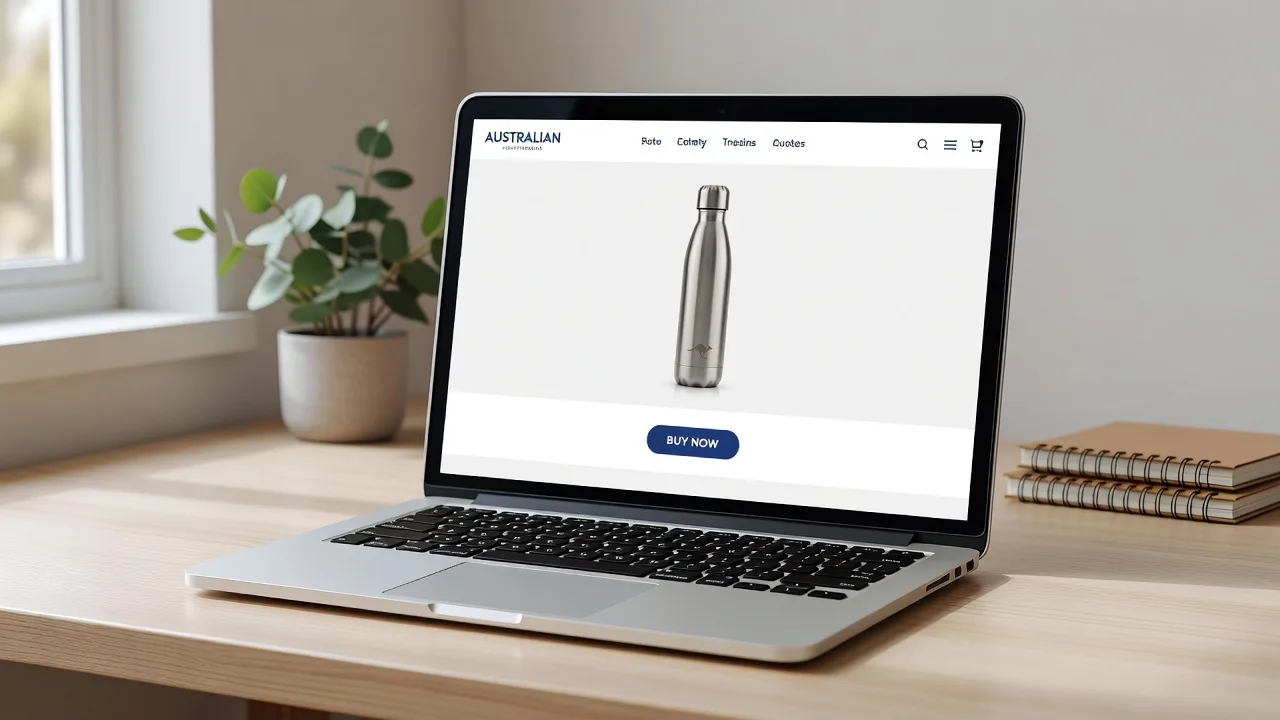
If you sell one hero product from Box Hill or anywhere in Victoria, a crowded multi-collection theme will bury your offer and bleed ad spend. This guide walks entrepreneurs through designing and diagnosing high-converting one-product Shopify landing pages: clear above-the-fold structure, lean theme setup, trust and checkout flow, and remote checks you can run yourself before calling in specialist help.
Fixwebnode provides direct Shopify Developer support for one-product stores—remote configuration, landing-page structure, and conversion-focused theme work—not a freelance marketplace. We work with owners across all service areas, including remote digital support for local Australian businesses.
Why a true one-product landing page matters
A one-product Shopify store is not “a normal store with one SKU.” It is a focused sales page: one promise, one primary call to action, minimal navigation, fast load, and proof that removes doubt. Entrepreneurs in Box Hill, VIC often run Meta or Google ads to a generic homepage and wonder why bounce rates stay high. The page competes with itself—menus, collection grids, and unrelated apps dilute attention before the buy button appears.
Production-grade one-product pages treat the product template (or a custom landing template) as the campaign destination. Everything else—speed, trust blocks, shipping clarity, and mobile thumb reach—supports that single conversion path.
Why is my one-product Shopify landing page getting traffic but almost no sales?
Most underperforming one-product pages fail for structural reasons, not “bad traffic.” The offer is unclear above the fold, the theme loads heavy apps and unused sections, or checkout friction and missing trust signals stop the buyer after interest is already there. Fix the hero, strip bloat, and tighten the path to checkout before you scale ads.
| Symptom | Quick fix | When to call Fixwebnode |
|---|---|---|
| Visitors bounce in under 10 seconds | Rewrite hero: product, outcome, single CTA | Theme cannot support a clean single-SKU layout |
| Mobile LCP or INP feels sluggish | Disable unused apps; defer non-critical scripts | Liquid/sections need a lean custom template |
| Add-to-cart then abandon | Clarify shipping, returns, payment icons near CTA | Checkout apps conflict or cart drawer breaks |
Common issues with one-product Shopify landing pages
These problems show up repeatedly on single-offer stores. Each has a different root cause.
1. Weak or confusing above-the-fold hero
Symptoms: Headline talks about the brand, not the product outcome; primary button sits below a carousel; mobile users must scroll twice before seeing price or “Buy.” Heatmaps show rage clicks on decorative images.
2. Theme and app bloat killing speed and focus
Symptoms: Lighthouse or PageSpeed flags large JavaScript; multiple pop-ups, reviews widgets, and upsell drawers load on first paint; Time to Interactive feels sticky on mid-range phones. Conversion drops on 4G even when desktop “looks fine.”
3. Store chrome distracts from the single offer
Symptoms: Full mega-menu, “Catalog,” and empty collection links sit in the header; footer pushes blog and wholesale CTAs; visitors leave to browse non-existent ranges instead of buying the one SKU.
4. Trust and checkout friction after intent
Symptoms: Solid add-to-cart rate, weak checkout completion; no shipping timeframe near the button; payment icons missing; returns policy buried; cart drawer errors or duplicate discount fields from conflicting apps.
How to fix each issue (DIY steps)
Fix 1 — Rebuild the hero for one decision
Goal: one screen answers what it is, who it is for, price signal, and next action.
- In Shopify admin, open Online Store → Themes → Customize and edit the product template (or the landing page template) used by your ad URL.
- Replace carousel heroes with one high-quality product image or short muted loop. Put the product name and a benefit-led subhead in the first viewport.
- Set a single primary button label such as “Buy now” or “Add to cart — free shipping over X” (use your real policy). Remove secondary “Learn more” buttons that scroll to fluff.
- Place price, star rating summary (if you have real reviews), and 2–3 bullet proofs (materials, delivery area, guarantee) directly under the CTA—not in a tab three scrolls down.
- On a phone, confirm the CTA is thumb-reachable without pinching. Publish and open the product URL in a private window to verify.
When to call Fixwebnode: Your theme locks the product header into multi-column sections you cannot simplify, or you need a dedicated landing template that hides global nav only on that URL.
Fix 2 — Cut theme/app bloat and verify performance
Goal: first contentful paint and interaction stay snappy so paid traffic can convert.
- In admin, go to Apps and list every installed app. Disable or uninstall anything not required for this single SKU (extra upsells, unused chat, duplicate review tools).
- In the theme editor, remove unused sections (newsletter stacks, “you may also like” on a one-SKU store, Instagram feeds that load third-party scripts).
- Compress hero media: use Shopify’s image CDN sizes; avoid multi-megabyte PNGs for photos that should be WebP/JPEG.
- From your machine, run a remote check on the live URL (replace with your store domain):
curl -sI "https://YOUR-STORE.myshopify.com/products/YOUR-HANDLE" | head -n 20
curl -s -o /dev/null -w "ttfb:%{time_starttransfer} total:%{time_total} code:%{http_code}\n" \
 "https://YOUR-STORE.myshopify.com/products/YOUR-HANDLE"
Unexpected redirects, long TTFB, or non-200 codes mean fix hosting/domain/SSL or app middleware before creative tests. For theme quality locally with Shopify CLI (when you have theme access):
shopify theme check
shopify theme dev --store YOUR-STORE.myshopify.com
Resolve reported Liquid and asset issues; retest on mobile throttling in Chrome DevTools (Lighthouse → Mobile).
When to call Fixwebnode: Scripts remain after apps are removed (orphaned theme injections), or you need a stripped one-product section group without breaking the live brand theme.
Fix 3 — Strip store chrome so the page sells one thing
Goal: navigation supports trust and support only—not browsing a catalog you do not have.
- Edit the header menu: keep Home (or the product landing), FAQ/Shipping, and Contact. Remove empty collections and “Shop all.”
- On the product template, disable related-collection sections and “continue shopping” links that send people to blank catalogs.
- Use a concise announcement bar for one message only (shipping cutoff, launch offer)—not rotating promo spam.
- Align the page title, meta description, and Open Graph image with the same offer your ads promise so the click-to-land story matches.
- Preview the page logged-out. If a visitor can wander into dead ends in two clicks, remove those links.
When to call Fixwebnode: You need conditional menus (full nav on blog, minimal nav on the offer URL) or template-level Liquid conditions your theme does not expose in the editor.
Fix 4 — Reduce post-intent friction and cart errors
Goal: once someone taps Buy, nothing surprising blocks payment.
- Near the primary CTA, state shipping regions (including Australia-wide or VIC handling notes if relevant), estimated dispatch time, and return window in plain English.
- Enable only the payment methods you actually support; show icons Shopify already provides rather than heavy third-party badge apps.
- Test the full path: add to cart → checkout → mock failure/success on mobile Safari and Chrome. Note any double discount boxes or cart drawer freezes.
- Check browser console on the product page for app JavaScript errors (right-click → Inspect → Console). Conflicts often appear as failed fetch or undefined theme objects after an app uninstall.
- In Settings → Checkout, keep form fields minimal; turn off optional fields you do not need. Confirm order notification email and customer-facing policies links work.
# Quick SSL / redirect sanity check on your custom domain
curl -sI "https://YOUR-CUSTOM-DOMAIN.com/products/YOUR-HANDLE" | grep -iE 'HTTP/|location:|strict-transport'
Mixed http/https or redirect chains add friction and can break pixels. Fix DNS and primary domain settings in Shopify before blaming the theme.
When to call Fixwebnode: Cart drawer or checkout extensions conflict, discount scripts double-apply, or you need a clean one-page flow wired to your existing apps without trial-and-error downtime.
When DIY is enough vs when to book Fixwebnode
DIY is enough when you can edit sections in the theme customizer, remove obvious apps, rewrite copy, and your checkout test completes cleanly on mobile. Many Box Hill side-project and small-business owners reach a solid baseline with the steps above in a focused afternoon.
Book a specialist when the theme fights a single-SKU layout, leftover code slows every view, ads are live and every hour of broken tracking costs money, or you need a dedicated one-product template, conditional navigation, and conversion blocks implemented correctly the first time. Fixwebnode is a direct remote Shopify support provider for this exact work—landing structure, theme cleanup, and store configuration—via the one-product Shopify store service page.
Remote delivery also covers owners who compare multi-city specialist options such as Albuquerque Shopify Website Expert | Remote Support & Development and Milwaukee’s Premier Shopify Experts | Remote Technical Solutions; the same remote workflow applies whether you are local to Melbourne’s east or operating purely online.
Talk through your one-product page with Fixwebnode
If your offer is clear in your head but the Shopify page still reads like a mini department store—or traffic arrives and leaves without adding to cart—get a direct specialist review rather than stacking more apps. Bring your product URL, theme name, and the main ad destination you use today.
Start a conversation or book remote help through the landing page: Shopify Developer — one-product store support. We will focus on high-converting structure, lean performance, and a checkout path that matches how entrepreneurs actually sell one product—not generic storefront clutter.