Multi-Vendor & Complex SaaS Marketplaces
 Modern Headless & Jamstack Web Development
 High-End Corporate & Specialized Business Websites
 Advanced API, Checkout & Database Troubleshooting
Cheap Shopify Template vs Locked B2B Portal in Australia
Trade clients seeing public prices? A cheap Shopify theme rarely locks wholesale rates. Learn the real portal gaps, DIY checks, and when Fixwebnode builds tier pricing properly for Australian B2B shops.
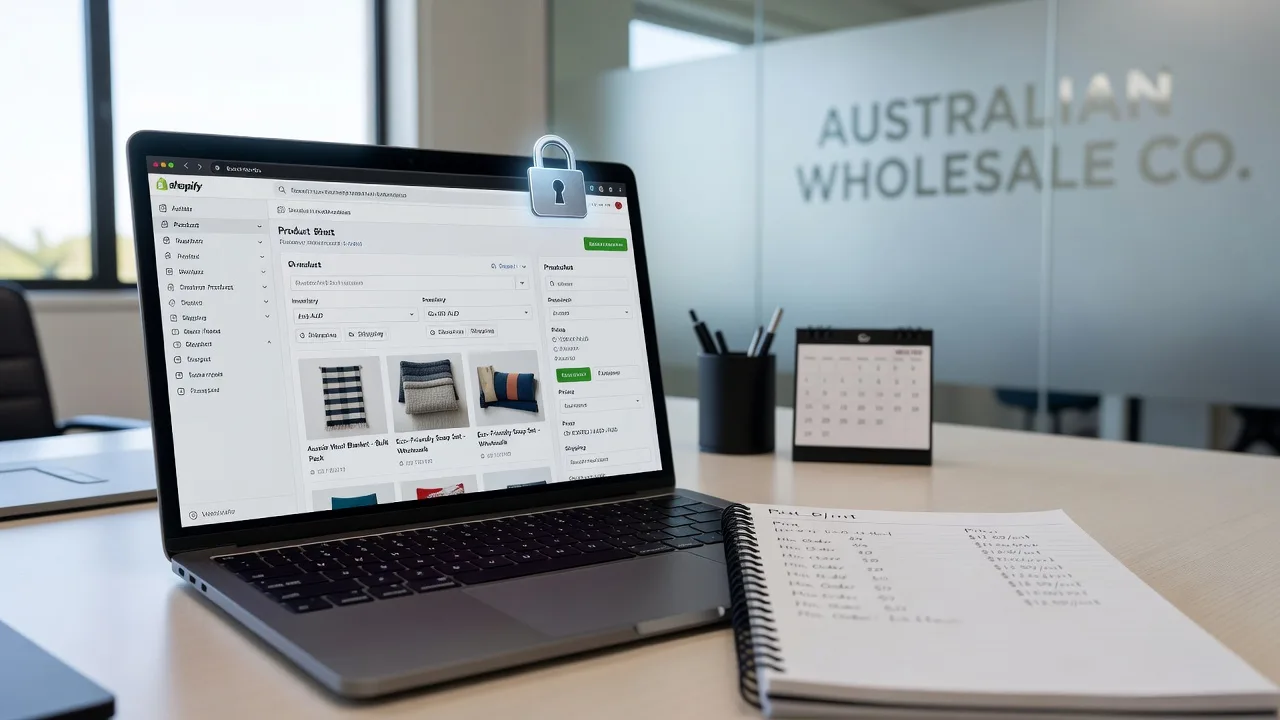
If you run wholesale or trade supply in Australia and someone suggested a cheap Shopify template for B2B, you are right to pause. Public storefront themes are built for retail browsing. Trade buyers need login-gated catalogues, hidden list prices, and customer-specific tiers—not a pretty homepage with everyone seeing the same dollar amounts.
This guide stays on that exact problem: when a low-cost theme is enough, when it leaks pricing, and how to move toward a locked portal with tier pricing. Fixwebnode works directly with individuals, sole traders, and local operators on Shopify support across Australia—on-site where useful, remote when the admin work can be done securely from your laptop.
Why a cheap Shopify template fails wholesale B2B
Retail themes optimise for discovery, cart urgency, and open pricing. Wholesale needs the opposite: approved accounts only, net terms or trade checkout rules, quantity breaks, and prices that change by customer tag or company. Bolt a free or bargain theme onto a B2B model and you usually get a shop that looks finished while trade terms sit in plain sight—or break the moment a guest lands on a collection page.
For Australian operators, GST display, invoice-style checkout expectations, and protecting dealer margins against end-customer Googling all matter. Fixing the theme skin does not fix the access model.
Can we use a cheap Shopify template for wholesale B2B in Australia?
You can publish one, but trade clients will often see the same public prices as retail visitors unless accounts, catalogues, and price lists are locked down properly. A custom locked portal with tier pricing is the practical path when margins, dealer exclusivity, or negotiated rates must stay private. Use the checks below before you invest more time in a retail theme.
| Symptom | Quick check | When to book Fixwebnode |
|---|---|---|
| Guests see wholesale $ amounts | Incognito visit to product and collection URLs | Theme still exposes price after app toggles |
| Every logged-in buyer pays the same | Compare two test accounts on one SKU | Tags, price lists, or B2B catalogue rules conflict |
| Login wall easy to bypass | Direct links, search, and sitemap hits | Need a coherent portal, not another patch app |
Common issues with cheap templates on wholesale stores
These problems show up repeatedly when Australian trade businesses try to stretch a retail theme into B2B.
1. Public prices visible to anyone with a link
Symptoms: Incognito browsers show dollar amounts on products, collections, or “from” price ranges. Trade customers forward a URL and non-approved buyers quote your wholesale rate. Google or marketplace scrapers pick up figures you never meant to publish.
2. Account gate exists on paper but not on every route
Symptoms: Homepage asks for login, yet collection handles, search results, predictive search, or old discount links still render full catalogues. Mobile theme sections differ from desktop and leak product grids. Password or “wholesale” landing pages feel secure while Shopify’s native product URLs stay open.
3. Tier pricing collapses to one price for all logged-in users
Symptoms: Gold and silver trade accounts see identical prices. Quantity breaks ignore customer tags. A B2B or wholesale app is installed, but the theme hard-codes price instead of the app’s tier or catalogue price. Draft orders look correct in admin while the live storefront does not.
4. Checkout and tax messaging confuses Australian trade buyers
Symptoms: GST-inclusive retail copy appears on wholesale SKUs. Shipping scripts treat pallet trade orders like single-parcel D2C. Buyers cannot see that net terms or minimum order rules apply until after cart frustration.
5. Theme updates wipe liquid locks and app blocks
Symptoms: After a “one-click” theme upgrade, price hiding, login snippets, or custom CSS gates disappear. Duplicate unpublished themes drift out of sync. Staff edit the live theme without a staged copy.
How to fix each issue (DIY first)
Fix 1 — Stop public wholesale prices leaking
Goal: confirm what a stranger actually sees, then close the obvious holes before redesigning the whole site.
- Open a private/incognito window (signed out of Shopify and your store account).
- Visit your homepage, a top collection, a best-seller product, and any “wholesale” page your team shared by email.
- Note every place a price, compare-at price, or unit rate appears—including JSON-LD rich snippets if you view page source and search for price.
- In Shopify admin, review Online Store → Themes and any wholesale/B2B/hide-price apps. Disable guest pricing only if your plan and apps support true catalogue rules—not merely CSS display:none.
- Create a unpublished duplicate theme. On the copy, remove price output from product cards and product templates for non-approved customers, or restrict those templates to logged-in tags your trade group uses.
- Re-test incognito. If prices still show, the leak is likely an app block, section, search app, or feed—not just the main product liquid.
When to call Fixwebnode: Prices still appear after theme and app toggles, or you need catalogue-level hiding tied to company accounts rather than fragile CSS. Book direct Shopify support via website repair for Australian operators and bring admin access on the laptop you use for the store.
Fix 2 — Make the locked portal actually locked
Goal: every meaningful merchandising route requires an approved session.
- List entry points: collections, products, search, blogs used as catalogues, and QR codes on trade price lists.
- For each, test signed-out access and a rejected (pending) customer account if you use manual approval.
- In customer settings, require approval for new accounts if that matches your trade onboarding.
- Assign a clear customer tag (for example trade_approved) only after you verify ABN or account terms offline—process first, automation second.
- Ensure navigation, filters, and “featured collection” sections on the theme do not render product grids to guests. Prefer redirect-to-login or a neutral landing state over empty broken layouts.
- Check sitemap and Google Search Console (if used) for product URLs ranking publicly; request changes only after access rules are real, or you will keep leaking indexed pages.
When to call Fixwebnode: Multiple apps fight over login redirects, or you need a coherent wholesale portal UX (application form, pending state, approved catalogue) instead of stacked theme hacks. On-site sessions help when several staff devices still hold old bookmarks and test accounts.
Fix 3 — Get tier pricing working per trade customer
Goal: two approved buyers can see two different valid prices on the same SKU, including quantity breaks where you offer them.
- Create two test customers with different tags or company price lists (for example tier_a and tier_b).
- Assign known percentage or fixed list prices in your B2B / wholesale pricing tool or Shopify’s native B2B catalogues if your plan supports them.
- Log in as each test user (separate browsers or profiles) and open the same product.
- Add quantities that should trigger breaks; confirm cart line prices, not only the product page hero price.
- If both users match retail or match each other, inspect whether the theme prints the standard price object instead of the app’s wholesale price. Theme editors that re-add default price blocks after customisation are a frequent culprit.
- Document the winning configuration on paper: which tag, which price list, which theme template. Publish only after both test buyers pass.
When to call Fixwebnode: Admin price lists look correct but the live theme ignores them, or you are mixing legacy wholesale apps with newer Shopify B2B features and need a clean architecture—not another overlapping subscription.
Fix 4 — Align checkout copy and tax presentation for Australian trade
Goal: reduce cart abandonment caused by retail messaging on wholesale flows.
- Review product descriptions and theme text for “RRP”, “sale”, and inclusive pricing language that does not match how you quote trade.
- Check tax settings and whether prices are shown tax-inclusive consistently with your invoices.
- Set minimum order quantities or order limits in admin/apps where available; test that the storefront enforces them before payment.
- For shipping, separate retail parcel rates from trade freight rules if you use profiles or scripts your plan allows—do not leave one flat consumer rate on pallet SKUs.
- Place plain-English notes on the wholesale landing and cart for account terms (payment method expectations, cut-off times) without publishing confidential rate cards.
When to call Fixwebnode: Freight, GST presentation, and tier prices interact badly at checkout, or you need theme-level cart validation beyond what your current apps expose.
Fix 5 — Protect locks across theme updates
Goal: never discover on Monday that Sunday’s theme upgrade restored public prices.
- Always duplicate the live theme before updating or installing a new bargain template.
- Keep a short written checklist: login gate, price hide, tier display, wholesale nav, checkout notes.
- Apply updates on the copy; run the incognito and two-account tests again.
- Only then publish. Avoid editing live liquid “quickly” without the duplicate safety net.
- Export or screenshot critical custom sections so you can restore behaviour if a preset theme rewrite drops app blocks.
When to call Fixwebnode: You need a stable customised theme or headless-leaning portal pattern maintained as a specialist build, including staged releases when your team is not liquid-fluent.
What to prepare for local or on-site Shopify help
When DIY checks stall, treat the session like a structured storefront inspection—not a generic “make it pretty” visit. Have the primary laptop or desktop you use for Shopify admin ready, with owner or staff access that can reach Themes, Customers, apps, and checkout settings. Note which phones or tablets staff use for order checks so login and theme issues can be verified on real devices.
Back up what you can before major theme surgery: duplicate the live theme, export customer CSVs if you rely on tags, and screenshot current price lists. You do not need to travel with servers—Shopify is cloud-hosted—but you do need uninterrupted admin login, 2FA device access, and a clear list of which trade accounts must keep confidential rates. Soft scheduling applies across the Australia service area; timing depends on booking load rather than fixed travel promises.
When DIY is enough vs when to book Fixwebnode
DIY is enough when a single theme setting or one wholesale app toggle hides guest prices, your two test accounts already show correct tiers, and your only gap was a forgotten collection template. Stay on DIY if you are comfortable duplicating themes, tagging customers carefully, and re-testing after every change.
Book Fixwebnode when public prices keep surfacing through search, apps, or feeds; when tier pricing works in admin but not on the storefront; when login walls are partial; or when a cheap template cannot express company-specific catalogues without breaking mobile checkout. Fixwebnode is a direct specialist provider for this Shopify support work—not a freelance marketplace—so you speak with the people doing the build and repair.
Coverage and how service areas are organised are summarised on the all service areas hub and the Australia page above. Use those only to confirm geography; the technical decision remains the same everywhere: retail template versus locked portal with real tier pricing.
Talk through your wholesale portal next steps
If trade clients can already see numbers they should not, pause further spend on decorative theme features and fix access and price lists first. Bring your symptoms (incognito screenshots, two test accounts, which apps you installed) and we can map whether a hardened configuration is enough or whether a custom locked portal is the safer path for your B2B margins.
Start a conversation or booking for Shopify support through Fixwebnode’s website repair service for individuals, sole traders, and local operators in Australia. Come prepared with admin access and a backup theme copy; we will stay on the wholesale pricing and portal problem—not a generic redesign pitch.