Multi-Vendor & Complex SaaS Marketplaces
 Modern Headless & Jamstack Web Development
 High-End Corporate & Specialized Business Websites
 Advanced API, Checkout & Database Troubleshooting
WooCommerce Automated Daily Backups & Security Setup
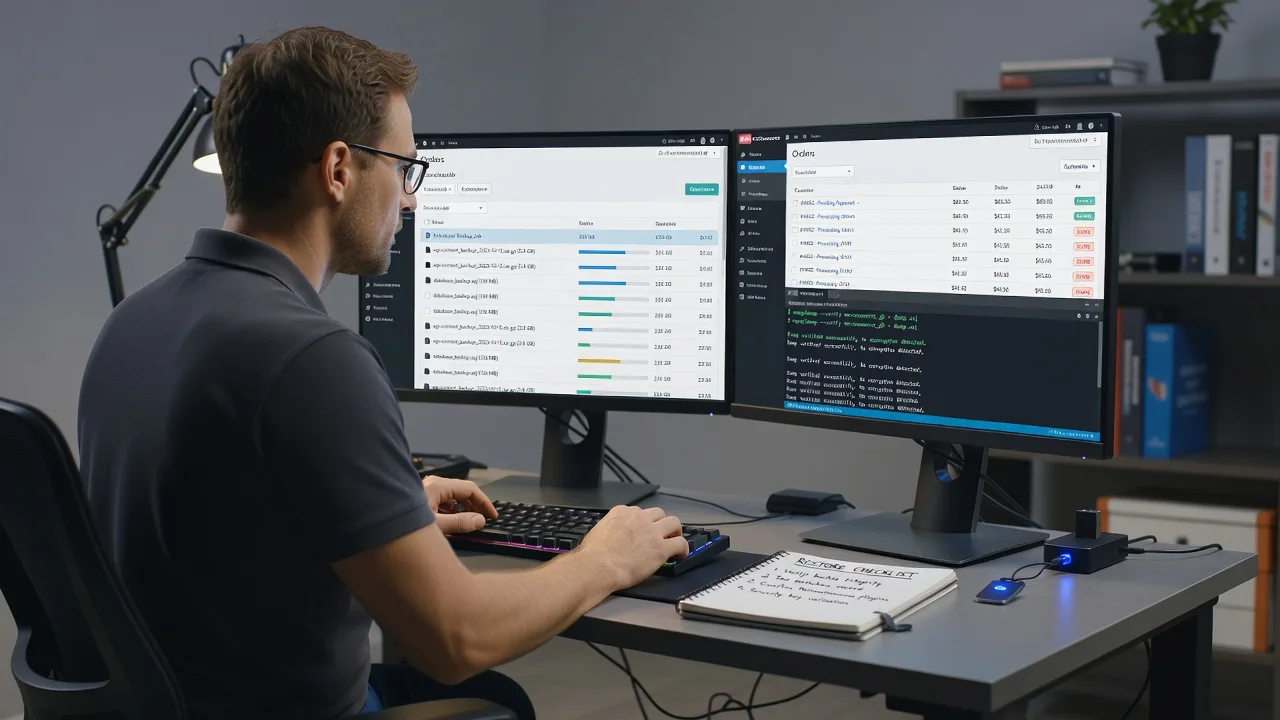
Automated daily backups and security hardening for WooCommerce stores—remote setup that keeps orders, stock, and customer data recoverable.
We configure verified off-site backups, login and plugin protections, and plain-English recovery checks so high-street retailers, warehouse-fulfilment brands, and seasonal campaign shops stay online when updates or attacks hit. Technical depth with clear handoff notes for your team.
Power up your support experience—chat with us or go to fixwebnode.com.au/contact-support to book a fixed-scope backup and security setup.
- Daily automated backups with restore tested
- Security baseline for WooCommerce + hosting
- Direct provider—no freelancers or bidding
About this service
We set up automated daily backups and practical security controls for WooCommerce so your catalogue, orders, and customer records can be restored fast—not guessed at after a crash or hack. Ideal for busy store owners who need a direct technical provider, not a pile of plugin settings left half-finished.
What You'll Get
- Automated daily full-site backups - Files, database, and media on a reliable schedule with retention you can actually use.
- Off-site or separate-destination copies - Backups that do not live only on the same disk as the live store.
- WooCommerce-aware security baseline - Hardened admin access, sensible firewall/WAF rules where available, and plugin/theme hygiene.
- One verified restore test - We prove a backup can come back before we call the job done.
- Malware and integrity checks - Scan and baseline so you know what "clean" looked like on handoff day.
- Plain-English runbook - Where backups live, how to request a restore, and what not to click after an incident.
Serving WooCommerce & surrounds
This service exists for real WooCommerce operations: high-street retailers running click-and-collect, warehouse and freight-season catalogues that spike overnight, and café-strip or market brands whose peak weekends leave no time for manual exports. We work remote-first across metro and regional Australian stores, with the same care whether you ship from a CBD loft stockroom or a suburban industrial unit. When it helps, we coordinate with hosts used by stores around areas such as Parramatta retail corridors or Brisbane inner-south fulfilment pockets—without forcing a one-size national template onto your stack.
- High-street and click-and-collect shops that cannot afford a blank cart on Saturday morning
- Warehouse and freight-season catalogues with large media libraries and nightly order volume
- Fully remote setup and verification; optional screen-share walkthrough for your staff or bookkeeper
How We Work
- Step 1: Reach Out - Tell us your host, WooCommerce version, approximate catalogue size, and whether you have ever restored a backup successfully. We listen first.
- Step 2: Tailored Plan - Fixed-scope quote: Basic daily backup path, Standard backup plus security baseline, or Premium with deeper hardening and monitoring hooks.
- Step 3: We Deliver - Remote configuration of backup jobs, destinations, security controls, and a controlled restore test on a safe target.
- Step 4: Confirm & Follow-up - Handoff notes in plain English, optional maintenance window, and clear next steps if something fails overnight.
Common Issues & How to Fix Them
These are patterns we see constantly on live WooCommerce stacks—symptoms, causes, and safe first checks before you pay for emergency recovery.
Daily backup job "succeeds" but the archive is empty or tiny
Hosts and plugins often mark a job green when only a partial dump ran—common after disk quotas, open_basedir limits, or wp-content paths excluded by default.
- Step 1: Open the latest backup file size and modified time; anything under a few MB on a real store is suspicious. Note the log line for database vs files.
- Step 2: Confirm the job includes both the database and wp-content (uploads especially). Raise PHP/timeouts or switch to a host-level or incremental tool if the plugin times out mid-run.
- Step 3: Download one archive, extract it offline, and confirm you see SQL (or DB dump) plus an uploads folder with recent product images—not just a near-empty zip.
Checkout or admin slows after "security" plugins stack up
Overlapping firewall, captcha, and scanner plugins fight each other, cache-bust every cart request, and lock out legitimate payment callbacks—especially on shared hosting.
- Step 1: List active security-related plugins and note duplicates (two firewalls, two login limiters). Check WooCommerce → Status → Logs around failed checkouts.
- Step 2: Disable one layer at a time on a staging copy; keep a single firewall/WAF path, rate-limit wp-login and xmlrpc, and whitelist payment gateway IPs or webhooks.
- Step 3: Re-test add-to-cart, checkout, and a test order; confirm TTFB and admin load return toward baseline and no new 403s hit gateway callbacks.
After a plugin update the store whitescreens and the only backup is last week
Many shops back up weekly or only pre-major redesigns, so a bad update leaves you choosing between lost orders and a painful manual rebuild.
- Step 1: Via host panel or SFTP, rename the last-updated plugin folder (add.off) to regain admin if possible; do not keep refreshing checkout.
- Step 2: Identify the newest complete backup from before the update window; restore to staging first if your host allows, then cut over—or restore live only if you accept overwriting newer orders.
- Step 3: After restore, place a short maintenance note, re-run a full backup immediately, then update plugins one at a time with a fresh backup between high-risk changes.
When DIY is not enough (urgent, unsafe, recurring, or burning time), book Fixwebnode for direct professional support—no freelancers, bidding, or marketplace noise.
Expert Insights
Good backup design for WooCommerce means restore time objectives, not just a green checkbox: we size retention to cover "bad plugin from Friday discovered Monday," keep at least one copy off the production volume, and treat wp-content/uploads as first-class data because product galleries dominate restore size. Bad setups we replace constantly: backups written only to wp-content/backups (first path malware encrypts), infinite retention filling the disk until the site dies mid-sale, and "database only" jobs that leave you with orders but no images. On security, we prefer host or edge WAF rules plus disciplined admin MFA and least-privilege users over five overlapping WordPress security suites. After handoff we want you able to answer three questions cold: where is last night's backup, how do we restore it, and who has admin.
Why Choose Fixwebnode
We are a direct provider for remote WooCommerce infrastructure—backup architecture, security baselines, and patient explanations your non-technical partner can follow. You work with us, not a bid board.
- ✓ Restore-tested backups, not set-and-forget plugin installs
- ✓ Security choices that protect checkout paths instead of breaking them
- ✓ Fixed scopes in AUD with clear Basic / Standard / Premium deliverables
Tools & Technologies
WordPress & WooCommerce admin; host backup panels (cPanel, Plesk, managed WP hosts); UpdraftPlus, BlogVault-class or host incremental agents where appropriate; WP-CLI; phpMyAdmin or CLI mysqldump; SFTP; Cloudflare or host WAF; fail2ban/SSH hardening on VPS; malware scanners; staging clones; MFA and application passwords for least-privilege access.
Perfect For
WooCommerce store owners, small retail brands, and operations teams who need daily automated backups and a sane security baseline without babysitting plugins. Suits high-street click-and-collect, industrial-unit fulfilment, and seasonal campaign shops that sell online across Australia and need remote, accountable setup with human-clear documentation.
Ready when you are—start via fixwebnode.com.au/contact-support and we will map the right package to your store size and host.
Choose a package
Remote setup of automated daily WooCommerce backups with one destination and a documented schedule.
Daily backups to a separate destination plus WooCommerce security baseline and one restore verification.
Full backup architecture, deeper security hardening, malware/integrity baseline, and extended support window.
FAQ
This service is delivered remotely for WooCommerce on any host we can access securely. That covers metro and regional Australian stores equally—no travel fee, and we coordinate by chat or screen-share so your team sees the backup destination and restore steps live.
We schedule heavy jobs outside your peak windows and prefer incremental or host-level methods when catalogues are large. During setup we check resource limits so nightly runs do not collide with flash sales or freight cut-off spikes.
Temporary admin or host access, your preferred backup destination (or we advise one), approximate media library size, and any existing security plugins. We use least privilege, document changes, and revoke standing access on handoff unless you request ongoing maintenance.
No. Fixwebnode is the direct provider. We configure, test, and support the work ourselves under fixed package scopes in AUD—no bidding, escrow contests, or multi-seller handoffs.