Multi-Vendor & Complex SaaS Marketplaces
 Modern Headless & Jamstack Web Development
 High-End Corporate & Specialized Business Websites
 Advanced API, Checkout & Database Troubleshooting
Fix WordPress Database Connection Error — Remote Worldwide
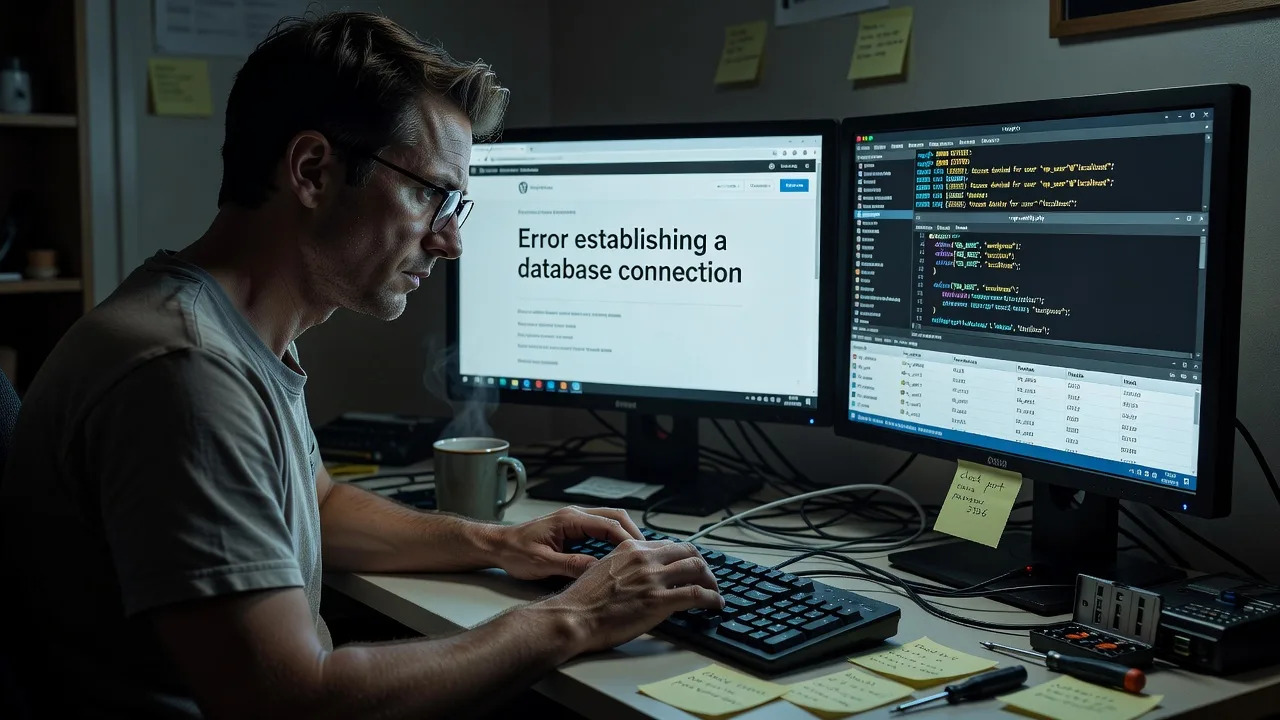
Get your WordPress site back online fast when "Error establishing a database connection" hits — remote recovery worldwide.
We diagnose wp-config credentials, MySQL/MariaDB service health, table corruption, and host resource limits, then restore a stable connection without marketplace handoffs. Ideal for content-heavy publishers, membership sites, and WooCommerce stores that cannot afford multi-hour outages.
Need urgency? Chat with us or go to fixwebnode.com.au/contact-support to power up your support experience and book direct remote repair.
- Root-cause DB connectivity fix
- Config, service & privilege checks
- Post-fix verification & hardening notes
About this service
Restore a live WordPress database connection remotely when your site shows Error establishing a database connection — so publishers, clinics, and product stores stop losing traffic and checkout revenue.
What You'll Get
- Full connection-path diagnosis - We trace DNS/host, MySQL socket or TCP, credentials, and privilege grants until the exact break is proven.
- Safe wp-config & DB credential repair - Correct DB_NAME, DB_USER, DB_PASSWORD, DB_HOST (including socket paths and non-default ports) without guesswork rewrites.
- Database service recovery - Restart/health checks for MySQL or MariaDB, max_connections pressure, disk-full failures, and crashed InnoDB tables where access allows.
- Corruption & repair assessment - Identify damaged tables, runaway autoload options, and failed migrations that look like "connection" errors but are deeper storage issues.
- Staging-safe verification - Confirm wp-admin, front-end, and cron reach the DB before we close the job.
- Hardening handoff - Plain-English notes on backups, least-privilege DB users, and monitoring so the outage does not repeat next deploy.
Serving Remote & surrounds
This service is delivered remotely worldwide for teams that run WordPress on shared hosting, VPS, or managed cloud. Demand spikes after plugin bulk-updates, host migrations, certificate or PHP upgrades, and end-of-month campaign launches when checkout and lead forms must stay up. We work across time zones with secure shell, panel, or host-ticket access — on-site only where practical for co-located infrastructure.
- Content and membership publishers who see white-screen outages after editor plugins update overnight
- WooCommerce and booking sites during sale or enrolment windows when DB connection errors kill conversion
- Agency and in-house stacks needing remote SSH/panel access rather than waiting on generic host chat scripts
How We Work
- Step 1: Reach Out - Tell us the exact error text, host type (cPanel, Plesk, Cloudways, AWS/Lightsail, custom VPS), when it started, and whether wp-admin still loads partially. We listen first and confirm access paths.
- Step 2: Tailored Plan - You get a fixed-scope quote for diagnosis-only, single-site restore, or multi-environment (prod + staging) recovery — no bidding loops.
- Step 3: We Deliver - Remote infrastructure work: logs, MySQL status, credential proof, table checks, and connection restore with change notes you can keep.
- Step 4: Confirm & Follow-up - You verify front-end and admin with us; optional short stability window or maintenance add-on if you want ongoing DB health checks.
Common Issues & How to Fix Them
These are the patterns we see repeatedly on real WordPress stacks — try the safe DIY path first, then escalate when the site is revenue-critical or access is limited.
Wrong DB_HOST after a host move (localhost vs 127.0.0.1 vs socket)
The site dies right after a migration or PHP version change even though the database exists and the password is correct — classic symptom when the host expects a socket path or remote DB hostname and wp-config still says localhost.
- Step 1: In hosting panel or SSH, note the official MySQL hostname (often localhost, 127.0.0.1, an internal IP, or a socket like /var/run/mysqld/mysqld.sock). Do not invent values from old docs.
- Step 2: Update only DB_HOST in wp-config.php to the host-documented value; keep DB_NAME/USER/PASSWORD unchanged unless the panel shows new credentials. Take a file copy first.
- Step 3: Reload the site and wp-admin in a private window. If it still fails, test mysql -h HOST -u USER -p from SSH; success in CLI but failure in PHP usually means PHP is pointing at a different socket — match that path next.
MySQL service down or max_connections exhausted under traffic
Intermittent or total connection errors with high CPU/RAM on the DB node, especially on shared or small VPS plans during campaigns — visitors see the error while SSH still works.
- Step 1: Check service status (systemctl status mysql or mariadb, or panel "MySQL status"). Note disk free space; a full disk often prevents InnoDB from starting cleanly.
- Step 2: If the service is stopped and disk is healthy, restart MySQL once. If it is running, review processlist for stuck queries and temporarily reduce heavy plugins/cron; raise max_connections only after confirming RAM headroom.
- Step 3: Confirm WordPress loads under load (homepage + cart/login). Watch error logs for "Too many connections" — if it returns within minutes, you need connection pooling, query cleanup, or a larger DB tier, not another blind restart.
DB user privileges revoked or password rotated by the host
Everything worked yesterday; today only this site fails after a security email, forced password rotation, or a new database user created in the panel while wp-config still holds the old secret.
- Step 1: Open the hosting database UI and confirm the exact username, database name, and that the user is attached to that database with ALL PRIVILEGES (or at least the WordPress-required grants).
- Step 2: Reset the DB user password in the panel, then set the identical string in DB_PASSWORD inside wp-config.php. Avoid smart quotes or trailing spaces when pasting.
- Step 3: Save, purge any server cache if present, and reload. Optional: from SSH run a simple SELECT with those credentials; failure here means panel grants are still wrong before WordPress is even involved.
When DIY is not enough (urgent, unsafe, recurring, or burning time), book Fixwebnode for direct professional support—no freelancers, bidding, or marketplace noise.
Why Choose Fixwebnode
We are a direct technical provider focused on WordPress infrastructure recovery — not a bid board. You work with specialists who treat database connection failures as systems problems (credentials, sockets, storage, privileges, and traffic shape), then explain outcomes in plain language so your team can stay online after we leave.
- ✓ Remote-first MySQL/MariaDB and WordPress stack experience across shared, VPS, and managed hosts
- ✓ Fixed-scope packages with clear deliverables instead of open-ended hourly ambiguity
- ✓ Empathetic handoff for non-technical owners paired with deep Tier-1 infrastructure authority
Tools & Technologies
WordPress wp-config.php, WP-CLI where available, MySQL/MariaDB client, phpMyAdmin or Adminer, slow/error logs, systemd/service status, InnoDB table status and REPAIR/ANALYZE where safe, hosting panels (cPanel, Plesk, custom), SSH, New Relic/Query Monitor patterns for connection spikes, and structured change notes for your internal runbooks.
Perfect For
Remote site owners, digital agencies, clinic and education WordPress installs, and small-business WooCommerce operators who need the database connection restored correctly the first time. If your outage started after a migration, plugin wave, or host password policy change and generic "reset password" tips did not stick, this service is built for that exact failure mode.
Expert Insights
After hundreds of "Error establishing a database connection" recoveries, the failure is rarely "WordPress is broken" in the abstract. The highest-signal first pass is a three-lane matrix: (1) credential truth vs panel truth, (2) reachability (TCP/socket/firewall), (3) server capacity (disk, InnoDB crash recovery, connection ceiling). Teams that only edit wp-config in a loop miss crashed tables that still accept a TCP handshake but reject queries mid-bootstrap.
- Autoload bloat false positives: A site can throw connection errors under memory pressure when autoloaded options exceed what the PHP worker can hold while opening DB handles. Measuring autoload size (SUM of autoload=yes in wp_options) often explains "random" connection drops better than another password reset.
- 127.0.0.1 vs localhost trap: On many Linux hosts, localhost forces a Unix socket while 127.0.0.1 forces TCP. PHP and CLI can disagree after a container or cagefs change. Proving both paths with the same user is faster than rotating secrets twice.
- Read-only replica / split DB_HOST mistakes: Advanced stacks that point writes at a replica or stale internal hostname after failover produce connection errors only on wp-admin POST. Always test login, plugin install, and a product update — not just the homepage HTML.
- Privilege minimalism gone wrong: Locking a DB user to SELECT-only "for security" after a malware scare recreates this error on every write. Grant the standard WordPress set, then harden at the network and file layer instead of starving the app user.
Ready to restore service? Start a chat or visit fixwebnode.com.au/contact-support and we will map the fastest safe path back online.
Choose a package
Remote diagnosis and single-site WordPress database connection restore for a straightforward credential or DB_HOST fault.
Full remote recovery including MySQL/MariaDB health checks, privilege repair, and post-fix hardening notes for one production site.
Priority multi-environment recovery (prod + staging) with deeper query/connection analysis, stability window, and written runbook.
FAQ
Yes. This is a remote infrastructure service. With secure SSH, hosting panel, or coordinated host access we diagnose and restore the database connection from anywhere. On-site attendance is only discussed when you control co-located hardware and remote paths are blocked.
Typically wp-config file access (SFTP/SSH or file manager), database panel or MySQL credentials capability, and permission to view error logs. We never ask you to post passwords in public tickets; we use a secure channel and rotate anything that must be shared temporarily.
We deliver the work ourselves as Fixwebnode — fixed scopes, WordPress-aware checks (autoload pressure, socket vs TCP, privilege grants, InnoDB health), and a verified admin/front-end pass. You are not collecting freelancers bids or waiting on scripted first-line replies that only reset the same password twice.