Multi-Vendor & Complex SaaS Marketplaces
 Modern Headless & Jamstack Web Development
 High-End Corporate & Specialized Business Websites
 Advanced API, Checkout & Database Troubleshooting
Fix WordPress Critical Error & White Screen | Remote
Get your WordPress site back online fast—remote critical-error and white-screen recovery worldwide.
We diagnose fatal PHP errors, plugin clashes, theme breaks, and memory crashes that blank the front end or wp-admin, then restore a stable site with a clear fix report. Ideal for ecommerce, membership, and clinic booking sites that cannot stay dark during campaigns or patient hours.
Need help now? Chat with us or go to fixwebnode.com.au/contact-support to power up your support experience.
- Direct provider—no bidding or marketplace delays
- Safe staging checks before live changes
- Remote delivery worldwide; on-site where practical
About this service
When WordPress shows a critical error or a blank white screen, we restore access quickly with remote diagnostics, safe rollbacks, and a documented root-cause fix—not guesswork.
What You'll Get
- Live-site triage - Rapid check of front end, wp-admin, and error logs so we know whether it is a fatal PHP error, timeout, or total white screen.
- Root-cause isolation - Plugin, theme, PHP version, memory limit, and core-file conflict testing without endless trial-and-error on production.
- Safe recovery path - Disable-and-reenable strategy, wp-config and.htaccess corrections, and recovery-mode guidance when WordPress offers it.
- Post-fix hardening notes - What broke, what we changed, and simple steps so the same crash is less likely after the next plugin update.
- Staging or backup advice - Practical backup/restore checks before risky updates, especially for WooCommerce and membership stacks.
- Plain-English handoff - You get a short written summary you can share with your team or host—no jargon wall.
Serving Remote & surrounds
This is a remote-first recovery service for WordPress sites that must stay online for customers, patients, students, or internal teams anywhere in the world. Demand spikes when major plugin or PHP upgrades roll out, during sale seasons for online stores, and when clinics push booking or telehealth plugins live under time pressure.
- Ecommerce and DTC brands hitting critical errors after checkout or cache plugin updates mid-campaign
- Membership, course, and LMS sites blanking after theme or LMS plugin conflicts before cohort launches
- Fully remote delivery worldwide via secure access; on-site support only where practical and agreed
How We Work
- Step 1: Reach Out - Tell us what you see (critical error message, pure white screen, or admin-only failure), when it started, and any recent updates or host changes. We listen first.
- Step 2: Tailored Plan - Fixed-scope quote for triage and recovery based on single-site vs multi-plugin stack complexity—clear inclusions, no open-ended bidding.
- Step 3: We Deliver - Secure remote access, log review, controlled disable/retest cycles, and live restoration with minimal downtime where possible.
- Step 4: Confirm & Follow-up - You verify front end and admin with us; we leave notes, optional maintenance path, and next-update hygiene tips.
Common Issues & How to Fix Them
These are patterns we see constantly on real client stacks—use the DIY steps only if you already have a full backup and can tolerate brief downtime.
Critical error after a plugin or core update (admin or front end blocked)
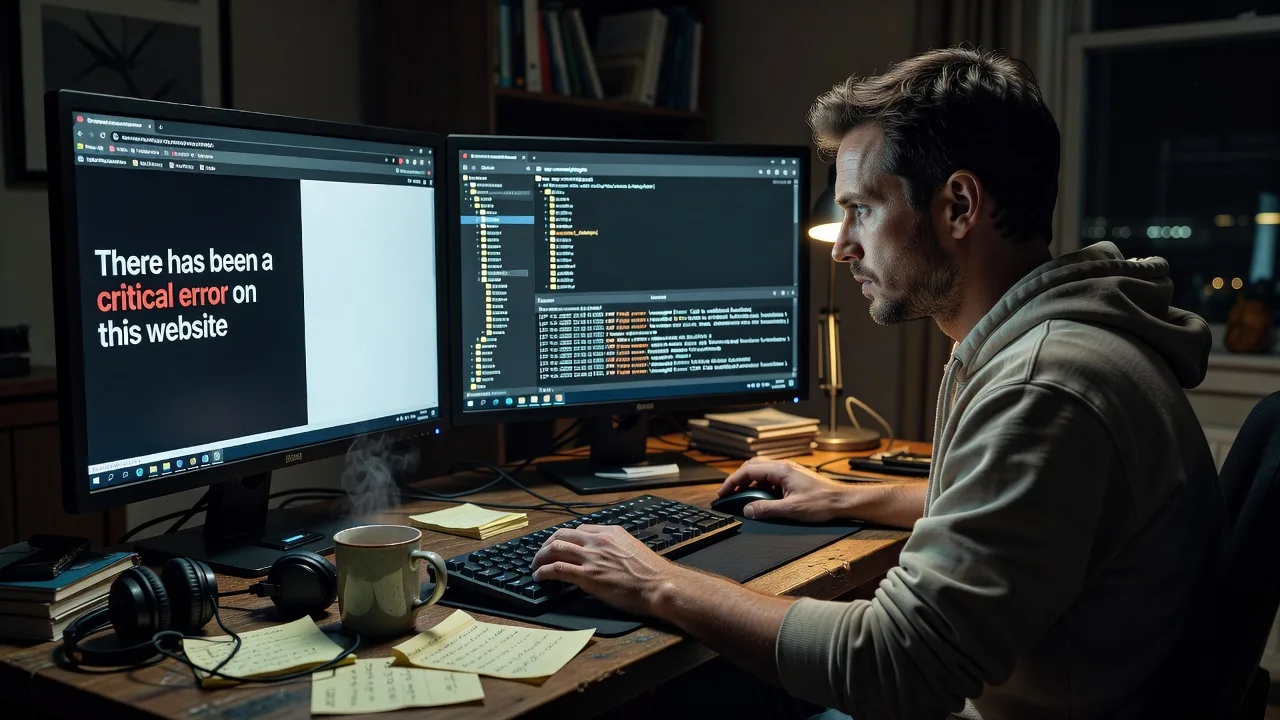
WordPress often surfaces "There has been a critical error on this website" when a plugin throws a fatal after an automatic or bulk update—common on WooCommerce, page builders, and security suites.
- Step 1: Check the recovery email WordPress may have sent; open the recovery-mode link if present, or access hosting file manager / SFTP without logging into wp-admin.
- Step 2: Rename the newest plugin folder under wp-content/plugins (add -off to the folder name) one at a time, starting with the last updated plugin; leave other plugins alone until you identify the culprit.
- Step 3: Reload the site and wp-admin; if it returns, re-enable plugins one by one and stop on the one that recreates the fatal—then roll that plugin back or replace it before bulk-updating again.
White Screen of Death with no message (blank page, sometimes only on one template)
A pure white screen usually means PHP fatal or exhausted memory with display_errors off—theme functions.php edits, page-builder CSS/JS collisions, and low memory limits are frequent triggers on content-heavy sites.
- Step 1: Via SFTP or file manager, temporarily rename the active theme folder so WordPress falls back to a default theme (or switch theme from the database only if you know that path well).
- Step 2: If the site reappears, the theme (or a child-theme functions.php change) is implicated; restore the theme and comment out recent custom code blocks rather than deleting blindly.
- Step 3: Confirm both home and a secondary page load; then raise PHP memory in wp-config only if your host allows it (e.g. define memory limit carefully) and retest under the same URL that previously failed.
Site works on front end but wp-admin white-screens or loops after login
Admin-only failures often come from security, caching, or admin-asset plugins conflicting with a new PHP version—or from a corrupted must-use plugin / object-cache drop-in left behind after a host migration.
- Step 1: Using file access, rename wp-content/mu-plugins and delete or rename object-cache.php in wp-content if present (keep a copy); clear any host-level cache from the control panel.
- Step 2: Disable caching and security plugins by renaming their folders; attempt login again in a private browser window to avoid stale cookies.
- Step 3: When admin loads, re-enable plugins one at a time; check PHP error logs in the host panel for the exact fatal file/line and note it before the next update window.
When DIY is not enough (urgent, unsafe, recurring, or burning time), book Fixwebnode for direct professional support—no freelancers, bidding, or marketplace noise.
Why Choose Fixwebnode
We are a direct technical provider: the same specialists who administer servers and WordPress stacks also run your recovery. You get infrastructure-grade discipline with clear communication—ideal when a blank storefront or clinic site is costing real appointments and sales.
- ✓ Hands-on WordPress fatal and WSOD recovery across ecommerce, LMS, and booking stacks
- ✓ Remote-first worldwide delivery with secure access practices and written change notes
- ✓ Fixed package scopes so you know the path before work starts—no bid wars
Tools & Technologies
WordPress recovery mode, PHP error and debug logs, SFTP/SSH, hosting file managers, wp-cli where available, database checks for active_plugins and template options, Query Monitor patterns, object-cache and mu-plugin inspection, WooCommerce/LMS conflict isolation, and careful wp-config memory and debug toggles used only when appropriate.
Perfect For
Online stores, membership and course sites, professional services, and clinic or telehealth booking WordPress installs that went dark after an update, migration, or PHP bump. If you need the site live again with a clear explanation of what failed—and a direct team on the fix rather than a marketplace of strangers—this remote recovery service is built for you.
Ready to restore access? Chat with us or visit fixwebnode.com.au/contact-support and we will take it from triage to confirmed recovery.
Choose a package
Remote triage and recovery for a single WordPress site showing a critical error or white screen.
Full remote recovery plus root-cause notes and basic hardening for one production WordPress site.
Priority recovery for complex or high-traffic stacks, including deeper hardening and follow-up verification.
FAQ
Yes. This service is remote-first and available worldwide. We work through secure access you approve (SFTP, host panel, or temporary admin as needed), restore the site, and confirm with you. On-site help is only where practical and agreed in advance.
Usually hosting file manager or SFTP plus the ability to see error logs. wp-admin is often blocked during a critical error, so file-level access matters more than a working dashboard. We never ask you to share passwords in chat—we guide a secure path.
Fixwebnode is the direct provider. One accountable team handles triage, recovery, and the written handoff with fixed package scopes. You are not posting a job, comparing bids, or waiting on marketplace proposals while the site stays dark.
Basic recovers access and identifies the likely culprit. Standard and Premium include documented root cause and practical steps so the same plugin, theme, or PHP clash is less likely to blank the site after the next update window.