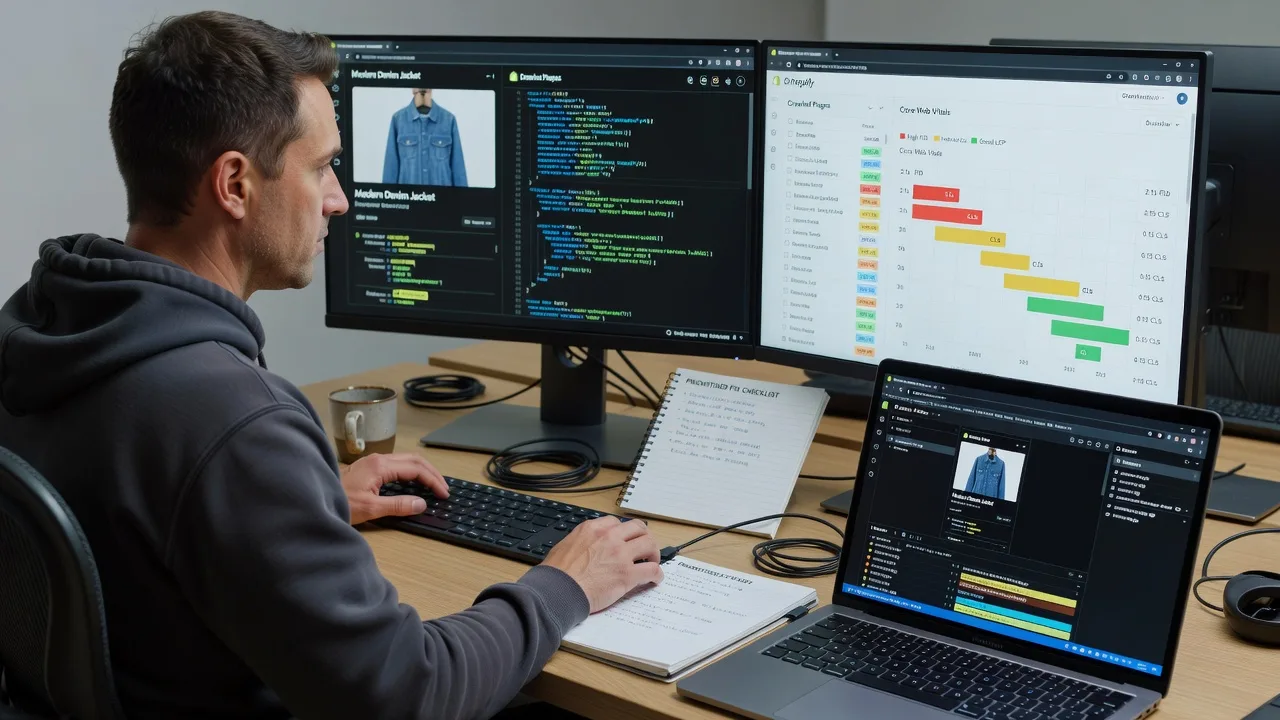
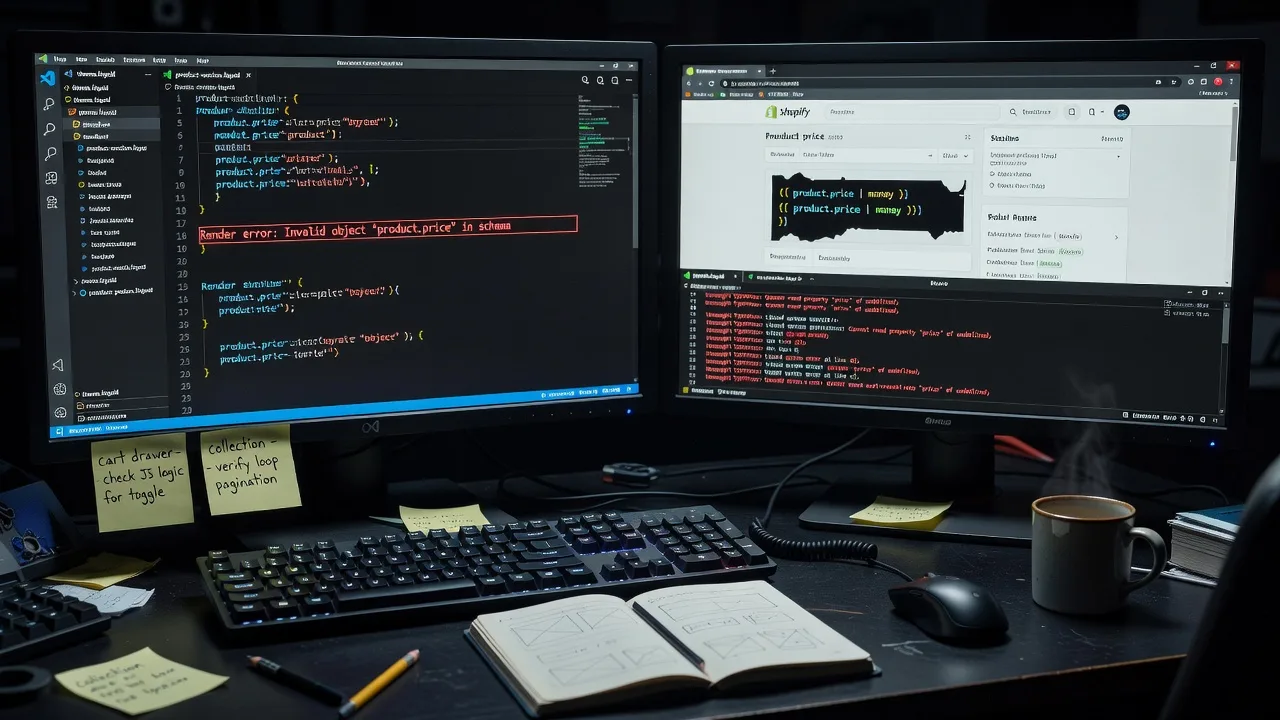
Multi-Vendor & Complex SaaS Marketplaces
 Modern Headless & Jamstack Web Development
 High-End Corporate & Specialized Business Websites
 Advanced API, Checkout & Database Troubleshooting
Shopify CRO UI Design for Camberwell, Victoria Stores
Lift Shopify conversion rates with CRO-led UI design built for Camberwell, Victoria retailers.
We redesign product pages, carts, and mobile flows so café-strip and high-street stores turn more browsers into buyers—without marketplace noise.
Power up your support: dial 0421498927 or visit fixwebnode.com.au/contact-support.
- Fixed-scope CRO UI packages
- Direct designer–developer handoff
- Patient walkthroughs for your team
About this service
Turn more Camberwell, Victoria Shopify traffic into orders with CRO-focused UI design that respects how local shoppers actually browse, compare, and buy. We deliver the interface work ourselves—clear hierarchy, faster paths to checkout, and mobile layouts that hold up on busy high-street days.
What You'll Get
- CRO UI audit of your live theme - Heatmap-informed review of PDP, collection, cart, and checkout friction with prioritised fixes.
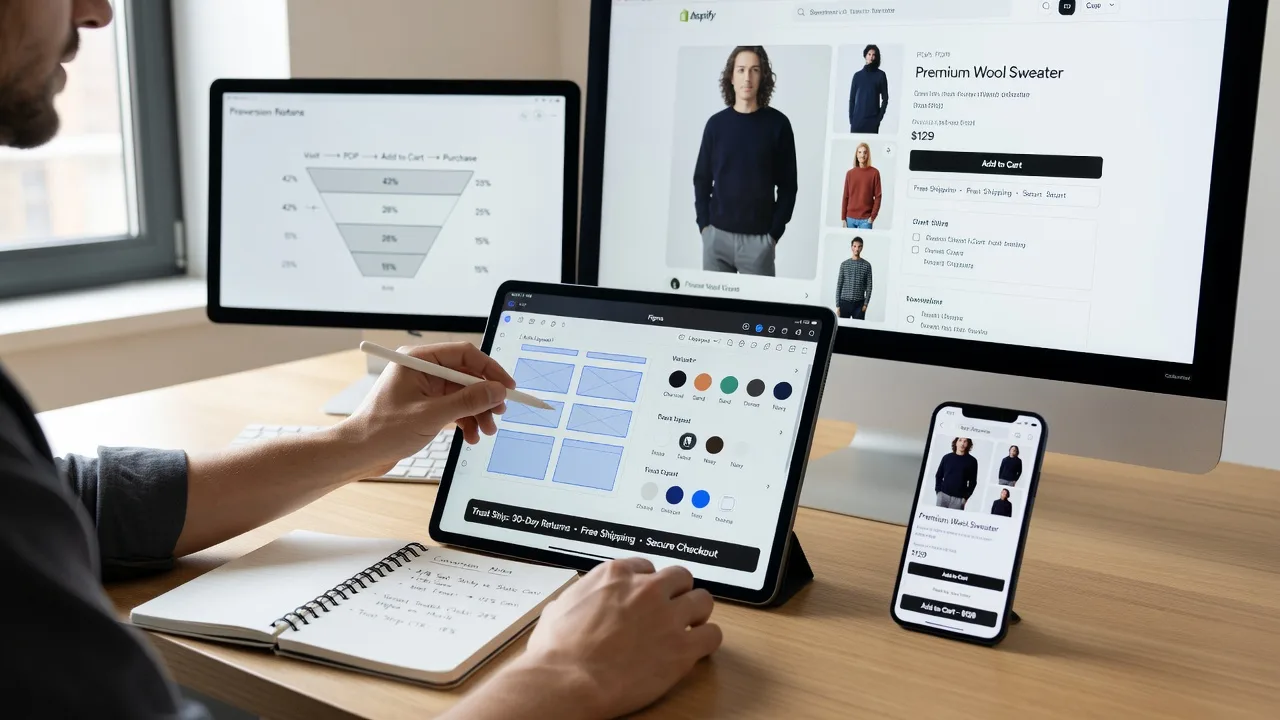
- High-fidelity Shopify UI mockups - Desktop and mobile frames for key templates, annotated for your developer or our build team.
- Conversion-led component system - Trust blocks, variant pickers, sticky ATC, and urgency patterns that match your brand—not generic apps.
- Mobile-first interaction polish - Thumb-zone CTAs, reduced scroll debt, and faster perceived load on product discovery paths.
- Handoff pack - Specs, asset export, and plain-English implementation notes so nothing gets lost between design and theme code.
- Optional team walkthrough - Patient session so staff in-store or remote know what changed and why it converts.
Serving Camberwell, Victoria & surrounds
Camberwell’s retail mix—Burke Road high-street fashion, homeware, and professional services—needs Shopify stores that feel premium yet frictionless. Weekend foot traffic and weekday online browsing both matter; your UI has to convert impulse mobile sessions and considered desktop research. We also support nearby operators in Hawthorn and Canterbury when their catalogues and brand standards sit in the same metro rhythm.
- High-street and arcade retailers competing with showroom visits who need clearer size, stock, and delivery cues online
- Boutique and clinic-adjacent brands selling giftables or care products where trust blocks and calm UI reduce bounce
- Remote-first design with optional scheduled on-site brand/review sessions across the Camberwell service area when access suits
How We Work
- Step 1: Reach Out - Share your Shopify URL, revenue goals, and pain points (cart abandon, weak mobile PDP, cluttered collections). We listen first—infrastructure or human support goals both welcome.
- Step 2: Tailored Plan - Fixed quote for CRO UI scope (audit-only through full template system) plus a clear support path if your team needs patient training on the new layout.
- Step 3: We Deliver - Research, wireframes where needed, polished UI, and developer-ready specs. Remote delivery is standard; we can join video reviews with your staff.
- Step 4: Confirm & Follow-up - Plain-English handoff, revision rounds per package, and optional post-launch check or next CRO sprint.
Expert Insights: What Most People Get Wrong
Based on 8+ years of Shopify CRO and UI work, here are the critical mistakes I see clients make—and how I fix them:
- Treating the theme customiser as design strategy - Merchants pile apps and sections until the PDP is a vertical junk drawer. I force a single primary action above the fold, then sequence secondary proof (reviews, shipping, materials) in a fixed visual rhythm so eye path and thumb path agree. On Camberwell gift and fashion PDPs, that often means collapsing three competing banners into one trust strip under ATC.
- Copying desktop hero energy onto mobile - Full-bleed lifestyle images that look premium on a monitor bury price, variants, and ATC below two full scrolls on a phone. I design mobile first: price + rating + primary variant + sticky ATC within the first viewport, then progressive lifestyle proof. Shortcut I use in Figma: a 390×844 frame with a locked 72px sticky footer ATC and 8pt spacing tokens so nothing “pretty” can push the buy path down.
- Variant UX that leaks confidence - Swatches without sold-out logic, size charts buried in tabs, and image galleries that don’t switch with colour choice create silent abandon. I wire variant state to gallery, inventory messaging, and size-guide drawers that open without losing scroll position—small interaction details that routinely recover 1–3% add-to-cart when inventory is tight before local event weekends.
- Measuring “pretty” instead of path completion - Clients celebrate a redesign while checkout step-1 still asks for account creation and shipping estimators sit below the fold. I map the critical path (collection filter → PDP → cart → shipping certainty) and only ship UI that shortens or clarifies those four beats. Immediate self-check: time a first-time mobile user from homepage to a shipping estimate; if it exceeds 90 seconds, hierarchy—not more branding—is the fix.
When you book Fixwebnode, you get direct professional support—infrastructure expertise and patient human help—without freelancers, bidding, or marketplace noise.
Why Choose Fixwebnode
We blend technical Shopify fluency with calm, jargon-free collaboration—Smart Solutions. Human Support. Camberwell merchants get CRO UI that matches real high-street competition and metro delivery expectations, delivered by one accountable provider.
- ✓ Direct provider model: we design and advise—no bidding boards or stranger handoffs
- ✓ Local market sense for Camberwell high-street and professional retail rhythms
- ✓ Two-tier strength: enterprise-grade web craft plus patient team walkthroughs when staff need it
Tools & Technologies
Figma (auto-layout, component libraries, prototype flows), Shopify Online Store 2.0 section awareness, theme JSON templates, Hotjar/Microsoft Clarity review patterns, Google Analytics 4 funnel reads, mobile device labs (iOS/Android viewports), accessible colour contrast checks, WebP/AVIF asset prep, and clean developer handoff via annotated specs and Zeplin-style measurement—not guesswork screenshots.
Perfect For
Camberwell and greater Melbourne Shopify owners who need conversion-led UI—not another decorative theme swap. Ideal for boutique retail, home and lifestyle brands, clinic retail arms, and small teams who want fixed-scope design with optional patient onboarding so everyone understands the new buy path.
Choose a package
Focused CRO UI audit plus annotated mockups for one primary Shopify template (PDP or cart).
Multi-template CRO UI redesign pack for core purchase path with developer-ready handoff.
Full conversion UI system across key Shopify templates plus staff walkthrough and post-launch polish.
FAQ
We deliver CRO UI design primarily remote across Camberwell and surrounds, which keeps turnaround fast and fixed-scope pricing clear. When a brand walkthrough, photo review, or stakeholder session works better in person, we can schedule within the Camberwell service area by arrangement. Either way, you work directly with us—not a rotating marketplace seller.
Not by default. Most Camberwell merchants gain more from targeted CRO UI on the templates that leak revenue—PDP, collections, cart, and key homepage modules—than from a full theme rewrite. If your theme is structurally blocking conversion, we will say so in the plan and quote a clear upgrade path.
Yes. Standard and Premium packages include annotated handoff so your developer can implement without reinterpretation. We stay available for clarification rounds included in your package so design intent survives in production.
Apps add features; they rarely fix hierarchy, visual weight, or mobile path length. Our work redesigns what shoppers see and tap first so proof, variants, and purchase actions line up. That is durable UI craft—Smart Solutions. Human Support—not another monthly widget stack.