Multi-Vendor & Complex SaaS Marketplaces
 Modern Headless & Jamstack Web Development
 High-End Corporate & Specialized Business Websites
 Advanced API, Checkout & Database Troubleshooting
Install AMD Radeon Drivers on Fedora 44: Complete Guide
Step-by-step instructions to install, configure, update, and troubleshoot AMD Radeon drivers on Fedora 44, including 32-bit libraries for Steam/Proton and hardware video acceleration.
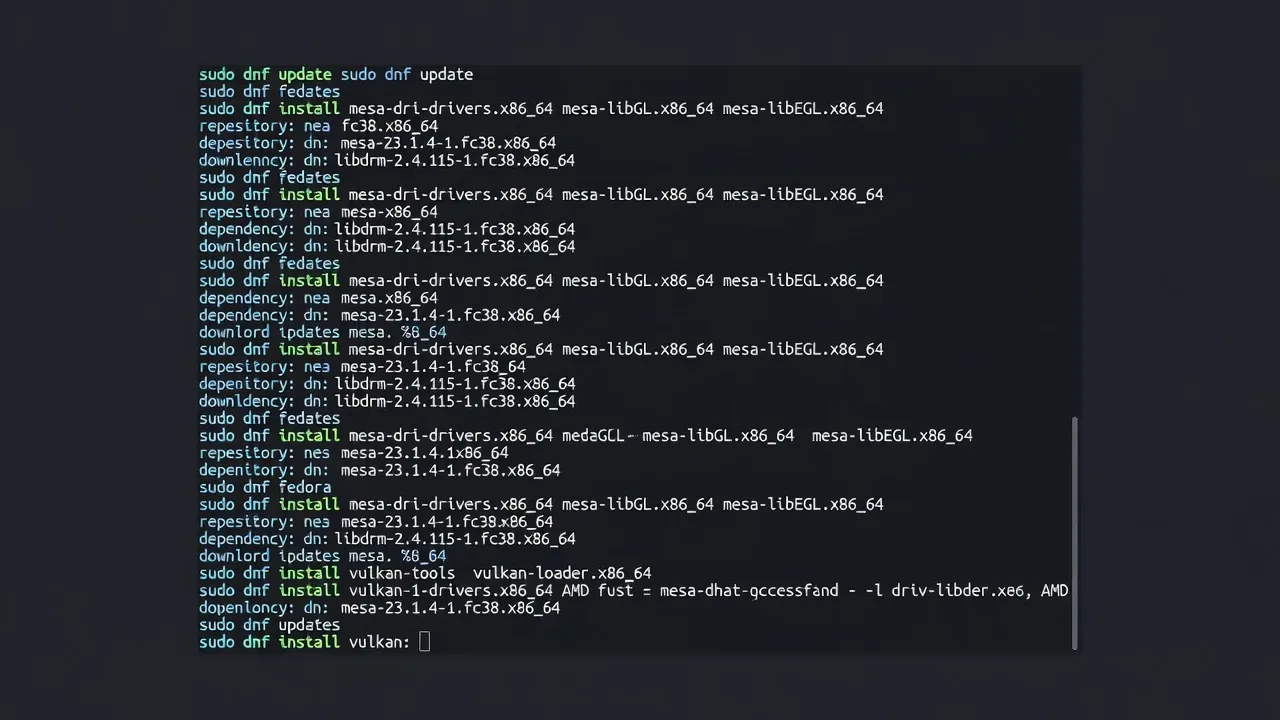
This guide shows Fedora 44 users how to install and manage AMD Radeon drivers for optimal gaming and multimedia performance.
Fedora 44 ships with open-source AMD drivers via Mesa. Follow the sections below to cover every listed task with exact dnf commands and verification steps.
Install AMD Radeon Drivers on Fedora 44
Install the core Mesa packages that provide 3D acceleration and Vulkan support.
Step 1 — Update system repositories
sudo dnf update -yStep 2 — Install main AMD driver packages
sudo dnf install -y mesa-dri-drivers mesa-vulkan-drivers vulkan-toolsThis installs the open-source Radeon drivers. Verify with:
dnf list installed | grep mesa-driInstall 32-Bit Radeon Libraries for Steam and Proton
Steam and Proton require 32-bit Mesa libraries for many games.
sudo dnf install -y mesa-dri-drivers.i686 mesa-vulkan-drivers.i686Verify 32-bit installation:
dnf list installed | grep mesa.*i686Enable AMD Hardware Video Acceleration on Fedora 44
Install VA-API and VDPAU packages for hardware decoding.
Step 1 — Install video acceleration packages
sudo dnf install -y libva-utils mesa-va-driversStep 2 — Verify acceleration
vainfoLook for "VAProfile" entries showing AMD support.
Update AMD Radeon Drivers on Fedora 44
Keep Mesa packages current with system updates.
sudo dnf update --refresh mesa-dri-drivers mesa-vulkan-drivers mesa-va-driversVerify updated versions:
rpm -q mesa-dri-driversRemove Optional Radeon Driver Packages
Remove optional or conflicting packages if needed.
sudo dnf remove -y mesa-vdpau-driversConfirm removal:
dnf list installed | grep mesa-vdpauTroubleshooting AMD Radeon Drivers on Fedora 44
Symptom: No 3D acceleration
Run diagnostics:
lspci -k | grep -E 'VGA|3D'
glxinfo | grep renderer
Fix: Reinstall core packages and reboot.
sudo dnf reinstall mesa-dri-drivers
systemctl reboot
Conclusion
You have now installed, configured, updated, and can maintain AMD Radeon drivers on Fedora 44. Use the verification commands after each change to confirm success.