Multi-Vendor & Complex SaaS Marketplaces
 Modern Headless & Jamstack Web Development
 High-End Corporate & Specialized Business Websites
 Advanced API, Checkout & Database Troubleshooting
Fix WooCommerce LCP & INP Errors: Newcastle Store Guide
Newcastle WooCommerce stores failing Core Web Vitals? Learn the real causes of poor LCP and INP, DIY fixes with checks you can run today, and when to book Fixwebnode for a remote performance pass.
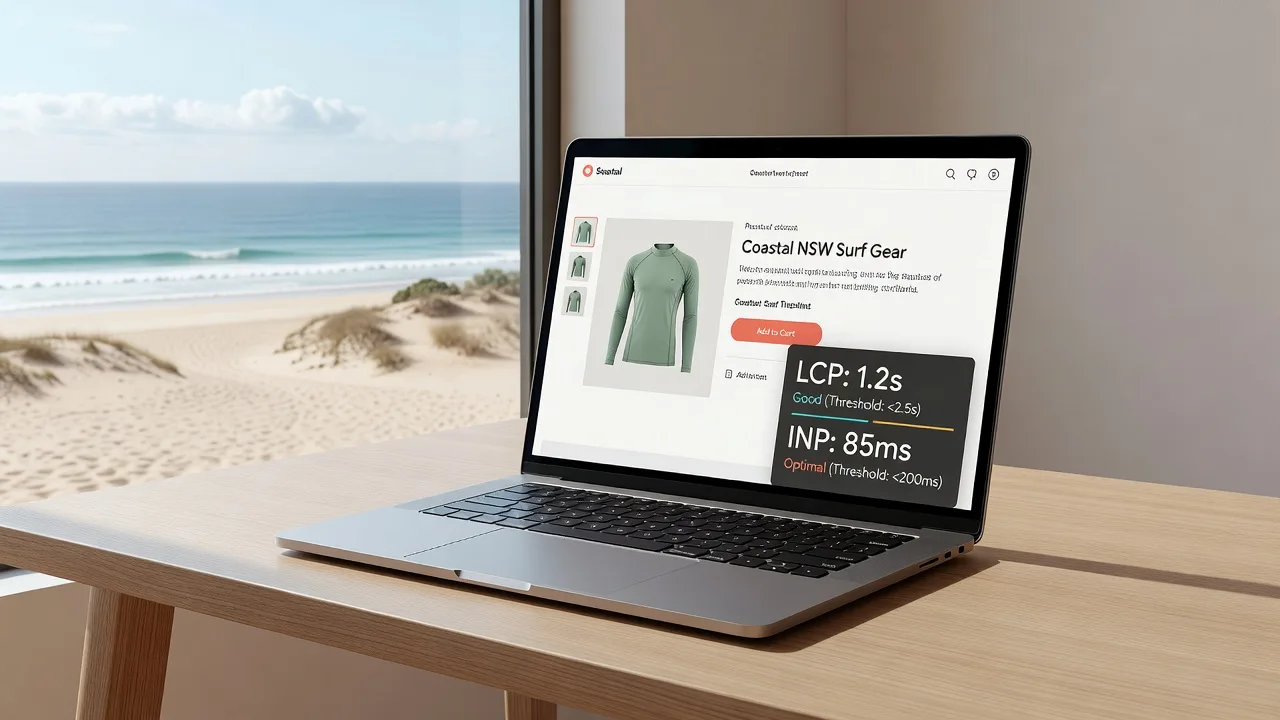
If your WooCommerce store is slow on mobile, product pages feel sticky, or Google Search Console flags LCP and INP, this guide is for you. Newcastle merchants competing on local search and paid ads lose conversions when the largest content paint drags past 2.5s or interaction delay climbs above 200ms. Below you will diagnose the usual store-specific causes, apply safe DIY fixes, and know when to hand the stack to a specialist.
Fixwebnode works as a direct WordPress and WooCommerce performance provider—remote-first for digital delivery across your area—not a freelance marketplace. For a focused Core Web Vitals pass on product, cart, and checkout templates, start at the WordPress Developer / Core Web Vitals for WooCommerce landing page.
Why Core Web Vitals matter on WooCommerce stores
WooCommerce pages are heavier than a brochure site: product galleries, variation scripts, cart fragments, payment SDKs, and review widgets all compete for the main thread. Largest Contentful Paint (LCP) is usually the hero image, title block, or above-the-fold gallery. Interaction to Next Paint (INP) suffers when add-to-cart, quantity steppers, filters, or mini-cart updates wait on long JavaScript tasks. Poor scores hurt rankings and mobile checkout completion—especially for small retailers serving Newcastle and surrounding NSW customers on 4G.
Remote diagnostics work well here: you can measure field data in Search Console, lab data in PageSpeed Insights, and server timings with curl and WP-CLI without standing next to the rack.
What usually causes LCP and INP failures on a WooCommerce store?
Most failing stores share a handful of concrete patterns—not vague “needs more speed.” The table below maps symptom to a first action.
| Symptom | Quick check / fix | When to call Fixwebnode |
|---|---|---|
| LCP > 2.5s on product pages | Compress hero/gallery; preload LCP image; cut render-blocking CSS | Theme hard-codes huge images or critical CSS is tangled |
| INP high on add-to-cart / filters | Defer non-checkout scripts; audit cart-fragment churn | Custom variation JS or stacked plugins block the main thread |
| Slow TTFB before paint | Object cache, PHP-FPM tuning, full-page cache for catalog | Hosting limits, bad queries, or uncacheable dynamic templates |
Common issues Newcastle merchants hit
1. Bloated product hero and gallery images (LCP)
Symptom: PageSpeed points at a 1–3 MB JPEG/PNG as the LCP element; mobile LCP sits at 4–8 seconds even on decent Wi‑Fi.
2. Main-thread jank from cart fragments, variations, and third-party scripts (INP)
Symptom: Tapping Add to cart, changing a size/colour, or opening filters feels laggy; INP or Total Blocking Time spikes on category and product templates.
3. Slow server response and uncached dynamic Woo templates (LCP via late TTFB)
Symptom: Time to First Byte often over 800ms–1.5s; HTML arrives late so LCP cannot start; admin-ajax or store API calls pile up on every page view.
4. Render-blocking theme CSS and webfonts delaying first paint
Symptom: Multiple large stylesheets and Google Fonts block rendering; LCP element is ready in the HTML but invisible until CSS and fonts finish.
How to fix each issue (DIY first)
Fix 1 — Shrink and prioritise the real LCP image
WooCommerce often serves full-resolution gallery uploads as the above-the-fold image. Fix media first; caching alone will not rescue a 2500px PNG.
- In WP Admin, open a failing product. Note the featured image and first gallery image dimensions.
- Re-export heroes at the theme’s real display size (often 600–800px wide on mobile, ~1200px on desktop). Prefer WebP/AVIF with a JPEG fallback.
- Install and configure a maintained optimiser (for example Imagify, ShortPixel, or modern WebP conversion in your host stack). Bulk-optimise the products library—not only new uploads.
- Ensure the LCP image is not lazy-loaded. Featured images above the fold should use eager loading and a high fetch priority where the theme allows.
- Preload the LCP URL in the document head (theme hook or a performance plugin’s preload field) so the browser discovers it early.
Verify remotely: re-run PageSpeed Insights on the product URL and confirm the LCP element file size dropped and “Properly size images” / “Serve images in next-gen formats” warnings ease.
When to call Fixwebnode: the theme builds galleries with CSS background images, slider markup that ignores srcset, or page builders that inject oversized inline images you cannot override safely from settings alone.
Fix 2 — Cut INP killers on cart, variations, and third-party JS
INP fails when click handlers wait on long tasks. WooCommerce cart fragments, variation scripts, live chat, heatmaps, and stacked “optimisation” plugins are frequent culprits.
- On a staging copy, disable non-essential plugins (chat, popups, unused sliders, duplicate SEO/analytics). Re-test INP on a product with variations.
- Limit cart fragments to pages that need them. Many themes refresh fragments on every catalog view; restrict fragment scripts to cart/checkout where possible.
- Defer or delay non-critical scripts (reviews widgets, upsell carousels, social pixels) until after first interaction—without breaking checkout payment SDKs.
- Avoid multiple jQuery UI / slider libraries loading on the same template. Keep one variation script path.
- On checkout, load only the payment gateway and compliance scripts required for that gateway; strip marketing tags from the payment step if policy allows.
Quick lab check from your machine (replace with your product URL):
curl -sI "https://YOUR-STORE.example/product/sample/" | tr -d '\r' | grep -iE 'HTTP/|content-type|cache-control|x-cache|cf-cache|age:'You want a clean 200, sensible cache headers on catalog pages, and no surprise redirects before HTML.
List active plugins over SSH with WP-CLI when you have shell access:
wp plugin list --status=active --fields=name,version,status
wp theme list --status=active
Document anything that injects front-end JS on every page (chat, AB tests, outdated page builders).
When to call Fixwebnode: custom variation code, conflicting optimise-defer plugins, or checkout breakage after script delay—these need a controlled remote audit, not more stacked plugins.
Fix 3 — Improve TTFB and stop uncached Woo HTML from delaying LCP
If HTML is slow, LCP cannot recover. Object cache, opcode cache, and full-page cache for anonymous catalog traffic matter as much as image weight.
- Measure TTFB from outside your office network:
curl -o /dev/null -s -w "DNS:%{time_namelookup} Connect:%{time_connect} TLS:%{time_appconnect} TTFB:%{time_starttransfer} Total:%{time_total}\n" \
 "https://YOUR-STORE.example/product/sample/"
Repeat three times. TTFB consistently above ~0.8s on a simple product page deserves server-side work.
- Enable PHP OPcache and a persistent object cache (Redis or Memcached) with a maintained drop-in. Confirm the object cache reports connected in a health or must-use status screen.
- Full-page cache anonymous category and product views (host cache, Nginx fastcgi_cache, or a reputable page cache). Exclude cart, checkout, my-account, and query strings that personalise price/stock incorrectly.
- Turn off or replace heavy “related products” queries that run uncached meta searches on every view.
- If you manage the VPS, confirm PHP-FPM is not saturating. Example health checks (paths vary by distro):
sudo systemctl status php8.2-fpm nginx
sudo tail -n 80 /var/log/nginx/error.log
sudo tail -n 80 /var/log/php8.2-fpm.log
# Example: reload after php.ini / pool changes (do not copy blindly on shared hosting)
sudo systemctl reload php8.2-fpm
sudo nginx -t && sudo systemctl reload nginxOn managed WordPress hosting, use the host panel equivalents: turn on Redis, raise PHP workers within plan limits, and purge then warm the page cache for top landing products.
When to call Fixwebnode: TTFB stays high after cache and Redis, admin-ajax floods the network panel, or checkout-specific pages cannot be cached safely without breaking sessions—specialist profiling of queries and template hooks is warranted.
Fix 4 — Unblock render path: CSS and fonts
Even a light LCP image waits if CSS and fonts block.
- Reduce simultaneous webfont families and weights. Prefer system stacks for UI chrome; limit display fonts to one family for headings.
- Self-host fonts with
font-display: swap(or optional) so text is not invisible for seconds. - Remove unused page-builder CSS on product templates where the builder is not required.
- Generate critical CSS only if your toolchain is stable; a bad critical-CSS plugin can break mobile layout and create CLS while chasing LCP.
- Combine duplicate icon and slider stylesheets introduced by stacked plugins.
Verify in Chrome DevTools → Network: count blocking CSS before first paint, and confirm the LCP image request starts early (look for preload or high priority).
When to call Fixwebnode: parent/child theme enqueue order is messy, or a builder injects megabytes of CSS per template and removing it without a developer risks layout regressions on sale landing pages.
When DIY is enough vs when to book Fixwebnode
DIY is enough when Search Console shows a handful of product URLs failing LCP mainly due to image weight, you can optimise media, turn on Redis/page cache, and defer obvious marketing scripts without touching checkout. Re-measure field data over 28 days after changes—lab scores alone are not the finish line.
Book a specialist when INP failures sit on variation pickers or checkout, multiple optimisation plugins fight each other, PHP fatals appear after “defer all JS,” or TTFB is poor despite cache. Fixwebnode delivers this as a direct remote engagement: profiling real templates, stabilising cart/checkout scripts, and aligning caching with WooCommerce session behaviour. Coverage and remote service geography are outlined on all service areas; digital stores in Newcastle and elsewhere in NSW are routinely handled without an on-site visit.
Do not stack another catch-all speed plugin on top of three existing ones. That pattern often worsens INP while masking the root cause.
Talk through your LCP and INP errors
If your WooCommerce store still fails Core Web Vitals after image compression and basic caching—or you cannot risk breaking checkout while experimenting—open a conversation with Fixwebnode. Bring a product URL, a cart/checkout URL, and your Search Console CWV screenshot so the remote review starts on evidence, not guesswork.
Book or ask about a focused performance pass via the Core Web Vitals for WooCommerce page. Direct specialist help, clear scope on LCP and INP, and practical fixes aimed at real storefront templates—not marketplace bids.