Multi-Vendor & Complex SaaS Marketplaces
 Modern Headless & Jamstack Web Development
 High-End Corporate & Specialized Business Websites
 Advanced API, Checkout & Database Troubleshooting
Stop Plugin Fixes: Speed Sites at Linux Server Level
Plugin “speed” packs rarely fix slow Australian sites. Learn server-level diagnostics for PHP-FPM, Nginx, OPcache and MySQL—with copy-paste commands—and when to book Fixwebnode for remote repair.

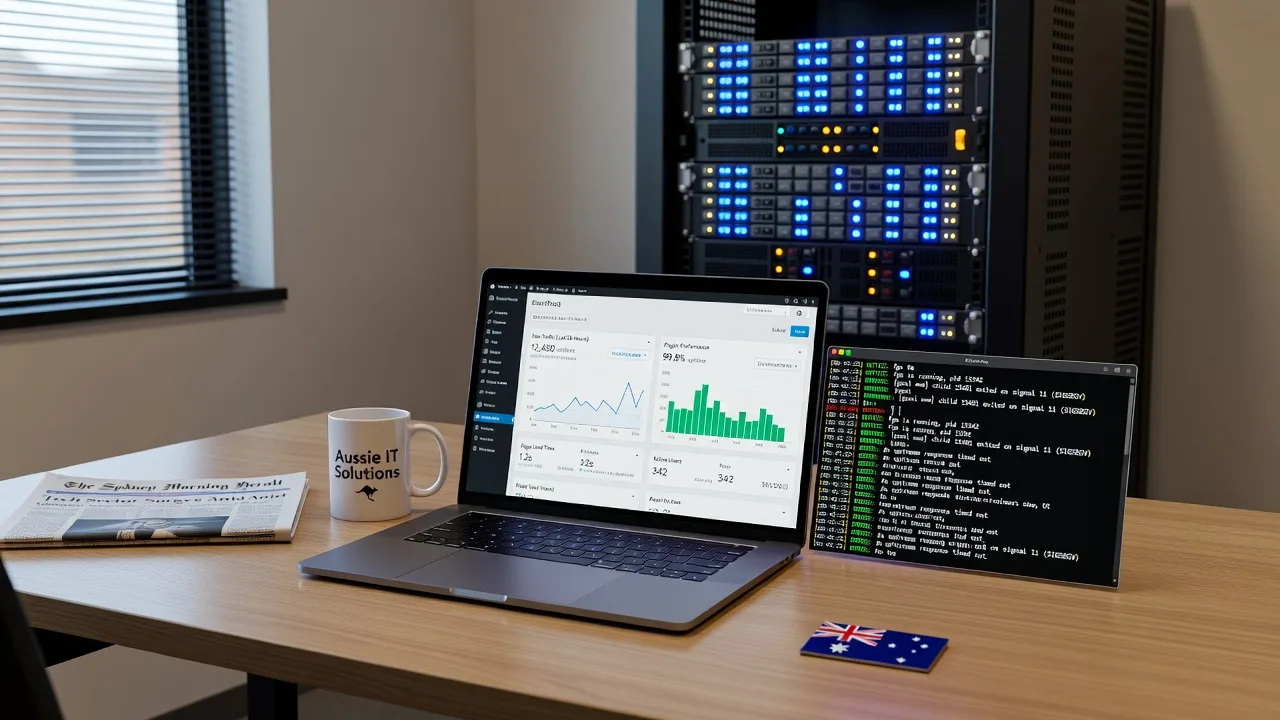
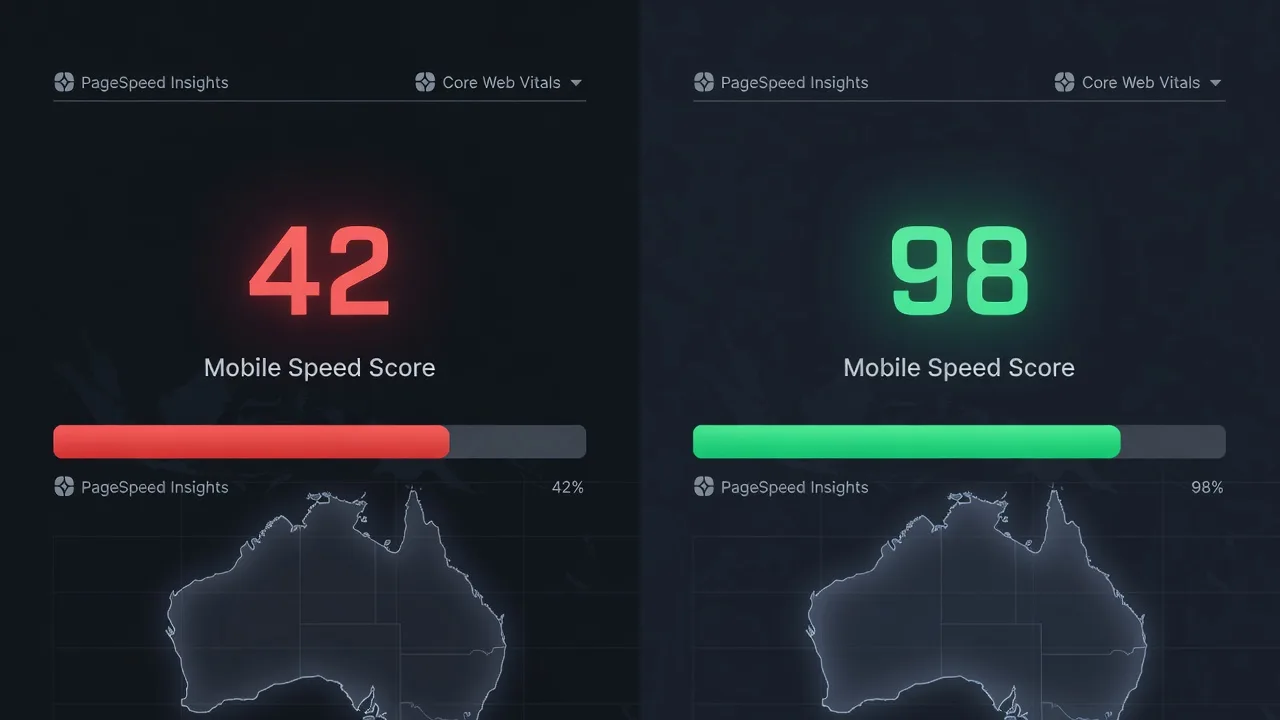
If your site still crawls after another cache or “optimizer” plugin, the bottleneck is almost certainly the Linux stack—not WordPress chrome. This guide is for Australian homeowners and small businesses who need real TTFB, Core Web Vitals and hardening fixes on the server they already pay for. We walk through diagnostics, copy-paste commands and complete steps so you can stabilise the affected website yourself—or hand it cleanly to a specialist.
Fixwebnode provides direct remote website support across Australia (not a freelance marketplace). If you want a specialist on the box rather than another plugin install, start at Fixwebnode website repair Australia. Coverage notes live on our service areas page.
Why plugin “fixes” fail—and why the Linux server decides speed and security
Most “make it fast” plugins add PHP work on every request: more hooks, more disk I/O, more autoloaded options. They cannot raise PHP-FPM worker limits, enable Nginx FastCGI cache, tune OPcache shared memory, fix slow MySQL queries, or close open TLS and header gaps. Those controls live in systemd units, pool configs and the web server. For sites serving customers in Australia, latency compounds when the origin is saturated; fixing the origin is the only durable path.
Can server-level Linux fixes replace speed plugins on an Australian website?
Yes—for the common failure modes that plugins only mask. If Time to First Byte is high, PHP workers are exhausted, OPcache is off or undersized, or MySQL is thrashing disk, you fix that in Nginx, PHP-FPM and the database—not with another mu-plugin. Use the table below as a triage map, then follow the numbered runbooks.
| Symptom | Quick server check | When to call Fixwebnode |
|---|---|---|
| TTFB 1–5s+, site “hangs” under a few visitors | php-fpm status / pool pm settings | Workers maxed, 502s, or you lack SSH root |
| Fast admin, slow front-end HTML | OPcache + Nginx fastcgi_cache headers | Cache bypass loops, multisite, custom checkout |
| Spikes with “Waiting for database” | slow query log, InnoDB metrics | Corrupt tables, runaway crons, locked rows |
Common issues when plugins hide a slow Linux stack
1. PHP-FPM pool exhaustion (symptoms: long TTFB, intermittent 502/504)
Under even modest concurrent traffic the pool hits pm.max_children, requests queue, and visitors see blank stalls. A cache plugin cannot create workers.
2. No real opcode or reverse-proxy cache (symptoms: every page recompiles PHP; HTML never hits HIT)
OPcache disabled or tiny; Nginx serves PHP dynamically on every view. “Page cache” plugins fight themselves with cookies and logged-in bypasses.
3. MySQL / MariaDB pressure (symptoms: admin sluggish, front-end waits on wp_options or unindexed meta queries)
Autoload bloat, missing indexes and default innodb_buffer_pool_size on a small VPS thrash disk. Object-cache plugins then add Redis complexity without fixing the queries.
4. TLS, HTTP/2 and compression left at defaults (symptoms: weak SSL Labs posture, no Brotli/gzip on HTML, extra round-trips)
Security and speed both start at the listener—cipher suites, HSTS, OCSP, and compression—not a security scanner plugin.
Fix 1 — Diagnose and retune PHP-FPM workers
SSH in as a sudo-capable user. Confirm the unit name (php8.2-fpm, php8.3-fpm, etc.).
Step 1 — Confirm FPM is the bottleneck
sudo systemctl status php*-fpm --no-pager
sudo tail -n 80 /var/log/php*-fpm.log
sudo journalctl -u php*-fpm -n 50 --no-pager
Look for seems busy, max_children, and server reached pm.max_children.
Step 2 — Inspect live pool status (enable pm.status_path in the pool if needed, restricted to localhost):
curl -s http://127.0.0.1/fpm-status
ps -o pid,user,%cpu,rss,cmd -C php-fpm8.2 | head
free -h
Step 3 — Size pm.max_children from RAM. Rough guide: average PHP worker RSS (often 40–80MB on WordPress) into available RAM after MySQL/Nginx. Edit the site pool, e.g. /etc/php/8.2/fpm/pool.d/www.conf:
; prefer ondemand or dynamic on small VPS
pm = dynamic
pm.max_children = 12
pm.start_servers = 3
pm.min_spare_servers = 2
pm.max_spare_servers = 6
pm.max_requests = 500
request_terminate_timeout = 60s
Step 4 — Apply and verify
sudo php-fpm8.2 -t
sudo systemctl reload php8.2-fpm
curl -sI https://your-domain.example | head -n 15
ab -n 50 -c 5 https://your-domain.example/ # light check only
Expected: fewer 502s, stable TTFB, no new max_children lines. If RSS multiplies under load, you have a code leak—stop raising children blindly.
When to call Fixwebnode: recurring 502s after tuning, multiple pools on one host, or no safe SSH path. Remote repair is what we do for Australian operators who need the pool fixed without guesswork.
Fix 2 — Turn on OPcache and Nginx FastCGI cache (retire the plugin crutch)
Step 1 — Verify OPcache
php -i | grep -E 'opcache.(enable|memory_consumption|validate_timestamps)'
sudo sed -n '1,120p' /etc/php/8.2/fpm/conf.d/10-opcache.ini
Step 2 — Production-sane OPcache (adjust memory to RAM):
opcache.enable=1
opcache.memory_consumption=256
opcache.interned_strings_buffer=16
opcache.max_accelerated_files=20000
opcache.validate_timestamps=0
opcache.revalidate_freq=0
opcache.save_comments=1
Reload FPM after edits. On deploy, reset explicitly:
sudo systemctl reload php8.2-fpm
# or a controlled cache reset script via cachetool / kill signal policy you already trust
Step 3 — Nginx FastCGI cache sketch (server-level HTML cache; bypass carts, accounts, query strings you must keep dynamic):
# http {} context
fastcgi_cache_path /var/cache/nginx/fcgi levels=1:2 keys_zone=WORDPRESS:100m
 inactive=60m max_size=1g;

# server / location ~ \.php$
set $skip_cache 0;
if ($request_method = POST) { set $skip_cache 1; }
if ($query_string != "") { set $skip_cache 1; }
if ($http_cookie ~* "wordpress_logged_in|comment_author|wp-postpass") { set $skip_cache 1; }
fastcgi_cache_bypass $skip_cache;
fastcgi_no_cache $skip_cache;
fastcgi_cache WORDPRESS;
fastcgi_cache_valid 200 301 302 30m;
add_header X-FastCGI-Cache $upstream_cache_status;
Step 4 — Test cache headers and purge path
sudo nginx -t && sudo systemctl reload nginx
curl -sI https://your-domain.example/ | grep -iE 'x-fastcgi-cache|cache-control|content-encoding'
# second request should show HIT when bypass rules allow
Disable redundant full-page cache plugins once HIT is stable—duplicate layers cause stampede and cookie bugs.
When to call Fixwebnode: WooCommerce/checkout bypass logic, multisite path rules, or reverse-proxy in front of Nginx you did not configure. We also handle niche builds such as Adelaide florist e-commerce sites where cart cookies must never be cached wrong.
Fix 3 — Find and cut MySQL drag
Step 1 — Snapshot health
sudo systemctl status mysql mariadb --no-pager
mysqladmin -u root -p status extended-status | egrep 'Threads_running|Slow_queries|Innodb_buffer_pool_read_requests|Innodb_buffer_pool_reads'
sudo tail -n 100 /var/log/mysql/error.log
Step 2 — Enable a temporary slow log
sudo mysql -e "SET GLOBAL slow_query_log=1; SET GLOBAL long_query_time=1; SET GLOBAL slow_query_log_file='/var/log/mysql/slow.log';"
sudo tail -f /var/log/mysql/slow.log
Reproduce the slow page, then turn the log off when you have samples:
sudo mysql -e "SET GLOBAL slow_query_log=0;"Step 3 — Autoload and option bloat (WordPress-shaped sites)
sudo mysql -e "SELECT SUM(LENGTH(option_value)) AS autoload_bytes, COUNT(*) AS n
FROM wp_options WHERE autoload IN ('yes','on','auto','autoon');"
Anything well over ~1MB autoload deserves cleanup of expired transients and abandoned plugin rows (backup first).
Step 4 — Buffer pool vs RAM on a dedicated DB host, set innodb_buffer_pool_size toward ~50–70% of RAM in /etc/mysql/mysql.conf.d/mysqld.cnf (or MariaDB equivalent), then:
sudo systemctl restart mysql
mysql -e "SHOW VARIABLES LIKE 'innodb_buffer_pool_size';"
Step 5 — Verify with the same page request and compare Threads_running and slow-log silence under a light concurrent check.
When to call Fixwebnode: table corruption, replication, or lead-gen sites with heavy form traffic (for example Adelaide plasterer lead-gen builds) where query plans need indexing without downtime.
Fix 4 — Harden TLS, HTTP/2 and compression at Nginx
Step 1 — Protocol and header baseline
curl -sI --http2 https://your-domain.example | head -n 20
sudo nginx -T 2>/dev/null | grep -E 'listen .*ssl|http2|ssl_protocols|ssl_ciphers|gzip|brotli' | head
Step 2 — Sensible listener fragment (use current Mozilla intermediate guidance; keep your real certificate paths):
listen 443 ssl http2;
ssl_protocols TLSv1.2 TLSv1.3;
ssl_prefer_server_ciphers off;
ssl_session_cache shared:SSL:10m;
ssl_session_timeout 1d;
add_header Strict-Transport-Security "max-age=31536000; includeSubDomains" always;
gzip on;
gzip_types text/plain text/css application/javascript application/json image/svg+xml;
gzip_min_length 1024;
Step 3 — Certificate validity and reload
sudo certbot certificates
sudo certbot renew --dry-run
sudo nginx -t && sudo systemctl reload nginx
echo | openssl s_client -servername your-domain.example -connect your-domain.example:443 2>/dev/null | openssl x509 -noout -dates
Security plugins that only write .htaccess headers do nothing useful on Nginx PHP-FPM; set headers once at the edge.
When to call Fixwebnode: mixed CDN + origin certs, broken OCSP stapling, or HTTP/3 experiments you do not want to debug overnight.
When DIY is enough vs when to book Fixwebnode
DIY is enough when you have SSH, a recent backup, a staging clone, and the metrics above move in the right direction after one change at a time. Stop and book a specialist if you see repeated 502/504 after pool changes, disk full from runaway logs, malware in web roots, unknown admin users, or a checkout path you cannot risk caching wrong.
Fixwebnode is a direct specialist for remote website support in Australia—diagnosis on the live Linux stack, not another plugin prescription. Individuals, sole traders and local operators can outline the failure mode via website repair Australia. Geography and remote coverage are summarised under all service areas.
Book a server-level speed and security conversation
Plugins rearrange deck chairs; PHP-FPM, Nginx, OPcache, MySQL and TLS decide whether Australians bounce or buy. Use the commands above to measure, then fix one layer at a time. When you want a specialist on the session with you—remote, production-aware, no marketplace bidding—start the conversation at https://fixwebnode.com.au/website-repair-australia and we will map the next safe change on your stack.