Multi-Vendor & Complex SaaS Marketplaces
 Modern Headless & Jamstack Web Development
 High-End Corporate & Specialized Business Websites
 Advanced API, Checkout & Database Troubleshooting
Broken Video Backgrounds: Debug HTML5 Multimedia Playback
Hero video stuck on a black frame or silent loop? Learn the real HTML5 causes—codecs, autoplay policy, CSS layering—and fix them step by step before you book Fixwebnode.
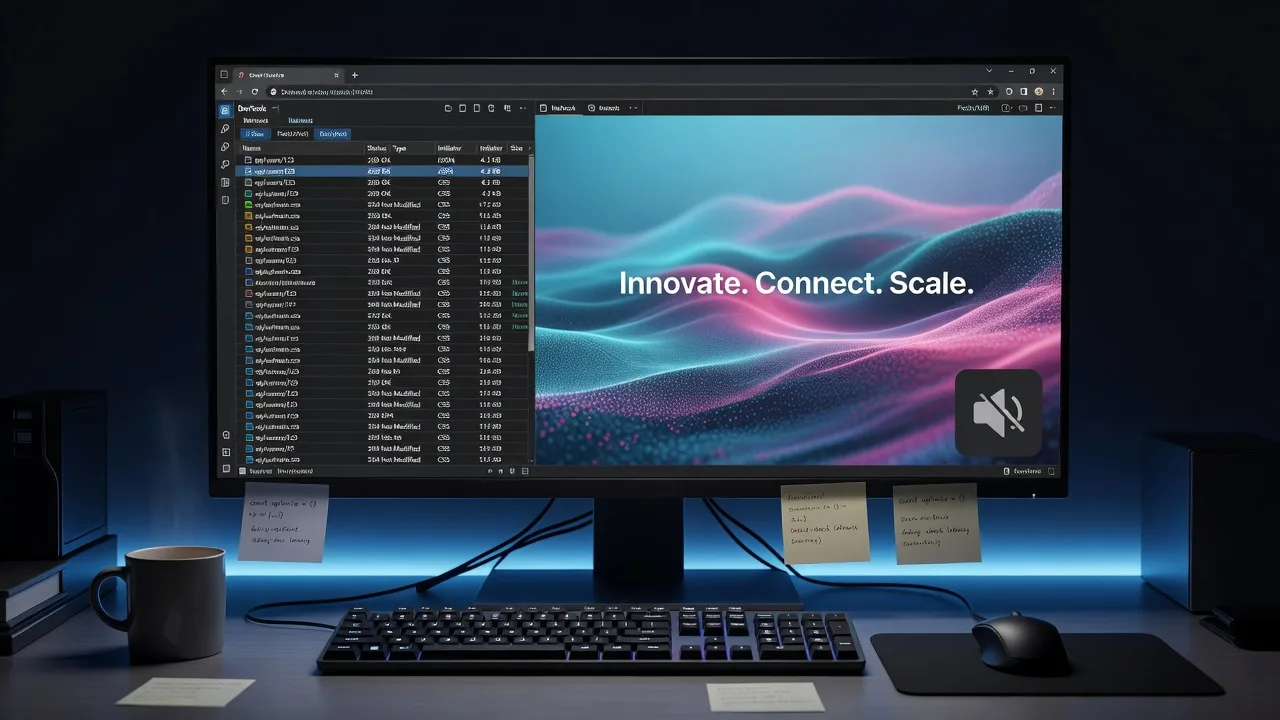
Homeowners and small-business owners often ship a site with a full-bleed hero video, only to find a frozen poster, silent playback, or a blank box on phones. This guide walks you through debugging HTML5 multimedia playback code for broken video backgrounds—real attributes, real container CSS, and real conversion commands—so you can restore motion without guessing.
If you need a specialist after the DIY checks, Fixwebnode’s broken video backgrounds service focuses on HTML5 playback failures, not generic redesigns. Work spans metro Melbourne and surrounding service areas when on-site or remote pairing helps.
Why broken video backgrounds matter for HTML5 playback
A background video is not “just an MP4.” Browsers enforce autoplay rules, codec support, CORS and byte-range behaviour, and mobile policies such as playsinline. One missing attribute or a Progressive download that never seeks leaves visitors staring at a static poster while your brand message never moves.
For local shops and agencies around Richmond and St Kilda, a dead hero video also hurts first impressions on mobile—where most traffic lands. Debugging the multimedia stack once saves repeated theme tweaks later.
Common issues with broken HTML5 video backgrounds
These problems show up repeatedly in production markup. Each has a different root cause.
- Autoplay blocked or silent-only loop — Desktop Chrome and Safari refuse unmuted autoplay; mobile Safari needs
playsinlineand a muted source or the video never starts. - Wrong container or codec stack — A single H.264 High Profile file, missing WebM/VP9 fallback, or
object-fit/ absolute positioning errors leave letterboxing, crop failure, or a black rectangle. - Range requests, CORS, or CDN caching break seeking — The first frame loads, then the timeline stalls; Network panel shows 206 failures or opaque CORS errors on the media URL.
- JavaScript race on load / IntersectionObserver — Scripts call
play()beforecanplay, or pause logic never restarts when the hero re-enters the viewport.
Issue 1 — Autoplay policy, mute, and playsinline
Symptoms: Poster shows; console warns “play() failed because the user didn’t interact”; iOS shows a play button overlay; desktop plays only after click.
Step 1 — Confirm the markup contract
Background heroes must be muted, looped, and inline on iOS. Prefer a single <video> with explicit attributes rather than relying on theme defaults:
<video id="hero-bg"
 autoplay
 muted
 loop
 playsinline
 preload="metadata"
 poster="/media/hero-poster.jpg"
 aria-hidden="true">
 <source src="/media/hero.webm" type="video/webm">
 <source src="/media/hero.mp4" type="video/mp4">
</video>
Step 2 — Force muted before play() in JS
Some CMS builders inject players that unmute on init. Set mute in script before calling play:
const v = document.getElementById('hero-bg');
v.muted = true;
v.defaultMuted = true;
v.setAttribute('muted', '');
const tryPlay = () => v.play().catch((err) => console.warn('autoplay blocked', err));
if (v.readyState >= 2) tryPlay();
else v.addEventListener('canplay', tryPlay, { once: true });
Step 3 — Verify in DevTools
Open the page in a clean profile. In the Console, run:
document.querySelector('#hero-bg').paused
document.querySelector('#hero-bg').muted
You want paused === false and muted === true after load. On an iPhone simulator or device, confirm no native controls flash and the video fills the hero.
When to call Fixwebnode: Theme or page-builder JS keeps stripping muted/playsinline, or a third-party slider re-initialises the node on every scroll. That needs a durable patch in the theme layer.
Issue 2 — Codecs, dual sources, and CSS cover behaviour
Symptoms: Works in Chrome, black frame in Safari or Firefox; video plays but letterboxes; sides crop incorrectly on ultrawide monitors.
Step 1 — Inspect the actual bitstream
On your workstation (macOS, Linux, or WSL), probe the file with ffprobe from FFmpeg:
ffprobe -hide_banner -show_streams -select_streams v:0 /path/to/hero.mp4
ffprobe -hide_banner -show_format /path/to/hero.mp4
Prefer H.264 High or Main profile, yuv420p pixel format, and AAC or no audio for backgrounds. Exotic profiles and 10-bit HDR often fail silently in Safari.
Step 2 — Transcode a safe MP4 + WebM pair
ffmpeg -y -i source.mov -an -c:v libx264 -profile:v high -pix_fmt yuv420p \
 -movflags +faststart -vf "scale=1920:-2" hero.mp4

ffmpeg -y -i source.mov -an -c:v libvpx-vp9 -b:v 0 -crf 32 \
 -vf "scale=1920:-2" hero.webm
+faststart moves the moov atom so progressive download can start without a full file fetch—critical for background heroes.
Step 3 — Fix the cover layout in CSS
.hero {
 position: relative;
 overflow: hidden;
 min-height: 70vh;
}
.hero video {
 position: absolute;
 inset: 0;
 width: 100%;
 height: 100%;
 object-fit: cover;
 object-position: center center;
 pointer-events: none;
 z-index: 0;
}
.hero .content {
 position: relative;
 z-index: 1;
}
Verify with the browser responsive mode at 375px, 768px, and 1440px. If the video still letterboxes, check parent flex/grid rules that constrain height to content only.
When to call Fixwebnode: Multiple breakpoints fight the theme’s hero module, or you need dual-source delivery wired through a CDN with correct Content-Type headers. Specialists who already ship white-label full-stack work for creative agencies in Richmond can fold codec and layout fixes into the same release.
Issue 3 — CORS, byte-range requests, and CDN stalls
Symptoms: First frame or poster appears; scrubbing or loop restart fails; Network tab shows the media request cancelled, 403, or missing Accept-Ranges; console reports CORS errors when the MP4 lives on another origin.
Step 1 — Check response headers on the media URL
curl -sI https://cdn.example.com/media/hero.mp4 | tr -d '\r'You want something like:
HTTP/2 200
content-type: video/mp4
accept-ranges: bytes
content-length: 4848291
Then confirm partial content works:
curl -sI -H 'Range: bytes=0-1023' https://cdn.example.com/media/hero.mp4 | tr -d '\r'Expect HTTP/2 206 and a content-range header. If you get 200 with the full body or 403, the player cannot stream efficiently.
Step 2 — Align CORS when the page origin differs
If HTML is on www.example.com and video on cdn.example.com, the CDN must send:
access-control-allow-origin: https://www.example.com
access-control-expose-headers: Content-Length, Content-Range, Accept-Ranges
For same-site setups, prefer a relative path under the site origin to avoid CORS entirely.
Step 3 — Bypass aggressive HTML caches
Some reverse proxies cache the first 206 fragment incorrectly. Purge the object and set a long cache on immutable filenames (hero-v3.mp4) rather than query strings that some CDNs ignore for range behaviour.
When to call Fixwebnode: Headers are correct in curl but the browser still stalls—often a service worker, security plugin, or host-level rule. That is infrastructure debugging, not a one-line attribute change.
Issue 4 — play() races and visibility handling
Symptoms: Video starts once, then never resumes after tab blur, mobile scroll, or SPA route change; intermittent “AbortError” in the console.
Step 1 — Gate play on readyState and handle rejection
async function safePlay(video) {
 try {
 if (video.readyState < 2) {
 await new Promise((res) => video.addEventListener('canplay', res, { once: true }));
 }
 video.muted = true;
 await video.play();
 } catch (e) {
 console.warn('safePlay', e.name, e.message);
 }
}
Step 2 — Restart when the hero is visible again
const hero = document.getElementById('hero-bg');
const io = new IntersectionObserver((entries) => {
 entries.forEach((entry) => {
 if (entry.isIntersecting) safePlay(hero);
 else hero.pause();
 });
}, { threshold: 0.25 });
io.observe(hero);

document.addEventListener('visibilitychange', () => {
 if (document.visibilityState === 'visible') safePlay(hero);
});
Step 3 — Verify without cache
Hard-reload, scroll the hero off-screen and back, switch tabs, and confirm paused flips correctly. Watch the Media panel (Chrome) for decode errors after resume.
When to call Fixwebnode: Your stack is a headless CMS, Shopify theme, or agency white-label build where multiple scripts fight for the same <video>. Teams handling Shopify Liquid code bug fixes in St Kilda, Victoria often see the same pattern when sections re-render and drop event listeners.
When DIY is enough vs when to book Fixwebnode
DIY is enough when you control the HTML, can replace the media files, and DevTools shows a clear missing attribute, wrong MIME type, or simple CSS cover bug. The steps above—attributes, ffmpeg dual encode, curl range checks, and a small safePlay helper—resolve most homeowner and small-business heroes.
Book a specialist when failures are intermittent across devices, a page builder regenerates markup, CDN/WAF rules block ranges, or accessibility and performance budgets require a poster-first strategy with reduced-motion fallbacks. Fixwebnode works as a direct specialist on broken video backgrounds and related front-end playback code across listed service areas, including metro Melbourne suburbs such as Richmond and St Kilda when the brief needs local context.
Talk through your broken hero video
If the poster still wins after the checks above, bring the live URL, a short screen recording from the failing device, and any console or Network screenshots. Start a conversation with the team via the broken video backgrounds landing page—we will map the failure to autoplay policy, codecs, delivery headers, or script races and outline the next fix path for your site.