Multi-Vendor & Complex SaaS Marketplaces
 Modern Headless & Jamstack Web Development
 High-End Corporate & Specialized Business Websites
 Advanced API, Checkout & Database Troubleshooting
AMD Radeon Drivers on Fedora 44: Performance Boost Guide
Unlock superior graphics performance on Fedora 44 by installing the latest AMD Radeon drivers. This guide delivers precise steps for stable setup, gaming enhancements, and troubleshooting to maximize your AMD hardware.
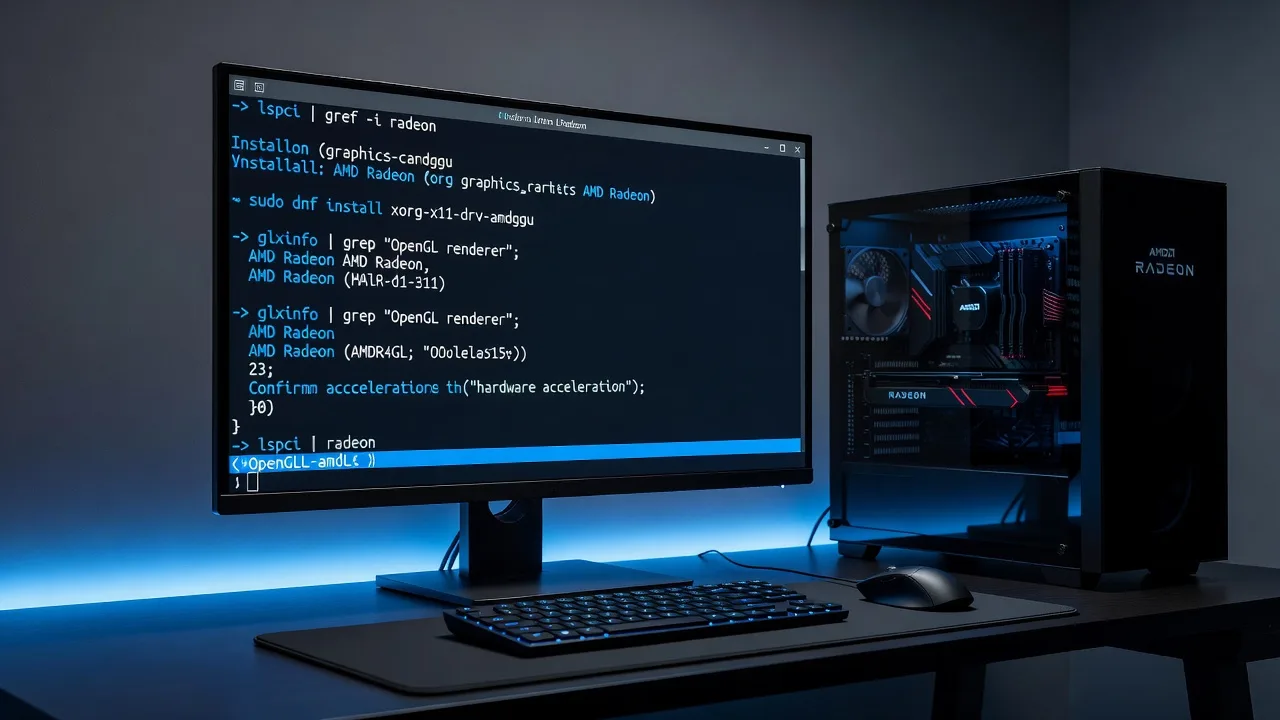
Fedora 44 ships with comprehensive AMD graphics support through the upstream kernel's amdgpu driver, AMD GPU firmware, and Mesa's OpenGL/Vulkan implementations. Unlike Ubuntu or RHEL, Fedora does not support AMD's proprietary Radeon Software for Linux installer, nor is one needed for standard desktop operations. This guide covers deployment, verification, and troubleshooting of the complete open-source graphics stack on Fedora 44.
Architecture Overview
The AMD graphics stack on Fedora consists of several interdependent layers:
| Layer | Component | Origin | Function | |||
| Kernel Module | amdgpu.ko / radeon.ko | Fedora Kernel | Memory management, ring buffer scheduling, display controller, GPU engine control | |||
| Firmware | amd-gpu-firmware | linux-firmware | Microcode loaded during GPU initialization for power management, clock gating, and engine configuration | |||
| User-space GL | mesa-dri-drivers → radeonsi_dri.so | Mesa | OpenGL 4.6+ implementation for GCN/RDNA architectures via Gallium3D | |||
| User-space VK | mesa-vulkan-drivers → libvulkan_radeon.so | Mesa | RADV Vulkan 1.3+ driver with ACO shader compiler backend | |||
| Video Encode/Decode | mesa-va-drivers / mesa-va-drivers-freeworld | Mesa / RPM Fusion | VA-API surface for hardware-accelerated H.264/H.265/VC-1 decode via UVD/VCN engines | |||
| X11 Display | modesetting (default) or xorg-x11-drv-amdgpu | X.Org | DDX driver providing 2D acceleration and XRandR modesetting |
Critical Note: The xorg-x11-drv-amdgpu package provides only the X11 display driver, not the kernel DRM driver. On Wayland (default since Fedora 35), this DDX driver is completely bypassed in favor of libweston/mutter's direct DRM/KMS usage. Avoid installing it unless troubleshooting Xorg-specific issues.
Pre-Installation Verification
1. Hardware Identification
Before any installation steps, confirm the GPU is recognized at the PCIe level:
lspci -nn -d 1002: | grep -E 'VGA|Display|3D'
The vendor ID 1002 identifies AMD/ATI. Modern RDNA2/RDNA3 cards (RX 6000/7000 series) will show:
Legacy GCN cards (HD 7000/RX 200-500 series) may still use the radeon kernel module, though amdgpu supports GCN 1.0+ with the appropriate kernel parameters (amdgpu.si_support=1 radeon.si_support=0 for SI, amdgpu.cik_support=1 radeon.cik_support=0 for CIK).
2. Current Module Bindings
The kernel module version should track the running kernel's version string. On Fedora's stock kernel, modinfo amdgpu | grep vermagic will confirm compatibility.
Installation Procedure
1. Full System Update
Do not install individual packages in isolation. Fedora's graphics stack requires precise version alignment between kernel, firmware, and user-space components:
Review the transaction carefully. If --best suggests removing packages, investigate dependency conflicts before proceeding.
2. Core Driver Installation
The complete driver stack is installed via:
Important: Unlike Debian/Ubuntu, Fedora does not package amdgpu as a separate kernel module package. The driver is compiled directly into the kernel (CONFIG_DRM_AMDGPU=y), not as a loadable module in the traditional sense. The amdgpu.ko file exists but is always statically linked.
3. Firmware Validation
AMD firmware can be verified before rebooting:
The second command checks for firmware specific to your GPU's PCI device ID.
4. Multilib Installation (for Steam/Proton/Wine)
On x86_64 systems, game clients and Wine prefixes often require 32-bit libraries:
Architecture Check:
5. Video Acceleration (VA-API) Setup
Fedora's default mesa-va-drivers package provides a limited set of codecs due to legal and patent concerns in some jurisdictions. For full codec support (H.264/H.265 encode/decode, VC-1 decode), enable RPM Fusion Free:
Then install the codec-enabled driver:
Verification:
Post-Installation Validation
1. Kernel Module Status
2. OpenGL Renderer Verification
Expected output for RDNA2:
If llvmpipe appears, the system is using software rendering.
3. Vulkan Validation
RADV should show:
4. DMA-BUF and Wayland Composition
If using Wayland (default), verify GPU composition:
5. Performance Verification
Troubleshooting Reference
Symptoms and Diagnostic Actions
| Symptom | Primary Check | Secondary Check | ||
| Software rendering (llvmpipe) | cat /proc/cmdline \| grep nomodeset | journalctl -b -k \| grep -i amdgpu | ||
| Kernel module not loading | modprobe amdgpu (check dmesg for firmware errors) | Verify /lib/firmware/amdgpu/ contains required .bin files | ||
| Vulkan device missing | rpm -q mesa-vulkan-drivers | Check ldconfig -p \| grep vulkan_radeon | ||
| VA-API not listing codecs | LIBVA_DRIVER_NAME=radeonsi vainfo | Compare with LIBVA_DRIVER_NAME=radeonsi vainfo after mesa-va-drivers-freeworld install | ||
| Display resolution limited | Check edid parsing: cat /sys/class/drm/card*-*/edid \| edid-decode | Verify monitor DDC/CI over HDMI/DP | ||
| Xorg fails to start | Check /var/log/Xorg.0.log for (EE) lines | Test with startx from runlevel 3 |
1. Black Screen After Boot
Most commonly caused by nomodeset being appended to kernel command line. Fedora's Basic Graphics mode persists these arguments:
2. Firmware Load Failures
If firmware loading fails:
3. Hybrid Graphics (PRIME) Configuration
For systems with integrated Intel/AMD APU and discrete Radeon GPU:
4. VA-API Version Incompatibility
RPM Fusion's mesa-va-drivers-freeworld must match Fedora's Mesa version. If dnf update fails:
5. Recovery from Proprietary Driver Installation
If AMD's official installer was previously used:
Configuration Parameters
Kernel Parameters
The amdgpu module supports runtime parameters that can improve stability or performance:
| Parameter | Values | Effect | ||
| audio | 0/1 | Enable/disable HDMI/DP audio (default enabled) | ||
| reset_method | 1-4 | GPU reset behavior (3 = mode1 reset, 4 = mode2 for VCN) | ||
| dc | 0/1 | Enable/disable Display Core (required for Vega/RDNA) | ||
| runpm | 0/1 | Runtime power management (affects dGPU on laptops) | ||
| ppfeaturemask | Hex bitmask | Power feature control (for overclocking enthusiasts) |
Performance Tuning
For Radeon users seeking optimal performance:
Security Considerations
SELinux Contexts
Recent Fedora releases enforce strict SELinux policies on graphics device nodes:
Standard contexts should be system_u:object_r:dri_device_t:s0. If custom contexts appear, restore defaults:
Validation of Firmware Signatures
Modern AMD GPUs require signed firmware. Fedora's amd-gpu-firmware includes these signatures, but verify:
Maintenance Lifecycle
Update Frequency
- Kernel updates: Update weekly; each kernel update includes DRM improvements for AMD
- Mesa updates: Update every 2-4 weeks; major releases (24.x) bring significant performance gains
- Firmware updates: Update with kernel; critical for new GPU support
Safe Update Procedure
Regression Testing
After major updates, verify baseline performance:
Atomic Desktop Considerations (Silverblue/Kinoite)
For immutable Fedora variants:
Critical: Do not use dnf on Atomic systems. All package management is handled by rpm-ostree with rebase operations.
References
- Upstream kernel documentation: /usr/share/doc/kernel-doc-*/Documentation/gpu/amdgpu.rst
- Mesa RADV documentation: /usr/share/doc/mesa-vulkan-drivers/README.RADV
- AMD public Linux driver documentation: https://amdgpu-docs.readthedocs.io/
- Fedora Radeon how-to: https://fedoraproject.org/wiki/How_to_use_AMD_Radeon_graphics
This guide applies specifically to Fedora 44 and may require adaptation for other Fedora releases or non-x86_64 architectures.