







 Multi-Vendor & Complex SaaS Marketplaces
 Modern Headless & Jamstack Web Development
 High-End Corporate & Specialized Business Websites
 Advanced API, Checkout & Database Troubleshooting
WordPress Plugin Conflicts & Broken PHP Fixes — Remote
Isolate plugin clashes and repair broken PHP before your WordPress store or membership site loses sales — remote, worldwide.
We stabilise critical paths (checkout, login, booking, admin) after updates go wrong, with fixed-scope remote work for WooCommerce, LMS, and content-heavy business sites. Prefer direct specialist fixes over scattered trial-and-error.
Power up support when you need it: chat with us or go to fixwebnode.com.au/contact-support.
- Conflict isolation & safe rollback
- PHP fatal / white-screen recovery
- Clear handoff notes for your team
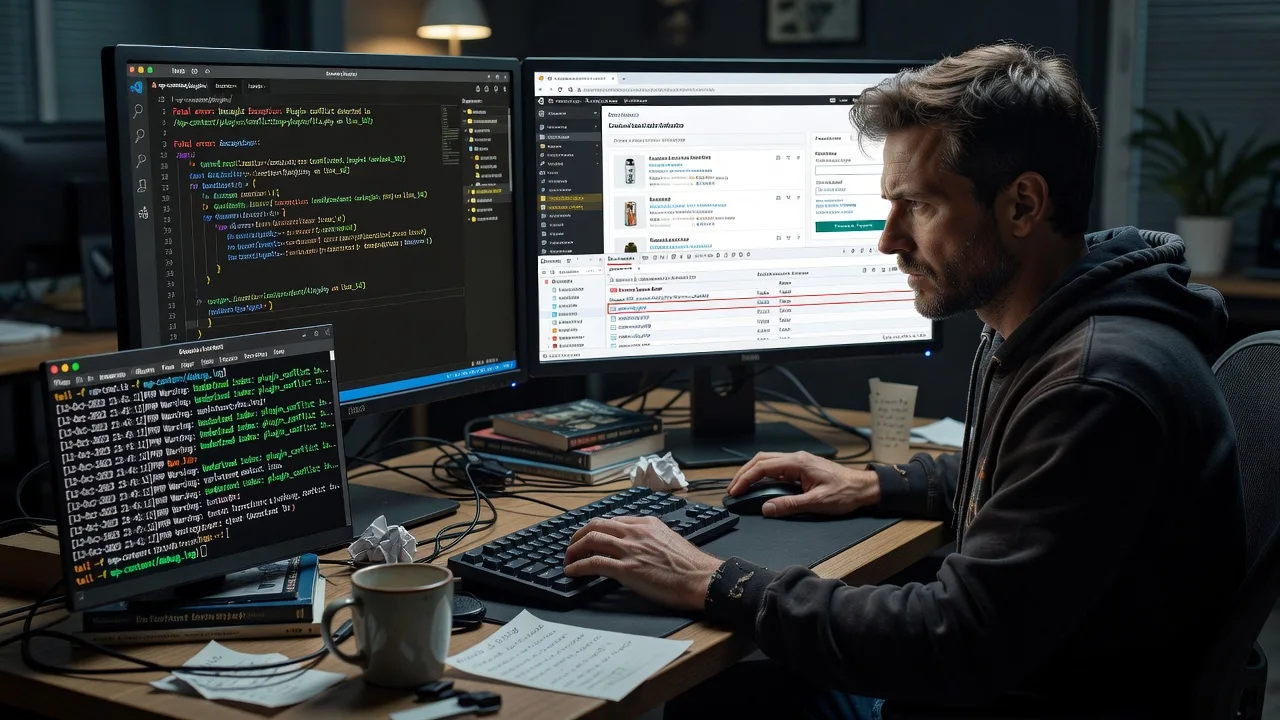
About this service
Get your WordPress site stable again when plugins collide or custom PHP throws fatals — remote support for online stores, membership platforms, and content businesses worldwide. We fix the stack directly so checkout, dashboards, and member areas stop failing after routine updates.
What You'll Get
- Conflict isolation report - Which plugin, theme file, or snippet is breaking the stack, with evidence from logs and staged tests
- Safe recovery path - White-screen, critical error, and admin lockout recovery without reckless mass deactivation in production
- PHP repair or rewrite - Broken hooks, deprecated calls, type errors, and bad shortcode/widget PHP cleaned to current WP standards
- Compatibility patch plan - Order-of-load, version, and mu-plugin guidance so the same clash does not return next update cycle
- Staging verification - Reproduce, fix, and confirm on staging or a protected window before you go fully live
- Plain-English handoff - What changed, what to avoid updating together, and optional monitoring follow-up
Serving Remote & surrounds
This service is built for remote delivery to WordPress-heavy businesses anywhere: DTC brands, course sellers, associations, clinics with booking plugins, and agencies maintaining client fleets. Peak demand often follows major WordPress, WooCommerce, Elementor, or PHP host upgrades — when one plugin update cascades into checkout or login failure overnight.
- WooCommerce and subscription stores that break at cart, payment gateway, or tax plugin boundaries after a core or PHP bump
- Membership, LMS, and community sites where login, gated content, or quiz plugins fight the cache or security layer
- Fully remote worldwide; screen-share or secure access preferred — on-site only where practical for collocated teams
How We Work
- Step 1: Reach Out - Share the symptom (white screen, critical error email, checkout loop, admin AJAX fail), recent updates, host/PHP version, and whether staging exists — we listen before touching production
- Step 2: Tailored Plan - Fixed-scope quote for isolation, repair, and verification; emergency vs scheduled window agreed up front
- Step 3: We Deliver - Log review, binary-search deactivation on staging where possible, PHP fixes, conflict patches, and regression checks on critical flows
- Step 4: Confirm & Follow-up - You sign off on restored behaviour; we leave notes and optional maintenance if updates keep colliding
Common Issues & How to Fix Them
These are patterns we see repeatedly on real business sites — not generic "deactivate all plugins" advice.
Critical error after one plugin update while others still look fine
Often a shared dependency (Composer library, outdated jQuery UI, or a namespaced class) loads twice, or a plugin assumes an older WooCommerce/Action Scheduler API.
- Step 1: On staging or via host file manager, open wp-content/debug.log (enable WP_DEBUG_LOG only, display off) and note the first fatal file/line — not the last noise in the stack.
- Step 2: Compare that plugin’s required PHP/WP/Woo versions to your host; roll back only that plugin via FTP/SFTP rename of its folder (append.off), not a full plugin wipe.
- Step 3: Reload the failing URL and admin; if the fatal is gone, re-enable one related commerce/cache plugin at a time and re-test checkout or the exact admin screen that broke.
White screen of death only on one template (product, checkout, or a custom page)
Theme overrides, page builders, and custom functions.php snippets often fatally call removed functions after a theme or builder update while the rest of the site still renders.
- Step 1: Note the exact URL that fails vs a healthy page; switch to a default theme on staging only and retest that URL to separate theme vs plugin blame.
- Step 2: Search child-theme and Code Snippets/plugin-file PHP for the function named in the log; wrap risky custom code in function_exists / class_exists or restore a known-good snippet revision.
- Step 3: Clear page/object cache and CDN for that URL path; confirm the template loads and forms still submit without 500s.
Admin works but front-end AJAX (add-to-cart, filters, forms) returns 500 or empty responses
Security, firewall, optimisation, and multilingual plugins frequently break admin-ajax or REST routes while HTML pages still paint — a classic silent revenue killer.
- Step 1: Browser Network tab: capture the failing XHR/fetch URL, status, and response body; check whether it is admin-ajax.php, wc-ajax, or /wp-json/.
- Step 2: Temporarily disable only optimisation (JS defer/combine), bot firewall AJAX rules, and duplicate REST-auth plugins on staging; exclude the failing endpoint from cache rather than turning cache off site-wide.
- Step 3: Retest the same user flow logged-out and logged-in; confirm 200 responses and that cart/session cookies still set correctly after the exclude rules.
When DIY is not enough (urgent, unsafe, recurring, or burning time), book Fixwebnode for direct professional support—no freelancers, bidding, or marketplace noise.
Why Choose Fixwebnode
We are a direct technical provider for WordPress infrastructure problems — not a bid board. You get methodical isolation, careful production hygiene, and explanations your team can act on after the fix.
- ✓ Deep experience with WooCommerce, membership/LMS stacks, and page-builder PHP edge cases
- ✓ Staging-first discipline and log-led diagnosis instead of random deactivation on live checkout
- ✓ Remote worldwide delivery with clear fixed scopes and plain-English handoff notes
Tools & Technologies
WordPress debug.log & Query Monitor; staging clones; WP-CLI where available; browser Network/Console; PHP 8.x error patterns; WooCommerce System Status; object/page cache and CDN purge workflows; safe SFTP/SSH access; conflict binary-search; mu-plugin emergency loaders when appropriate.
Perfect For
Store owners, course platforms, associations, and small digital teams whose WordPress stack must stay online after plugin and PHP upgrades. Ideal when a single conflict is costing orders or member access and you need a specialist who fixes the infrastructure directly — remote, structured, and accountable.
Ready to stabilise the site? Start with the package that matches your urgency, or contact support at fixwebnode.com.au/contact-support with your error screenshot and recent update list.
Choose a package
Single-issue remote triage: identify the conflicting plugin or PHP fatal and restore a safe baseline.
Full conflict isolation plus PHP/snippet repair and verification on critical front-end or checkout flows.
Multi-plugin or multi-site stack recovery with hardening, documentation, and follow-up stabilisation window.
FAQ
We work over secure access you control (staging URL, SFTP/SSH, or temporary admin). You describe symptoms and recent updates; we diagnose from logs and staged tests, apply fixes, and confirm critical paths. No on-site visit is required for the vast majority of plugin and PHP failures.
A list of plugins/themes updated in the last 14 days, host PHP version, any critical error emails, and whether you have staging. If the admin is locked, host file-manager or SFTP access is enough for us to begin recovery safely.
No. Mass deactivation on production is a last resort and risky for commerce sessions. We prefer log-first diagnosis and staging binary-search, then targeted renames or patches so checkout and membership sessions stay as intact as possible.
Both. Many ‘plugin conflicts’ are actually child-theme functions, Code Snippets entries, or builder PHP that call removed APIs after an update. Standard and Premium scopes explicitly cover that repair work.



