







 Multi-Vendor & Complex SaaS Marketplaces
 Modern Headless & Jamstack Web Development
 High-End Corporate & Specialized Business Websites
 Advanced API, Checkout & Database Troubleshooting
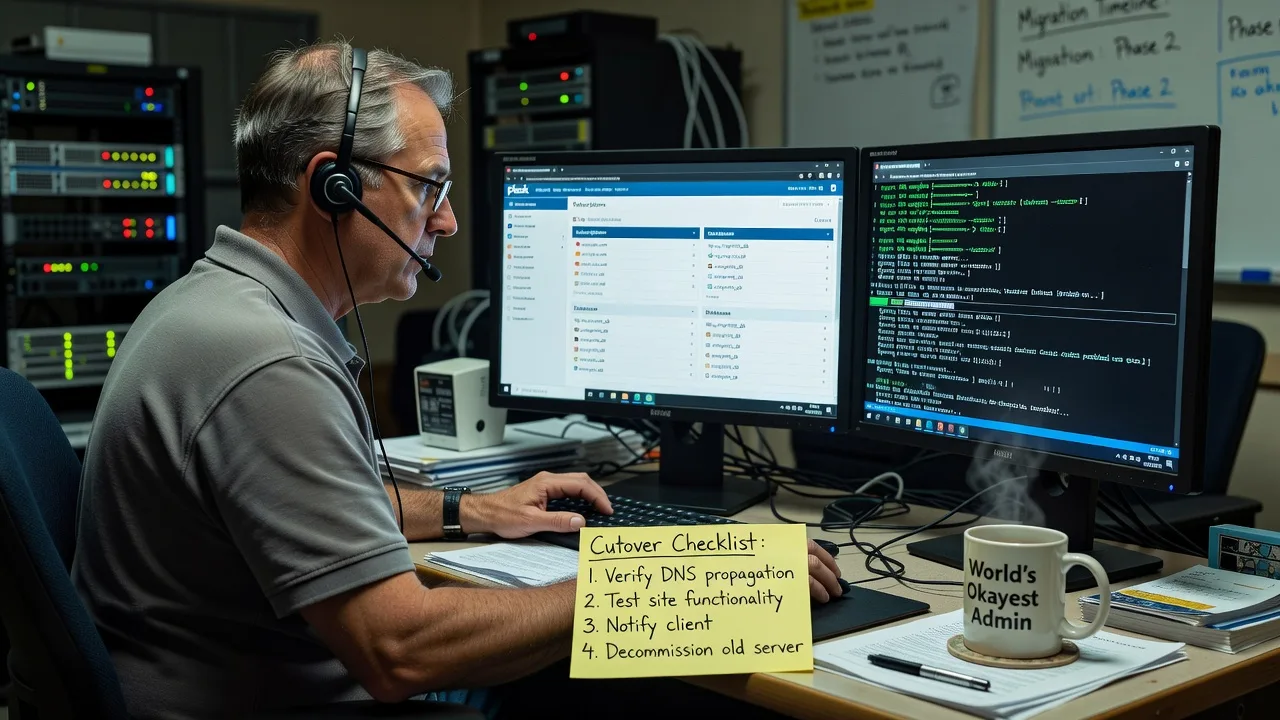
WordPress Migration Between Two Plesk Cloud Servers — Remote
Move your WordPress site between Plesk Cloud servers with controlled cutover and minimal downtime—available remotely worldwide.
We handle full stack transfer: files, databases, SSL, DNS timing, and post-move verification so your storefront, membership portal, or agency client site stays online. Ideal when you are changing Plesk Cloud regions, resizing instances, or exiting a crowded host.
Need hands-on help now? Chat with us or book via fixwebnode.com.au/contact-support.
- Plesk-native backup & restore paths
- WP-CLI integrity checks after switch
- Fixed-scope packages, direct delivery
About this service
Get a clean, verified WordPress migration between two Plesk Cloud servers—delivered remotely worldwide so your production site lands on the new stack without weekend fire drills. We specialise in Plesk-to-Plesk moves for multi-site agencies, WooCommerce operators, and SaaS marketing sites that cannot afford broken checkout or login sessions during a cloud hop.
What You'll Get
- Full site package transfer - Files, media, custom plugins, mu-plugins, and theme assets moved with checksum-aware copy paths
- Database export/import with charset safety - utf8mb4-aware dumps, table prefix checks, and wp_options URL rewrite where required
- Plesk subscription & domain re-bind - Correct document root, PHP handler version match, and scheduled tasks recreated
- SSL reissue or certificate import - Let's Encrypt or custom certs reattached before public DNS cutover
- Post-migration smoke tests - Front page, wp-admin, forms, cron, and critical plugin endpoints verified
- Rollback-ready snapshot note - Clear reverse path if the destination stack fails acceptance checks
Serving Remote & surrounds
This is a remote-first infrastructure service for teams operating WordPress on Plesk Cloud anywhere in the world. Demand spikes when agencies consolidate client fleets onto fewer cloud nodes, when e-commerce brands move closer to AU or EU visitors for TTFB gains, and when end-of-quarter hosting renewals force a clean exit. On-site attendance is optional only where rack or office access is practical; most cutovers complete over secure remote sessions.
- Agency multi-client fleets needing staged Plesk Cloud region moves without per-site freelancers
- WooCommerce and membership brands shifting between Plesk Cloud plans before peak sale windows
- Remote delivery worldwide with encrypted handoff of credentials and optional on-site only when hardware access is required
How We Work
- Step 1: Reach Out - Share source and destination Plesk access method, domain list, approximate DB size, and your downtime window—we listen first and flag blockers early
- Step 2: Tailored Plan - You receive a fixed-scope quote covering backup method, DNS TTL plan, PHP version parity, and acceptance criteria—no open-ended hourly surprises
- Step 3: We Deliver - We migrate files and database, align Plesk vhost settings, reattach SSL, and run WP-CLI health checks on the destination before you flip DNS
- Step 4: Confirm & Follow-up - Plain-English handoff with what changed, residual cache notes, and optional short monitoring window after cutover
Common Issues & How to Fix Them
These are failure modes we see repeatedly on Plesk Cloud WordPress moves—symptoms first, then safe checks you can run before calling us in.
White screen or Error establishing a database connection right after restore
Usually the destination MySQL/MariaDB user, password, or socket host in wp-config.php still points at the old Plesk database server hostname after a subscription copy.
- Step 1: In Plesk on the destination, open Databases and note the exact DB name, user, and hostname (often localhost or a service name—not the public server IP).
- Step 2: Via SSH or File Manager, open wp-config.php and set DB_NAME, DB_USER, DB_PASSWORD, and DB_HOST to the destination values; avoid leaving the source cloud hostname.
- Step 3: Reload the site and run wp db check (WP-CLI) or open /wp-admin once—if tables load without connection errors, the bind is correct.
Mixed content warnings and broken cart/assets after HTTPS cutover
Hard-coded http:// URLs in post content, Elementor/CSS caches, or object-cache leftovers survive a file copy and break on the new Plesk SSL vhost.
- Step 1: Confirm the destination domain shows a valid certificate in the browser padlock and that Plesk Hosting Settings force HTTPS if you intend that policy.
- Step 2: Run a controlled search-replace for the site URL (WP-CLI wp search-replace with dry-run first) and purge page-builder / caching plugin caches on the destination only.
- Step 3: Hard-refresh a product or landing page and inspect Network for residual http:// asset calls; zero mixed-content console errors means you are clean.
403/500 on uploads or plugin updates—permission and ownership drift
Restores via archive or rsync often leave files owned by root or a mismatched system user while the Plesk subscription runs as a different domain user, so PHP-FPM cannot write wp-content/uploads.
- Step 1: From SSH as a privileged user, identify the subscription system user in Plesk (Web Hosting Access) and compare with ls -la on httpdocs and wp-content.
- Step 2: Correct ownership to that system user:group on the document root tree and ensure directories are typically 755 and files 644 unless a hardened baseline says otherwise; never chmod 777 as a permanent fix.
- Step 3: Upload a small media file in wp-admin and trigger one plugin update—if both succeed without 403/500, write paths are healthy.
When DIY is not enough (urgent, unsafe, recurring, or burning time), book Fixwebnode for direct professional support—no freelancers, bidding, or marketplace noise.
Why Choose Fixwebnode
We migrate WordPress on Plesk as a direct infrastructure provider, not a bid board. You work with specialists who treat cutover windows, PHP handler parity, and database charset edge cases as routine—not experiments. Remote worldwide delivery keeps multi-region cloud moves practical without inventing a local shopfront story.
- ✓ Hands-on Plesk Cloud, WP-CLI, and MariaDB migration experience across production WooCommerce and multi-site fleets
- ✓ Fixed-scope packages with clear acceptance checks instead of open marketplace proposals
- ✓ Direct line for support: Chat with us and fixwebnode.com.au/contact-support
Tools & Technologies
Plesk Obsidian (backup/restore, subscriptions, PHP handlers), WP-CLI, mysqldump/mysql client, rsync over SSH, Let's Encrypt and custom SSL import, DNS TTL planning, object/page cache purge workflows, checksum verification, and post-move synthetic checks on critical URLs. We align PHP version and extensions (imagick, intl, redis where used) between source and destination before go-live.
Perfect For
Agencies consolidating client WordPress estates onto a cleaner Plesk Cloud node, online retailers changing cloud region for latency, and operations teams exiting a host before renewal with a documented cutover. If you need a single accountable provider to move files, database, SSL, and DNS timing—not a thread of competing bids—this service is built for you. Available remotely worldwide; on-site only where practical.
Choose a package
Single WordPress site migration between two Plesk Cloud servers with core smoke tests.
Production-grade Plesk-to-Plesk move with SSL, URL hygiene, and extended verification.
Complex or high-traffic WordPress/WooCommerce Plesk Cloud migration with staging rehearsal and post-cutover watch.
FAQ
Yes. This service is delivered remotely worldwide. We work over secure access to both Plesk panels and SSH where granted, plan the DNS cutover with you, and only discuss on-site attendance if physical rack or office access is truly required.
Most single-site moves complete with a short controlled window rather than an all-day outage. We lower DNS TTL in advance when possible, migrate and verify on the destination first, then flip DNS so visitors land on the new server once checks pass. Exact minutes depend on database size and your change freeze rules.
Typically Plesk administrator or sufficient subscription access on both sides, database credentials, and SSH for WP-CLI and ownership fixes when available. We never ask you to post credentials in public tickets; handoff is arranged securely after scope is agreed.
Yes. Standard and Premium packages account for larger databases, cron-dependent shops, and stricter acceptance tests. Multisite and heavy custom stacks are scoped under Premium so rehearsal and critical-path checks are included.



