







 Multi-Vendor & Complex SaaS Marketplaces
 Modern Headless & Jamstack Web Development
 High-End Corporate & Specialized Business Websites
 Advanced API, Checkout & Database Troubleshooting
WooCommerce Print-on-Demand E-commerce Store Setup | Remote
Launch a clean WooCommerce print-on-demand store remotely—built for indie merch, creator drops, and niche lifestyle brands worldwide.
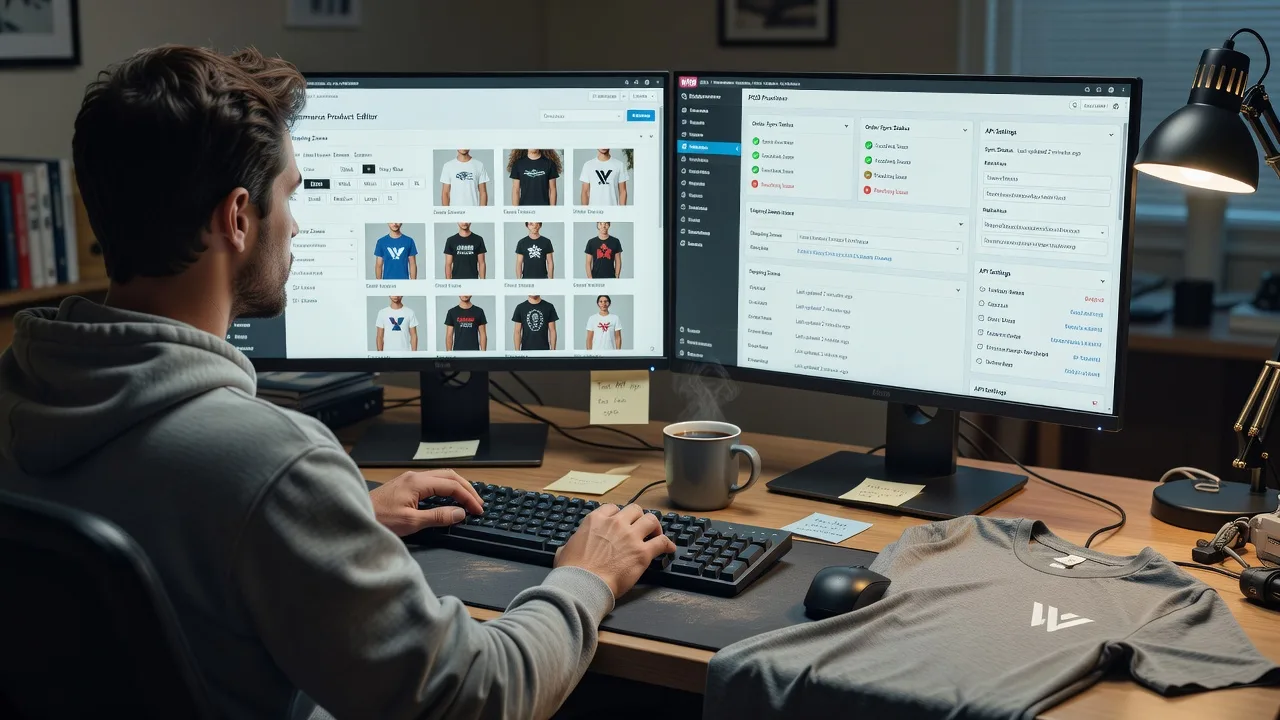
We configure product sync, mockups, shipping rules, and checkout so you sell apparel and accessories without holding stock. Ideal for seasonal drops, fan merch, and small-batch lifestyle lines that need reliable fulfilment paths and plain-English handover.
Need a hand after go-live? Contact support or chat with us for direct follow-up—no freelancers, no bidding.
- POD catalogue, variants & mockup flow
- Payments, tax basics & order routing
- Remote delivery worldwide
About this service
Get a production-ready WooCommerce print-on-demand store built and handed over remotely—so creator brands, indie merch sellers, and niche lifestyle labels can sell apparel and accessories without warehouse stock or messy DIY plugins.
What You'll Get
- WooCommerce store foundation - Theme setup, essential pages, navigation, and mobile-friendly product browsing tuned for apparel and lifestyle SKUs.
- Print-on-demand integration - Provider connection, product push/sync, variant mapping (size/colour), and mockup placement that matches your brand art.
- Checkout & payments path - Stripe/PayPal-ready checkout, clear shipping zones for POD fulfilment, and tax display basics for your selling regions.
- Order & fulfilment clarity - Status flow from paid order to print partner so you know what customers see and what you monitor.
- Brand polish pack - Logo, colours, product templates, and simple policy pages that reduce refund friction on custom prints.
- Handover guide - Plain-English notes on adding designs, pausing products, and checking failed syncs after launch.
Serving Remote & surrounds
This service is delivered remotely worldwide for founders who sell merch across time zones—from solo creators running limited drops to small teams launching seasonal collections. On-site help is available where practical; otherwise we work over secure remote sessions with screen share and staged test orders.
- Creator and fan-merch brands needing fast drop calendars without inventory risk
- Niche lifestyle and hobby labels selling hoodies, tees, posters, and accessories to international buyers
- Remote setup with optional on-site brand or studio visits where travel is practical
How We Work
- Step 1: Reach Out - Tell us your POD partner preference, product types, target markets, and whether you already have WooCommerce hosting or a domain.
- Step 2: Tailored Plan - We scope a fixed quote for store build, integrations, and design rules—clear deliverables, no open-ended marketplace bidding.
- Step 3: We Deliver - We configure WooCommerce, connect POD tooling, load sample products, test checkout, and fix sync or shipping edge cases.
- Step 4: Confirm & Follow-up - You approve a live test order path; we hand over docs and offer optional maintenance or a follow-up training session.
Common Issues & How to Fix Them
These are the POD–WooCommerce failures we see repeatedly on creator and merch stores—each with safe checks you can try before escalating.
Designs look sharp in mockups but print blurry or cropped
Usually a DPI/placement mismatch: store mockups use display images while the print file is under-resolution or sits outside the safe print area.
- Step 1: Open the master artwork and confirm it is at least 300 DPI at the real print size (not only the web preview size).
- Step 2: Re-export a transparent PNG/PDF per the POD partner’s template; keep critical text inside the marked safe zone, not near sleeve or collar edges.
- Step 3: Re-upload, regenerate the mockup, and place a single sample order on a dark and a light garment to compare crop and colour.
Orders stay “Processing” and never reach the print partner
Common when payment capture, webhook, or API keys fail silently—WooCommerce shows paid while the POD queue never receives the job.
- Step 1: In WooCommerce → Orders, confirm the order is paid (not on-hold) and note the exact status timestamp.
- Step 2: Re-check POD plugin/API credentials, webhook URLs, and that the product SKU still maps to a live provider item (not a deleted draft).
- Step 3: Trigger a low-cost test order; if it still stalls, review the plugin log or server error log for 401/timeout entries, then reconnect and resubmit.
Shipping quotes surprise customers at checkout (or block international carts)
POD rates often differ by print location and garment weight; flat rates copied from a physical warehouse store will under- or over-charge.
- Step 1: List your real ship-from regions in the POD dashboard and note standard vs express timelines for your top three customer countries.
- Step 2: In WooCommerce shipping zones, align methods with provider rates (or live rate sync if available); remove leftover flat rates from old physical-stock setups.
- Step 3: Run cart tests for domestic, nearby international, and a distant zone; confirm totals, ETA text, and that free-shipping rules do not erase POD cost reality.
When DIY is not enough (urgent, unsafe, recurring, or burning time), book Fixwebnode for direct professional support—no freelancers, bidding, or marketplace noise.
Why Choose Fixwebnode
We build and support the store ourselves as a direct provider—enterprise-grade WooCommerce and integration work paired with patient, jargon-free guidance for founders who are designers first, not sysadmins. You get fixed scopes, clear handovers, and remote delivery that respects drop deadlines.
- ✓ Direct WooCommerce + POD setup experience across apparel and lifestyle catalogues
- ✓ Fixed-quote packages with test-order verification before you market a drop
- ✓ Human support path after launch via contact support or chat—technical depth without jargon overload
Tools & Technologies
WooCommerce, WordPress, popular POD connectors and APIs (Printful, Printify, and similar), Stripe and PayPal gateways, product CSV/import tools, mockup and variant builders, shipping zone configuration, SSL-ready hosting environments, staging sites for pre-launch tests, and browser/device checks for mobile checkout.
Perfect For
Independent creators, band and community merch projects, coaches with branded apparel, and small lifestyle brands that want a real WooCommerce shop—not a fragile page builder experiment. If you sell worldwide, run seasonal drops, or need someone to own the tech while you own the designs, this remote build is scoped for you.
Ready to go live? Reach us at fixwebnode.com.au/contact-support or chat with us to lock a start date.
Choose a package
Core WooCommerce POD store setup with one provider connection, sample products, and checkout path ready for test orders.
Branded POD catalogue build with extended products, shipping realism, policy pages, and a verified live test-order walkthrough.
Full merch-drop ready WooCommerce POD system with multi-collection setup, automation checks, training, and post-launch support window.
FAQ
Yes. We deliver the full build remotely worldwide using staged environments, secure access, and screen-share sessions. On-site help is only added where practical; most creator and merch brands launch entirely online with clear handover docs.
We commonly connect mainstream POD platforms that offer WooCommerce plugins or APIs, including the major print networks used for apparel and accessories. Tell us your preferred partner and product types during intake so we map variants, mockups, and fulfilment correctly from day one.
A domain and WordPress-capable hosting make launch faster, but we can advise on a clean stack if you are starting from zero. We will not lock you into marketplace sellers—we configure the store on infrastructure you control and document every login and setting we touch.
Yes. Standard and Premium packages emphasise reusable product templates and a simple add-design workflow so new artwork can replace or extend SKUs without rebuilding checkout or shipping. We show you the safe update path so seasonal drops stay on schedule.



