







 Multi-Vendor & Complex SaaS Marketplaces
 Modern Headless & Jamstack Web Development
 High-End Corporate & Specialized Business Websites
 Advanced API, Checkout & Database Troubleshooting
Virtualmin Mail Server Troubleshoot & Email Delivery Fix | Remote
Restore reliable Virtualmin mail delivery for remote teams, SaaS operators, and hosted client stacks worldwide.
We diagnose Postfix/Dovecot queues, SPF/DKIM/DMARC failures, greylisting traps, and certificate mismatches that stall outbound mail—then apply fixed-scope repairs with clear logs and verification. Built for agencies, clinics, and multi-domain hosts who cannot wait on marketplace bids.
Need urgent support? Chat with us or book via fixwebnode.com.au/contact-support.
- Queue, DNS, and auth root-cause analysis
- Delivery tests with measurable RBL/SMTP outcomes
- Direct provider—no freelancers or bidding
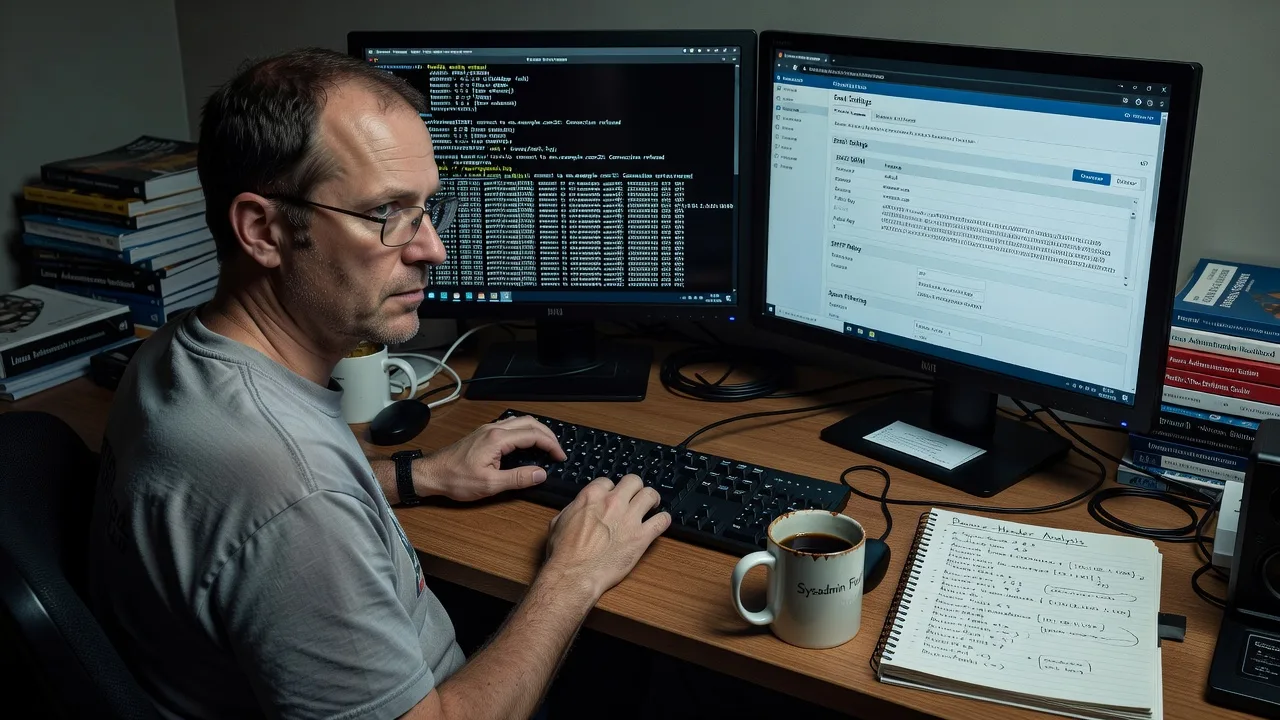
About this service
Get stalled Virtualmin mail flowing again with remote, hands-on Postfix and Dovecot remediation for multi-domain hosts, agencies, and always-on SaaS teams worldwide. We treat bounced invoices, silent queue drops, and RBL blocks as infrastructure incidents—not ticket theatre—so your clients stop chasing missing messages.
What You'll Get
- Full mail-path audit - Virtualmin domain, mailbox, and relay review plus Postfix/Dovecot health checks
- DNS authentication repair - SPF, DKIM, DMARC, MX, and PTR alignment that receivers actually accept
- Queue & delivery recovery - Flush, hold, and reprocess stuck mail with root-cause notes
- TLS & certificate validation - Fix handshake failures that break submission on 587/465
- RBL / reputation triage - Identify listing sources and safe delist or relay paths
- Plain-English handoff - Commands run, configs changed, and how to monitor next week
Serving Remote & surrounds
This service is delivered remotely worldwide for operators who run Virtualmin on VPS, dedicated, or colo boxes across mixed time zones. Demand spikes when end-of-month invoicing, product launches, or seasonal booking mail must leave on schedule—and a single greylist or broken DKIM can freeze cashflow for an entire client roster.
- Managed-hosting agencies juggling dozens of client domains on one Virtualmin panel
- Clinics and professional firms whose appointment and invoice mail must clear corporate spam filters
- Available remotely worldwide; on-site rack or office work where practical by arrangement
How We Work
- Step 1: Reach Out - Share bounce samples, domain names, Virtualmin version, and whether mail fails inbound, outbound, or both—we listen first and map urgency
- Step 2: Tailored Plan - Fixed-scope quote for diagnostics plus remediation depth (single domain vs full server)
- Step 3: We Deliver - Secure remote session: logs, DNS, queue, TLS, and auth fixes applied on your stack
- Step 4: Confirm & Follow-up - Live send/receive tests, written summary, optional monitoring or maintenance path
Common Issues & How to Fix Them
These are the Virtualmin mail failures we see repeatedly—and safe first checks before you escalate.
Outbound mail sits in the Postfix queue with deferred status
Often greylisting, temporary RBL hits, or a dead smarthost—symptoms include growing deferred counts and delayed invoices while local webmail still "sends."
- Step 1: As root, run mailq and note the top deferred reason codes (e.g. 450 greylist, 554 blocked, connection timed out).
- Step 2: For a single stuck ID use postsuper -r QUEUEID after fixing DNS/RBL; avoid blind postsuper -r ALL until the root cause is clear.
- Step 3: Send a test to an external Gmail/Outlook address and confirm the message leaves the queue within a few minutes with a 250 response in /var/log/mail.log.
Messages reject with SPF fail or DMARC quarantine
Common after domain moves or when Virtualmin DKIM keys were rotated but DNS TXT records were not—recipients mark mail as forged even when the panel shows green.
- Step 1: From any shell, run dig TXT yourdomain.com +short and dig TXT default._domainkey.yourdomain.com +short; compare to Virtualmin → Email Settings → DNS records.
- Step 2: Ensure SPF includes the actual sending IP or include: of your relay; republish DKIM from Virtualmin and wait for TTL; set DMARC to p=none only while validating.
- Step 3: Use a header analyser (or Gmail "Show original") and confirm SPF=pass, DKIM=pass, and DMARC=pass on a fresh send.
Submission fails on ports 587/465 with TLS handshake errors
Expired Let's Encrypt mail certs, wrong hostname on the cert, or clients forcing SSL on the wrong port break Outlook/Thunderbird while webmail still works.
- Step 1: Test with openssl s_client -connect mail.yourdomain.com:587 -starttls smtp and check certificate CN/SAN and expiry dates.
- Step 2: In Virtualmin, re-issue the SSL cert for the mail hostname, ensure Dovecot/Postfix point at the new fullchain, then systemctl reload postfix dovecot.
- Step 3: Re-test client submission and confirm AUTH LOGIN succeeds and a message appears in mailq then clears.
When DIY is not enough (urgent, unsafe, recurring, or burning time), book Fixwebnode for direct professional support—no freelancers, bidding, or marketplace noise.
Why Choose Fixwebnode
We are a direct infrastructure provider—not a bid board. You work with specialists who have chased Virtualmin mail failures across multi-tenant hosts, mixed DNS panels, and picky corporate receivers. Fixes are scoped, logged, and explained so your team can operate the box after we leave.
- ✓ Deep Virtualmin, Postfix, Dovecot, and DNS auth experience on production hosts
- ✓ Fixed quotes for technical scope—clear deliverables, no hourly surprise theatre
- ✓ Remote worldwide delivery with plain-English handoff and optional follow-up checks
Expert Insights
After hundreds of Virtualmin mail recoveries, these patterns separate quick wins from week-long outages:
- PTR and HELO mismatch silently tanks bulk mail. Many hosts set the VPS reverse DNS to the provider default while Postfix announces mail.clientdomain.com. Large receivers (especially Microsoft) score this hard. Align PTR to the same FQDN Postfix uses in myhostname, then verify with dig -x YOUR.IP before chasing content filters.
- Virtualmin "Enable spam and virus scanning" plus aggressive procmail scores can black-hole legit mail without a bounce. Check /var/log/procmail.log and ClamAV/Spamd dispositions when users swear they "sent" but nothing arrived and nothing bounced—quarantine is not the same as deferred.
- IPv6 half-enabled is a classic deferred trap. If the server advertises AAAA but outbound IPv6 is firewalled or lacks PTR, Postfix may prefer v6 and sit deferred for hours. Either complete v6 (PTR + allow) or force v4 preference in transport/smtp settings until dual-stack is real—measure with simultaneous v4/v6 test sends.
- Watch queue age, not just queue size. A queue of 40 messages all under 10 minutes is healthy after a marketing blast; 12 messages older than 4 hours with identical 421/450 codes means reputation or greylist loops. Track postqueue -p age buckets before you scale hardware.
Tools & Technologies
Virtualmin/Webmin, Postfix, Dovecot, OpenDKIM, SpamAssassin, ClamAV, dig/nslookup, openssl s_client, mailq/postqueue/postsuper, swaks or similar SMTP test clients, RBL lookup utilities, Let's Encrypt/Certbot mail hostnames, journalctl and /var/log/mail.log analysis, SPF/DKIM/DMARC validators.
Perfect For
Hosting agencies, SaaS and product teams, professional firms, and multi-domain operators running Virtualmin who need outbound and inbound mail restored without a multi-vendor scramble. Ideal when end-of-month billing mail, client notifications, or booking confirmations must clear filters on a fixed timeline—and you want one accountable provider on the keyboard.
Ready to clear the queue and prove delivery? Chat with us or start at fixwebnode.com.au/contact-support for a scoped remote engagement.
Choose a package
Single-domain Virtualmin mail health check with root-cause summary and priority fix list.
Hands-on remediation for one server including DNS auth, queue recovery, and live delivery tests.
Full multi-domain Virtualmin mail recovery, reputation triage, hardening, and follow-up monitoring window.
FAQ
Yes. We work over secure remote access on your VPS or dedicated host from anywhere. On-site visits are only arranged where practical and agreed in advance. You get the same direct specialist delivery—no bidding or third-party freelancers.
Typically SSH root or sudo on the Virtualmin host, plus ability to update DNS for SPF/DKIM/DMARC and PTR if required. We can work with a staging window and document every change. Share recent bounce headers if you have them—they cut diagnosis time sharply.
Many single-cause failures (expired mail cert, mismatched SPF, stuck greylist after IP change) clear within the Standard engagement once access is granted. Reputation listings or multi-domain misconfigurations take longer; Premium covers broader recovery and a follow-up check.
You engage Fixwebnode as the direct provider. We quote fixed technical scopes, perform the work ourselves, and hand back logs and verification—not a pool of bids or escrow freelancers.



