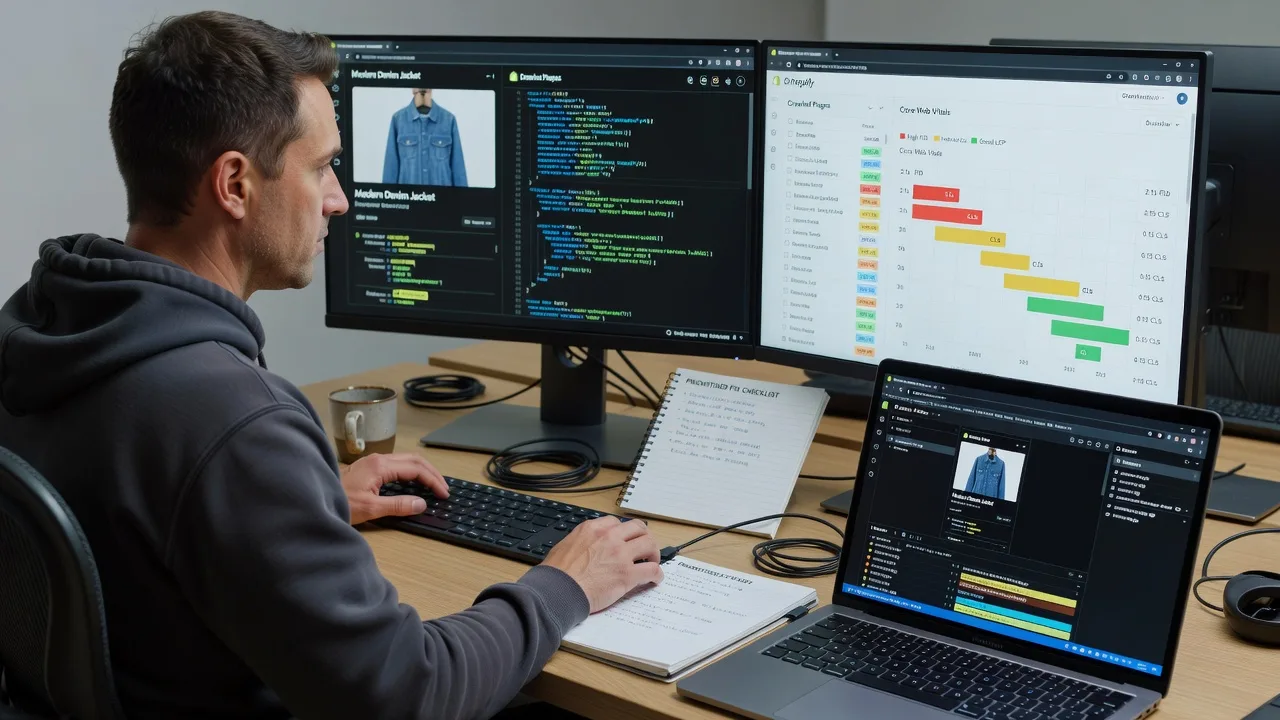
Multi-Vendor & Complex SaaS Marketplaces
 Modern Headless & Jamstack Web Development
 High-End Corporate & Specialized Business Websites
 Advanced API, Checkout & Database Troubleshooting
Shopify Image & App Script Load Speed Optimization | Remote
Faster Shopify storefronts worldwide—leaner images, lighter app scripts, clearer checkout paths.
We compress media, audit theme and app JS, and cut render-blocking load so DTC and multi-currency shops stay snappy during flash sales and peak shipping windows. Direct remote delivery from Fixwebnode—no bidding queues.
Need a hand next? Chat with us or open support at fixwebnode.com.au/contact-support and we will map your store’s biggest weight first.
- Image pipeline + WebP/AVIF delivery checks
- App script deferral and unused liquid cleanup
- Before/after speed notes you can act on
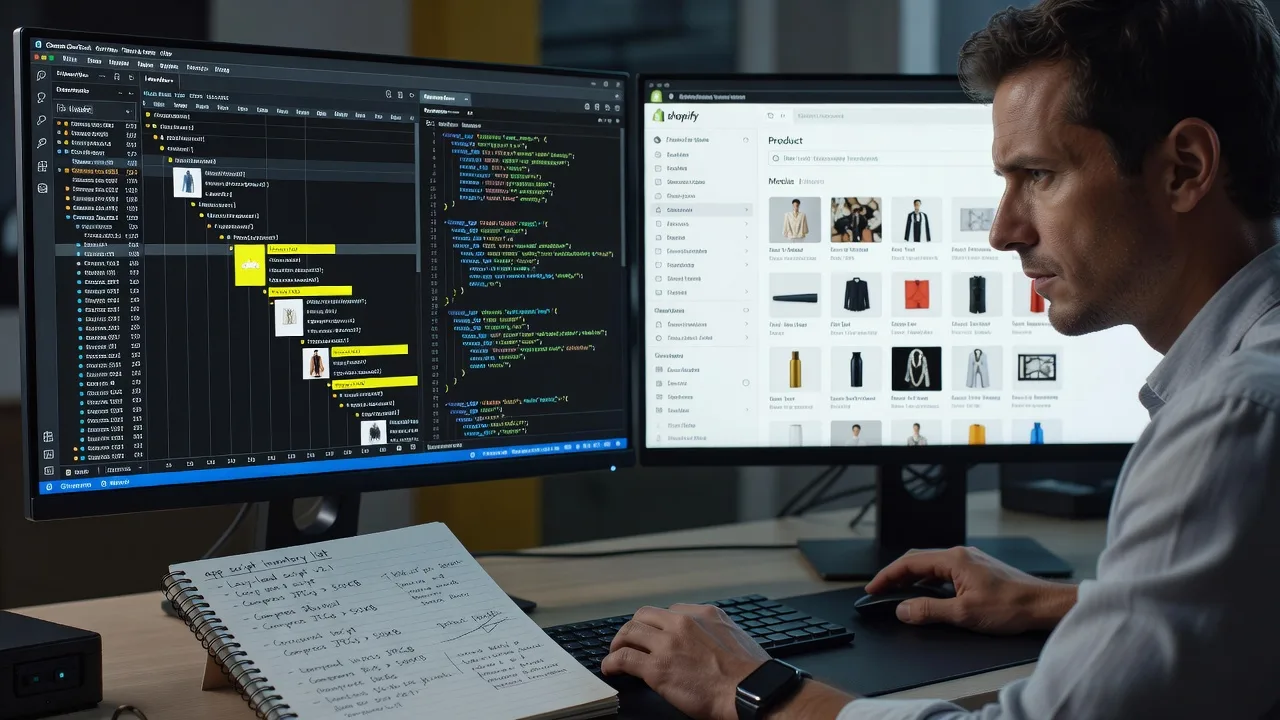
About this service
We speed up remote Shopify stores by fixing heavy images and noisy app scripts—so product pages open faster for shoppers in every market you ship to. Ideal for DTC brands, subscription wellness shops, and multi-currency catalogue merchants who feel lag on mobile during launch weeks and seasonal demand spikes.
What You'll Get
- Image weight audit - Theme, product, collection, and metafield media reviewed for oversized masters, missing responsive srcsets, and lazy-load gaps.
- App script inventory - Third-party apps ranked by network cost, main-thread time, and whether they must run on every template.
- Theme liquid & asset cleanup - Deferred non-critical JS, trimmed unused CSS from dead app leftovers, and safer async patterns where Shopify allows them.
- Core Web Vitals-focused pass - Practical LCP/CLS/INP improvements on PDP and collection templates without redesigning your brand.
- Before/after evidence pack - Waterfall notes, file size deltas, and plain-English next steps for your team or agency.
- Handoff & guardrails - How to keep new apps and bulk image uploads from undoing the win.
Serving Remote & surrounds
This service is built for merchants operating fully remote or hybrid: Australian and NZ storefronts selling into global carts, UK/EU pop-up ranges, and US-facing catalogues that still need AU business-hours support. Peak pressure usually lands around BFCM, Boxing Day, Mother’s Day gift rushes, and subscription renewal weeks—when unoptimised hero media and stacked review/upsell apps collide with paid traffic.
- DTC fashion and beauty brands with 1,000+ SKU image sets and frequent lookbook drops
- Subscription wellness and meal-kit style shops where checkout JS must stay lean on mobile
- Fully remote delivery worldwide; on-site pairing only where practical for handoff workshops
How We Work
- Step 1: Reach Out - Share your.myshopify.com preview or storefront URL, theme name, pain pages (PDP, collection, cart), and which apps you cannot remove. We listen before touching settings.
- Step 2: Tailored Plan - Fixed-scope quote for image pipeline work, script load reduction, or both—clear inclusions, no hourly surprise drift.
- Step 3: We Deliver - Remote theme/app configuration, CDN-friendly image rules, and script deferral tested on staging or a theme duplicate first.
- Step 4: Confirm & Follow-up - Plain-English handoff, optional maintenance window, and a short checklist so new staff do not reintroduce heavy uploads.
Common Issues & How to Fix Them
These are patterns we see repeatedly on live Shopify catalogues—not generic “compress your images” advice.
Product gallery masters still served at 4000px+ on mobile LCP
Merchants upload camera RAW exports or marketplace packshots; Shopify’s CDN can resize, but theme liquid often requests the original width or a single huge {{ image | img_url: 'master' }} style source, so mobile LCP waits on a multi-megabyte first paint.
- Step 1: On a product page, open DevTools Network, filter Img, hard-reload on a throttled mobile profile, and note the LCP candidate’s transferred size and requested width.
- Step 2: In the theme, switch gallery snippets to responsive image_tag / srcset patterns with sensible max widths (e.g. 800–1200px for mobile breakpoints) and ensure loading='lazy' is not on the LCP hero.
- Step 3: Re-test the same SKU: LCP image should be well under ~300–400KB on 4G profiles and match the displayed CSS size—not a 4K master scaled down in the browser only.
App scripts injected site-wide when only cart or PDP needs them
Review widgets, upsell drawers, loyalty points, and chat pixels often load their full bundle on homepage, collections, and blog via ScriptTag or theme app extensions with no template guard—adding 200–800ms of main-thread work before first interaction.
- Step 1: Run a coverage or waterfall capture on homepage vs PDP vs cart; list third-party domains that appear on every template.
- Step 2: Disable or restrict each app to the templates that actually use its UI (app embed settings, conditional liquid, or removing global ScriptTags). Prefer one reviews stack, not three leftovers from past trials.
- Step 3: Confirm homepage JS weight dropped and on-page features still work where required; if a feature broke, re-enable only on that template—not globally.
“Optimised” theme still blocks render with synchronous app CSS/JS in <head>
Speed apps and page builders sometimes inject blocking stylesheets or non-deferred scripts early; combined with Shopify’s own bootstrapping, First Contentful Paint stalls even when images look fine.
- Step 1: View page source and note link/script tags before the main content that belong to apps you recognise (builders, popups, A/B tools).
- Step 2: Move non-critical app assets to body-end, defer/async where the vendor supports it, or replace the app with a lighter native section if the feature is trivial.
- Step 3: Recheck FCP/LCP and interaction delay on mobile; the first paint should no longer wait on chat or popup CSS that is invisible above the fold.
When DIY is not enough (urgent, unsafe, recurring, or burning time), book Fixwebnode for direct professional support—no freelancers, bidding, or marketplace noise.
Why Choose Fixwebnode
We deliver this ourselves as a direct provider: enterprise-grade remote web performance craft with patient, jargon-free explanations for founders and ops leads who are not full-time developers. You get fixed scopes, theme-safe changes, and support paths that respect both store uptime and human clarity.
- ✓ Hands-on Shopify theme and app-load experience across high-SKU catalogues
- ✓ Remote-first process with staging discipline before production publishes
- ✓ Clear AUD packages and follow-up options—talk to a specialist, not a bid board
Tools & Technologies
Shopify Admin & theme editor, Online Store 2.0 sections, Liquid image_tag/srcset patterns, Chrome DevTools (Network, Performance, Coverage), Lighthouse / CWV field checks, WebP/AVIF-friendly CDN delivery via Shopify’s image pipeline, app embed review, ScriptTag hygiene, and selective metafield media cleanup. We document changes so your next developer is not guessing.
Perfect For
Growing Shopify merchants—especially remote DTC, subscription, and multi-market catalogue teams—who already run paid traffic or email drops and cannot afford sluggish PDPs. Also a fit for small teams and clinic-adjacent wellness shops that need technical fixes explained calmly without drowning in jargon. Available remotely worldwide; on-site only where practical.
Ready when you are—message us with your slowest template and we will outline a fixed plan. For support routing, use fixwebnode.com.au/contact-support.
Choose a package
Focused audit and fixes for image weight on key product/collection templates.
Images plus app script inventory and deferral on core storefront templates.
Storewide media and script performance programme with CWV-focused validation and follow-up.
FAQ
We work entirely over secure remote access to your Shopify admin and theme editor (or a collaborator account you control). You stay the store owner; we implement on a theme copy first, then publish after you approve. Worldwide delivery is standard—timezone overlap is agreed at kickoff.
We stage changes on a duplicate theme and re-test cart, checkout entry, and any app UI you flag as critical. Script restrictions are template-scoped so features remain where they are needed. If an app cannot safely defer, we document that limit instead of forcing a risky change.
Speed apps often add more JavaScript while masking symptoms. We reduce actual bytes and main-thread work—correct image requests, remove leftover ScriptTags, and stop site-wide injection from apps that only belong on PDP or cart. You keep fewer moving parts, not another dependency.