







 Multi-Vendor & Complex SaaS Marketplaces
 Modern Headless & Jamstack Web Development
 High-End Corporate & Specialized Business Websites
 Advanced API, Checkout & Database Troubleshooting
Shopify Domain Connection & SSL Pending Errors Fixed Remote
Get your Shopify store live on your custom domain with a working SSL padlock—remote help worldwide.
We clear stuck domain connections, DNS mismatches, and SSL-pending states that block checkout trust for DTC brands, seasonal product launches, and multi-store operators. Plain-English updates the whole way through.
Need faster answers? Contact support at fixwebnode.com.au/contact-support or chat with us to power up your support experience.
- Domain pointed and verified
- SSL issued and forced HTTPS
- Checkout and admin access checked
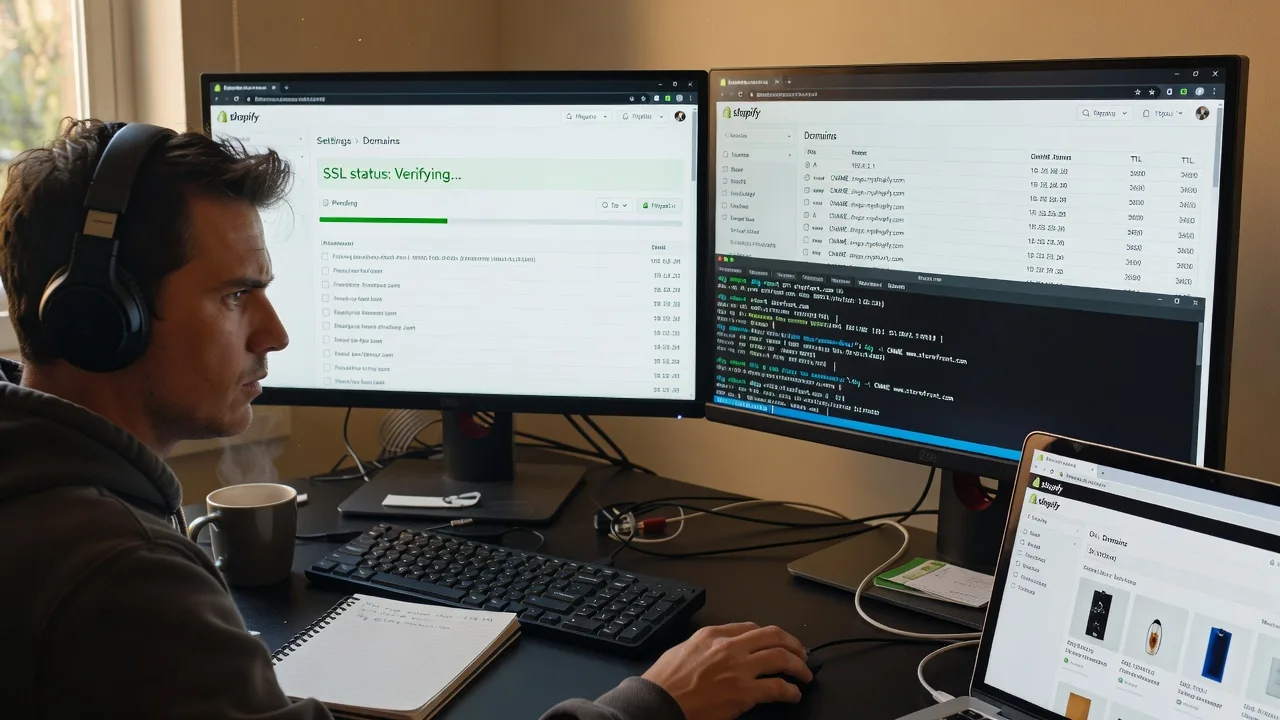
About this service
We resolve Shopify domain connection failures and SSL pending errors so your storefront loads on the right hostname with a trusted lock—delivered remotely for online retailers and catalogue brands anywhere. No freelancers, no bidding queues: you work directly with us until the padlock is green and redirects behave.
What You'll Get
- Domain connection audit - We map current A/CNAME/AAAA records, Shopify DNS targets, and registrar settings against what Shopify expects.
- Correct Shopify domain setup - Primary domain selected, www/apex preference set, and connection status cleared from error or pending.
- SSL / TLS completion - Certificate issuance unblocked, HTTPS forced, mixed-content and HSTS edge cases handled where they block the lock.
- Redirect and checkout verification - HTTP→HTTPS and old-host→new-host paths tested so carts and payment pages stay on the secure host.
- Email and third-party DNS notes - MX/SPF-safe guidance so fixing the shop domain does not silently break business mail.
- Plain-English handoff - What changed, what to leave alone, and when to recheck after DNS TTL.
Serving Remote & surrounds
This service is built for remote delivery worldwide: founders, ops managers, and marketing leads who sell online and cannot wait on vague hosting tickets. Demand spikes around catalogue relaunches, Black Friday / festive inventory pushes, and brand refreshes when a new.com must go live before ads spend.
- DTC fashion and beauty brands flipping from myshopify.com to a custom domain before a campaign drop
- Specialty food, wellness, and subscription shops stuck on SSL pending after a registrar transfer
- Available remotely worldwide; on-site only where practical for complex office DNS gear
How We Work
- Step 1: Reach Out - Share your Shopify admin domain screen, registrar name, and the exact error (connection failed, SSL pending, wrong host). We listen first and confirm access needs.
- Step 2: Tailored Plan - Fixed-scope quote for single domain vs multi-domain / email-safe DNS work; clear timeline tied to DNS propagation windows.
- Step 3: We Deliver - We apply DNS and Shopify settings remotely, trigger SSL, and validate storefront, checkout, and admin over HTTPS.
- Step 4: Confirm & Follow-up - You receive a short checklist and optional recheck after TTL; maintenance paths available if you add storefronts later.
Common Issues & How to Fix Them
These are the failure patterns we see repeatedly on live Shopify stores—not generic “clear your cache” advice.
SSL stuck on Pending while the domain already “connects”
Shopify shows the domain as connected but SSL never leaves Pending because CAA records block Let’s Encrypt, an old A record still answers on another host, or both apex and www are not consistently pointed.
- Step 1: From a terminal or online dig tool, query A and CNAME for both your root domain and www; confirm they match Shopify’s current target values only—no leftover parking or old host IPs.
- Step 2: Check for CAA records at the apex. If CAA exists and does not allow the issuer Shopify uses, add the required CAA lines (or temporarily remove restrictive CAA with your registrar’s OK) so certificate issuance can complete.
- Step 3: In Shopify Admin → Settings → Domains, remove and re-add the domain if needed, wait one full TTL cycle, then load https://yourdomain and confirm the padlock and certificate subject match your shop hostname.
Domain connection error after pointing only the www CNAME
Many registrars default the apex to their own parking page. Shoppers hitting the bare domain get a non-Shopify site or a browser warning while www works—Shopify then reports an incomplete connection.
- Step 1: Open your DNS zone and list every record on @ (apex) and www. Note any A/AAAA to parking, “website builder,” or old VPS IPs.
- Step 2: Set www as a CNAME to the Shopify hosts target Shopify displays, and set apex A records exactly to Shopify’s documented IPs (or the ANAME/ALIAS your DNS host supports). Delete conflicting host records.
- Step 3: Use Shopify’s “Connect domain” flow, set the preferred primary (usually the apex or www consistently), then test both URLs in a private window until both land on the same theme without mixed warnings.
Checkout works on *.myshopify.com but custom domain shows mixed content or redirect loops
Theme assets, old hard-coded http:// links, or a third-party CDN/proxy still serving the previous hostname create loops or broken locks even after DNS looks correct.
- Step 1: In a private browser, open DevTools → Network on the custom domain homepage and note any requests still going to http:// or an old domain.
- Step 2: In Shopify, force the primary domain and enable redirecting other domains to the primary. Search theme settings and apps for hardcoded absolute http URLs; update to relative or https paths. Disable conflicting reverse-proxy SSL modes if a CDN sits in front incorrectly.
- Step 3: Re-test homepage, collection, product, cart, and checkout. Confirm the address bar stays on https://your-primary-domain with no interstitial warnings.
When DIY is not enough (urgent launch, unsafe DNS edits, recurring SSL pending, or burning ad spend on a broken host), book Fixwebnode for direct professional support—no freelancers, bidding, or marketplace noise.
Why Choose Fixwebnode
We treat domain and SSL work as production infrastructure, not a ticket lottery. You get technical precision on DNS and certificates plus calm, jargon-light explanations so non-technical owners still know what changed and why it is safe.
- ✓ Direct provider for Shopify DNS, domain connection, and SSL completion—no multi-seller handoffs
- ✓ Email-aware DNS changes so fixing the shop does not orphan MX or break SPF mid-campaign
- ✓ Remote-first delivery with clear fixed scopes for single stores through multi-domain brand setups
Tools & Technologies
Shopify Admin Domains, registrar DNS panels (Cloudflare, Route 53, GoDaddy, Namecheap, Google Domains successors, and others), dig/nslookup, CAA inspection, SSL Labs-style certificate checks, browser DevTools for mixed content, and HTTPS redirect validation across storefront and checkout.
Perfect For
Online retailers, catalogue brands, and small ecommerce teams who need the custom domain live before traffic or paid ads hit. Ideal when SSL has been pending for days, a registrar transfer left split DNS, or a rebrand must cut over cleanly without losing checkout trust. Remote worldwide; we explain each step in plain language for owners and ops staff alike.
Ready to clear the error and ship on your real domain? Start at fixwebnode.com.au/contact-support or chat with us.
Choose a package
Single custom domain connection check plus SSL pending clearance for one Shopify store.
Full apex/www setup, SSL force, redirect checks, and email-safe DNS notes for one store.
Multi-domain or post-transfer rescue with CDN/proxy review, launch window support, and follow-up recheck.
FAQ
Yes—this service is delivered remotely worldwide. We work through Shopify admin and your DNS provider with you (or with temporary collaborator access you control). On-site help is only considered where practical for unusual office network gear, and most stores never need it.
Once A/CNAME records match Shopify and nothing blocks issuance (including restrictive CAA), many stores flip within minutes to a few hours. Stubborn cases wait a full DNS TTL—often up to 24–48 hours. We plan the cutover around that window so you are not refreshing the admin screen blindly.
It should not if MX and related mail records are left intact. We inventory existing MX/TXT records before changing web A/CNAME values and call out any risky edits. If your mail and web share one messy zone, the Standard or Premium scope is the safer path.
Typically collaborator or staff access to Shopify Settings → Domains, plus login or guided screen-share on the domain registrar/DNS host. You keep ownership of accounts; we do not require marketplace-style escrow or third-party freelancers.



