







 Multi-Vendor & Complex SaaS Marketplaces
 Modern Headless & Jamstack Web Development
 High-End Corporate & Specialized Business Websites
 Advanced API, Checkout & Database Troubleshooting
Secure HestiaCP or CloudPanel Setup on Vultr VPS | Remote
Production-ready HestiaCP or CloudPanel on your Vultr VPS—hardened, documented, and delivered remotely worldwide.
We install, lock down, and hand over a clean control-panel stack for agencies, SaaS founders, and multi-site operators who need predictable admin without DIY risk. Firewall, SSL, SSH, backups, and panel users configured the way ops teams actually run them.
Need a scoped quote or a live walkthrough? Contact support or chat with us to power up your support experience.
- Vultr-ready panel install
- Security baseline included
- Plain-English handoff notes
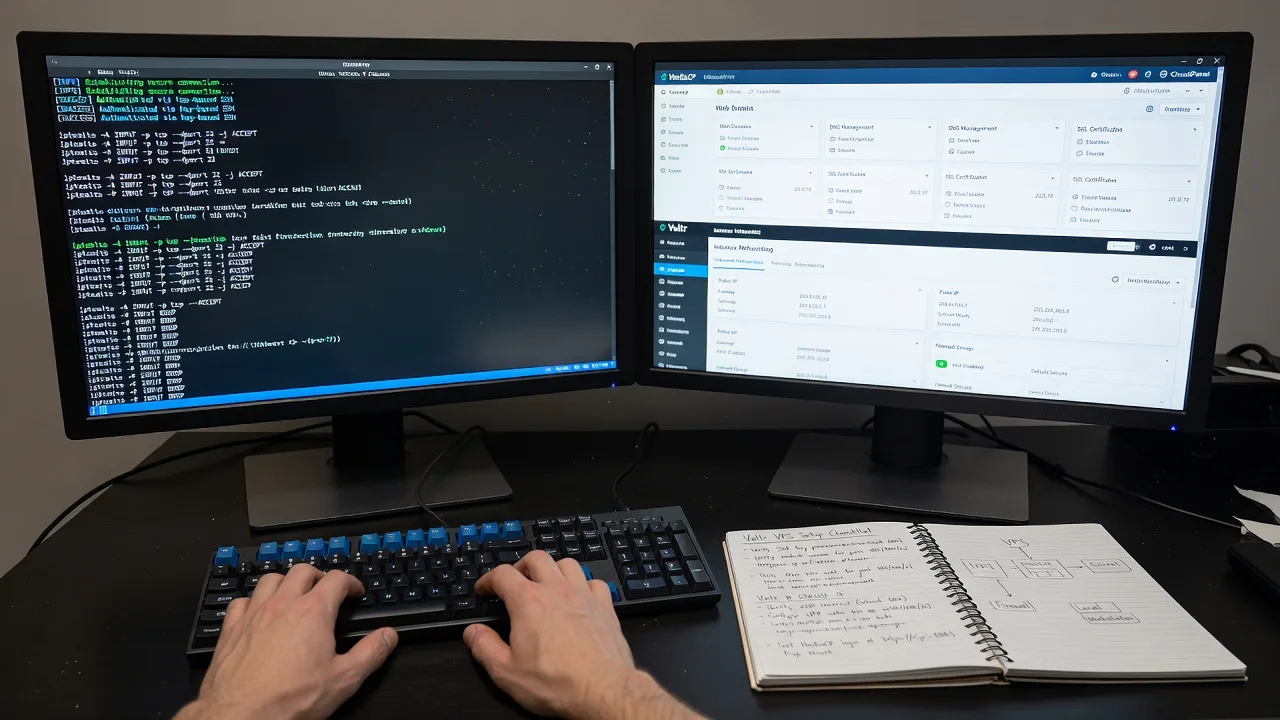
About this service
Get a secure HestiaCP or CloudPanel stack on your Vultr VPS without the trial-and-error that burns billable hours—remote delivery worldwide for teams who need a stable admin surface fast.
What You'll Get
- Panel install on a fresh or existing Vultr VPS - HestiaCP or CloudPanel chosen to match your OS image, RAM, and site mix
- Security baseline before first login - SSH keys, fail2ban-style protection patterns, firewall rules, and disabled password root where appropriate
- SSL and hostname wiring - Panel hostname, Let's Encrypt paths, and reverse-proxy readiness so browsers stop warning clients
- User, package, and mail/web defaults - Sensible limits, PHP versions where applicable, and admin vs client separation
- Backup path verification - Snapshot/schedule notes plus what to restore first after a bad deploy
- Handoff document - Credentials channel, URLs, ports, and "do this next" checklist in plain English
Serving Remote & surrounds
This is a remote infrastructure service for operators who run client sites, staging boxes, and lean production workloads on Vultr across time zones. Demand spikes when agencies onboard new brands, when freelancers graduate to multi-tenant hosting, and when seasonal campaigns need extra nodes without shared-hosting surprises. We work over secure remote sessions and ticketed handoff—on-site only where practical for hybrid offices.
- Digital agencies spinning up client isolation on Vultr compute
- SaaS and product teams needing a control panel for marketing sites beside app servers
- Remote-first founders who want a locked panel before public DNS goes live
How We Work
- Step 1: Reach Out - Share Vultr region, OS image, panel preference (HestiaCP or CloudPanel), domain plan, and whether this is greenfield or a messy rebuild
- Step 2: Tailored Plan - Fixed-scope quote for install + hardening level; we flag RAM/CPU minimums and any mail or multi-PHP needs upfront
- Step 3: We Deliver - Remote setup on your VPS: panel, TLS, firewall/SSH posture, users, and smoke tests against real hostnames
- Step 4: Confirm & Follow-up - You walk the admin UI with our notes; optional maintenance or a second node can follow once the first is stable
Common Issues & How to Fix Them
These are patterns we see repeatedly on Vultr + panel stacks—specific symptoms, not generic "check your firewall" advice.
Panel UI loads but Let's Encrypt fails with connection refused or timeout on ACME
Usually the panel hostname points at the wrong Vultr floating IP, port 80 is filtered, or a leftover nginx/apache default still owns the challenge path.
- Step 1: From your laptop run dig/nslookup on the panel FQDN and confirm it matches the VPS primary IP you are managing in Vultr (not an old snapshot IP).
- Step 2: Temporarily allow inbound TCP 80 from the internet on the Vultr firewall and the OS firewall; stop any second web stack you installed before the panel.
- Step 3: Retry issuance from the panel; success looks like a valid cert on the panel URL and no mixed-content warnings on the admin login.
SSH lockouts after "securing" the box—new key works once, then connection refused
Common when UFW/firewalld rules were applied before confirming the Vultr console recovery path, or when AllowUsers/PermitRootLogin changes were saved without a second session open.
- Step 1: Open the Vultr web console first; confirm you can still authenticate locally before changing sshd_config again.
- Step 2: Re-enable a known-good key or temporary password only via console; verify ListenAddress/Port and that the Vultr firewall allows your new SSH port from your IP.
- Step 3: Open a second SSH session from your workstation; only then kill the old session. Verified when two concurrent sessions work and fail2ban (if used) is not banning your office IP.
Sites show 502/504 after PHP or template changes inside HestiaCP/CloudPanel
Often a PHP-FPM pool failed to reload, socket path drifted after a version switch, or disk filled from logs/backups on a small Vultr plan.
- Step 1: Check free disk and inode use (df -h and df -i); if root is >90%, rotate or purge old panel backups and large access logs before touching PHP.
- Step 2: In the panel, confirm the site’s PHP version matches an installed pool; restart the site’s PHP-FPM/backend from the panel or service manager—not a blind reboot.
- Step 3: Hit a phpinfo or health URL and the homepage; fixed when response codes return 200 and error logs stop showing "Primary script unknown" or upstream timed out.
When DIY is not enough (urgent, unsafe, recurring, or burning time), book Fixwebnode for direct professional support—no freelancers, bidding, or marketplace noise.
Why Choose Fixwebnode
We are the team that installs and hardens the stack—not a bid board. You get one accountable provider who has repeated Vultr + panel rollouts for multi-site and agency workloads, with documentation written for the next person on your team, not for a sales deck.
- ✓ Direct Tier-1 infrastructure work: Linux, panels, firewalls, and handoff you can re-run
- ✓ Security-first defaults before public DNS—keys, ports, TLS, and admin separation
- ✓ Remote worldwide delivery with clear fixed scopes (Basic / Standard / Premium)
Tools & Technologies
Vultr VPS (compute, firewall, snapshots), Ubuntu/Debian images, HestiaCP, CloudPanel, Nginx/Apache stacks as provided by each panel, OpenSSH, UFW/firewalld patterns, Let's Encrypt/ACME, Fail2ban where appropriate, PHP-FPM version sets, DNS A/AAAA validation, rsync/snapshot backup paths, and secure secret handoff channels.
Perfect For
Agencies, freelancers-turned-hosts, and product teams who want a real control panel on Vultr without leaving SSH wide open or trusting a one-click image forever. Ideal when you need client accounts, SSL automation, and a documented baseline before marketing traffic arrives. Available remotely worldwide; on-site only where practical.
Ready to lock in a scoped install? Go to fixwebnode.com.au/contact-support or chat with us—we will map panel choice, Vultr size, and hardening level before any changes hit production.
Choose a package
Single Vultr VPS: install HestiaCP or CloudPanel with SSL on the panel hostname and a basic firewall/SSH checklist.
Hardened panel setup with users/packages, fail2ban-style protection patterns, backup path check, and full handoff doc.
Full production baseline: dual-path recovery notes, multi-site readiness, monitoring hooks guidance, and post-go-live review session.
FAQ
Yes. This service is delivered remotely worldwide over secure access you approve. We use the Vultr console as a safety net when SSH changes are involved, and we only discuss on-site help where it is practical for your team.
It depends on OS image, RAM, and whether you need classic multi-user hosting features versus a leaner modern panel UX. Share your plan size, expected site count, and mail needs—we recommend one panel and size the Vultr instance so you are not thrashing swap on day one.
Standard and Premium include a security baseline: key-based access patterns, port and firewall alignment with Vultr’s firewall, and panel exposure limited to what you actually need. Basic includes a checklist so you know what was left open and why.
Vultr access (or a temporary API/user with rebuild rights), preferred region/OS, panel choice if you already have one, the panel FQDN, and whether DNS can be pointed during the window. We never require marketplace bids—just direct credentials via a secure channel.



