







 Multi-Vendor & Complex SaaS Marketplaces
 Modern Headless & Jamstack Web Development
 High-End Corporate & Specialized Business Websites
 Advanced API, Checkout & Database Troubleshooting
Repair Broken Katana, Zoho & Square WooCommerce Inventory Sync
Stop overselling and phantom stock—we repair real-time Katana, Zoho Inventory, and Square sync failures with WooCommerce for multi-channel retailers worldwide.
When SKUs drift between manufacturing, POS, accounting, and your store, we diagnose webhook gaps, API rate limits, and mapping errors so quantities stay trustworthy across channels. Ideal for DTC brands, light manufacturers, and specialty shops running hybrid online-plus-counter sales.
Need faster help? Power up support at fixwebnode.com.au/contact-support or chat with us for a direct remote fix path.
- Live stock alignment across Katana / Zoho / Square
- WooCommerce order & SKU mapping corrected
- Clear handoff notes—no marketplace bidding
About this service
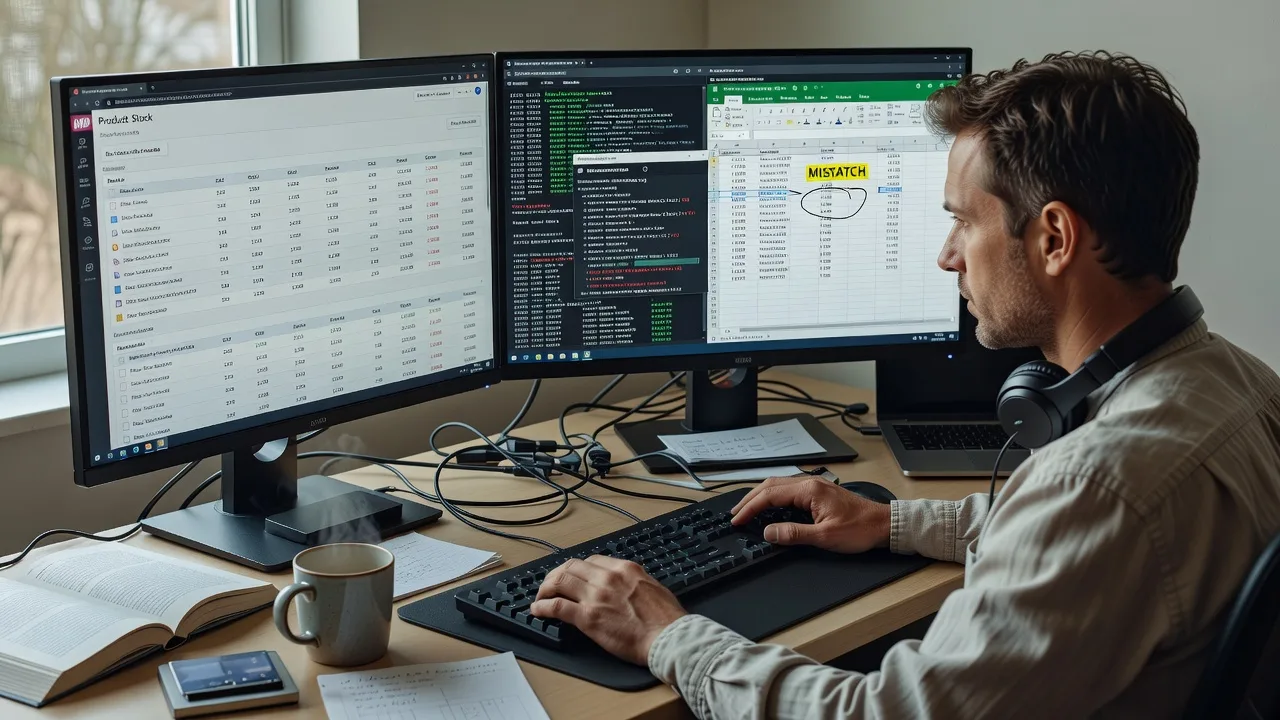
We restore reliable real-time inventory syncing between Katana MRP, Zoho Inventory, Square POS, and WooCommerce so remote multi-channel sellers stop overselling, double-booking kits, and chasing ghost stock after every sale.
What You'll Get
- Root-cause sync audit - We trace webhook deliveries, API scopes, SKU keys, and queue failures instead of blindly reinstalling plugins.
- Channel mapping repair - Katana manufacturing variants, Zoho warehouses, Square locations, and WooCommerce products realigned on one source of truth.
- Realtime path hardening - Order-paid, refund, and stock-adjustment events wired so counters and online carts deplete the same pool.
- Conflict & duplicate cleanup - Orphan SKUs, case-sensitive mismatches, and bundle/kit quantity bugs cleaned without wiping historical sales.
- Monitoring handoff - Simple health checks and plain-English notes so your team spots drift before the next peak sale.
- Optional stability pass - Rate-limit pacing, retry rules, and staged test orders before go-live on live catalogues.
Serving Remote & surrounds
This service is delivered remotely worldwide for operators who sell online while also manufacturing, wholesaling, or ringing sales at a physical counter. Demand spikes around seasonal catalogue drops, pre-order launches, market-stall weekends, and end-of-financial-year stocktakes when every mismatched unit costs real margin. We work across time zones with screen-share diagnostics and staged change windows so trading can continue.
- DTC apparel and outdoor brands using Katana for BOM/kits while WooCommerce runs the storefront
- Specialty food, gift, and homeware shops syncing Square registers to WooCommerce during weekend rush periods
- Remote-first operators needing on-site only where practical—otherwise full secure remote access and test-order verification
How We Work
- Step 1: Reach Out - Tell us which stack is broken (Katana, Zoho Inventory, Square, WooCommerce plugins/middleware), what symptoms you see (oversells, negative stock, delayed updates), and whether kits/bundles or multi-warehouse are involved. We listen before touching credentials.
- Step 2: Tailored Plan - You receive a fixed-scope quote covering audit depth, channels in scope, and whether we only repair or also harden webhooks and mapping. Clear support path—no bids or freelancer juggling.
- Step 3: We Deliver - Remote diagnosis of APIs, webhooks, SKU keys, location IDs, and plugin/middleware logs; we apply fixes in a controlled order with test SKUs first, then production validation.
- Step 4: Confirm & Follow-up - You get a plain-English summary of what failed, what changed, how to spot drift, and optional follow-up monitoring or a second channel pass.
Common Issues & How to Fix Them
These are the failure patterns we see repeatedly on Katana–WooCommerce, Zoho–WooCommerce, and Square–WooCommerce stacks—symptoms first, then safe checks you can try before booking deeper repair.
Issue 1 — WooCommerce shows stock sold out while Square or Katana still has units (one-way lag)
Usually a webhook or polling path only pushes from the store to the POS/MRP, or the connector is throttled after a burst of orders, so counter sales never decrement the website (or the reverse).
- Step 1: Pick one live SKU. Note quantity in WooCommerce, then in Square/Katana/Zoho. Make a single controlled sale or manual stock adjust on one side only and wait 2–5 minutes without refreshing other admin tabs constantly.
- Step 2: In the connector or middleware, confirm the location/warehouse ID matches the channel you sold from, and that stock-update webhooks (or scheduled sync) are enabled for that direction—not orders-only.
- Step 3: Re-check both quantities and the connector activity log for a 2xx delivery on that SKU. If one side never moves, or you see 401/429 errors, stop DIY and escalate—forcing full resync can wipe correct warehouse counts.
Issue 2 — Kits and bundles sell once online but component stock in Katana or Zoho barely moves
Common when WooCommerce sells a bundled product while Katana expects BOM component depletion, or Zoho treats the parent SKU as a non-inventory item—parent sells, children stay untouched, manufacturing and reordering lie.
- Step 1: Document the parent SKU and each component SKU with expected ratios (e.g. 1 kit = 2 × A + 1 × B). Confirm whether the store sells the parent only or also sells components à la carte.
- Step 2: In Katana/Zoho, verify the product is a true assembly/kit with active BOM links; in WooCommerce, ensure the bundle plugin or product type is the same SKU the connector maps—not a duplicate draft product.
- Step 3: Place a test order for quantity 1 of the kit on a staging or low-risk SKU. Confirm each component drops by the BOM ratio. If only the parent decrements, mapping—not “random lag”—is the fault and needs professional BOM-aware sync rules.
Issue 3 — Duplicate SKUs or case mismatches create two stock pools (e.g. ABC-01 vs abc-01)
Square item variations, Zoho item names, and WooCommerce SKUs often diverge after catalogue imports. The connector “succeeds” on one ID while humans edit the other, so real-time sync looks healthy while customers still buy from the wrong record.
- Step 1: Export SKU lists from WooCommerce and from Katana/Zoho/Square. Sort and compare for duplicates, trailing spaces, and case-only differences—do not merge yet.
- Step 2: Choose a single canonical SKU format. Update the non-canonical side first on a handful of slow movers; never bulk-rename high-velocity SKUs mid-sale without a freeze window.
- Step 3: Trigger a targeted sync for those SKUs and confirm one stock figure everywhere. If historical orders still point at dead product IDs, leave history intact and map forward—rewriting old IDs casually breaks reporting and tax exports.
When DIY is not enough (urgent oversells, unsafe bulk resyncs, recurring 429/auth failures, or hours lost every week), book Fixwebnode for direct professional support—no freelancers, bidding, or marketplace noise.
Why Choose Fixwebnode
We are a direct provider: enterprise-grade API and WooCommerce integration work paired with patient, jargon-free explanations for owners and ops staff who just need stock numbers they can trust. Remote delivery means fast access to logs and sandboxes without waiting on a local marketplace shortlist.
- ✓ Hands-on experience with Katana, Zoho Inventory, Square catalog/locations, and WooCommerce stock meta—not generic “ecommerce help”
- ✓ Fixed-scope packages with clear deliverables and revision paths for technical repair
- ✓ Human clarity for non-technical stakeholders plus deep infrastructure fixes for your developer or ops lead
Tools & Technologies
WooCommerce (stock, product, and order APIs), Katana MRP API and webhooks, Zoho Inventory / Zoho Books item and warehouse endpoints, Square Catalog & Inventory APIs, REST/webhook middleware and official connectors, SKU and location mapping sheets, staging test orders, API logs, rate-limit and retry configuration, multi-location stock rules, kit/BOM quantity logic, and secure remote access for diagnostics.
Perfect For
Multi-channel retailers, light manufacturers, and specialty shops that run WooCommerce alongside Katana production, Zoho inventory/accounting, or Square counters and cannot afford silent stock drift. Especially suited to remote and distributed teams who need a specialist to repair the sync path once—then leave clear operating notes—rather than babysit a fragile plugin forever.
Ready to lock quantities across channels? Start at fixwebnode.com.au/contact-support or chat with us—we deliver the repair directly.
Choose a package
Focused remote audit and repair for one connector path (Katana or Zoho or Square) to WooCommerce on a limited SKU set.
Full repair for one primary stack plus webhook/auth hardening, duplicate SKU cleanup guidance, and multi-location stock alignment.
Multi-channel inventory stabilisation across Katana/Zoho/Square with WooCommerce, kit/BOM rules, staged go-live, and follow-up health check.
FAQ
Almost all Katana, Zoho, Square, and WooCommerce inventory repairs are completed remotely with secure access to admin panels, APIs, and logs. On-site is only considered where practical for hardware POS edge cases; for standard sync failures, remote delivery is faster and is how we serve clients worldwide.
Yes. We map parent SKUs to BOM or assembly definitions, confirm the connector understands kit ratios, and validate with controlled test orders so components decrement correctly. This is a frequent root cause of “ghost” manufacturing stock and is included in Standard and Premium scopes when kits are in play.
We need appropriate admin access to WooCommerce and the relevant Katana, Zoho, or Square accounts, plus connector/middleware settings. We start with read-only diagnosis and test SKUs where possible, then apply production changes in an agreed window so peak trading is not disrupted by surprise bulk resyncs.
No. Fixwebnode is a direct provider. You choose a Basic, Standard, or Premium fixed-scope package for our work, with a clear quote if your stack needs an extension. There is no posting projects, collecting bids, or escrow-style marketplace process.



