







 Multi-Vendor & Complex SaaS Marketplaces
 Modern Headless & Jamstack Web Development
 High-End Corporate & Specialized Business Websites
 Advanced API, Checkout & Database Troubleshooting
Professional Tutor LMS Website Build for Course Creators | Remote
Launch a complete Tutor LMS online learning website remotely—built, configured, and handed over ready for students.
We set up WordPress + Tutor for coaches, RTOs, NDIS skill programs, and corporate trainers who need clean enrolment, payments, quizzes, and progress tracking without plugin chaos. Delivery is worldwide; on-site only where practical.
After go-live, power up ongoing help at fixwebnode.com.au/contact-support—or chat with us when something blocks a cohort launch.
- Fixed-scope LMS builds, not freelance bidding
- Student-ready dashboards and course structure
- Plain-English handoff and optional support
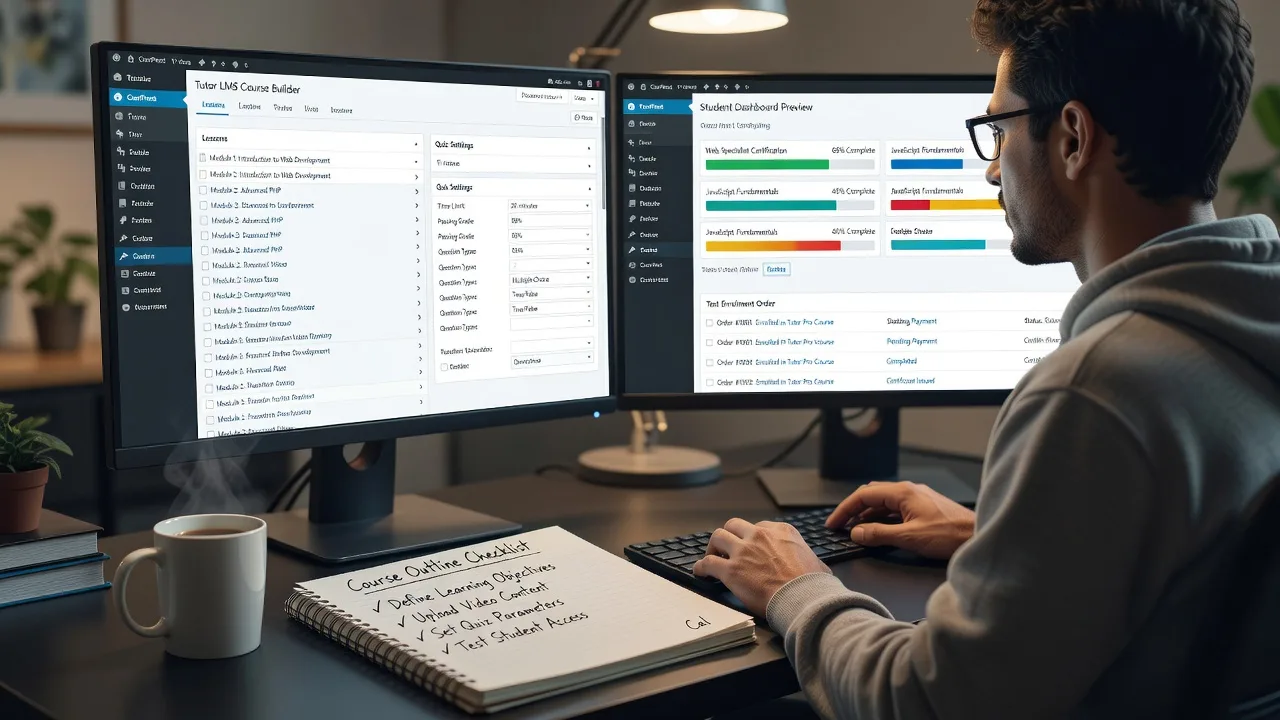
About this service
We build and configure production-ready Tutor LMS websites so educators, training providers, and small academies can sell courses, enrol learners, and track completion from day one—delivered remotely worldwide.
What You'll Get
- Tutor LMS core install & hardening - Clean WordPress foundation, Tutor setup, roles, and secure defaults so admins and students land in the right places.
- Course architecture - Lessons, quizzes, assignments, certificates, and drip/schedule logic matched to how you actually teach.
- Enrolment & payments path - WooCommerce or native checkout wired so paid and free courses complete enrolment without silent failures.
- Student & instructor dashboards - Progress bars, gradebooks, and menus that make sense to non-technical users.
- Theme & mobile polish - Course pages that load cleanly on phones—critical for field trainers and after-hours learners.
- Handoff pack - Short video or written walkthrough so your team can add the next course without calling a developer every week.
Serving Remote & surrounds
This service exists for distributed education and training teams: sole traders launching a first paid cohort, regional RTOs digitising manuals, clinic educators rolling out compliance modules, and coaches selling evergreen programs across time zones. No fake storefront—just direct remote build and support, with on-site only when a practical handoff or studio day makes sense.
- Seasonal course-launch spikes (new year intakes, mid-year CPD cycles, end-of-financial-year corporate training)
- NDIS and community education providers needing simple student access without jargon-heavy portals
- Fully remote delivery worldwide; optional on-site where travel is practical for kickoff or staff training
How We Work
- Step 1: Reach Out - You describe courses, audience size, payment needs, and any existing WordPress or content. We listen before proposing scope.
- Step 2: Tailored Plan - Fixed quote for the LMS build tier (Basic/Standard/Premium) with clear inclusions—no open-ended marketplace bids.
- Step 3: We Deliver - Remote setup of Tutor, theme, courses, enrolment, and testing on staging then production.
- Step 4: Confirm & Follow-up - Plain-English walkthrough, revision window per package, and optional maintenance or staff coaching sessions.
Common Issues & How to Fix Them
These are problems we see repeatedly on Tutor LMS sites after rushed DIY installs or plugin pile-ups:
Paid enrolment completes checkout but the student never gets course access
Usually a WooCommerce–Tutor order status or webhook mismatch: payment shows paid, yet the student role or enrolment record never fires—especially after gateway plugin updates.
- Step 1: In WooCommerce → Orders, open the order and confirm status is Processing or Completed (not Pending or On hold).
- Step 2: Tutor LMS → Settings → Monetization: confirm the correct payment integration and that auto-enrolment on paid order is enabled; re-save product–course links on the course edit screen.
- Step 3: Place a low-value test order with a fresh student account; verify the course appears on the student dashboard and the user has the Student role under Users.
Quiz submits but progress stays at 0% or certificate never unlocks
Common when lesson completion requires "mark as complete" plus quiz pass marks, or when AJAX/cache plugins serve stale student progress JSON.
- Step 1: Edit the quiz and lesson: note required pass percentage, attempts, and whether "Course Progress" depends on every lesson marked complete.
- Step 2: Temporarily purge page cache / disable object cache for logged-in users; resubmit the quiz while watching the browser network tab for failed admin-ajax calls.
- Step 3: As the test student, refresh the course page—progress should move and certificate conditions (if set) should evaluate true; if not, check Tutor → Tools for incomplete attempt records.
Student dashboard feels empty or painfully slow once you pass ~10 courses
Heavy page builders on every lesson, unbounded course queries, and unoptimized media turn Tutor front-end templates into multi-second loads—students bounce before lesson one.
- Step 1: Run a logged-in performance check on the dashboard and one lesson URL; note TTFB vs front-end asset weight.
- Step 2: Move lesson content out of nested page-builder sections where possible; enable lazy-load on video embeds; limit dashboard widgets to active enrolments only.
- Step 3: Retest on mobile data: dashboard under ~3s and lesson playable without layout jump means you are in good shape; recurring slowness needs server/object-cache work we handle in Standard/Premium.
When DIY is not enough (urgent, unsafe, recurring, or burning time), book Fixwebnode for direct professional support—no freelancers, bidding, or marketplace noise.
Why Choose Fixwebnode
You work with us as the direct provider: technical LMS build competence plus patient, jargon-free handoff for non-developer educators. We have fixed enrolment gaps, broken quiz progress, and bloated Tutor installs enough times to know which settings matter and which plugin combinations quietly break student access.
- ✓ Direct fixed-scope Tutor LMS builds—no multi-vendor bidding
- ✓ Balanced delivery: solid WordPress/Tutor engineering with clear human training for your staff
- ✓ Remote-first worldwide, with optional practical on-site when it genuinely helps
Tools & Technologies
WordPress, Tutor LMS (Free/Pro patterns), WooCommerce, Stripe/PayPal gateways, certificate builders, membership add-ons where needed, staging sites, caching compatible with logged-in learners, basic SEO for course landing pages, and accessibility-minded templates for diverse student cohorts.
Perfect For
Course creators, coaches, RTOs, corporate L&D leads, telehealth educators, and small training businesses who need a real LMS site—not a brochure page. Ideal when you are about to open enrolments, migrate from spreadsheets or another platform, or clean up a half-finished Tutor install before the next intake.
Ready to scope your build? Reach us via fixwebnode.com.au/contact-support or chat—we will map Basic, Standard, or Premium to your course catalogue and go-live date.
Choose a package
Remote Tutor LMS foundation on WordPress: core setup, one course shell, roles, and student dashboard ready for your content.
Full remote LMS site: theme polish, payments path, up to three courses, certificates, and staff walkthrough.
Complete production LMS: custom course UX, multi-course catalogue, performance pass, migration help, and extended training.
FAQ
We build and configure on staging, then deploy to your hosting after your review. All meetings are video or async; you receive admin access, a short walkthrough, and written notes. On-site is optional only where travel is practical—most educators launch fully remote without issues.
Many single-course or small catalogues run well on free Tutor plus WooCommerce. Pro features help with advanced drip, assignments, or instructor marketplace patterns. We recommend the leanest stack that meets your enrolment rules and quote that stack clearly before work starts.
Yes. Standard and Premium often start with an audit of enrolment, quiz progress, and plugin conflicts. If the foundation is salvageable we remediate; if it is unsafe or too tangled we migrate cleanly and preserve your course content.



