







 Multi-Vendor & Complex SaaS Marketplaces
 Modern Headless & Jamstack Web Development
 High-End Corporate & Specialized Business Websites
 Advanced API, Checkout & Database Troubleshooting
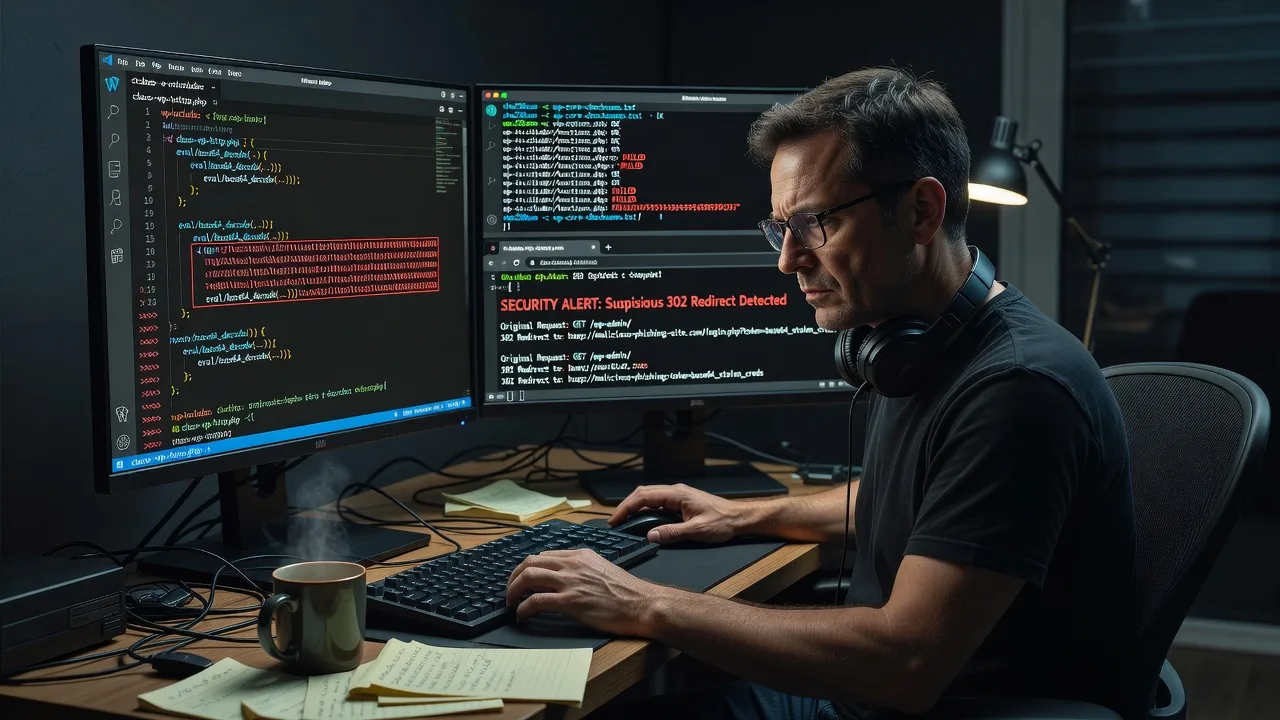
Phishing Script Removal in Core WordPress PHP Directories
Detect and strip hidden phishing redirects from Core WordPress PHP before visitors or payment gateways get hit.
We audit wp-includes, wp-admin, and theme/plugin drop-ins for injected loaders, base64 eval chains, and silent 302 hops that often appear after a rushed plugin update on busy catalogue or membership sites. Cleanup is remote, fixed-scope, and done by our team—not a bidding board.
Need the site locked down fast? Contact support or chat with us to book a direct scan and clean.
- Core PHP path forensics
- Redirect & backdoor removal
- Hardening notes after cleanup
About this service
We find and remove hidden phishing redirect scripts buried in Core WordPress PHP directories so your login, checkout, and admin paths stop sending users to lookalike domains. Ideal when search consoles flag unnatural redirects, hosts warn about malware, or staff report odd interstitial pages after a plugin or theme change.
What You'll Get
- Full core PHP directory scan - wp-admin, wp-includes, mu-plugins, drop-ins, and common include chains checked for injected loaders and outbound redirects.
- Malicious snippet excision - eval, gzinflate, str_rot13, and remote-include blocks removed without breaking legitimate core files.
- Redirect map report - every suspect 301/302 and JS location hop logged with file path and line context.
- Integrity baseline - checksums against known-good WordPress core so reinfection is obvious next time.
- Post-clean hardening checklist - file permissions, disabled file editors, and update hygiene tailored to your stack.
- Plain-English handoff - what was found, what we changed, and what to monitor for 7–14 days.
Serving Core WordPress PHP & surrounds
This service exists for sites where Core WordPress PHP is the attack surface—not a generic homepage refresh. We routinely clean multi-author content hubs, CBD professional practices with patient portals, and warehouse-to-web catalogue stores that share hosting with older plugin stacks. Remote delivery covers metro and regional Australian businesses running production WordPress on managed or VPS hosts.
- High-street retailers and membership clubs seeing checkout users bounce to fake payment pages after a theme child-file was quietly altered
- Agency and franchise microsites where one compromised mu-plugin infected several Core WordPress PHP trees overnight
- Fully remote access via SFTP, SSH, or host panel—no on-site travel required; we work inside your change window
How We Work
- Step 1: Reach Out - Tell us the symptoms (odd redirects, Google Safe Browsing flag, host malware notice) and how you access the server. We listen before we touch files.
- Step 2: Tailored Plan - Fixed-scope quote for Basic single-site clean through Premium multi-path forensics and hardening; no hourly surprises.
- Step 3: We Deliver - Remote infrastructure work: quarantine copies, surgical removal from Core WordPress PHP, plugin/theme cross-check, and cache/CDN purge guidance.
- Step 4: Confirm & Follow-up - You verify clean URLs and admin login; we supply a short integrity report and optional watch window.
Common Issues & How to Fix Them
These are patterns we see repeatedly in Core WordPress PHP trees—use the safe checks below, then call us if the infection is recursive or admin access is already locked.
Issue 1: Silent 302 from wp-blog-header or a must-use drop-in
Visitors hit the homepage then land on a lookalike domain; admins still see a normal dashboard because the hop only fires for non-logged-in traffic or certain user-agents.
- Step 1: From an incognito window (logged out), load the site and note the final URL and status codes in browser DevTools Network tab.
- Step 2: Via SFTP/SSH, open wp-content/mu-plugins and any recently modified files in wp-includes; search for header('Location, wp_redirect(, and base64_decode( near the top of files.
- Step 3: Temporarily rename suspect mu-plugin files (add.off), purge full-page cache/CDN, and retest the same incognito path—if the hop stops, you found the loader; restore from clean core if the file should not exist.
Issue 2: Obfuscated eval in a core-named PHP file that is not actually core
Attackers drop files named like class-wp-http.php or advanced-cache.php with long one-line payloads; file dates look recent while genuine core remains untouched.
- Step 1: Compare file list and sizes against a fresh WordPress zip of the same version; note extras in wp-includes or wp-admin that official packages do not ship.
- Step 2: Quarantine (move, do not delete yet) unknown PHP files; replace modified genuine core files from the official package only—never from random mirrors.
- Step 3: Run a site-wide search for eval(, assert(, and preg_replace with /e; confirm homepage and wp-login.php load without unexpected external script tags.
Issue 3: Phishing form injected only on /wp-login.php via an auto_prepend_file or.user.ini
Login looks branded but posts credentials elsewhere; PHP itself is clean until the prepend path is inspected—common on shared hosts after a neighbouring account breach.
- Step 1: Check root and wp-admin for.user.ini, php.ini, and.htaccess lines setting auto_prepend_file or auto_append_file.
- Step 2: Disable those directives (comment or remove), remove the referenced prepend PHP if it is not yours, and restart PHP-FPM or wait for ini cache clear on shared hosting.
- Step 3: View source on wp-login.php and submit a dummy login in a test account only after you control the form action; confirm posts stay on your domain and no extra hidden fields appear.
When DIY is not enough (urgent Safe Browsing flags, recurring reinfection, encrypted mass of files, or you cannot risk breaking checkout), book Fixwebnode for direct professional support—no freelancers, bidding, or marketplace noise.
Why Choose Fixwebnode
We treat Core WordPress PHP infections as infrastructure incidents: preserve evidence, remove the payload, restore integrity, and leave you with a readable report. You work with the same technical team end to end—empathetic updates when non-technical owners need plain language, without diluting the forensic work.
- ✓ Hands-on experience with redirect loaders, drop-in backdoors, and host-level prepend tricks—not generic malware scanners alone
- ✓ Fixed packages for Core WordPress PHP cleanup with remote SSH/SFTP delivery Australia-wide
- ✓ Post-clean hardening guidance so the next plugin update is less likely to reopen the same door
Tools & Technologies
SSH and SFTP, WP-CLI where safe, official WordPress core checksums, ripgrep/find for pattern hunts, host malware queues (as signals only), PHP-FPM and.user.ini inspection, object/page cache and CDN purge workflows, database option scans for injected scripts when core files alone are clean, and diff against known-good releases.
Perfect For
Business owners, clinic and telehealth operators, education sites, and small ecommerce teams whose Core WordPress PHP stack is live and cannot stay flagged. If you need a direct provider to detect hidden phishing redirects, cut them out cleanly, and explain what changed—without a freelancers marketplace—this is built for you.
Ready to lock the redirects down? Go to fixwebnode.com.au/contact-support or chat with us to schedule the clean.
Choose a package
Single-site scan and removal of hidden phishing redirects in Core WordPress PHP paths with a short findings note.
Deeper clean across core, mu-plugins, drop-ins, and login paths plus integrity baseline and hardening checklist.
Full incident response: multi-path cleanup, database script sweep, reinfection watch notes, and priority remote support window.
FAQ
All Core WordPress PHP phishing-script work is remote. We connect over SFTP, SSH, or your host panel inside an agreed window, so metro and regional sites get the same forensic cleanup without travel fees. On-site is unnecessary unless your policy blocks remote admin access entirely.
We prioritise surgical removal and official core file restoration. Custom themes and legitimate plugins stay unless they contain the payload; if a child-theme file was injected, we quarantine the malicious block and show you the diff before anything irreversible.
Ideally SSH or SFTP plus a WordPress admin account, and host panel access if.user.ini or PHP path settings are locked. Share any host malware email or Safe Browsing notice—you do not need to diagnose the root file yourself before contacting us.



