







 Multi-Vendor & Complex SaaS Marketplaces
 Modern Headless & Jamstack Web Development
 High-End Corporate & Specialized Business Websites
 Advanced API, Checkout & Database Troubleshooting
Migrate Websites from cPanel to Free CyberPanel | Remote
Remote cPanel-to-CyberPanel migrations that cut panel licence costs without messy downtime.
We move files, databases, cron jobs, and SSL onto free OpenLiteSpeed/CyberPanel stacks for lean SaaS teams, WordPress studios, and cost-sensitive agencies. Delivered remotely worldwide, with on-site help where practical.
Need a fixed-scope cutover? Chat with us or book via fixwebnode.com.au/contact-support.
- Full site + DB transfer
- DNS & SSL cutover plan
- Post-move smoke tests
About this service
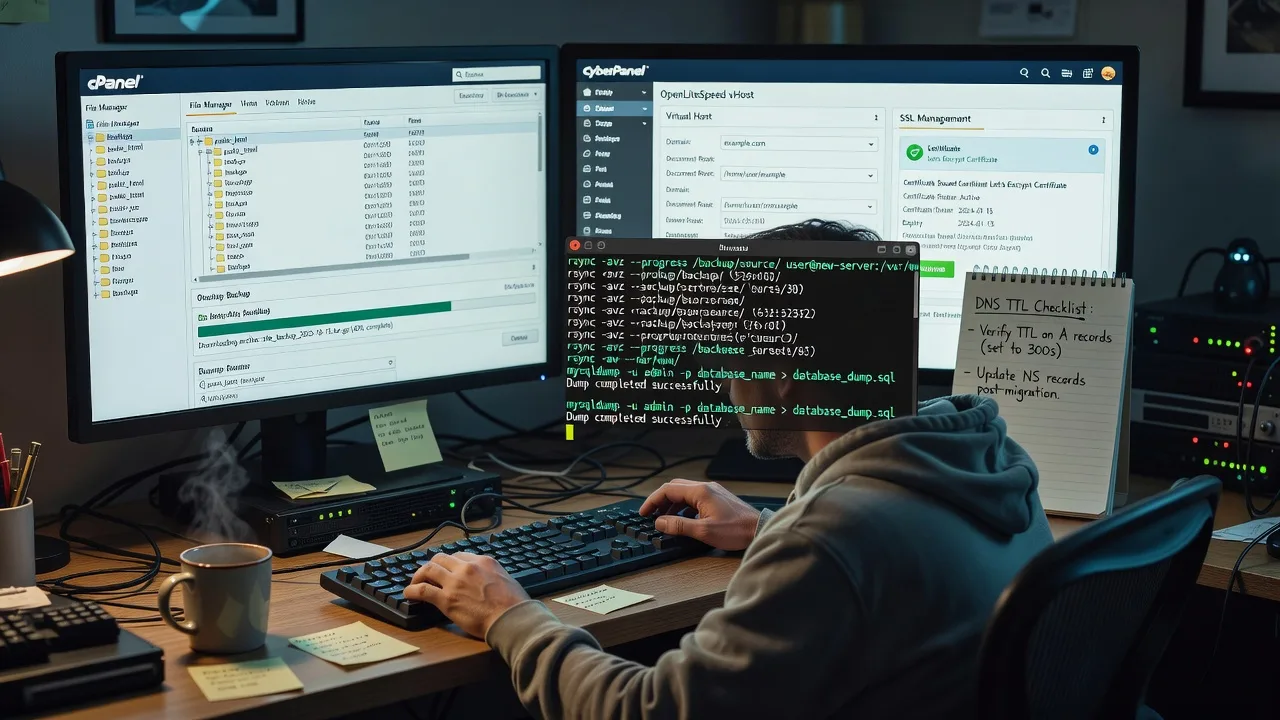
Switch live sites from paid cPanel hosts to free CyberPanel stacks with a remote, engineer-led cutover that protects uptime for SaaS landers, agency client sites, and high-traffic WordPress builds worldwide.
What You'll Get
- Full account inventory - Domains, subdomains, databases, cron jobs, email maps, and SSL inventory before anything moves
- cPanel export & package staging - Clean backups (files + SQL) staged to your new VPS or CyberPanel node with checksum verification
- CyberPanel rebuild - Websites, vHosts, PHP versions (LSAPI), and database users recreated to match production behaviour
- Rewrite & path normalisation -.htaccess, permalinks, and absolute URL fixes tuned for OpenLiteSpeed
- DNS & SSL cutover plan - TTL strategy, Let's Encrypt reissue, and rollback window documented in plain English
- Post-migration smoke tests - Checkout, login, forms, cron, and admin paths verified before we hand over
Serving Remote & surrounds
This is a remote-first infrastructure service for teams anywhere who want out of expensive cPanel licences without gambling on DIY panel swaps. We specialise in lean digital businesses that spike during product launches, enrolment seasons, and end-of-financial-year campaigns—when a botched migration costs real revenue.
- SaaS and product startups running marketing sites plus app docs on shared cPanel plans that no longer scale
- WordPress and WooCommerce studios consolidating client estates onto a single CyberPanel/OpenLiteSpeed VPS
- Available remotely worldwide; on-site pairing where practical for handoffs that need a second pair of eyes on DNS or mail
How We Work
- Step 1: Reach Out - Share current host, panel access method, site count, PHP/MySQL versions, and any mail or staging constraints—we listen first and flag risk early
- Step 2: Tailored Plan - Fixed-quote scope: Basic single-site, Standard multi-site/email-aware, or Premium hardened cutover with monitoring and rollback rehearsal
- Step 3: We Deliver - Remote migration windows, parallel run on CyberPanel, DNS cut when metrics look clean
- Step 4: Confirm & Follow-up - Plain-English handoff notes, credential map, optional stabilisation check-in after DNS fully propagates
Common Issues & How to Fix Them
These are the failure patterns we see after hundreds of cPanel-to-CyberPanel moves—not generic hosting tips.
OpenLiteSpeed returns 403/404 on pretty permalinks that worked on Apache cPanel
CyberPanel defaults can leave rewrite context incomplete, so WordPress and Laravel routes die while static files still load.
- Step 1: In CyberPanel, open the site's vHost config and confirm AllowOverride/context rewrite is enabled for the document root; note the active PHP LSAPI version.
- Step 2: Rebuild permalinks (WP: Settings → Permalinks → Save) or push a minimal rewrite rule set; avoid dumping full Apache-only modules that OLS ignores.
- Step 3: Hit a deep pretty URL and a known static asset; both must 200. If only static works, the rewrite context is still wrong—do not keep flushing caches hoping it fixes itself.
Database imports succeed but the site shows collation / 'table not found' chaos
cPanel dumps often mix utf8mb3/utf8mb4 and absolute path options; CyberPanel MariaDB users may land with different default collations or missing GRANTs.
- Step 1: Compare source and target with SHOW TABLE STATUS and SELECT user/host from mysql.user for the app DB user only—never run broad GRANT ALL on production guesses.
- Step 2: Re-import with matching charset/collation flags; recreate the DB user with the exact host pattern the app uses (localhost vs 127.0.0.1 matters).
- Step 3: Load wp-config or.env credentials against a one-line CLI query; if that works but the web app fails, fix socket/host in the app config—not the dump.
SSL and mixed-content warnings appear only after DNS flips to the new IP
Certificates issued on the old cPanel hostname, hardcoded http assets, or CyberPanel auto-SSL racing incomplete DNS cause half-secure loads.
- Step 1: Before lowering TTL cutover, confirm A/AAAA only point where you intend and that CyberPanel hostname resolution matches the live domain.
- Step 2: Issue Let's Encrypt from CyberPanel after DNS is authoritative; force HTTPS at the vHost level and rewrite residual http:// asset URLs in the DB for CMS sites.
- Step 3: Validate with a private-window load plus SSL Labs or browser padlock detail; mixed content means asset URLs still point at the old scheme—not a 'cache only' problem.
When DIY is not enough (urgent, unsafe, recurring, or burning time), book Fixwebnode for direct professional support—no freelancers, bidding, or marketplace noise.
Why Choose Fixwebnode
We migrate infrastructure ourselves—panel to panel—not by farming tickets. You get engineer judgment on PHP handlers, OLS rewrites, and cutover timing, plus calm handoff notes your team can actually use the next morning.
- ✓ Direct provider for Linux/web stacks: CyberPanel, OpenLiteSpeed, MariaDB, and DNS cutovers under one fixed quote
- ✓ Remote worldwide delivery with clear rollback windows—no marketplace bidding or surprise hourly creep
- ✓ Human, jargon-light reporting so founders and ops leads share the same picture of risk and go-live
Tools & Technologies
cPanel/WHM backups & pkgacct-style exports, CyberPanel, OpenLiteSpeed, LiteSpeed Cache, Let's Encrypt/ACME, rsync/SFTP, mysqldump/mariadb-dump, WP-CLI, DNS TTL planning (Cloudflare and registrar panels), PHP-FPM/LSAPI version pinning, SSL labs-style verification, and basic uptime checks during propagation.
Perfect For
SaaS marketing teams, boutique agencies, and small commerce operators leaving shared cPanel hosts for a free CyberPanel VPS without gambling on a weekend DIY move. Ideal when licence renewals are due, PHP versions are stuck, or client sites need one clean OpenLiteSpeed home. Remote delivery worldwide; we keep the process technical, fixed-scope, and accountable.
Ready when you are— Chat with us or start at fixwebnode.com.au/contact-support.
Choose a package
Single-site cPanel to CyberPanel file and database migration with SSL reissue and basic smoke tests.
Multi-site or complex CMS move including rewrite tuning, cron map, and staged DNS cutover plan.
Full estate cutover with email/DNS coordination, rollback rehearsal, performance pass, and extended stabilisation.
FAQ
Yes. This service is remote-first worldwide: we work over secure access to your current cPanel host and the target CyberPanel VPS. On-site pairing is available where practical for teams that want a live DNS or mail handoff room, but most cutovers complete without travel.
We stage the site on CyberPanel first, verify files and databases, then flip DNS in a planned window with lowered TTL. Brief propagation lag is normal; we keep a rollback path to the old IP until smoke tests pass so you are not stuck mid-cutover.
Typically cPanel (or temporary FTP/SFTP + DB) access, CyberPanel/root or limited admin on the new server, and DNS control at the registrar or Cloudflare. We prefer least-privilege accounts and rotate or remove temporary credentials after handoff.
CyberPanel itself is free/open-source and pairs with OpenLiteSpeed; you still pay for the VPS and any premium apps you choose. We help you land a clean stack so you are not paying recurring cPanel licence fees for sites that only need a solid free panel.



