






 Multi-Vendor & Complex SaaS Marketplaces
 Modern Headless & Jamstack Web Development
 High-End Corporate & Specialized Business Websites
 Advanced API, Checkout & Database Troubleshooting
Website Plugin Conflict Resolution & Debugging — Melbourne
Stop plugin clashes breaking your Melbourne site—we isolate conflicts and restore stable checkout, forms, and admin in plain English.
Whether you run a high-street storefront stack or a strata-office brochure site, we debug WordPress, WooCommerce, and custom plugins remotely with clear change logs. No freelancers or bidding—just Fixwebnode fixing your live stack.
Power up support: call 0421498927 or book at fixwebnode.com.au/contact-support.
- Conflict isolation without blind deactivations
- Staging-safe rollback paths
- Handoff notes your team can re-use
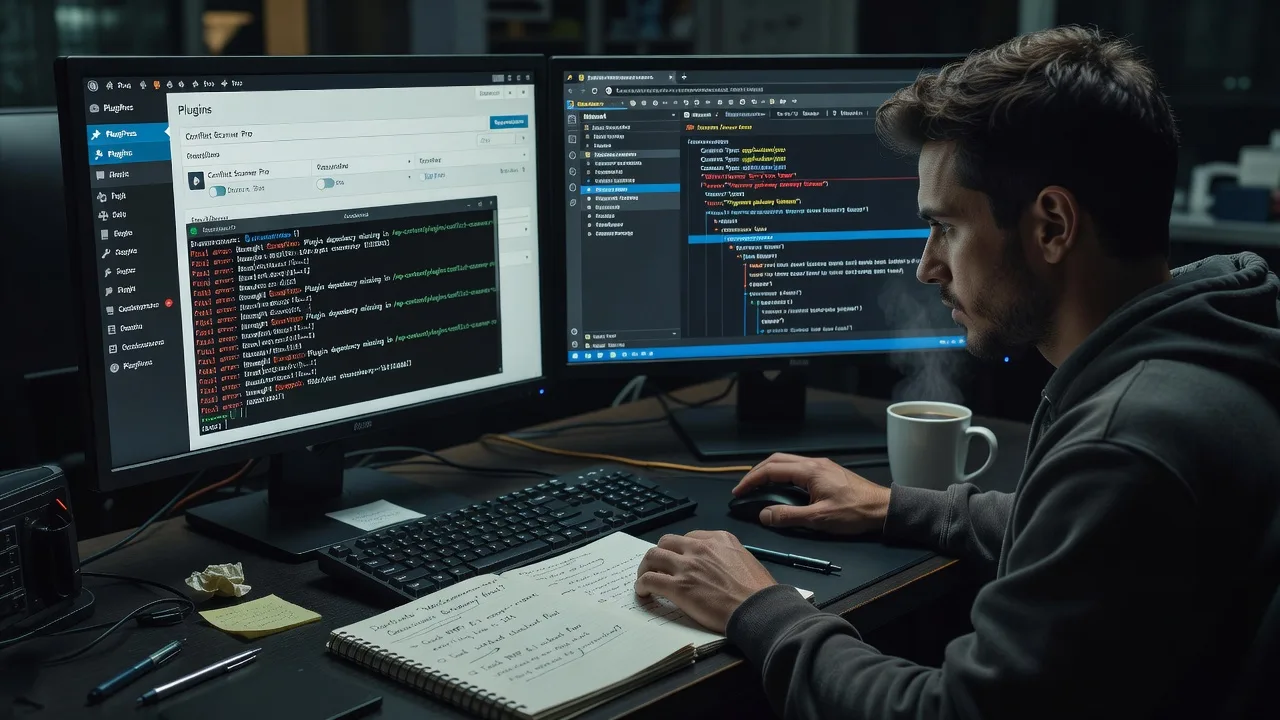
About this service
When a new plugin update blanks your cart or admin white-screens after hours, we resolve the conflict chain for Melbourne businesses that need the site back online without guesswork. You get a direct specialist who explains root cause, applies a controlled fix, and leaves you with a stable plugin set—not a pile of tickets.
What You'll Get
- Conflict isolation report - Exact plugin/theme pairs, PHP notices, and load-order issues documented in plain language.
- Safe staging or maintenance-mode fix - Controlled deactivation order, version pins, and replacement guidance so production risk stays low.
- Compatibility matrix - Which extensions can stay, which need alternatives, and what to delay updating until tested.
- Error-log triage - Fatal errors, memory exhaustion, and AJAX failures traced to the offending hook or script.
- Post-fix verification - Forms, checkout, login, and critical templates checked against your real user paths.
- Plain-English handoff - What changed, what to watch next update cycle, and when to call us again.
Serving Melbourne & surrounds
Melbourne sites fail in distinctive ways: café and retail strips push heavy menu, booking, and POS plugins; CBD professional suites stack CRM embeds with membership gates; warehouse and light-industrial operators lean on freight calculators that fight cache layers. We work remotely across metro Melbourne and regularly support operators near Melbourne warehouse corridors and suburban clinic suites who cannot afford a multi-day outage during peak trading.
- High-street and strip retailers whose booking or loyalty plugins clash after a weekend update
- Professional and clinic sites juggling telehealth widgets, form builders, and accessibility plugins under PHP version pressure
- Fully remote diagnosis first; optional guided screen-share when your on-site staff need to approve staging cuts or DNS/hosting logins
How We Work
- Step 1: Reach Out - Tell us the symptom (white screen, broken cart, slow admin, missing blocks), recent updates, and hosting access level. We listen before touching anything.
- Step 2: Tailored Plan - Fixed-scope quote for tech debugging: Basic triage, Standard full conflict resolve, or Premium multi-site / complex stack work with follow-up window.
- Step 3: We Deliver - Remote infrastructure-style debugging on staging or carefully managed production, plus patient walkthroughs if your team needs to understand what not to click next time.
- Step 4: Confirm & Follow-up - You verify key journeys with us; we leave notes, optional monitoring tips, and a clear path if another plugin ships a breaking release.
Common Issues & How to Fix Them
These are the conflict patterns we see constantly on Melbourne business sites—try the safe steps below before a full teardown.
Admin white screen or critical error after a plugin update
Usually a PHP fatal from a removed function, version mismatch, or two plugins hooking the same init action with incompatible assumptions.
- Step 1: Via hosting file manager or SFTP, rename the newest plugin folder under wp-content/plugins by appending -off so WordPress skips loading it.
- Step 2: Reload /wp-admin. If admin returns, check PHP error logs for the exact file/line, then either roll that plugin back one version or replace it with a maintained alternative.
- Step 3: Confirm dashboard loads, then spot-check the public page that previously broke; only re-enable other plugins one at a time if you had bulk-disabled anything.
Checkout or form submits hang while the rest of the site looks fine
Payment, CAPTCHA, cache, and security plugins often fight over AJAX endpoints or strip cookies Melbourne retailers need for cart sessions on shared hosting.
- Step 1: Open browser dev tools Network tab, submit the form or checkout, and note any 403/500 or cancelled XHR to admin-ajax.php or your payment gateway.
- Step 2: Temporarily disable only security/firewall and full-page cache plugins (not your whole stack), clear cache, and retest the same path on a private window.
- Step 3: If it works, re-enable one plugin at a time and whitelist the payment/form endpoints in the security plugin; document which setting fixed it so the next update does not wipe the exception.
Two page builders or SEO plugins both rewriting the same head/schema output
Duplicate title tags, broken schema, or conflicting shortcodes appear after a second builder or SEO suite was installed for a campaign landing page.
- Step 1: Inventory active builders and SEO plugins; note which one owns global templates versus which was added for a single campaign.
- Step 2: Disable schema and title-rewrite features in the secondary plugin only—leave content blocks intact—then regenerate sitemaps/permalinks once.
- Step 3: View-source the homepage and a product/service page; you should see one canonical title block and one coherent schema graph, not doubled Organisation or Product nodes.
Expert insight (Melbourne scenario): On multi-location service sites that spike during spring racing and end-of-financial-year campaigns, the failure is rarely the headline plugin—it is a silent autoload options bloat plus an object-cache miss after a marketing pixel plugin writes oversized transients. Before swapping plugins, we check wp_options autoload size and purge stale transients; sites that stay under a lean autoload footprint recover faster and stop the weekly white-screen cycle that generic deactivate-all advice never fixes. Good looks like a documented exclude list for cache and a pinned compatible set; bad looks like reinstalling the same three plugins every Monday after weekend updates.
When DIY is not enough (urgent, unsafe, recurring, or burning time), book Fixwebnode for direct professional support—no freelancers, bidding, or marketplace noise.
Why Choose Fixwebnode
We are the direct provider on the keyboard: enterprise-grade remote web/IT discipline with human, jargon-free explanations so owners and office managers in Melbourne can approve changes confidently. You are not managing bids—you are getting one accountable specialist path from symptom to stable site.
- ✓ Conflict debugging grounded in real WordPress/WooCommerce and custom-plugin stacks, not generic template advice
- ✓ Local commercial awareness—retail peaks, clinic booking loads, and professional-suite sites across Melbourne metro
- ✓ Clear fixed scopes, staging-first habits, and handoff notes your staff can follow without a second translator
Tools & Technologies
WordPress and WooCommerce plugin stacks, Query Monitor and similar diagnostics, PHP error and slow logs, staging clones, WP-CLI where available, browser Network/Console triage, object/page cache layers (Redis, host caches), security/firewall exception rules, theme child overrides, composer-managed and classic plugin installs, Git-backed deploys when your host supports them.
Perfect For
Melbourne small businesses, clinic and allied-health sites, education providers, and operators who need Tier-1 technical plugin resolution with Tier-2 clarity—no jargon wall. Ideal when a recent update broke bookings, payments, or member access and you want one direct team to fix it, explain it, and reduce the chance it returns next patch Tuesday.
Ready to stabilise the stack? Call 0421498927 or start at fixwebnode.com.au/contact-support.
Choose a package
Single-site plugin conflict triage with root-cause notes and one safe remediation pass.
Full conflict resolution on staging or controlled production plus compatibility matrix and verification of key journeys.
Complex or multi-plugin stack remediation with hardening recommendations, update policy, and extended support window.
FAQ
Most plugin conflict work is fully remote across Melbourne metro—we connect to staging or production with the access you approve. If your team prefers a guided session while someone is in the office (common for clinics and strip retailers), we schedule a screen-share so they can watch changes live. Travel on-site is rarely required for this service and is arranged only when hardware or locked-down networks demand it.
Not as a first move on a live Melbourne trading site. We start from logs, recent changelogs, and selective isolation—often renaming one suspect folder or using staging—so you keep payments and bookings online whenever possible. Bulk deactivate-all is a last resort on production and is planned with you first.
Typically a temporary admin user, hosting panel or SFTP for logs and plugin folders, and any staging URL you already have. We prefer least-privilege access, document every change, and can remove our user when the job closes. If you use a managed host with staging one-clicks, that speeds Standard and Premium packages.
Yes. We handle the infrastructure-side debugging and explain outcomes in plain language so owners, practice managers, or office staff know what broke and what not to update blindly next time. That mix of technical fix plus human clarity is how we deliver the service directly—no marketplace middle layer.



