






 Multi-Vendor & Complex SaaS Marketplaces
 Modern Headless & Jamstack Web Development
 High-End Corporate & Specialized Business Websites
 Advanced API, Checkout & Database Troubleshooting
Virtual Tech Support Officer for Melbourne Construction Offices
Keep Melbourne regional construction offices online with a dedicated virtual tech support officer.
We stabilise site PCs, plan-file sync, printers, and remote access for outer industrial yards and project site huts—so supervisors and estimators keep working through freight peaks and handover weeks. Direct Fixwebnode support, not a marketplace queue.
Power up your desk: call 0421498927 or book at fixwebnode.com.au/contact-support.
- Remote triage for shared drives & VPN
- Patient help for office admins and site leads
- Fixed-scope packages with clear handoff
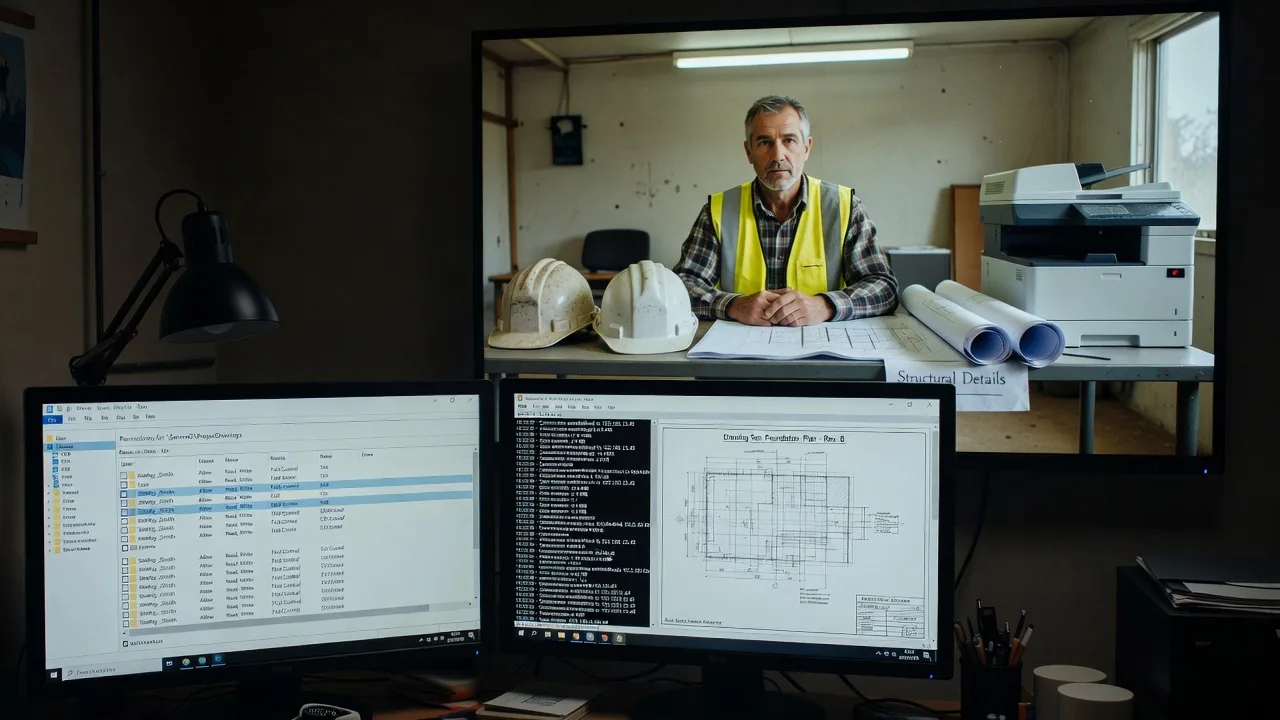
About this service
Give your Melbourne construction office a virtual tech support officer who keeps site systems, plan libraries, and admin desktops working when the build programme cannot wait. We support regional and metro project offices with practical remote IT plus plain-English digital help for the people running the desk.
What You'll Get
- Named remote tech coverage - A clear contact path for office PCs, laptops, and shared site devices instead of ad-hoc guesswork.
- Plan & file access stabilisation - Help with shared folders, cloud sync, large drawing attachments, and permission chaos after staff changeovers.
- Printer, plotter & peripheral recovery - Restore office print queues and site-office peripherals after updates or driver clashes.
- Secure remote access checks - VPN, MFA prompts, and RDP/Teams pathways reviewed so estimators and PMs can reach the office from site.
- Staff-friendly walkthroughs - Patient, jargon-light guidance for office managers, apprentices on admin duty, and supervisors who only need the system to work.
- Plain-English incident notes - What broke, what we changed, and what to watch next week—so your board or builder can see continuity.
Serving Melbourne & surrounds
Melbourne construction work mixes CBD head-office coordination with warehouse-adjacent yards, industrial estate site offices, and regional project desks that still report into metro programmes. We focus on that split: stable office infrastructure when freight season, concrete pours, and inspection weeks stack on the same calendar. Outer corridors such as Truganina-style logistics precincts and established industrial pockets around Campbellfield-type warehouse belts often run thin on IT staff—exactly where a virtual officer earns their keep.
- Industrial-estate site offices needing reliable shared drives when multiple subcontractors drop RFIs the same afternoon
- Regional project desks feeding Melbourne head office during peak tender and handover weeks
- Fully remote first response; optional coordinated on-site only when hardware genuinely cannot be fixed over a guided session
How We Work
- Step 1: Reach Out - Tell us what is failing: site VPN, slow plan sync, printer queues, email with large PDFs, or staff locked out. We listen before we touch anything.
- Step 2: Tailored Plan - You get a fixed-scope quote for infrastructure work or a clear support path for recurring human digital assistance—no bidding theatre.
- Step 3: We Deliver - Remote diagnostics, secure configuration, and patient screen-share coaching for the people at the desk.
- Step 4: Confirm & Follow-up - Handoff in plain English, optional check-in after the next busy site day, and notes you can keep with the project file.
Common Issues & How to Fix Them
These are patterns we see repeatedly in Melbourne construction offices—symptoms first, then safe checks you can try before calling us.
Site VPN drops every time three tablets open the same drawing set
Often the office router or VPN profile is fine for one user but chokes when site devices hammer the same tunnel while a desktop still has a mapped drive open.
- Step 1: Note the exact error time and whether Wi-Fi or ethernet was in use; ask one user to disconnect while others stay on.
- Step 2: On the office PC, disconnect unused mapped drives and close idle cloud-sync clients; reconnect VPN only after a full sign-out of the previous session.
- Step 3: Reopen one drawing set only; if the tunnel holds for 10 minutes with two devices, the issue was session pile-up—if it still drops, escalate before the next pour window.
Shared project folder permissions break after a staff rotation
Construction offices rotate temps and subcontractors; someone inherits a folder tree with broken inheritance and suddenly estimators cannot save revisions.
- Step 1: Confirm the user can sign in and see the parent folder; screenshot the Access Denied path without changing ACL settings yourself if you are unsure.
- Step 2: Have an authorised admin check group membership (not individual ACE sprawl) and restore access via the project security group rather than one-off personal permissions.
- Step 3: Create a test file, save, close, reopen from a second machine; if both succeed, document the group used so the next rotation does not reinvent permissions.
Office plotter or multi-function printer vanishes after a Windows update
Site admin PCs update overnight; the queue-only queue or IP printer binding disappears just when A1 drawings are due for the site shed.
- Step 1: Print a Windows test page to any other local printer; ping the plotter IP from the same PC if you know it.
- Step 2: Remove the stale queue, re-add by IP (not discovery name), and set it as default only after a small test page succeeds.
- Step 3: Send one A4 then one large-format job; if both complete, lock the working driver version note for the next update cycle.
When DIY is not enough (urgent, unsafe, recurring, or burning time), book Fixwebnode for direct professional support—no freelancers, bidding, or marketplace noise.
Why Choose Fixwebnode
We are a direct two-tier provider: enterprise-grade remote IT for the servers and desktops that hold your job files, and patient human digital support for the people who only need the screen to make sense before the truck arrives. Melbourne construction calendars do not pause for vague tickets.
- ✓ Expert insight: on Melbourne industrial-edge site offices, the hidden killer is often split DNS plus an old always-on sync client fighting the VPN—not "slow NBN" alone. We check which name the PC resolves for the file server before we touch bandwidth myths.
- ✓ Fixed package scopes with first-person delivery—we do the work ourselves
- ✓ Blend of infrastructure fixes and calm coaching so office admins are not left translating jargon for site leads
Tools & Technologies
Windows 10/11 admin tooling, secure remote assistance, Microsoft 365 and OneDrive/SharePoint path checks, VPN client diagnostics, printer/queue recovery, DNS and mapped-drive hygiene, Teams/Zoom guided sessions, basic firewall and Wi-Fi sanity checks, backup status review, and plain-English runbooks for your next busy week.
Perfect For
Regional and metro Melbourne construction offices, builders' admin desks, estimators coordinating with site huts, and small contractors who need a virtual tech support officer without hiring full-time IT. Ideal when freight-heavy weeks, multi-trade document drops, and head-office reporting all hit the same shared PC environment and you need calm, direct help.
Ready to steady the office? Call 0421498927 or continue at fixwebnode.com.au/contact-support.
Choose a package
One focused remote session to triage and stabilise a single construction-office tech issue.
Multi-issue remote coverage plus staff walkthrough for a busy Melbourne site or regional office desk.
Virtual tech support officer retainer for ongoing construction-office stability across peak programme weeks.
FAQ
Yes. We deliver virtual tech support first for Melbourne metro and regional construction desks, including industrial-estate site offices that report into city programmes. Most stabilisation is remote; if a device truly needs hands-on hardware work, we will say so clearly and help you plan the next step rather than pretending a screen-share can replace a failed disk.
That is how we work. We fix infrastructure issues such as VPN, permissions, and printers, and we also coach office managers and supervisors in plain language so they can keep sending RFIs, drawings, and timesheets without waiting on a full-time IT hire.
Have admin rights available or a person who can approve changes, a list of failing symptoms with times, and one example file path or printer name. If you use cloud storage for plans, note which platform. We start by listening, then apply a fixed-scope plan so you know what is included before we change settings.



