






 Multi-Vendor & Complex SaaS Marketplaces
 Modern Headless & Jamstack Web Development
 High-End Corporate & Specialized Business Websites
 Advanced API, Checkout & Database Troubleshooting
Unresponsive Linux VM Root Cause Analysis — Melbourne
Stop guessing when Linux VMs freeze — Melbourne teams get structured root-cause analysis, not random restarts.
We diagnose hung, unresponsive, and “stuck console” virtual machines across CBD offices, warehouse systems, and multi-tenant hosts, then hand you a clear cause chain and fix path. Remote-first delivery with plain-English findings so ops can move again.
Power up support: dial 0421498927 or book via fixwebnode.com.au/contact-support.
- Live diagnostics on KVM, VMware, and cloud guests
- Evidence pack: logs, timelines, and prevention notes
- Direct provider — we do the work ourselves
About this service
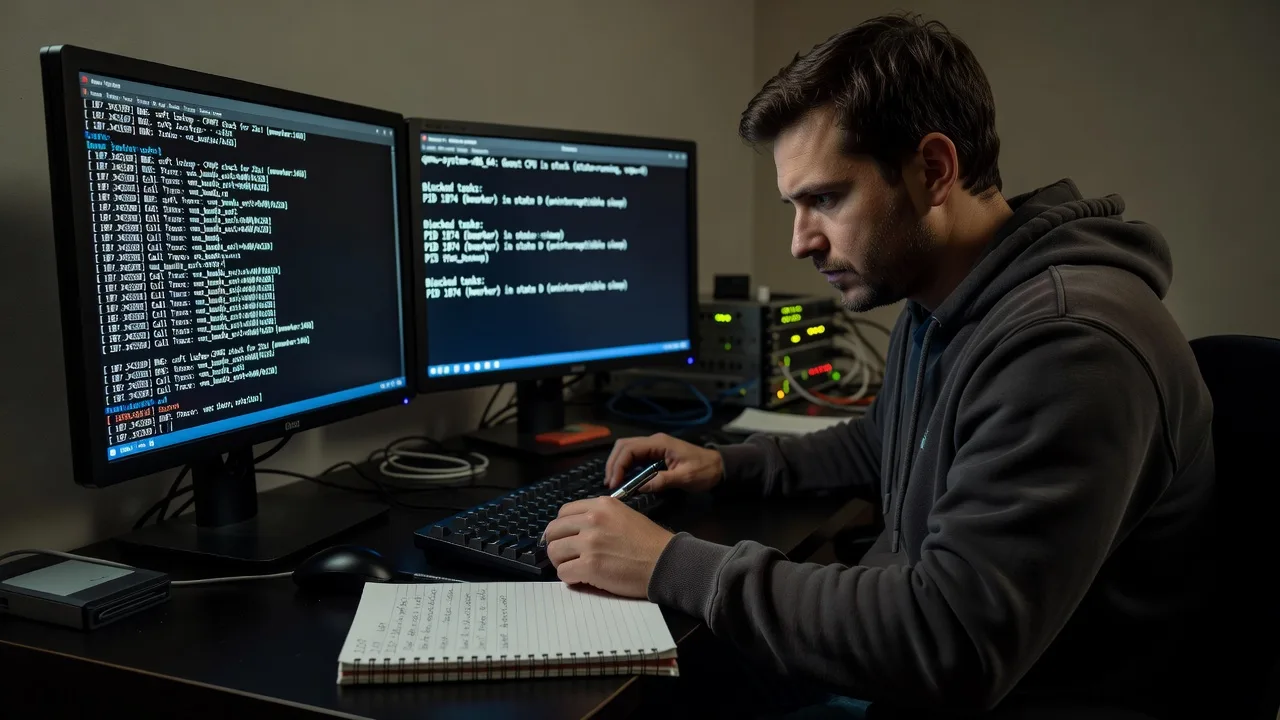
When a Linux virtual machine goes unresponsive in Melbourne, we trace the real cause — kernel, I/O, memory pressure, storage, or hypervisor path — so your services recover with confidence instead of endless reboot loops.
What You'll Get
- Structured RCA report - Timeline of symptoms, failure mode, and the primary root cause with supporting evidence
- Live guest & host inspection - Console, serial logs, process/state dumps, and hypervisor health where access allows
- Stabilisation steps - Safe recovery actions ranked by risk so you can restore service without data loss
- Prevention checklist - Monitoring thresholds, cgroup/limits, disk and swap hygiene tailored to your workload
- Plain-English handoff - What failed, why it failed, and what to change next — no jargon wall
- Optional follow-up window - Verify the fix held after peak traffic or batch jobs
Serving Melbourne & surrounds
Melbourne’s mix of CBD SaaS stacks, industrial warehouse systems, and multi-site retail backends means unresponsive VMs hit differently: lunch-rush POS backends, freight-week batch VMs, and after-hours clinic portals all demand fast, evidence-based recovery. We work remote-first across metro Melbourne and can coordinate with your local host contact when console or hypervisor access is on-site only.
- CBD and Melbourne office stacks where one hung guest blocks shared jump hosts and deploy pipelines
- Western industrial and logistics precincts running inventory and scanner backends that lock under I/O storms
- Remote RCA first; on-site console help arranged when your DC or office rack needs physical KVM access
How We Work
- Step 1: Reach Out - Tell us the guest OS, hypervisor, last change, and how the VM fails (no SSH, stuck login, high load, disk full symptoms). We listen before touching anything.
- Step 2: Tailored Plan - Fixed-scope quote for RCA depth: single guest, guest-plus-host, or multi-VM pattern analysis with a clear deliverable list.
- Step 3: We Deliver - Remote diagnostics, controlled recovery where authorised, and a written root-cause pack you can share with auditors or vendors.
- Step 4: Confirm & Follow-up - Validate services, capture before/after metrics, and leave optional monitoring or hardening next steps.
Common Issues & How to Fix Them
These are patterns we see repeatedly on production Linux guests — safe first checks before you escalate.
VM accepts ping but SSH and console hang (runaway CPU or blocked I/O)
Often load average explodes from a stuck uninterruptible (D-state) process, NFS wait, or a noisy neighbour on shared storage — Melbourne retail batch windows make this common late afternoon.
- Step 1: From the hypervisor or out-of-band console, note load average, top CPU, and whether the disk LED / storage latency graphs spiked at the same time.
- Step 2: If console responds slowly, run a non-blocking check (e.g. view dmesg for I/O errors, blocked tasks) and identify the top D-state or iowait culprit; avoid blind kill -9 on databases until journals flush.
- Step 3: After mitigating (throttle job, fix mount, free space), confirm SSH returns under a few seconds and load drops; keep the process list and timestamps for RCA.
Guest OOMs repeatedly despite “enough” RAM on the host
Ballooning, overcommit, or cgroup/memory.max limits make the guest think memory is free until the OOM killer hits Java, PHP-FPM, or Docker workloads — classic on dense Melbourne multi-tenant hosts.
- Step 1: On the guest, review dmesg/journal for Out of memory lines and which PID was sacrificed; compare free -h with actual cgroup limits if containerised.
- Step 2: Check host free memory, balloon stats, and whether swap is thrashing; raise guest memory or tighten app limits rather than only adding swap.
- Step 3: Reproduce a light load test, watch /proc/meminfo and OOM score behaviour, and confirm no new killer events over a full business cycle.
Filesystem full or inode exhaustion freezes writes and “locks” services
Logs, container layers, or leftover package caches fill the root volume; services stay up for reads but stop accepting work — frequent after long weekends when logrotate was skipped.
- Step 1: From console, run df -h and df -i; identify the full mount (often / or /var) before deleting anything critical.
- Step 2: Clear safe growth points (old rotated logs, package cache, orphaned temp) and fix the generator (log level, retention, container prune policy).
- Step 3: Confirm free space/inodes, restart only the stuck unit if needed, and verify write paths (app uploads, DB temp) succeed.
When DIY is not enough (urgent, unsafe, recurring, or burning time), book Fixwebnode for direct professional support—no freelancers, bidding, or marketplace noise.
Expert Insights
In Melbourne CBD multi-tenant environments we repeatedly see “VM freeze” tickets that are actually storage latency cliffs: the guest load average climbs, SSH stalls, and operators reboot — which masks the real signal. After five-plus years of these recoveries, our first move is not reboot: correlate guest iowait and blocked-task dumps with the datastore or volume latency graph for the same minute. Good looks like a documented latency spike matching D-state PIDs and a fix on queue depth, thin-provision headroom, or noisy neighbour limits. Bad looks like three reboots, no timestamps, and the same hang returning at next freight or end-of-month batch. Capture serial console or netconsole before the next incident so the stack trace survives when the main channel dies.
Why Choose Fixwebnode
We are a direct Linux and infrastructure provider: one specialist path from symptom to root cause, written for operators and managers who need answers under pressure. Local understanding of Melbourne business rhythms — peak retail, logistics batches, and clinic hours — shapes how we prioritise recovery versus deep forensics.
- ✓ Hands-on Linux VM, KVM, and enterprise guest diagnostics — not ticket ping-pong
- ✓ Evidence-first RCA you can hand to vendors, auditors, or internal change boards
- ✓ Remote-first with clear Melbourne access options when console hardware is involved
Tools & Technologies
Linux guests (RHEL, Ubuntu, Debian, Rocky), systemd/journald, dmesg and kernel oops analysis, sysrq and crash dump review where configured, iostat/vmstat/pidstat, bpftrace/perf when available, virsh/KVM, VMware guest tools context, LVM and ext4/xfs health, NFS/CIFS hang diagnosis, Docker/container cgroup limits, Prometheus/node_exporter signals, and structured RCA write-ups.
Perfect For
Melbourne businesses, MSPs, clinics, and product teams running production Linux VMs that hang, freeze, or need a defensible root cause after an outage. Ideal when reboots stopped being acceptable and you need a direct engineer — not a marketplace bid thread — to stabilise the guest and stop recurrence.
Ready to restore service with a clear cause chain? Call 0421498927 or contact us at fixwebnode.com.au/contact-support.
Choose a package
Single unresponsive Linux VM triage with symptom timeline and top root-cause hypothesis.
Full RCA on one critical VM including host/storage correlation and written evidence pack.
Deep multi-layer RCA for recurring hangs across guest, host, and shared storage with hardening plan.
FAQ
Most unresponsive Linux VM work is remote-first across Melbourne and surrounds. When the guest needs physical KVM, iLO/iDRAC, or datacentre console access, we coordinate with your on-site contact or facility process and still drive the RCA ourselves. Travel or after-hours console windows are scoped up front so there are no surprises.
Ideally hypervisor console or serial access, any working SSH or break-glass account, recent change notes, and monitoring graphs for CPU, memory, disk latency, and network. If SSH is dead, console plus host-level metrics is enough to begin. We never require marketplace middle layers — you work with us directly.
No. Reboot is a last resort after we capture evidence (console state, logs, blocked tasks, storage latency). If business impact forces a restart, we document what was lost for forensics and still complete the root-cause path so the hang does not simply return.
Packages are fixed scopes of our direct service: Basic for focused triage, Standard for full single-VM RCA with a written pack, and Premium for recurring or multi-layer failures. You get a clear quote and deliverables — not bids from multiple sellers.



