






 Multi-Vendor & Complex SaaS Marketplaces
 Modern Headless & Jamstack Web Development
 High-End Corporate & Specialized Business Websites
 Advanced API, Checkout & Database Troubleshooting
Ubuntu/Debian Emergency SSH Recovery Specialist — Melbourne
Locked out of your Ubuntu or Debian server in Melbourne? We restore SSH access fast—remotely and directly.
When a key change, firewall rule, or fail2ban ban blocks your team before payroll, clinic booking, or warehouse cut-off, we diagnose the lockout, regain shell safely, and harden access so it does not repeat. Enterprise-grade Linux recovery with clear, jargon-free handoff for busy ops and small teams.
Power up support: dial 0421498927 or go to fixwebnode.com.au/contact-support.
- Out-of-band and console-assisted recovery paths
- Key, sudo, and firewall triage without marketplace delay
- Fixed-scope packages you can approve in minutes
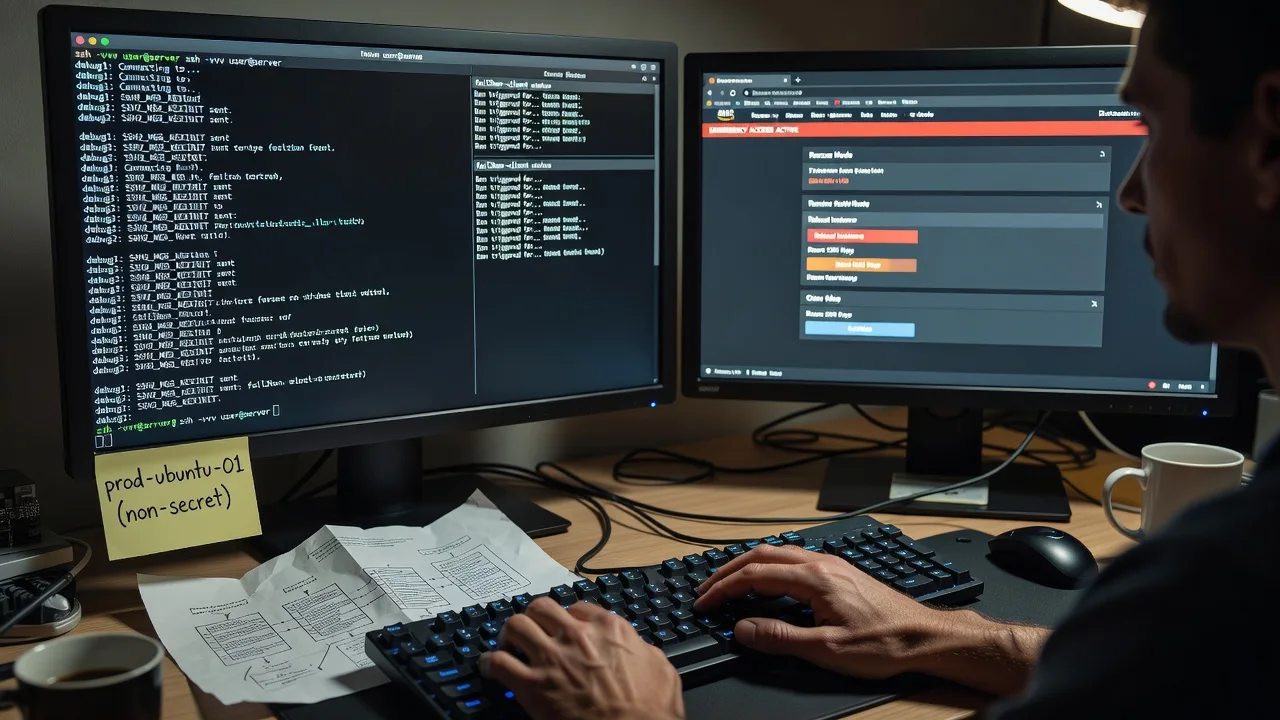
About this service
Regain secure SSH on Ubuntu and Debian hosts serving Melbourne businesses—before downtime cascades into missed orders, stalled telehealth, or idle staff. We recover lockouts, repair authentication, and leave you with a verified login path and plain-English notes.
What You'll Get
- Emergency SSH path restoration - Console, recovery mode, or out-of-band access rebuilt so you can log in again safely.
- Auth and key triage - authorized_keys, sshd_config, PAM, and sudo rules checked and corrected without guesswork.
- Lockout root-cause report - What broke (ban, permissions, disk, firewall) and how we prevented a repeat.
- Hardened baseline - Safer PermitRootLogin, key-only where appropriate, fail2ban or equivalent tuned, not blindly disabled.
- Verification session - You confirm login from your network; we document residual risks in plain language.
- Optional follow-up window - Short stability check after recovery for production hosts.
Serving Melbourne & surrounds
Melbourne ops rarely fail politely: CBD offices hit Monday open with a frozen bastion, industrial and logistics sites lose SSH mid freight cut-off, and café-strip or strata retailers discover the VPS is unreachable only when card terminals and booking sites stop updating. We work remote-first across metro and nearby business parks so you are not waiting on a marketplace bid queue during peak trade.
- CBD and Melbourne-style office stacks needing same-morning bastion recovery before client demos
- Warehouse and light-industrial precincts where a locked Debian host stalls label printers and WMS agents
- Remote recovery preferred; guided console steps for hosts in co-lo or home-office racks when physical hands are on site in suburbs such as Dandenong or Preston
How We Work
- Step 1: Reach Out - Tell us host OS (Ubuntu/Debian), provider console access, last change (keys, ufw, fail2ban, upgrade), and business impact. We listen first—no ticket theatre.
- Step 2: Tailored Plan - Fixed-scope quote for emergency recovery: Basic triage, Standard full auth rebuild, or Premium multi-host / hardened rebuild with handover.
- Step 3: We Deliver - We recover via provider console, rescue ISO, or guided local hands; repair sshd and access controls; test login end-to-end.
- Step 4: Confirm & Follow-up - Plain-English summary, recommended next hardening, optional monitoring or maintenance session.
Common Issues & How to Fix Them
These are the lockouts we see constantly on Ubuntu/Debian fleets. Try the safe checks below; stop if you are unsure—wrong edits can brick recovery.
SSH accepts the TCP connection then closes after authentication (Permission denied / publickey)
Usually broken key ownership, 777 on.ssh, missing authorized_keys line, or a new key never deployed after a laptop swap.
- Step 1: From another machine, run ssh -vvv user@host and note whether it offers publickey and which identity files it tries.
- Step 2: Via provider console/rescue, mount the root disk, check /home/user/.ssh is mode 700, authorized_keys 600, owned by that user—not root—and that your pubkey is a single unbroken line.
- Step 3: Restart sshd if needed, exit rescue, and confirm ssh -i yourkey user@host lands in a shell with correct $HOME.
Port 22 times out or connection refused after a firewall or cloud security-group change
Common after hasty ufw enable, nftables scripts, or panel security groups tightened during a Melbourne peak-season lockdown drill.
- Step 1: Confirm the host still boots (provider console ping/serial). Note whether timeout (filter) vs refused (nothing listening).
- Step 2: In console, check ss -tlnp | grep ssh, ufw status or nft/iptables, and cloud SG/NSG for your current public IP on the SSH port.
- Step 3: Allow your IP (or temporary jump host), reload rules carefully, and verify login from outside before closing the broad allow.
You are banned by fail2ban / similar after a CI job or password spray—even your office IP is blocked
Shared NAT from apartment-dense or café networks, plus aggressive jail settings, locks legitimate admins out alongside attackers.
- Step 1: Use provider console to run fail2ban-client status sshd (or check nft/iptables ban lists) and identify your office egress IP.
- Step 2: Unban the IP, add it to ignoreip, and review maxretry/findtime so flaky CI does not re-ban you in an hour.
- Step 3: Restart the jail if required, test SSH from the previously banned network, and confirm recidive jails are not re-adding the IP.
When DIY is not enough (urgent, unsafe, recurring, or burning time), book Fixwebnode for direct professional support—no freelancers, bidding, or marketplace noise.
Expert Insights
On Melbourne multi-tenant VPS and hybrid office fleets, the failure we still see after five-plus years is not “SSH is hard”—it is recovering with the disk full. Logs or a runaway Docker layer fill root; sshd starts but PAM or journal cannot write, sessions drop, and sudo fails mysteriously. Good recovery: console → free space (old journals, orphaned snaps, rotated logs) → confirm writable /var and /run → only then touch sshd_config. Bad recovery: repeatedly regenerating host keys or disabling PasswordAuthentication while the filesystem is read-only, which leaves you with a “fixed” config you cannot persist. Always check df -h and mount | grep ro before editing auth—then snapshot or provider backup if available. That sequence alone has saved more production mornings than any clever sshd tweak.
Why Choose Fixwebnode
We are the direct provider: Tier-1 Linux recovery for business infrastructure, plus Tier-2 plain-language guidance so non-specialist owners and clinic managers understand what changed. Melbourne-aware response means we plan around real cut-offs—open of trade, freight windows, and telehealth session blocks—not abstract SLAs.
- ✓ Hands-on Ubuntu/Debian sshd, PAM, fail2ban, and cloud-console recovery experience
- ✓ Fixed quotes and clear scopes—no bid wars or anonymous seller handoffs
- ✓ Crisis-first communication: status, risk, and next safe step in language your team can act on
Tools & Technologies
OpenSSH server/client, sshd_config Match blocks, authorized_keys and ssh-agent workflows, fail2ban/crowdsec, ufw/nftables/iptables, systemd, journalctl, provider rescue/ISO and serial consoles (AWS/GCP/Azure/local AU VPS panels), LVM and basic filesystem repair, rsync/scp verification, optional WireGuard or bastion redesign after stabilisation.
Perfect For
Melbourne SMEs, clinics, education teams, and agencies running Ubuntu or Debian on VPS, bare metal, or hybrid office servers who need emergency SSH restored without explaining the business to a chain of freelancers. Ideal when a single locked host blocks websites, booking systems, NDIS admin portals, or warehouse tooling and you want one accountable specialist through recovery and handover.
Ready when the shell will not open—call 0421498927 or visit fixwebnode.com.au/contact-support to start recovery.
Choose a package
Single-host emergency SSH triage and restore via console or remote guidance with a short root-cause note.
Full SSH recovery plus hardened sshd baseline, ban/firewall review, and plain-English incident summary.
Multi-path crisis recovery for production fleets: rescue work, bastion/key redesign, and extended stability support.
FAQ
Most Ubuntu and Debian SSH recoveries for Melbourne clients are completed fully remote using provider consoles, rescue mode, and secure screen-share. If a rack or office PC needs physical media or local keyboard work, we guide your on-site person step by step, or arrange a practical path for metro access when the case truly requires hands on hardware.
Ideally the cloud or hosting panel login, any existing recovery user, last known working SSH port, and a short list of recent changes (keys, firewall, upgrades). We never ask you to post private keys in chat; we use temporary methods and rotate credentials as part of a clean handoff.
Basic package work is scoped for same-day remote start when you provide console access promptly. Standard and Premium include deeper hardening and multi-host paths; we prioritise hosts blocking live trade, clinic systems, or freight cut-offs and keep you updated in plain language until login is verified.
No. We may temporarily widen access under controlled conditions, then restore or improve controls—key-only where suitable, sane fail2ban ignore lists, and documented firewall rules—so you are not trading today’s outage for tomorrow’s breach.



