






 Multi-Vendor & Complex SaaS Marketplaces
 Modern Headless & Jamstack Web Development
 High-End Corporate & Specialized Business Websites
 Advanced API, Checkout & Database Troubleshooting
Self-Hosted VPS Security Lockdown Specialist — Melbourne
Harden your self-hosted VPS against real threats facing Melbourne operators—SSH abuse, weak firewalls, and noisy log floods.
We lock down Linux hosts for CBD SaaS teams, warehouse-side stock systems, and high-street retailers who need direct specialist work, not marketplace noise. Fixed scopes, plain-English reports, and repeatable baselines you can keep.
Power up support when you need it—call 0421498927 or book via fixwebnode.com.au/contact-support.
- SSH, firewall, fail2ban, and privilege hardening
- Remote delivery with Melbourne business hours overlap
- Clear handoff notes you can audit later
About this service
Get a production-ready security lockdown on your self-hosted VPS—built for Melbourne businesses that run customer data, bookings, or internal tools on Linux and cannot afford open ports or weak admin habits. We deliver the work ourselves as Fixwebnode: baseline hardening, intrusion friction, and verification—not generic checklists.
What You'll Get
- SSH & access lockdown - Key-only auth, restricted users, idle timeouts, and ban policies tuned to your traffic pattern
- Host firewall baseline - Default-deny posture with only required ports; IPv4/IPv6 rules documented for your stack
- Privilege & service hygiene - Unused daemons disabled, sudo tightened, and package sources reviewed for surprise exposure
- Logging & alerting hooks - Fail2ban/journald sanity checks plus simple alert paths so brute-force noise is visible
- Post-hardening verification report - Port scan summary, config diffs, and plain-English next steps for your team
- Optional maintain path - Scheduled re-checks after kernel updates or when you add a new public service
Serving Melbourne & surrounds
Melbourne operators juggle mixed estates: lean SaaS boxes serving the CBD, POS and booking stacks behind café and retail strips, and warehouse or freight-linked systems that spike during peak dispatch windows. We shape lockdowns around that mix—remote-first, with clear windows when a site contact must approve a brief service restart. Clients around Melbourne and near the Port of Melbourne industrial fringe often need the same discipline: fewer open surfaces, stronger admin paths, zero drama during trading hours.
- CBD and inner-metro SaaS / agency stacks that stay online overnight and attract scripted SSH scans
- High-street and market-adjacent retailers whose booking or loyalty panels sit on a single VPS beside payment plugins
- Remote lockdown with scheduled change windows; on-site only if you host gear in a Melbourne office rack and need a hands-on confirm
How We Work
- Step 1: Reach Out - You share OS, provider, public services, and pain (scans, odd logins, or a fresh VPS). We listen first and flag risk before touching production.
- Step 2: Tailored Plan - Fixed-scope quote for Basic, Standard, or Premium lockdown—what changes, what stays, and any restart windows.
- Step 3: We Deliver - Direct remote hardening on your host: access, firewall, services, and verification. No freelancers, no bid chains.
- Step 4: Confirm & Follow-up - Plain-English handoff, before/after evidence, and optional maintenance or a follow-up session after your next deploy.
Common Issues & How to Fix Them
These are patterns we see constantly on self-hosted Melbourne VPS boxes—specific symptoms, safe DIY checks, and when to stop guessing.
Password SSH still open and auth.log filling with foreign root attempts
Default cloud images often leave password login on; scanners find them within minutes of a public IP going live.
- Step 1: From a second session, confirm you already have a working key login as a non-root sudo user before changing anything.
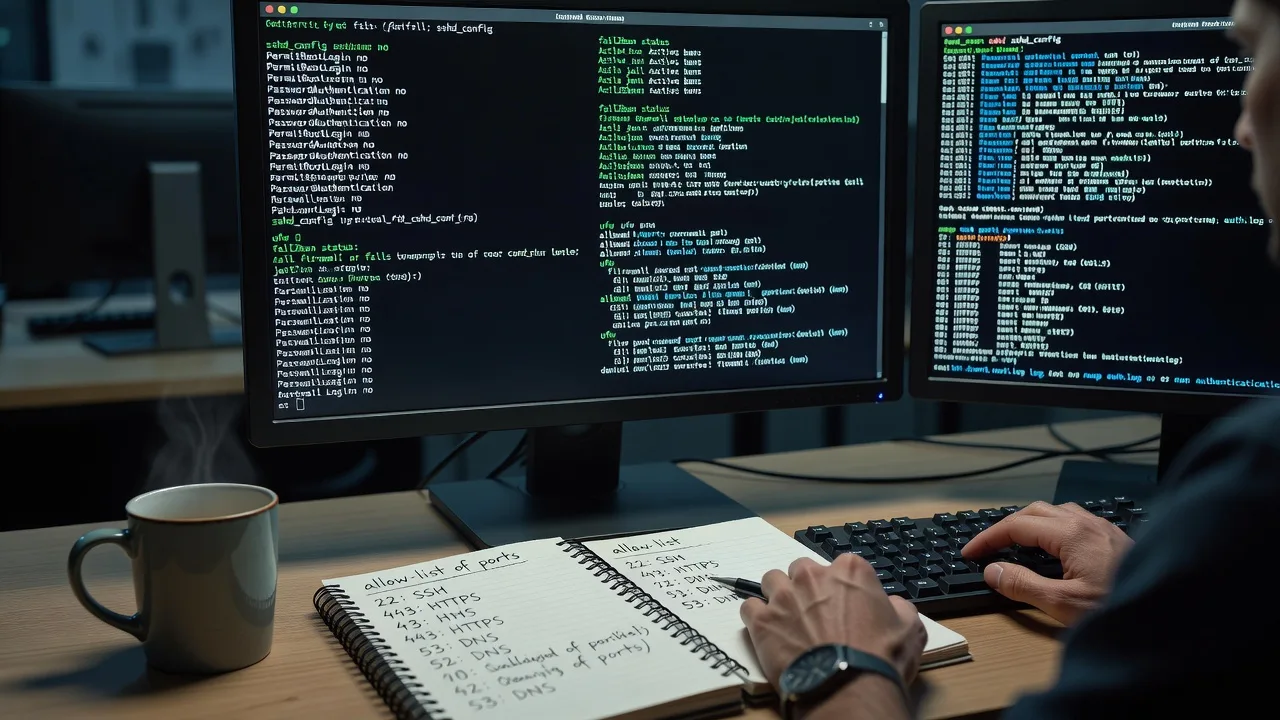
- Step 2: In sshd_config set PasswordAuthentication no, PermitRootLogin no, and restart sshd only after the second session still works.
- Step 3: Watch auth.log for ten minutes; successful key logins should appear and password failures for root should stop being useful to attackers.
UFW or firewalld is “active” but your app port and stray panels are still world-reachable
Rules were added ad hoc after install; Docker, reverse proxies, or provider security groups bypass what you think is locked.
- Step 1: From an external network (phone hotspot), run a simple port check against your public IP and list what answers.
- Step 2: Align host firewall, container publish flags, and cloud security group so only 80/443 (or your real needs) remain open; drop unused admin panels from public bind.
- Step 3: Re-scan externally and confirm only intended ports respond; document the final allow list next to your runbook.
Cron or deploy user can write web roots and a plugin drop created a web shell
Over-permissive ownership for “easy deploys” turns a CMS or static drop folder into a writeable execution path.
- Step 1: Inventory web root owners/permissions and find world-writable directories or PHP/executable uploads under the docroot.
- Step 2: Separate deploy keys from runtime users; set directories to non-executable upload paths where possible and remove mystery files you did not deploy.
- Step 3: Verify the site still deploys via your normal pipeline and that new uploads cannot execute; keep a known-good file list for the next release.
When DIY is not enough (urgent, unsafe, recurring, or burning time), book Fixwebnode for direct professional support—no freelancers, bidding, or marketplace noise.
Expert Insights
Melbourne peak-trading tip: On retail and hospitality VPS hosts we repeatedly see “temporary” provider firewall holes left open after a weekend menu or booking-plugin hotfix—then left for weeks. Good looks like a dated change ticket plus a same-day external port re-check after every public-facing deploy. Bad looks like relying on the panel’s green “firewall on” badge while Docker still publishes 8080/3000 to 0.0.0.0. After five-plus years of these cleanups, our rule is simple: treat every new listener as hostile until an external scan and a documented allow list agree.
Why Choose Fixwebnode
You work with us directly—Tier 1 infrastructure discipline with clear human communication when non-technical owners need the “why.” We know Melbourne change windows, mixed retail-and-SaaS estates, and how to harden without breaking Monday trading.
- ✓ Hands-on Linux VPS lockdown experience across cloud and bare self-hosted nodes
- ✓ Fixed package scopes and written verification—not open-ended “security vibes”
- ✓ Local-aware scheduling for Melbourne business hours and quiet change windows
Tools & Technologies
Linux (Ubuntu/Debian/RHEL-family), OpenSSH hardening, UFW/firewalld/nftables, fail2ban, systemd/journald, Lynis-style audit passes, SSH key management, basic auditd hooks, Nginx/Caddy/Apache exposure checks, Docker publish review, provider security groups (where applicable), and external port verification from non-local networks.
Perfect For
Melbourne founders, agencies, clinics, and operators running a self-hosted VPS for apps, client portals, or internal tools who want a hardened baseline without hiring a full-time sysadmin. Ideal when you have root access, a shortlist of public services, and need someone accountable to lock the box and prove it—not a crowd of bids.
Ready to lock it down? Call 0421498927 or continue at fixwebnode.com.au/contact-support.
Choose a package
Core remote lockdown for one Linux VPS: SSH hardening, firewall baseline, and a short verification summary.
Full hardening pass on one production VPS including service hygiene, fail2ban, and a detailed verification report.
Comprehensive lockdown plus Docker/publish review, alerting hooks, and a 30-day re-check after your next major change.
FAQ
Most self-hosted VPS lockdowns for Melbourne businesses are completed fully remote with scheduled change windows that respect your trading hours. If your node sits in an office rack and you need a physical confirm, we can discuss a limited on-site check within metro reach—otherwise remote is faster and usually sufficient.
We plan restarts and firewall cuts around a window you approve, keep a second admin session open, and verify SSH and critical ports before closing the job. Standard practice is to avoid mid-lunch cutovers for retail and booking stacks and to roll back quickly if a listener was mis-declared.
A temporary sudo-capable user with key-based SSH, your OS version, list of public services, and any cloud security-group access if the provider firewall sits in front. We do not need marketplace middle layers—you work with us directly and can revoke access after handoff.
We apply a production baseline tuned to your actual listeners, then prove it with external checks and config evidence. You get fixed scope, named deliverables, and follow-up options—not a paste of common sysctl tips with no ownership.



