






 Multi-Vendor & Complex SaaS Marketplaces
 Modern Headless & Jamstack Web Development
 High-End Corporate & Specialized Business Websites
 Advanced API, Checkout & Database Troubleshooting
Remote Gaming PC Overclocking & Stress Testing Melbourne
Stable FPS gains for Melbourne gaming PCs—remote overclock and stress test without risky guesswork.
We tune CPU/GPU curves, validate thermals under load, and document safe limits for apartment builds, strata setups, and late-night competitive sessions across metro Melbourne. Direct Fixwebnode support—no bidding queues.
Power up your rig: dial 0421498927 or book at fixwebnode.com.au/contact-support.
- Remote session with clear before/after metrics
- Thermal & stability reports you can keep
- Plain-English settings handoff
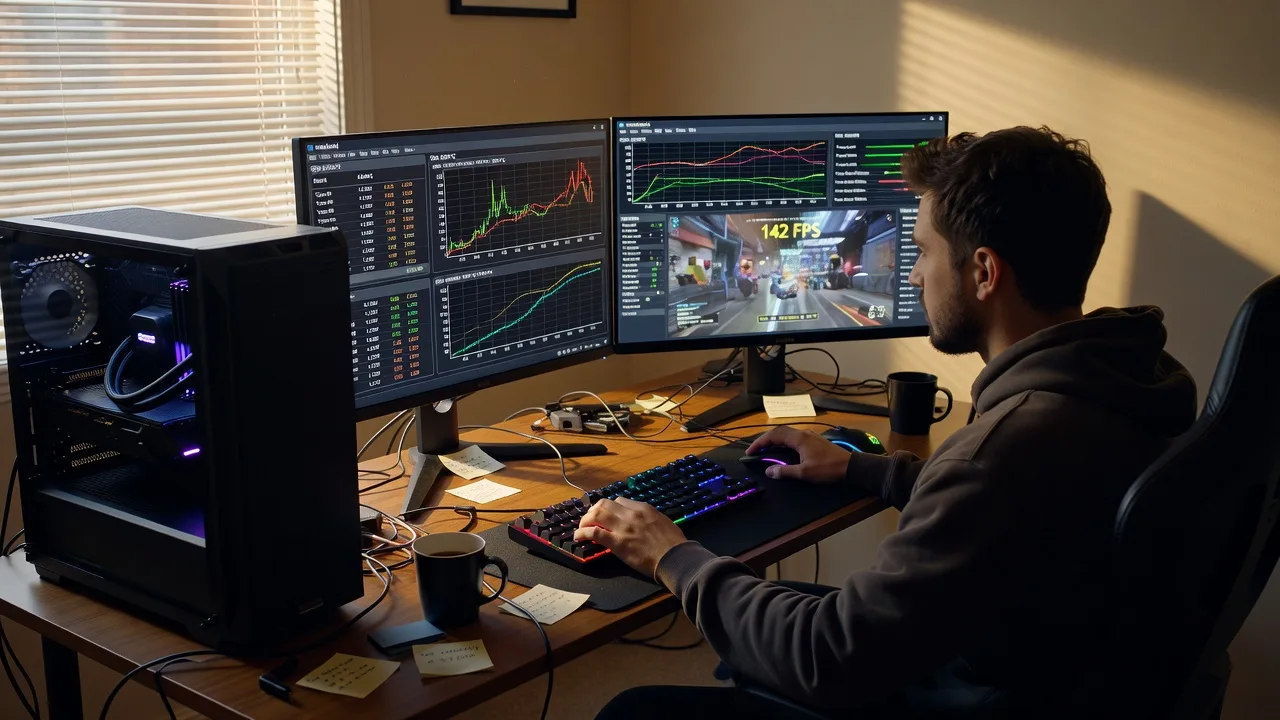
About this service
Unlock cleaner frame times and cooler sustained loads on your bespoke gaming PC with remote overclocking and professional stress testing tailored for Melbourne players and creators. We deliver the work ourselves—measured clocks, validated stability, and settings you can trust long after the session ends.
What You'll Get
- Baseline health check - Temperatures, voltages, power limits, and driver/BIOS state captured before any change.
- CPU & GPU curve tuning - Conservative-to-aggressive profiles matched to your cooling, case airflow, and noise tolerance.
- Multi-stage stress testing - Synthetic plus game-loop loads to catch instability that single-tool runs miss.
- Thermal & power report - Screenshots and notes showing peak temps, package power, and throttle points.
- Safe profile pack - Daily, performance, and revert profiles with plain-English apply steps.
- Follow-up window - Quick remote check if a new title or driver shifts behaviour.
Serving Melbourne & surrounds
Melbourne gamers often build high-spec rigs in compact apartments, shared houses, and mixed-use buildings where dust, limited intake space, and summer heat change what a “safe” overclock really means. We tune remotely for that reality—warehouse-style lofts, CBD apartments with warm evenings, and outer-metro rooms where ambient temps swing hard between seasons. Clients in areas like Melbourne and Dandenong South regularly need quieter curves for night sessions without sacrificing 1% lows.
- Apartment and strata builds where case intake is restricted and noise complaints matter
- Creator/streamer desks near café strips and dense high-streets needing stable encode + game dual loads
- Fully remote delivery across metro Melbourne—screen share, secure access, no on-site wait for pure software/firmware tuning
How We Work
- Step 1: Reach Out - Tell us your CPU/GPU, cooler, case, goals (esports FPS, 4K fidelity, quiet nights), and any past crash codes. We listen first.
- Step 2: Tailored Plan - Fixed-scope quote: Basic validation, Standard dual-rail tune, or Premium multi-profile + extended soak—no open bidding.
- Step 3: We Deliver - Remote session: baseline, step clocks/undervolts, stress loops, and game verification while you watch or step away.
- Step 4: Confirm & Follow-up - Plain-English handoff, saved profiles, optional check-in after your next big patch weekend.
Common Issues & How to Fix Them
These are the failure patterns we see repeatedly on custom Melbourne gaming builds—use the steps below before you push clocks further.
Random black screens only in long multiplayer matches (not in short benches)
Short synthetic runs pass, then a 40–90 minute ranked session drops the display—often GPU power limit + transient voltage, not a “bad card.”
- Step 1: Enable an on-screen overlay for GPU clock, power, and hot-spot temp; note values the second before a crash.
- Step 2: Raise the GPU power limit one notch (or ease an aggressive undervolt by +15–25 mV) and lock a mild max-clock cap below the spike you saw.
- Step 3: Replay the same title for at least 60 minutes; success means no black screen and hot-spot staying under your cooler’s proven ceiling.
WHEA / machine-check errors after a “stable” Cinebench score
Single-core heavy benches look fine while lightly threaded game + Discord + browser stacks trip memory or fabric instability.
- Step 1: Check Windows Reliability Monitor and Event Viewer for WHEA-Logger entries timed to the freeze.
- Step 2: Drop memory speed one JEDEC step or loosen primary timings; if CPU is overclocked, pull 25–50 MHz off the all-core boost and add a touch of voltage only if thermals allow.
- Step 3: Run a mixed load (game + browser + voice) for 45+ minutes with zero WHEA events and no hitching audio as the pass criteria.
Coil whine and thermal throttle in warm Melbourne afternoons
A curve that felt fine in winter starts hitching when ambient room temp climbs and case exhaust recirculates.
- Step 1: Measure intake ambient at the case front (phone thermometer is fine) and compare GPU/CPU delta to that ambient under the same game scene.
- Step 2: Improve intake path (clear dust filters, reverse a poorly aimed fan), then apply a quieter fan curve that ramps earlier—not louder at the end.
- Step 3: Re-test the same scene; good result is lower sustained clocks only if needed, but no throttle flags and reduced whine at the same FPS target.
When DIY is not enough (urgent, unsafe, recurring, or burning time), book Fixwebnode for direct professional support—no freelancers, bidding, or marketplace noise.
Why Choose Fixwebnode
We blend enterprise-grade remote IT discipline with patient, jargon-light guidance so you understand every change on your own hardware. Melbourne heat, compact rooms, and mixed work/play desks shape how we set limits—not generic forum presets.
- ✓ Direct provider sessions with fixed scopes and clear ownership of the outcome
- ✓ Stress methodology that mixes synthetic, game-loop, and long-soak checks
- ✓ Local-aware thermal targets for apartment and shared-house builds across Melbourne
Expert Insights
On Melbourne apartment rigs we repeatedly see “stable” 3DMark scores hide a 0.5–1.0°C-per-minute hot-spot climb that only appears after 25 minutes of closed-map multiplayer when the room ambient is already 28°C+. Good looks like: hot-spot plateau by minute 12, power limit headroom still available, and 1% lows within ~8% of averages. Bad looks like: chasing max boost frequency while the VRM or GPU hot-spot is still rising at minute 30—those systems pass a 10-minute bench and then crash in ranked queues. Our rule after hundreds of remote tunes: set the daily profile to the highest clocks that stay flat for a full 45-minute dual-load soak at your real room ambient, then store a separate weekend profile only if noise and dust load allow. Never validate undervolts solely on a cold boot morning test in a south-facing room that will be several degrees warmer by evening playtime.
Tools & Technologies
HWInfo, GPU vendor tuning suites (MSI Afterburner / AMD Adrenalin / NVIDIA tools), CPU vendor utilities, Cinebench, Prime95/y-cruncher style soaks where appropriate, 3DMark or Unigine for baseline, CapFrameX or in-game telemetry for 1% lows, remote desktop/screen-share with secure session practice, BIOS/UEFI profile notes, and structured thermal logging.
Perfect For
Melbourne gamers, streamers, and small creative desks running bespoke custom PCs who want higher sustained performance without lottery-ticket voltage guesses. Ideal if you play competitive titles, edit after hours, or share a compact living space where thermals and noise both matter. We handle the remote technical work and explain every setting in plain language.
Ready for a measured tune? Call 0421498927 or book via fixwebnode.com.au/contact-support.
Choose a package
Remote baseline health check, light GPU/CPU sanity tune, and a 30–45 minute stress validation with a short stability note.
Full remote CPU and GPU curve tuning with multi-stage stress tests, thermal report, and daily plus performance profiles.
Comprehensive remote overclock package with extended soak tests, memory sanity check, three saved profiles, and priority follow-up.
FAQ
We deliver gaming PC overclocking and stress testing remotely for Melbourne and surrounds. As long as we can screen-share securely and you can reboot into BIOS or vendor tools when needed, you do not need an on-site visit for software and firmware-level tuning. If hardware reseating or cooler mounting is required, we will tell you clearly before work starts.
We favour measured, thermally honest profiles rather than maximum marketing clocks. Many modern boards and cards allow software limits within vendor tools; we document every change and leave a one-click or clear revert path. Hardware risk is never zero when pushing past stock behaviour, so we set conservative daily profiles first and only offer higher profiles when cooling and power delivery support them.
CPU and GPU models, cooler type, case airflow notes, target resolution/refresh, and whether noise matters more than peak FPS. Install the vendor control panel and a monitoring tool if you can, and be ready with admin rights. Tell us about past crashes, WHEA errors, or black screens so we do not repeat a bad curve.
Guides optimise for someone else’s silicon, ambient temperature, and case. We baseline your machine in your real room conditions, validate with mixed loads that mirror how you actually play or stream, and leave profiles matched to Melbourne heat and compact setups—not a single screenshot score.



