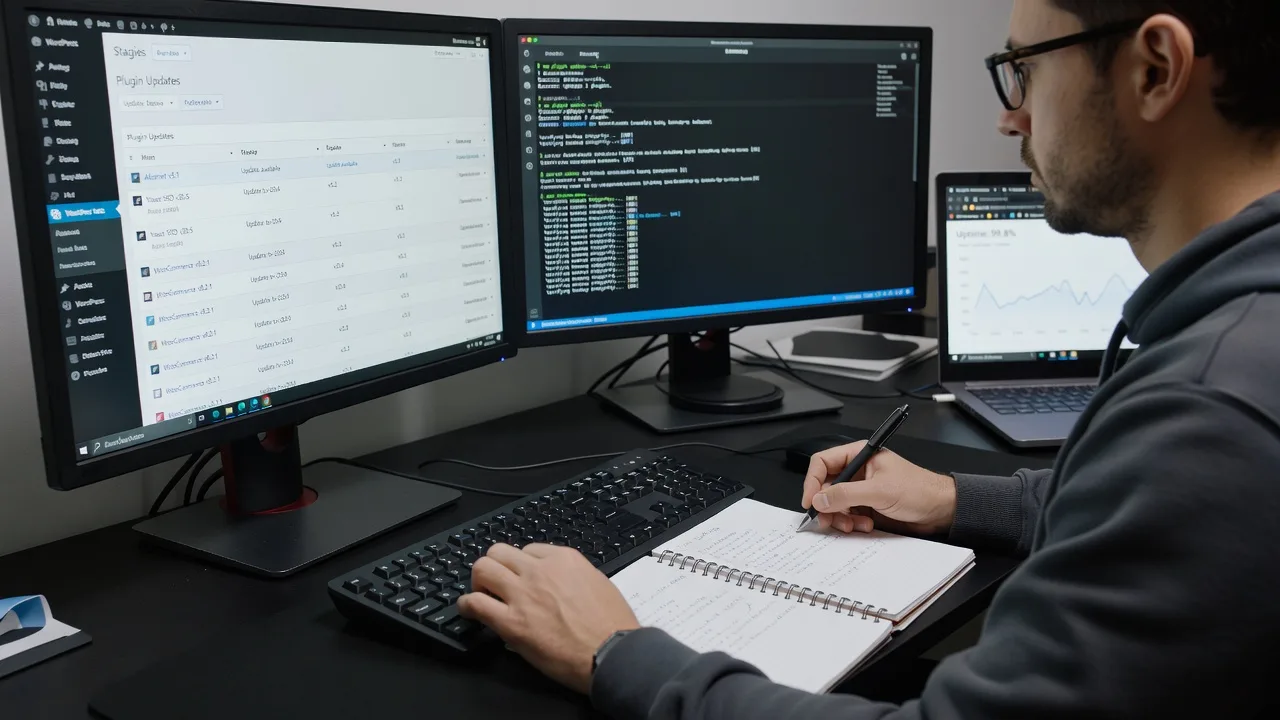
Multi-Vendor & Complex SaaS Marketplaces
 Modern Headless & Jamstack Web Development
 High-End Corporate & Specialized Business Websites
 Advanced API, Checkout & Database Troubleshooting
Reliable Website Maintenance for Melbourne VIC 3000 Businesses
Keep your Melbourne, VIC 3000 website fast, secure, and fully updated without the day-to-day hassle.
I handle core and plugin updates, automated backups, uptime checks, and performance fixes for CBD retailers, laneway hospitality venues, and apartment-dense precinct businesses that cannot afford downtime during peak trade. Prefer direct support? Dial 0421498927 or visit fixwebnode.com.au/contact-support to power up your support experience.
Proactive care, clear reporting, local-ready response.
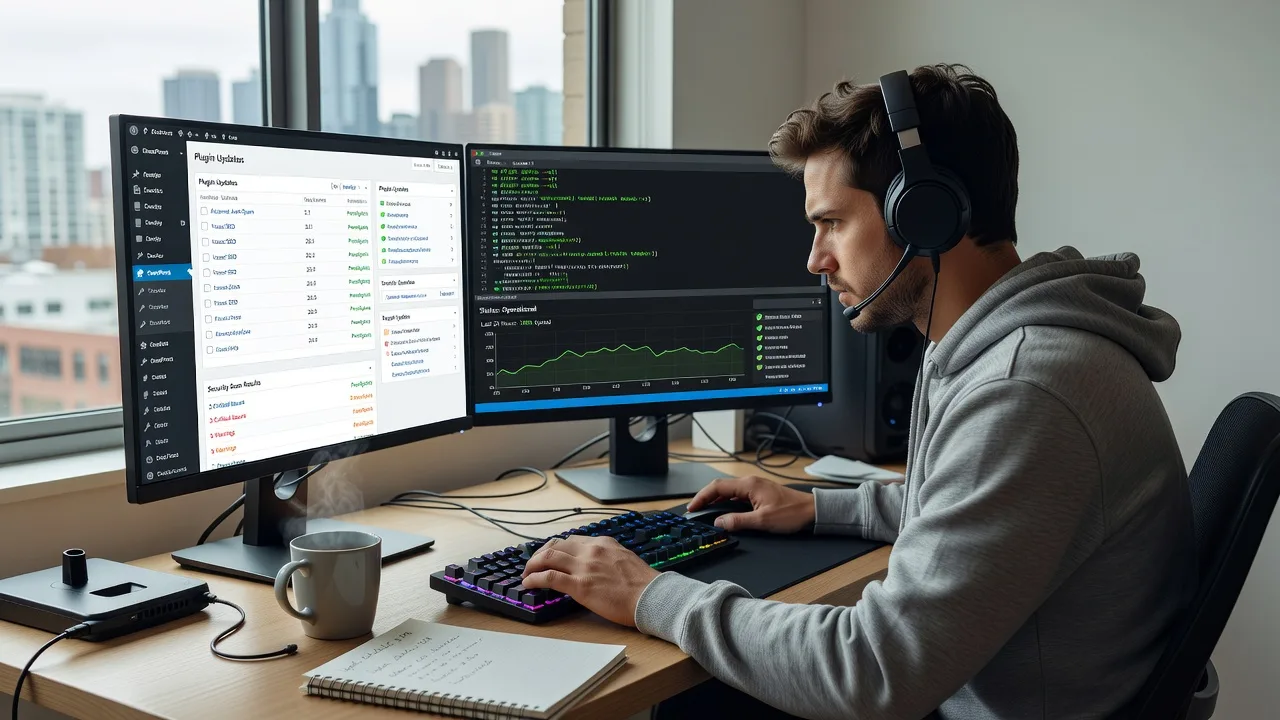
About this service
Stop losing sales to slow pages, broken plugins, and surprise outages—get dependable website maintenance built for Melbourne, VIC 3000 businesses that need their site working every trading day.
What You'll Get
- Core, theme & plugin updates - Safe staged updates so security patches land without breaking checkout, bookings, or forms.
- Daily offsite backups with restore tests - Recoverable snapshots you can roll back to in minutes, not days.
- Uptime & SSL monitoring - Alerts when your site drops or certificates lapse before customers notice.
- Performance health checks - Cache, image, and database tidy-ups aimed at mobile visitors on CBD lunch-hour and after-work traffic.
- Security hardening & malware scans - Login protection, file integrity checks, and cleanup if something slips through.
- Plain-English monthly report - What changed, what improved, and what needs a decision from you.
Serving Melbourne, VIC 3000 & surrounds
Melbourne, VIC 3000 is dense with high-street retailers, hospitality venues, professional suites, and strata-linked service businesses whose websites must stay live through weekday foot traffic, weekend markets, and tourism spikes. Maintenance here is not generic hosting support—it is keeping booking engines, menus, and lead forms reliable when visitors are already on the street. I also support nearby commercial pockets such as Melbourne, VIC 3000 office towers and Melbourne, VIC 3000 waterfront operators when their stack matches the same WordPress or custom CMS patterns.
- CBD retail and café-strip sites that need fast mobile load times during lunch and after-work rushes
- Professional services and clinics in apartment-dense precincts relying on contact forms and online bookings
- Remote-first care with optional on-site device or Wi-Fi checks across central Melbourne when access is required
My Process
- Step 1: Access & baseline audit - I review hosting, CMS version, plugins, SSL, backups, and error logs so we know the real starting point—not a guess.
- Step 2: Hardening & backup setup - Staging or safe update path, offsite backups, monitoring endpoints, and emergency contacts are locked in before major changes.
- Step 3: Ongoing maintenance cadence - Scheduled updates, scans, speed checks, and content-critical plugin reviews run on a fixed rhythm with change notes you can read in minutes.
- Step 4: Reporting & handoff - You receive a clear monthly summary, priority fixes flagged, and optional roadmap items if growth or redesign is next.
Expert Insights: What Most People Get Wrong
Based on 8+ years of hands-on WordPress and small-business site care, here are the critical mistakes I see clients make—and how I fix them:
- Updating live without a restore-tested backup - A plugin update that looks fine on desktop can break mobile checkout. Good practice: full file + database backup, one-click restore verified on staging or a throwaway clone, then update in dependency order (security plugins last if they lock files). For a Melbourne, VIC 3000 hospitality site I recovered, a failed menu plugin update at 11am Friday was rolled back in under 12 minutes because the restore had been tested the week before—not merely scheduled.
- Leaving object cache and page cache fighting each other - Stacking Redis/Memcached with an aggressive page cache plus a CDN without purging rules creates "ghost" content: old prices or closed hours after a Friday update. Good looks like one authoritative cache layer, purge-on-publish hooks, and a documented purge path for staff who edit specials.
- Ignoring PHP and MySQL drift on shared hosts - Sites stuck on PHP 7.4 with plugins that already require 8.1 throw intermittent 500s under load. I check host PHP, required versions, and deprecated functions before bulk updates so you do not discover the problem during a weekend sale.
- Treating forms as set-and-forget - SMTP auth expiry, spam-folder delivery, and CAPTCHA false positives silently kill leads. Monthly form send tests to a real inbox (not just a success message on-page) catch this before a week of enquiries vanish.
When you hire me, you get all this expertise applied directly to YOUR project—saving you time, money, and headaches.
Why Choose This Service
You get a maintenance partner who understands Melbourne, VIC 3000 trading patterns—weekday CBD traffic, hospitality peaks, and professional services that cannot afford broken contact paths—not a faceless ticket queue. Communication is direct, changes are logged, and support is a phone call or contact form away.
- ✓ Direct line support via 0421498927 and fixwebnode.com.au/contact-support
- ✓ Staging-first updates and restore-tested backups as standard practice
- ✓ Reports written for owners and managers, not only developers
Tools & Technologies
WordPress (core, multisite where relevant), WooCommerce health checks, WP-CLI for safe bulk operations, ManageWP or equivalent dashboards, UpdraftPlus / BlogVault-style offsite backups, UptimeRobot or Better Uptime monitors, Query Monitor and New Relic-lite host metrics where available, Cloudflare or host CDN purge rules, PHP 8.1–8.3 compatibility checks, SSL Labs / certificate expiry monitoring, MalCare or Wordfence-style malware scanning, and GTmetrix / WebPageTest for before-after performance snapshots.
Perfect For
Melbourne, VIC 3000 owners and managers of retail, hospitality, clinic, and professional-service sites who want predictable monthly care instead of emergency rebuilds. Ideal if you have a WordPress or similar CMS site, a small internal team, and need someone accountable for updates, backups, and uptime while you focus on customers walking through the door.
Choose a package
Essential monthly care: updates, backup verification, and uptime check for one standard site.
Full monthly maintenance with security scan, performance pass, and plain-English report.
Proactive care plan with staging updates, form delivery tests, and direct phone support.
FAQ
Yes. Most website maintenance for Melbourne, VIC 3000 clients is completed remotely with secure access, which is faster for updates and restores. If we need physical access—for example a local device, office Wi-Fi, or hosting hardware check in the CBD—we can arrange a short on-site visit by appointment.
Typically a WordPress (or CMS) admin account, hosting panel or SFTP access, and DNS or CDN login if you use one. I use least-privilege accounts where possible and document every change so you always know what was touched.
Premium clients get emergency restore priority and can reach support on 0421498927 or via fixwebnode.com.au/contact-support. Standard and Basic plans include monitoring guidance and next-business-day remediation; critical outages are triaged as soon as access is confirmed.