







 Multi-Vendor & Complex SaaS Marketplaces
 Modern Headless & Jamstack Web Development
 High-End Corporate & Specialized Business Websites
 Advanced API, Checkout & Database Troubleshooting
Ransomware & Malware Removal Melbourne — Urgent Disinfection
Stop active ransomware and malware on Melbourne systems fast—urgent disinfection, sanitisation, and network hardening from Fixwebnode.
We stabilise infected workstations and servers for CBD offices, warehouse ops, and strata-linked small firms, then lock down access so the same payload cannot walk back in. Direct provider support—Smart Solutions. Human Support.
Power up your recovery: dial 0421498927 or go to fixwebnode.com.au/contact-support.
- Live threat containment
- Clean rebuild paths & hardening
- Clear fixed-scope packages
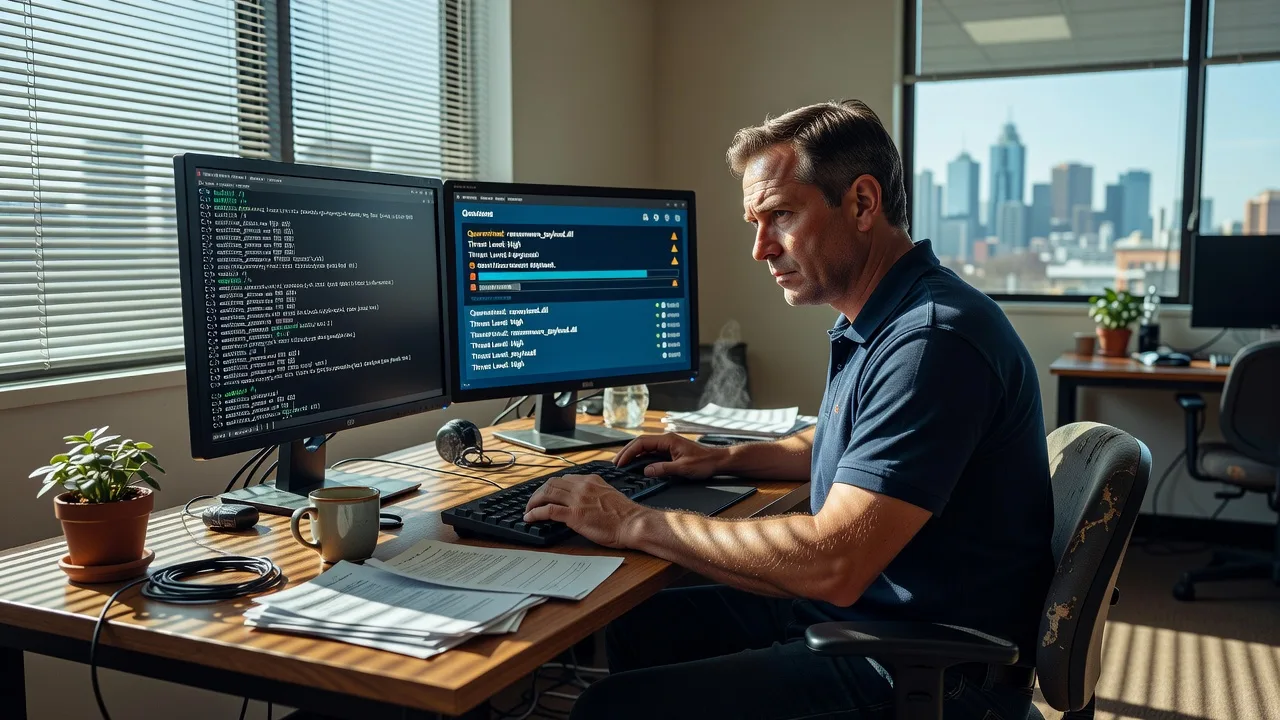
About this service
Get urgent ransomware and malware removal in Melbourne so encrypted files, rogue processes, and lateral network threats are contained before downtime spreads across your team. Fixwebnode delivers direct disinfection, system sanitisation, and post-breach hardening—technical authority with plain-English human support.
What You'll Get
- Live threat containment - Isolate infected hosts, kill active encryptors/C2 beacons, and stop share-to-share spread.
- Full system disinfection - Multi-engine scan, persistence hunt (services, tasks, Run keys, browser hijacks), and safe cleanup.
- Credential & account review - Flag compromised local/admin accounts and force secure password/MFA resets where needed.
- Backup integrity check - Verify whether shadow copies, NAS, or cloud backups are clean before restore.
- Network hardening pass - Patch priority, RDP/VPN exposure review, firewall rules, and least-privilege shares.
- Plain-English incident summary - What hit you, what we removed, and the next 7–30 day watch list.
Serving Melbourne & surrounds
Melbourne businesses face a tight mix of dense CBD multi-tenant offices, industrial and freight-linked warehouses, and high-street retailers that cannot afford a Friday lockout. We support metro clients remotely first for speed, with on-site options when air-gapped machines or shared reception PCs need hands-on work—including professional suites near Melbourne towers and light-industrial teams around Port Melbourne freight corridors.
- CBD and multi-floor office suites where one phishing click hits mapped drives overnight
- Warehouse and logistics PCs left on shared admin accounts during peak dispatch weeks
- Remote-first triage plus scheduled on-site access for strata/office buildings with visitor and after-hours constraints
How We Work
- Step 1: Reach Out - Tell us symptoms (ransom note, locked files, fake AV, odd outbound traffic). We listen first and stabilise risk before any rebuild talk.
- Step 2: Tailored Plan - Fixed-scope quote for single PC, multi-endpoint, or full network sanitisation—no bidding theatre.
- Step 3: We Deliver - Remote infrastructure containment and clean-up; on-site in Melbourne when physical isolation or rebuild media is required.
- Step 4: Confirm & Follow-up - Verify clean boot, restore path, hardening checklist, and optional monitoring/maintenance window.
Common Issues & How to Fix Them
Unique issues we see repeatedly on Melbourne business endpoints—and safe first actions before professional sanitisation:
Ransom note appears and business files show.locked / random extensions
Usually a phishing attachment or exposed RDP/VPN account dropped an encryptor that reached mapped shares while staff kept working.
- Step 1: Disconnect Ethernet/Wi‑Fi immediately; do not pay or run “decryptor” links from the note.
- Step 2: Power down only after noting the exact extension and note filename; unplug external drives so encryption cannot continue offline on attached media.
- Step 3: From a known-clean device, check whether cloud/NAS backups still open sample files—if yes, quarantine the infected machine and book professional wipe/rebuild.
Browser hijack, fake Windows Security full-screen alerts, and new toolbars
Common after “codec”, invoice, or free PDF tool installs on reception and café-back-office PCs—adware plus credential-stealing overlays.
- Step 1: Boot to Safe Mode with Networking if you can still reach settings; note any unknown programs in Startup.
- Step 2: Remove unfamiliar browser extensions, reset browser to defaults, and uninstall recently added “optimiser” or “driver updater” apps.
- Step 3: Run your licensed AV full scan plus a second opinion scanner; if popups return after reboot, treat it as persistent malware and stop DIY looping.
Shared folders encrypt or AV flags lateral movement on the LAN
One infected laptop in an open-plan Melbourne office can hammer SMB shares when everyone uses a common drive letter and broad write permissions.
- Step 1: On the file server/NAS, revoke write access for non-essential groups and disconnect suspect sessions.
- Step 2: Identify the first machine writing mass renames (resource monitor / NAS logs) and isolate that host from the switch or Wi‑Fi.
- Step 3: Confirm new files stop changing extensions; then schedule full endpoint scans and share permission redesign—not just “delete the bad file.”
When DIY is not enough (urgent, unsafe, recurring, or burning time), book Fixwebnode for direct professional support—no freelancers, bidding, or marketplace noise.
Expert Insights
After hundreds of Melbourne incident calls, the pattern that separates a one-day recovery from a week-long rebuild is not “which AV logo you own”—it is whether Volume Shadow Copy was your only rollback. Encryptors routinely wipe or encrypt local shadows first. Good looks like: immutable or offline-capable backups tested monthly, unique local admin passwords per PC, RDP behind MFA/VPN only, and share permissions that are read-mostly for most staff. Bad looks like: one Domain Admin password reused on a warehouse PC, weekend backup jobs skipped during a freight rush, and “we restored from yesterday’s NAS copy” without scanning the restore source—reintroducing the same loader Monday morning. Our tip for Melbourne CBD multi-tenant suites: if payroll or conveyancing files lock late Thursday, assume mapped-drive blast radius and isolate identity (force password resets) in parallel with disk clean-up, not after.
Why Choose Fixwebnode
We are a direct provider—Tier 1 infrastructure response with Tier 2 human clarity—so you get specialist containment without marketplace handoffs. Local rhythm matters: end-of-week office loads, shared strata connectivity, and industrial always-on PCs shape how fast we isolate and how we harden.
- ✓ Crisis-first remote triage with Melbourne on-site options when needed
- ✓ Fixed-scope Basic/Standard/Premium packages—clear technical quotes
- ✓ Smart Solutions. Human Support.—deep technical work explained without fear-selling
Tools & Technologies
Multi-engine malware scanners, offline/rescue boot environments, process and autoruns analysis, Windows Event and firewall log review, EDR-style behavioural checks where licensed, secure disk wipe and OS rebuild media, backup verification workflows, RDP/VPN exposure review, SMB share permission audits, patch baseline checks, browser reset and extension audit, and post-clean network hardening checklists.
Perfect For
Melbourne SMEs, clinics, professional practices, and operations teams hit by ransomware, trojans, or persistent adware who need urgent disinfection and lasting hardening—not a ticket queue. Ideal when mapped drives, reception PCs, or hybrid work laptops are in the blast radius and you want one accountable provider from containment through follow-up.
Ready to recover? Call 0421498927 or visit fixwebnode.com.au/contact-support.
Choose a package
Urgent remote disinfection for one Windows PC or laptop with persistence cleanup and reboot verification.
Multi-endpoint sanitisation plus share/backup health check and core hardening for a small Melbourne office footprint.
Full breach-response package: broader disinfection, rebuild guidance, network hardening, and follow-up validation window.
FAQ
We start remote for speed—containment and most disinfection work well over a secure session across metro Melbourne. When a machine is air-gapped, reception hardware cannot leave the floor, or a strata/office build needs hands-on media, we arrange on-site within the Melbourne service area after the fixed-scope plan is agreed.
No. Paying funds crime and does not guarantee recovery; random decryptor links are often secondary malware. Disconnect the host, preserve a forensic image if legal/insurance requires it, verify offline backups from a clean device, and let us sanitise before any restore so you do not reinfect the environment.
Urgent cases are triaged as soon as you reach us on 0421498927 or via fixwebnode.com.au/contact-support. Basic single-PC remote containment often begins the same business day once access is granted; multi-endpoint and hardening scopes are scheduled against your package with clear milestones.
Removal alone is incomplete. Standard and Premium include hardening steps—exposure review, share permissions, patch priority, and credential hygiene—so the same phishing or RDP path is less likely to succeed twice. We explain every change in plain English.



