







 Multi-Vendor & Complex SaaS Marketplaces
 Modern Headless & Jamstack Web Development
 High-End Corporate & Specialized Business Websites
 Advanced API, Checkout & Database Troubleshooting
OS Reinstallation & Tune-ups for Melbourne Systems
Clean Windows, Linux or macOS reinstalls and deep tune-ups for Melbourne homes and workplaces.
We strip bloat, refresh drivers, and rebuild sluggish machines used in CBD offices, strata apartments, and busy retail floors so boot times drop and crashes stop. Direct Fixwebnode support—no marketplace middlemen.
Power up your setup: call 0421498927 or book via fixwebnode.com.au/contact-support.
- Registry & startup cleanup
- Driver and firmware refresh
- Full OS clean installs
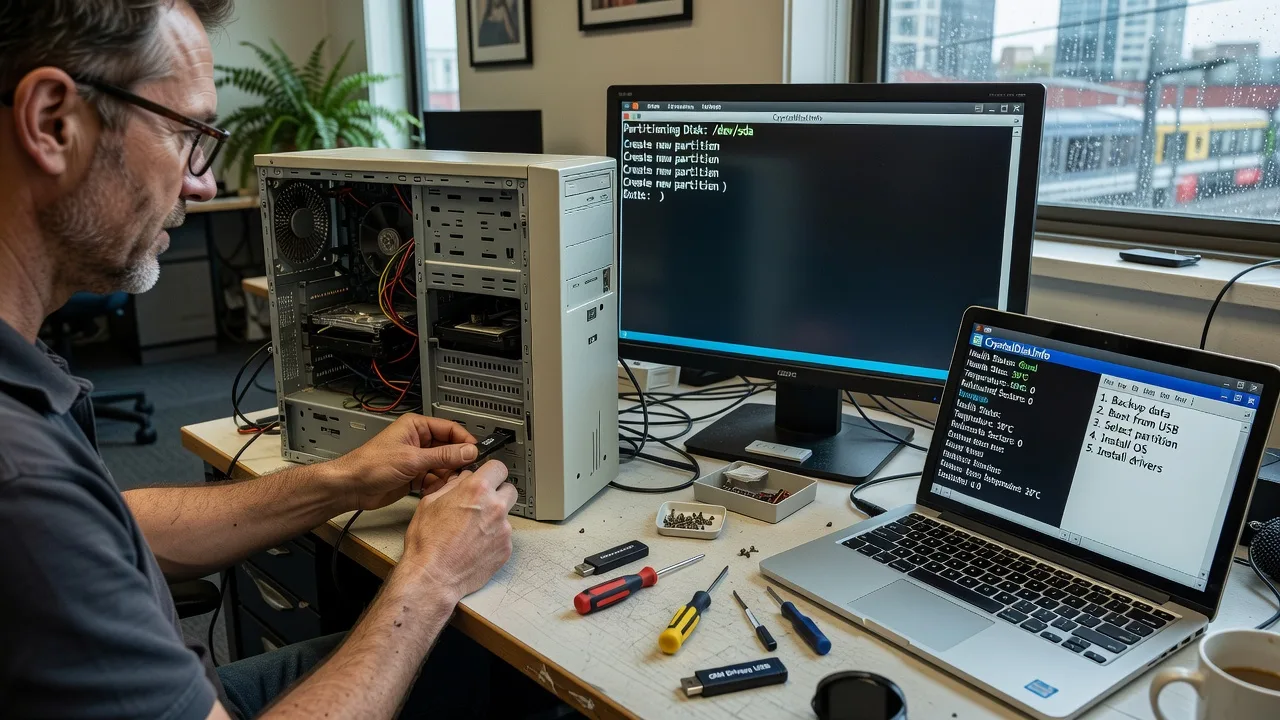
About this service
Get a stable, fast machine again with professional OS reinstallation and system tune-ups across Melbourne—built for laptops and desktops that crawl after years of updates, leftover software, and driver clutter.
What You'll Get
- Clean OS install - Fresh Windows, Linux, or macOS baseline with secure partitioning and essential updates only
- Driver & firmware refresh - Chipset, GPU, storage, and network drivers matched to your hardware—not generic bulk packs
- Registry and startup cleanup - Remove orphaned keys, runaway services, and autostart junk that burns CPU and RAM
- Bloat and leftover purge - OEM trialware, failed uninstall residue, and duplicate runtimes cleared safely
- Performance baseline report - Before/after boot time, disk health notes, and plain-English next steps
- Data-safe workflow - Backup verification first; we do not wipe until you confirm what stays
Serving Melbourne & surrounds
Melbourne systems age differently depending on where they work: CBD multi-monitor desks accumulate printer and VPN agents; warehouse and industrial PCs collect dusty storage and outdated chipset drivers; café and high-street POS units run forever without a clean image. We support metro clients with remote-first diagnostics and on-site visits when hardware access or media creation is required, including nearby areas such as Melbourne when a desk-side install is simpler than shipping a machine.
- Strata and apartment offices where quiet, scheduled evening work avoids neighbour noise complaints
- Retail and hospitality floors that need a same-week rebuild before weekend trade peaks
- Hybrid remote + on-site access across greater Melbourne when Secure Boot, BitLocker, or recovery media must be handled in person
How We Work
- Step 1: Reach Out - Tell us the OS, symptoms (slow boot, blue screens, update loops), and whether the device is business-critical; we listen before proposing a path
- Step 2: Tailored Plan - Fixed-scope quote for tune-up only, clean install, or multi-device fleet work—clear inclusions, no open bidding
- Step 3: We Deliver - Remote session and/or on-site rebuild: backup check, install media, drivers, and baseline hardening
- Step 4: Confirm & Follow-up - Walkthrough of accounts, restore points, and optional maintenance window so the system stays lean
Common Issues & How to Fix Them
These are the failure patterns we see weekly on Melbourne business and home machines—not generic checklist fluff.
Windows still feels heavy after Disk Cleanup and “storage sense”
Disk Cleanup rarely touches third-party shell extensions, leftover MSI caches, or services left by accounting and POS software common on retail PCs.
- Step 1: Open Task Manager → Startup apps and disable everything non-essential; reboot once and note boot time.
- Step 2: In an elevated PowerShell, run Get-AppxPackage | Select Name only to inventory bloat—do not mass-remove Store apps blindly; uninstall known OEM trials via Settings → Apps first.
- Step 3: Reboot, check Event Viewer → Windows Logs → Application for recurring errors from the same publisher; if the same crash source returns within 24 hours, a clean image is cheaper than chasing ghosts.
Driver “updates” from third-party suites break Wi-Fi or sleep
Bulk driver tools often push mismatched GPU or network packages; laptops used on Melbourne trains then fail sleep/resume or drop corporate Wi-Fi.
- Step 1: Note exact model (sticker or wmic csproduct get name / Linux dmidecode -s system-product-name) and download only from the OEM or chipset vendor.
- Step 2: Uninstall the faulty device in Device Manager with “delete driver software” ticked, reboot offline, then install the OEM package offline.
- Step 3: Verify with a sleep/resume cycle and a file copy over Wi-Fi; if the device ID changes again after Windows Update, pause optional driver updates for 14 days.
Linux dual-boot or “repair install” leaves an unbootable GRUB after a Windows update
Feature updates rewrite the EFI boot order; dual-boot workstations in small studios then drop straight to Windows or a grub rescue prompt.
- Step 1: Boot a live USB of the same distro family and confirm disks with lsblk and EFI mount at /boot/efi.
- Step 2: Chroot or use the distro’s boot-repair only after backing up /etc/fstab and noting UUIDs—do not auto-rewrite without a screenshot of current partitions.
- Step 3: From firmware setup, pin the Linux EFI entry first, reboot twice, then run efibootmgr -v to confirm order stuck; if Windows keeps reclaiming NVRAM, disable Fast Startup in Windows power options.
Expert insight (Melbourne scenario): On CBD laptops that live on docking stations, we often see “slow after reinstall” that is not the OS at all—it is a half-applied docking firmware plus a storage driver still in IDE/compatibility mode after cloning. Before you blame Windows, check Device Manager for a yellow bang on the disk controller and confirm the NVMe drive is running in its native mode; a clean install on the wrong controller mode can cost another full day. After five-plus years of rebuilds, the pattern is consistent: verify firmware + controller mode before imaging, or the “fresh” system inherits the same 40-second boots.
When DIY is not enough (urgent, unsafe, recurring, or burning time), book Fixwebnode for direct professional support—no freelancers, bidding, or marketplace noise.
Why Choose Fixwebnode
We are a direct technical provider for Melbourne infrastructure work: fixed scopes, accountable handoff, and specialists who have rebuilt the same hardware families hundreds of times. You talk to the people doing the install—not a bid board.
- ✓ Windows, mainstream Linux distros, and macOS reinstall paths with backup-first discipline
- ✓ Local understanding of CBD dock setups, retail POS uptime, and strata access windows
- ✓ Clear remote-or-onsite choice with plain-English reports after every job
Tools & Technologies
Official OS media (Windows Media Creation, Ubuntu/Fedora/Debian ISOs, macOS Recovery), Rufus/balenaEtcher, vendor chipset packages, CrystalDiskInfo / smartctl, Autoruns, PowerShell and bash diagnostics, Timeshift/rsync or File History backups, Secure Boot and BitLocker handling, firmware utilities for common OEM lines.
Perfect For
Melbourne small businesses, clinics, and hybrid workers whose primary PC or counter terminal has become unreliable; students and sole traders who need a clean Linux or Windows baseline without losing coursework or client files; teams refreshing a handful of machines before a busy trading period. If you want a direct technician—not a marketplace shortlist—this service is built for you.
Ready to stabilise the machine? Call 0421498927 or continue at fixwebnode.com.au/contact-support.
Choose a package
Remote tune-up: startup cleanup, safe bloat removal, and critical driver check on one PC.
Full clean OS reinstall for one Windows or Linux system with backup guidance and driver restore.
Deep rebuild for Windows, Linux, or macOS including dual-boot or multi-disk setups and hardening pass.
FAQ
We start remote for diagnostics and many tune-ups across Melbourne. When Secure Boot, recovery media, docking firmware, or physical drive work is required, we arrange on-site visits in metro Melbourne with a scheduled window so your desk or counter is not offline longer than needed.
Not by default. We verify backups first and only proceed with a wipe after you confirm what must be preserved. Standard and Premium scopes include backup verification steps; if no usable backup exists, we flag that before touching the system disk.
Yes. We handle mainstream Linux distributions and macOS reinstall/recovery workflows in addition to Windows. Tell us the model and current OS version when you book so media and firmware steps match the hardware.
No. Packages are fixed scopes from Fixwebnode as your direct provider. If hardware faults or missing licenses expand the job, we pause and quote the extra work before continuing.



