






 Multi-Vendor & Complex SaaS Marketplaces
 Modern Headless & Jamstack Web Development
 High-End Corporate & Specialized Business Websites
 Advanced API, Checkout & Database Troubleshooting
Monthly Website Health, Security & Plugin Retainer — Melbourne
Keep your Melbourne site fast, patched, and secure every month—without chasing updates yourself.
We monitor core health, harden security, and manage plugin updates for café-strip shops, clinic sites, and CBD teams who cannot risk a broken checkout or a silent security gap. Clear reports, fixed scopes, and direct specialist work—not marketplace bids.
Power up support: call 0421498927 or book at fixwebnode.com.au/contact-support.
- Monthly health + uptime checks
- Security hardening & plugin control
- Plain-English change notes
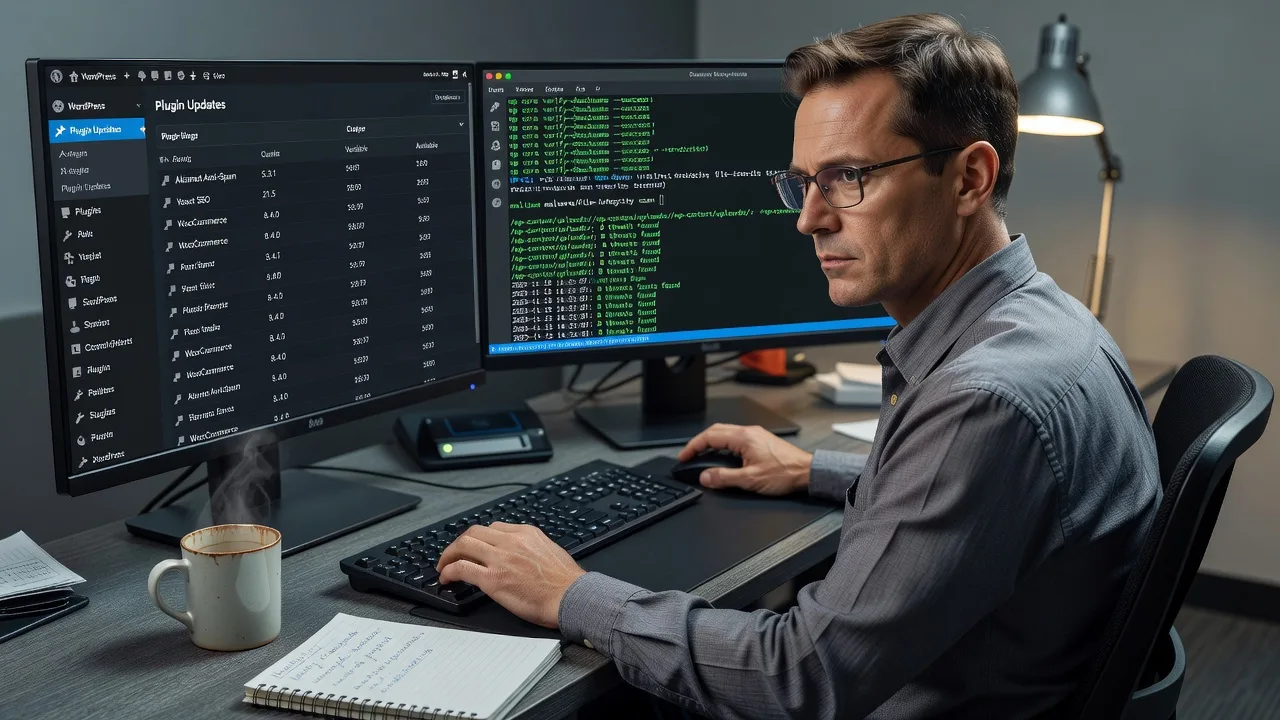
About this service
Steady monthly care for Melbourne websites that need reliable uptime, safe plugin updates, and clear security hygiene—without drama after every WordPress release. We act as your direct retainer manager: health checks, hardening, and controlled plugin work delivered by us, not a rotating freelancers board.
What You'll Get
- Monthly site health audit - Core, theme, and critical-path checks so slowdowns and PHP notices are caught before customers feel them.
- Security posture review - Login protection, file integrity signals, SSL/HTTPS sanity, and malware scan cadence suited to public-facing retail and service sites.
- Controlled plugin & core update window - Staged updates with pre/post verification so a “simple” plugin bump does not break bookings or payments.
- Backup verification - Confirm restore points exist and are recent enough to matter after a bad deploy.
- Performance pulse - Cache, image, and database bloat flags that drag admin and mobile load times.
- Plain-English monthly summary - What changed, what we deferred, and what needs a business decision next.
Serving Melbourne & surrounds
Melbourne operators juggle dense high-street traffic, multi-location service brands, and seasonal spikes—AFL weekends, school holidays, and CBD lunch-rush campaigns—where a half-broken plugin update costs real bookings. We support metro and regional clients remotely with the same disciplined change window you would expect from an in-house admin.
- High-street and strip retailers who need checkout and menu plugins stable through weekend trade
- Clinic and allied-health sites balancing patient forms, telehealth links, and privacy-minded security basics
- Fully remote retainer delivery across Melbourne with optional scheduled calls; on-site only when access or hardware genuinely requires it
How We Work
- Step 1: Reach Out - Share your stack (CMS, host, must-not-break pages) and pain points—we listen before we touch production.
- Step 2: Tailored Plan - Fixed monthly scope: health cadence, update policy, and security checklist matched to your risk level.
- Step 3: We Deliver - Remote monitoring, staged updates, hardening, and verification on a predictable cycle.
- Step 4: Confirm & Follow-up - Summary handoff in plain English, optional ticket follow-ups, and next-month priorities locked in.
Common Issues & How to Fix Them
These are the patterns we see repeatedly on Melbourne business sites—symptoms first, safe DIY next, then when to escalate.
Checkout or form breaks right after a “routine” plugin update
Often a payment, booking, or forms plugin updates against an outdated core/PHP pair, so the front looks fine until someone submits.
- Step 1: Note the exact time of failure and disable only the plugin updated that day (via host file manager if wp-admin is dead).
- Step 2: Clear full-page cache and CDN purge; retest the critical form on mobile and desktop in a private window.
- Step 3: Confirm submissions land in email/CRM and payment sandbox/live logs show no new 500s—then freeze further updates until versions are aligned.
Admin feels fine but public pages crawl after months of “set and forget”
Abandoned page builders, unused SEO suites, and revision spam inflate the database while object cache never warms popular product or service URLs.
- Step 1: Run a before/after load check on homepage and one money page (note TTFB vs full load).
- Step 2: Inventory active plugins; deactivate anything unused for 90+ days on staging first, then purge transients and excess post revisions.
- Step 3: Re-measure the same URLs; if TTFB stays high, check host PHP workers and slow-query logs rather than piling on more optimise plugins.
Security warnings, mystery admin users, or failed login floods
XML-RPC noise, shared weak passwords, and forgotten contractor accounts show up as lockouts or odd user roles—especially after staff turnover.
- Step 1: Export current users/roles; remove unknowns and force password resets on remaining admins.
- Step 2: Enable 2FA for administrators, limit login attempts, and block XML-RPC if you do not need the mobile app pathway.
- Step 3: Verify no new admin users reappear within 48 hours and that malware/file-integrity scans stay clean after a full backup snapshot.
When DIY is not enough (urgent, unsafe, recurring, or burning time), book Fixwebnode for direct professional support—no freelancers, bidding, or marketplace noise.
Expert Insights
On Melbourne café and multi-venue menus, the failure mode we still catch after five-plus years is not “forgot to update”—it is updating five plugins on Friday afternoon without a staged clone, then discovering a PHP 8.x deprecation only when Saturday brunch orders spike. Good practice: freeze non-security updates inside a declared change window, keep one known-good full backup plus DB dump taken after the last successful order test, and never batch a page-builder major with a payment gateway minor in the same hour. Bad practice looks like auto-everything enabled on production, no staging, and a single admin password shared across the venue group—when one contractor laptop is compromised, every property site inherits the blast radius.
Why Choose Fixwebnode
We are a direct provider for infrastructure-grade web care and human-clear reporting. You get one accountable team that understands both server-side risk and the way Melbourne service businesses actually sell online—no bid threads, no escrow theatre.
- ✓ Retainer scopes written as fixed monthly work, not open-ended marketplace gigs
- ✓ Technical depth on WordPress/host stacks plus plain-English notes your non-technical owners can use
- ✓ Melbourne-aware timing around peak trade, campaigns, and “do not touch Friday” realities
Tools & Technologies
WordPress (and comparable CMS) update hygiene, WP-CLI where available, staging clones, uptime monitors, malware/file-integrity scanners, SSL checks, application firewalls/WAF rules at host level, caching layers (page/object), PHP version alignment, database optimisation, backup/restore verification, DNS/CDN sanity checks, and secure admin practices (2FA, least-privilege roles).
Perfect For
Melbourne small businesses, clinics, education providers, and multi-location operators who need a calm monthly rhythm for health, security, and plugins—not a crisis call after every release. Ideal when you want infrastructure competence with human-clear communication for owners, NDIS/Aged Care adjacent services, or lean teams without a full-time web admin.
Ready for a predictable retainer? Call 0421498927 or start at fixwebnode.com.au/contact-support.
Choose a package
Essential monthly health check, security scan summary, and safe minor plugin updates for one standard site.
Full monthly retainer: staged updates, hardening checklist, backup verification, and performance pulse for one business site.
Comprehensive multi-environment care with change freezes around campaigns, deeper hardening, and extended support for complex stacks.
FAQ
The monthly health, security, and plugin retainer is delivered remotely for Melbourne and surrounds, which covers almost all CMS, host, and DNS work. If a rare task needs physical access (local network gear or venue hardware), we schedule it explicitly—otherwise you get faster turnaround without travel delay.
We hold or stage it. Security patches are prioritised; feature updates that touch payment, booking, or membership plugins wait for a verified window with backup confirmation. You always get a clear note on what shipped versus what we deferred and why.
Fixwebnode delivers the retainer directly as your provider. Packages are fixed scopes of our service—monitoring, hardening, and update control—with one accountable path for questions and follow-up, not bids or multi-seller handoffs.
Basic suits a single straightforward brochure or brochure-plus-forms site with low change volume. Standard fits active business sites that take payments or bookings. Premium is for multi-plugin stacks, campaign peaks, staging requirements, or owners who want a monthly planning call and tighter freeze control.



