







 Multi-Vendor & Complex SaaS Marketplaces
 Modern Headless & Jamstack Web Development
 High-End Corporate & Specialized Business Websites
 Advanced API, Checkout & Database Troubleshooting
Microsoft 365 & Google Workspace Management Melbourne
Migrate, licence, and secure file sync for Melbourne offices—without the chaos.
We manage Microsoft 365 and Google Workspace cutovers for CBD teams, warehouse admin hubs, and growing practices that still juggle shared drives and mixed licences.
Power up your support: dial 0421498927 or visit fixwebnode.com.au/contact-support.
- Migration planning & staged cutover
- User licensing clean-up
- Secure OneDrive / Drive / SharePoint sync
About this service
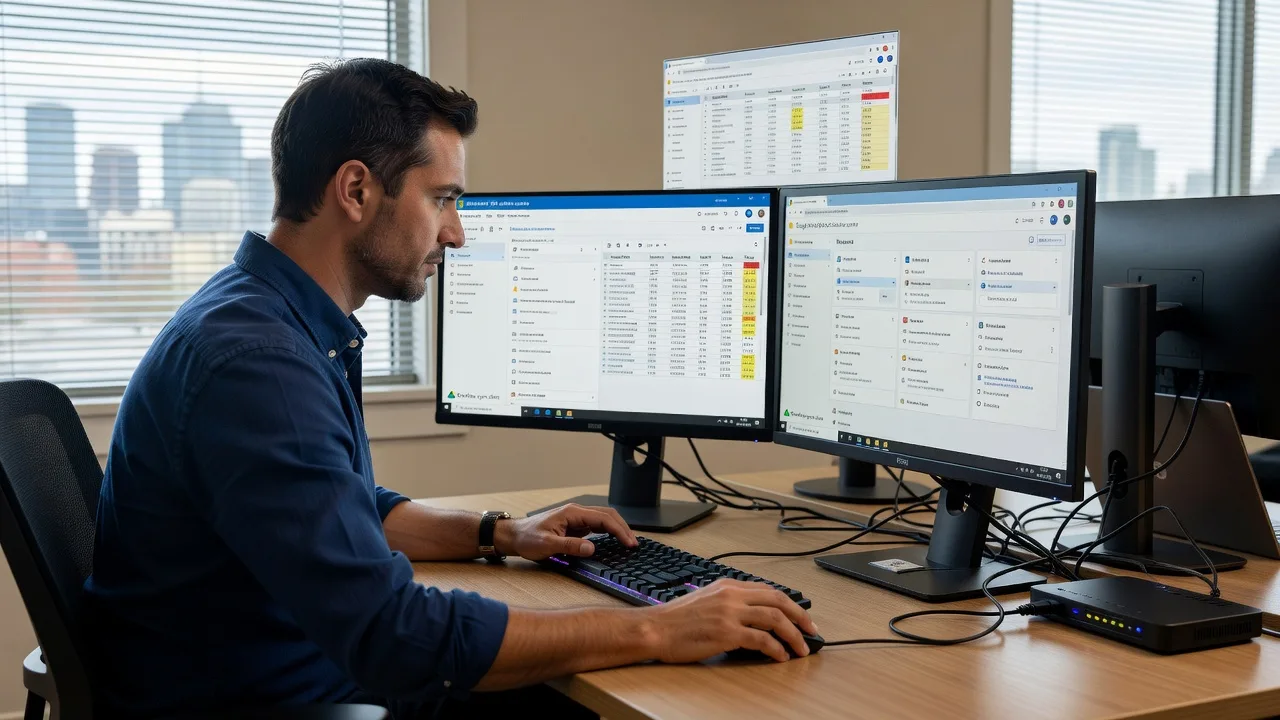
Move Melbourne teams off fragile shared folders and mixed licences into a clean Microsoft 365 or Google Workspace setup that actually stays secure. Fixwebnode delivers direct migration, licensing, and file-sync configuration.
What You'll Get
- Migration roadmap - Inventory of mailboxes, shared drives, and legacy file servers with a staged cutover plan that limits downtime.
- Licensing hygiene - Right-size M365 or Google Workspace seats, remove ghost users, and align admin roles to least privilege.
- Secure file synchronisation - OneDrive, SharePoint, Google Drive, and desktop clients configured with correct retention and sharing defaults.
- Identity & access baseline - MFA, conditional access patterns where available, and offboarding checklists that actually get used.
- Staff handoff pack - Plain-English how-to for day-one login, file locations, and who to call when something looks wrong.
- Optional human digital support - Patient walkthroughs for NDIS, aged care, clinic, or small-business users who need jargon-free coaching.
Serving Melbourne & surrounds
Melbourne businesses still run a patchwork of on-prem file shares, USB habits, and half-migrated cloud tenants—especially where CBD professional services sit beside industrial estates and high-street retailers. We tune the work to how your people actually move between desk, site, and home.
- CBD and inner-metro firms consolidating multiple shared mailboxes after a restructure or merger.
- Warehouse and logistics admin teams needing reliable offline-to-online sync without leaking supplier folders.
- Hybrid on-site/remote sessions across metro Melbourne, with remote-first cutovers and optional desk-side coaching in nearby hubs such as Melbourne when access is required.
How We Work
- Step 1: Reach Out - Tell us whether you need infrastructure migration, licensing clean-up, secure sync, or patient digital support for your team—we listen first.
- Step 2: Tailored Plan - Fixed-scope quote for tech work; clear support path when staff need guided training or accessibility-minded sessions.
- Step 3: We Deliver - Remote tenant configuration, migration waves, and secure client setup; optional video or on-site coaching where it helps.
- Step 4: Confirm & Follow-up - Plain-English sign-off, verification checklist, and optional maintenance or next coaching session.
Common Issues & How to Fix Them
These are the Melbourne patterns we see repeatedly—symptoms first, then safe DIY checks before you book us.
OneDrive or Google Drive keeps looping "processing changes" after a partial migration
Usually leftover Files On-Demand / selective sync rules pointing at old share paths, or a client still signed into a personal account alongside the work tenant.
- Step 1: Open the sync client account list and confirm only the work identity is connected; disconnect personal accounts temporarily.
- Step 2: Pause sync, clear the known-folder / selective-sync selections that still reference retired network paths, then resume against the new SharePoint or shared-drive library only.
- Step 3: Create a tiny test file in the cloud library, wait for green status on two devices, and confirm the same file appears under the correct work path—not a leftover personal folder.
Staff hit "licence required" or greyed apps after a seat reshuffle
Common after end-of-month licence trims: users keep old Outlook profiles while admin removed E3/Business Standard seats or assigned the wrong SKU.
- Step 1: In the admin centre, filter active users without a product licence and note any shared mailboxes incorrectly assigned paid seats.
- Step 2: Assign the correct SKU, force a sign-out/sign-in on the affected workstation, and remove stale Office credentials from the OS credential manager.
- Step 3: Open Word/Outlook and check Account → Product Information shows the licensed plan; send a test encrypted or normal mail to prove mail flow.
External sharing links still open after you thought guest access was locked down
Default tenant sharing often stays "anyone with the link" from the first setup wizard—especially on tenants spun up quickly for a café group, clinic, or project office.
- Step 1: Review organisation-wide sharing defaults (SharePoint/OneDrive or Google Drive admin) and list existing "anyone" links older than 30 days.
- Step 2: Set default to specific people or organisation-only, expire anonymous links, and revoke stale guest objects that no longer need access.
- Step 3: Test with a personal email outside your domain: old links should fail; new controlled shares should require the intended recipient only.
Expert Insights (Melbourne scenario): On multi-tenant buildings and strata offices we repeatedly see cutovers fail because the "IT person" migrated mail but left folder redirection and offline Outlook OSTs pointed at a decommissioned file server name. Before DNS or server retirement, map every GPO/Intune profile path and every mapped drive letter that still resolves via old DNS aliases—then migrate those paths first. Good looks like zero helpdesk tickets on Monday about missing Z: drives; bad looks like 40 people creating local Desktop copies that never re-enter SharePoint. That sequencing knowledge comes from hundreds of staged Melbourne cutovers, not a generic migration checklist.
When DIY is not enough (urgent, unsafe, recurring, or burning time), book Fixwebnode for direct professional support—no freelancers, bidding, or marketplace noise.
Why Choose Fixwebnode
We are a direct provider for enterprise-grade remote IT and patient human digital support. Melbourne teams get technical authority plus empathetic coaching when staff need calm, jargon-free guidance—under one roof.
- ✓ Direct fixed-scope delivery for M365 and Google Workspace—not a bid board
- ✓ Local understanding of hybrid CBD, industrial, and high-street working patterns
- ✓ Bridge of Smart Solutions. Human Support. for both admins and everyday users
Tools & Technologies
Microsoft 365 Admin Center, Exchange Online, SharePoint Online, OneDrive, Entra ID (Azure AD) basics, Intune-aware device checks, Google Workspace Admin Console, Google Drive & shared drives, MFA/security defaults, PowerShell and Google GAM-style bulk tasks where appropriate, migration mapping sheets, and plain-English runbooks for staff.
Perfect For
Melbourne professional services, clinics, education-adjacent teams, NDIS and aged-care offices, and small businesses leaving traditional file servers or messy dual-tenant setups. Ideal when you want one accountable provider for the technical cutover and optional patient coaching so people actually adopt the new system.
Ready to stabilise licensing and sync? Call 0421498927 or continue at fixwebnode.com.au/contact-support.
Choose a package
Focused health-check and secure sync baseline for one Microsoft 365 or Google Workspace tenant.
Staged mailbox/file migration support plus licensing clean-up for a small Melbourne team.
Full environment cutover with secure collaboration design and optional human digital coaching sessions.
FAQ
Most Microsoft 365 and Google Workspace work is delivered remotely across Melbourne with secure admin access and staged cutovers. When desk-side coaching or a controlled on-site check helps—such as multi-desk offices after a file-server retirement—we can arrange metro visits by agreement. You always deal with Fixwebnode directly as the provider.
Yes. We inventory shares, map permissions, run pilot libraries, then cut over in waves so critical folders move first. Staff keep clear paths for old versus new locations during the overlap window, which is how we avoid the Monday-morning missing-drive scramble.
Absolutely. Alongside infrastructure work we offer patient, jargon-free digital support so people know where files live, how sharing links work, and how to sign in with MFA. That human tier is part of Smart Solutions. Human Support.—especially useful for clinics, NDIS, aged care, and small business teams.



