







 Multi-Vendor & Complex SaaS Marketplaces
 Modern Headless & Jamstack Web Development
 High-End Corporate & Specialized Business Websites
 Advanced API, Checkout & Database Troubleshooting
Managed Firewall & Endpoint Protection for Melbourne Businesses
Secure every Melbourne laptop and endpoint with managed firewall and advanced threat detection—before a single click becomes a breach.
We deploy, tune, and monitor protection across employee devices for CBD offices, warehouse teams, and hybrid staff who jump between home and high-street sites. Smart Solutions. Human Support.—enterprise-grade controls explained in plain English.
Power up your security support: dial 0421498927 or visit fixwebnode.com.au/contact-support.
- Agent rollout & policy hardening
- Threat detection with human triage
- Fixed-scope packages, no bidding noise
About this service
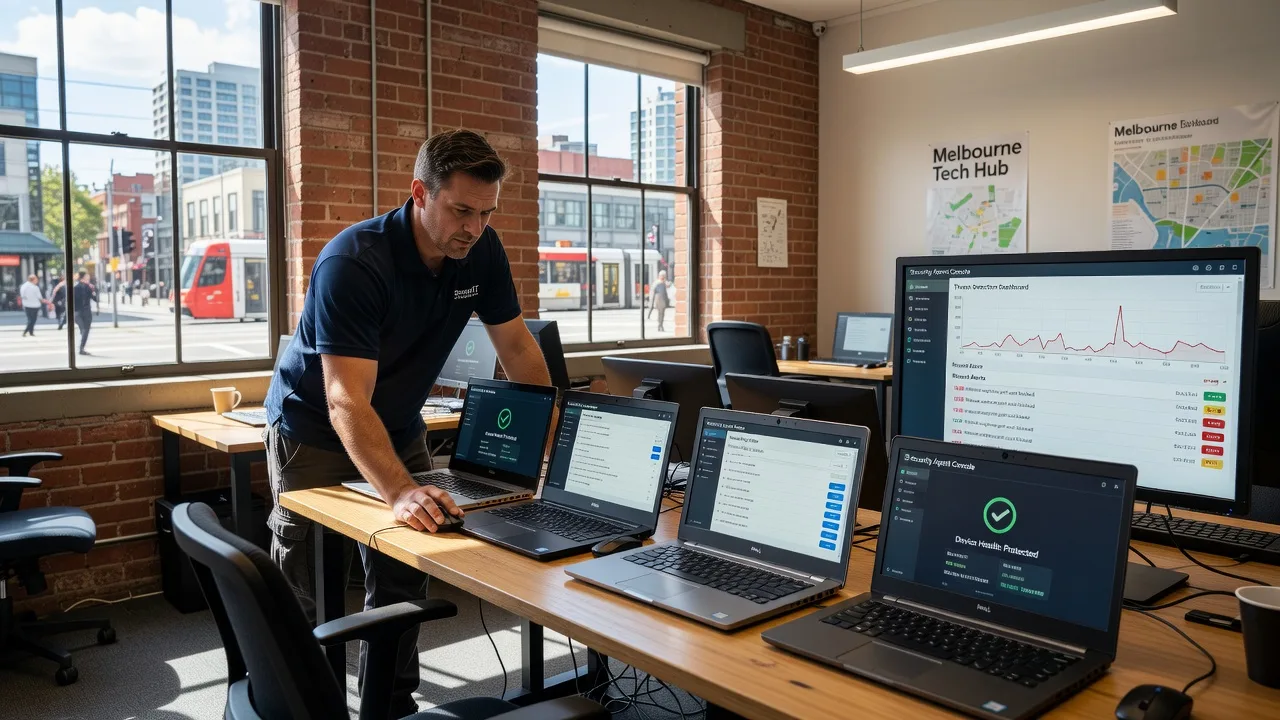
Protect Melbourne employee laptops and devices with managed firewall rules and endpoint threat detection that stop ransomware, phishing payloads, and silent malware before they spread. Fixwebnode delivers the rollout, tuning, and ongoing human support—so your team stays productive without living in security alerts.
What You'll Get
- Endpoint agent deployment - Consistent protection rolled out across Windows and macOS staff devices with verified check-in.
- Firewall policy baseline - Least-privilege outbound/inbound rules tuned for your real apps, not a generic template.
- Advanced threat detection - Behavioural and signature monitoring with clear escalation paths when something looks wrong.
- Device inventory & health report - Know which machines are protected, outdated, or offline before auditors ask.
- Staff-friendly hardening guide - Plain-English do's and don'ts so hybrid workers do not disable agents "just to get work done."
- Optional ongoing triage - We review alerts and help your team respond without panic or jargon overload.
Serving Melbourne & surrounds
Melbourne businesses face a mixed risk surface: dense CBD and Melbourne office floors with shared Wi-Fi guests, industrial and logistics yards in the west where tablets live on forklifts and dusty networks, and café-strip retailers whose POS tablets roam between counter and back-of-house. We design endpoint and firewall protection around how your people actually move—not a one-size national template.
- Hybrid professional services firms whose staff bounce between home fibre and multi-tenant office Wi-Fi need consistent agent policy that survives network changes.
- Warehouse and light-industrial operators near freight corridors need rugged device coverage that still reports when a laptop sits offline for a shift.
- On-site or remote onboarding across metro Melbourne is available by arrangement; most rollouts complete remotely with optional desk-side help for non-technical teams.
How We Work
- Step 1: Reach Out - Tell us device counts, OS mix, remote vs office split, and any compliance or insurance drivers. We listen first.
- Step 2: Tailored Plan - You receive a fixed-scope quote for tech deployment plus a clear support path for staff coaching if needed.
- Step 3: We Deliver - We deploy agents, harden firewall baselines, validate threat detection, and walk key users through what "protected" looks like.
- Step 4: Confirm & Follow-up - Plain-English handoff, health report, and optional monitoring or next hardening session.
Common Issues & How to Fix Them
AUTHORITY_HOWTO_V1 — real endpoint failures we see repeatedly on Melbourne fleets, with safe DIY checks before you escalate:
Endpoint agent shows "installed" but never checks in after staff leave the office Wi-Fi
Common on hybrid teams: the agent worked on the corporate LAN, then goes silent on home NBN or café hotspots because a captive portal, DNS filter, or local firewall is blocking the management channel.
- Step 1: On the affected laptop, open the agent status panel and note last successful cloud check-in time; compare to when the user left the office network.
- Step 2: From that same network, test HTTPS reachability to your vendor cloud endpoints (or temporarily try a known-clean mobile hotspot). Disable third-party "privacy" DNS apps and VPN split-tunnel quirks one at a time.
- Step 3: Force a manual check-in or policy refresh; confirm last-seen updates within a few minutes and that the device reappears as Healthy in the console.
Legitimate business software keeps getting quarantined (false positives killing productivity)
After a policy tighten or signature update, custom line-of-business tools, local POS helpers, or unsigned internal scripts get blocked—staff then turn the agent off, which is worse than the original risk.
- Step 1: Capture the exact file path, hash, and detection name from the quarantine or alert email before anyone restores blindly.
- Step 2: Whitelist by publisher certificate or exact hash in a test group only—not a blanket folder exclude on C:\—then re-run the app under a standard user account.
- Step 3: Confirm the app launches cleanly, no new critical detections fire for 24 hours, then promote the exception to the production policy group.
BYOD or refreshed laptops drop offline protection after a major OS update
Feature updates reset firewall profiles, remove kernel extensions, or break agent services—especially on personally owned devices used for email and file share access.
- Step 1: After any major OS update, open Services / system extensions and verify the security agent service is Running and set to Automatic; check OS firewall is still On for Public and Private profiles.
- Step 2: Re-run the vendor repair/reinstall package as admin, re-approve any required system extension or Full Disk Access prompts, then force a policy pull.
- Step 3: Trigger a test EICAR or vendor health scan (safe test file only) and confirm detection plus console reporting still work end-to-end.
Expert Insights (Melbourne scenario): When a multi-site professional services firm near the CBD mixed managed Windows notebooks with a handful of designer Macs on guest Wi-Fi, alert fatigue came from noisy USB-device rules—not malware. We narrowed USB control to write-block on unknown media for finance roles only, left creative roles on read-allow with logging, and cut critical false alerts by more than half without weakening ransomware controls. Good looks like role-based policy groups and measured exceptions; bad looks like one global "allow everything that complains" rule that trains staff to ignore real threats.
When DIY is not enough (urgent, unsafe, recurring, or burning time), book Fixwebnode for direct professional support—no freelancers, bidding, or marketplace noise.
Why Choose Fixwebnode
We are a direct provider—not a multi-seller marketplace. You get enterprise-grade remote IT for firewall and endpoint estates, plus patient human digital support when non-technical staff need calm walkthroughs. Smart Solutions. Human Support. is how we keep Melbourne teams both secure and usable.
- ✓ Fixed-scope packages with clear deliverables and plain-English handoffs
- ✓ Local understanding of hybrid CBD, high-street, and industrial device patterns
- ✓ Direct line to our team—dial 0421498927 or use fixwebnode.com.au/contact-support
Tools & Technologies
Modern EDR/endpoint agents, host firewall baselines, DNS filtering and secure web gateways, centralised policy consoles, device inventory reporting, Windows Defender / third-party AV coexistence checks, macOS system extension hardening, MFA-aware remote admin, SIEM-lite alert triage, and secure remote support sessions.
Perfect For
Melbourne SMEs, clinics, education teams, and professional services firms that need managed firewall and endpoint protection across staff laptops without building an in-house SOC. Ideal when devices roam between office, home, and client sites and you want one accountable provider for both the technical rollout and the human explanation.
Choose a package
Single-site health check plus hardened baseline on up to 5 employee devices with a written findings report.
Managed rollout of endpoint protection and firewall policy across up to 25 devices with staff quick-start guide.
Full multi-site Melbourne fleet protection with ongoing alert triage, inventory reporting, and priority human support.
FAQ
Most managed firewall and endpoint deployments complete remotely with secure admin access. For Melbourne metro teams that need desk-side help—especially non-technical staff or clinic floor devices—we can arrange on-site or hybrid sessions by appointment. Travel and access notes are confirmed in your fixed quote before work starts.
We size policies for the hardware you actually run. On older machines we stage lighter real-time settings first, exclude known-safe high-I/O paths carefully, and verify boot and app launch times with a pilot group before company-wide push. If a device is simply end-of-life, we flag replacement rather than hide the problem with weak security.
Yes. We assess coexistence, remove conflicting real-time engines where needed, and keep one clear authority for malware response so agents do not fight each other. You receive a plain map of what stays, what goes, and how alerts will be handled.



