






 Multi-Vendor & Complex SaaS Marketplaces
 Modern Headless & Jamstack Web Development
 High-End Corporate & Specialized Business Websites
 Advanced API, Checkout & Database Troubleshooting
Malicious Script & Pharma-Hack Removal for Melbourne
Clean malware, pharma spam, and injected scripts from Melbourne business sites—fast, remote, and direct.
We remove hidden redirects, spam doorways, and backdoors that hurt rankings and trust for CBD retailers, clinic sites, and warehouse-side e‑commerce. Plain-English reports, hardened configs, and follow-up checks included.
Power up support: dial 0421498927 or book at fixwebnode.com.au/contact-support.
- Root-cause cleanup, not just surface scans
- Search-console & blacklist recovery help
- Fixed-scope packages—no bidding freelancers
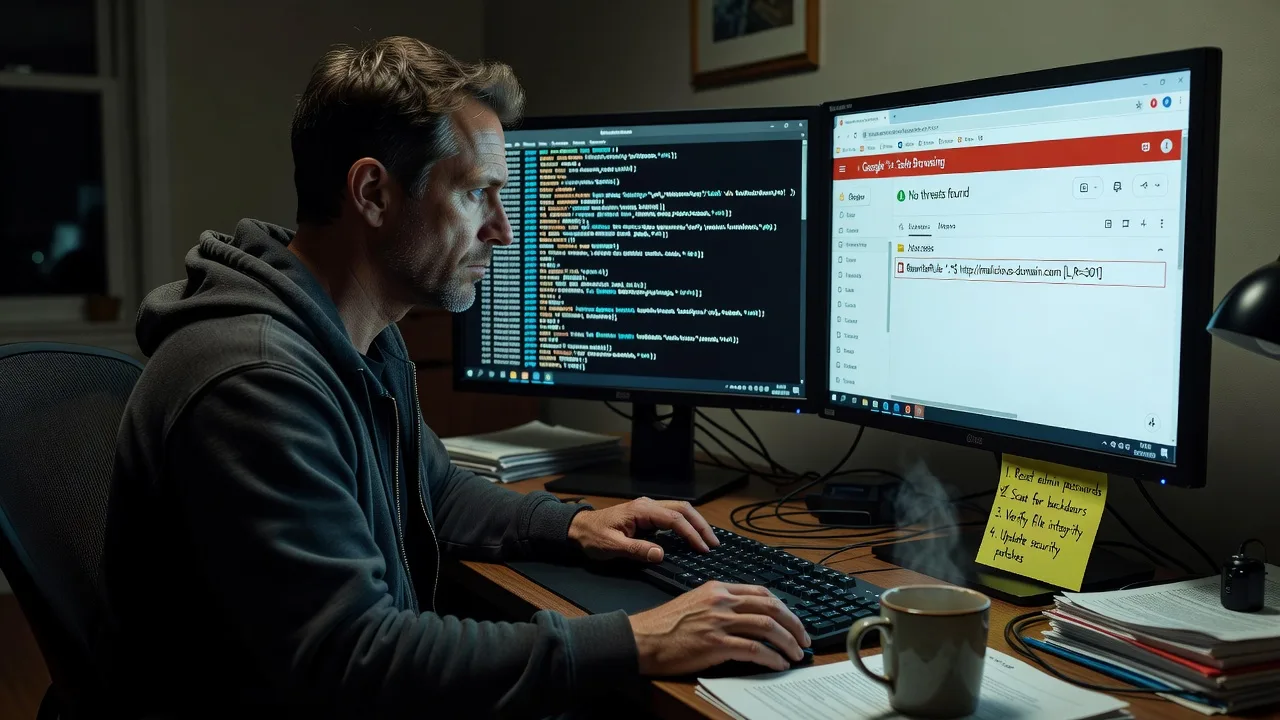
About this service
Get pharma spam, malicious JavaScript, and backdoor injections off your Melbourne website so customers land on your real pages—not fake pharmacy ads or redirect traps. We work as your direct remote specialist: diagnose, clean, harden, and verify, then hand you a clear report.
What You'll Get
- Full malware & injection audit - File, database, and config scan for pharma doorways, obfuscated JS, webshells, and cron abuse
- Safe removal & restore path - Infected files quarantined or replaced; clean core/themes/plugins restored from trusted sources
- Backdoor & persistence hunt - Hidden admin users, rogue.htaccess rules, scheduled tasks, and dropper paths removed
- Hardening pass - File permissions, outdated components flagged, weak login paths locked down where we control the stack
- Blacklist & Search visibility support - Guidance for Google Safe Browsing / Search Console recovery after clean verification
- Plain-English incident summary - What was hit, how it likely entered, and what to monitor next
Serving Melbourne & surrounds
Melbourne sites get hit hard when high-street retailers, multi-location clinics, and freight-linked wholesalers run older CMS stacks under peak traffic. We support metro and greater Melbourne teams remotely, with optional scheduled windows that fit after trading hours so cleanup does not stall weekday sales.
- Apartment-dense retail and café-strip sites where SEO spam kills local map and organic clicks overnight
- Clinic and telehealth brochure sites that cannot risk patient-facing malware warnings during booking spikes
- Warehouse and industrial-park e‑commerce near outer corridors needing after-hours remote cleanup without on-site delay
How We Work
- Step 1: Reach Out - Tell us the symptoms (pharma results, redirects, browser warnings). We listen first and confirm access needs securely.
- Step 2: Tailored Plan - Fixed-scope quote for cleanup depth: single site Basic through multi-site Premium with hardening and monitoring handoff.
- Step 3: We Deliver - Remote forensic cleanup on your hosting/CMS stack; patient plain-language updates while work runs.
- Step 4: Confirm & Follow-up - Re-scan, document remaining risks, optional maintenance path so reinfection does not bounce back in a week.
Common Issues & How to Fix Them
These are the patterns we see repeatedly on Melbourne business sites—specific symptoms, safe checks, and when to stop DIY.
Issue 1: Google shows pharmacy / Viagra spam for your brand queries
Attackers inject doorway pages or cloaked content so searchers see fake pharmacy results while you still see a normal homepage in the browser.
- Step 1: Search site:yourdomain.com viagra OR cialis OR pharmacy in an incognito window and note any URLs you did not publish.
- Step 2: In hosting file manager or SFTP, search for recently modified PHP/HTML files outside your theme and for base64_decode / eval / gzinflate chains in unexpected folders.
- Step 3: Delete or quarantine unknown doorways, restore clean CMS core files, then Request Indexing on clean URLs in Search Console and re-check the site: query after 24–48 hours.
Issue 2: Visitors hit a different site or odd redirect only on mobile / from Google
Conditional malware in.htaccess, theme headers, or injected JS often redirects search or mobile traffic while desktop bookmarked visits look fine—classic for CBD shop owners who only test from the shop Wi‑Fi.
- Step 1: Test the homepage from a phone on cellular data and from Google’s result link (not your bookmark); note the final URL.
- Step 2: Inspect root and subdirectory.htaccess for RewriteRule lines pointing off-domain; check header.php / footer scripts for external domains you do not recognise.
- Step 3: Restore a known-good.htaccess from backup or CMS defaults, remove rogue script tags, purge CDN/cache, and retest mobile + Google-referrer paths until redirects stop.
Issue 3: Hosting malware scanner is clean but admins still appear or files reappear overnight
Persistence via compromised plugin update hooks, stolen admin credentials, or a webshell in uploads means surface scanners miss the reload path—common after rushed plugin installs before a Melbourne sale weekend.
- Step 1: Export a full user list; disable unknown admins; force password resets and enable 2FA on every privileged account including hosting and FTP/SFTP.
- Step 2: Diff the uploads and mu-plugins directories against last known-good backup; remove PHP inside media folders; deactivate abandoned plugins before deleting their folders.
- Step 3: Re-scan after 24 hours with file integrity (checksums or a monitor). If the same paths return, stop DIY—there is still a live dropper or server-level foothold.
Expert insight (Melbourne scenario): After a long-weekend sale, a Melbourne-side retailer saw pharma SERP spam while the homepage looked fine in-store. The reinfection lived in a neglected contact-form plugin writing a tiny dropper into /uploads every night via a stolen FTP credential—not in WordPress core. Scanners that only flag core checksums stayed green. Always pair credential rotation (hosting + SFTP + CMS) with uploads executable-block rules; otherwise cleanup day one becomes cleanup day four. Good outcome: one clean tree + rotated secrets + WAF rule on PHP in uploads. Bad outcome: delete random “weird” files without a backup map and break checkout while the dropper still has the FTP key.
When DIY is not enough (urgent, unsafe, recurring, or burning time), book Fixwebnode for direct professional support—no freelancers, bidding, or marketplace noise.
Why Choose Fixwebnode
We are a direct provider for both deep technical cleanup and calm, jargon-free handoff to owners and office managers. Melbourne teams get fixed scopes, remote speed, and practical hardening—not a queue of competing proposals.
- ✓ Hands-on malware, pharma-hack, and backdoor removal experience across CMS and Linux hosting stacks
- ✓ Clear reports your non-technical staff can action (passwords, plugins, backups)
- ✓ After-hours friendly remote windows suited to retail and clinic trading patterns
Tools & Technologies
Server/SSH and SFTP review, CMS file integrity checks (WordPress and similar), database malware pattern search,.htaccess and nginx redirect audit, PHP obfuscation review, Wordfence/Sucuri-style scan correlation, Google Search Console / Safe Browsing recovery steps, CDN cache purge, permission and cron review, optional WAF rule guidance.
Perfect For
Melbourne small businesses, clinics, education providers, and e‑commerce teams who suddenly see pharmacy spam, browser warnings, or unexplained redirects and need a direct specialist—not a marketplace auction. Ideal when your site must be trustworthy again before the next trading peak, and you want both the technical fix and a human explanation of what changed.
Ready to clean the infection properly? Call 0421498927 or start at fixwebnode.com.au/contact-support.
Choose a package
Single-site malware scan, known pharma/script removal, and verification re-scan with a short summary.
Deep cleanup including backdoors, .htaccess/redirect fixes, hardening basics, and Search Console guidance.
Multi-pass forensic cleanup, persistence hunting, extended hardening, and 14-day reinfection watch support.
FAQ
Most malicious script and pharma-hack cleanups are completed fully remotely across Melbourne and surrounds, which is faster for hosting-level work. If your team prefers a scheduled screenshare while we work, we arrange that. On-site is rarely required for this service unless you have isolated local servers without remote access.
Cleanup stops the bad content at the source, but Google and Safe Browsing can take days to re-crawl and clear warnings. We remove the injection, help you submit clean URLs, and outline what to monitor so rankings and trust recover without leaving the dropper behind.
Typically secure hosting panel or SFTP/SSH plus CMS admin. We use least-privilege access, document changes, and recommend rotating passwords after the job. We never ask you to post credentials in public tickets.
Packages are fixed-scope cleanups you book directly with us. Premium includes a short reinfection watch window. Ongoing monitoring can be discussed after handoff if your stack still has aging plugins or shared credentials.



