







 Multi-Vendor & Complex SaaS Marketplaces
 Modern Headless & Jamstack Web Development
 High-End Corporate & Specialized Business Websites
 Advanced API, Checkout & Database Troubleshooting
Expert WordPress Security Hardening — Cremorne & Richmond VIC
Lock down high-traffic WordPress sites for Cremorne agencies and Chapel Street retailers before peak-season spikes hit.
I harden logins, plugins, file permissions, and server rules so boutique shops, studios, and SaaS marketing sites across Richmond and South Yarra stay online through Spring Racing Carnival and busy retail weekends. Practical fixes, clear reports, and ongoing help when you need it.
Power up your support experience — dial 0421498927 or go to fixwebnode.com.au/contact-support.
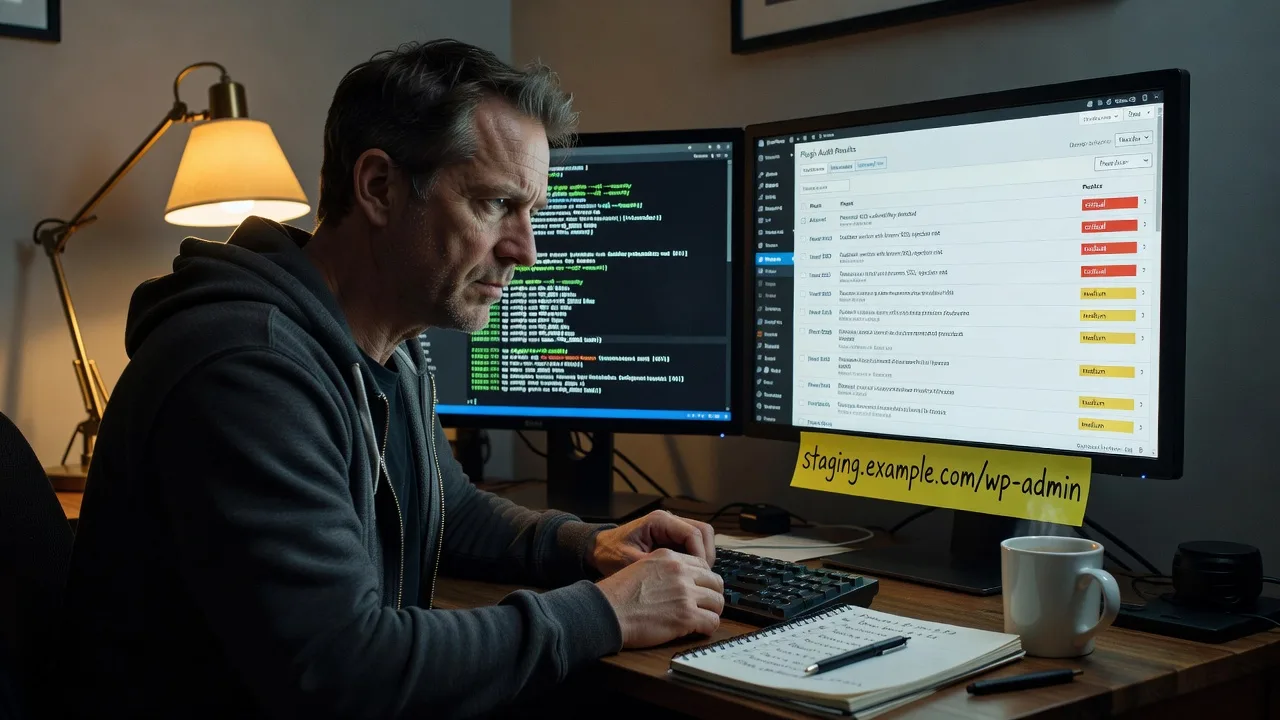
About this service
Stop brute-force logins, plugin exploits, and silent malware on WordPress sites serving Cremorne creatives, Richmond retailers, and Melbourne CBD clients—before the next traffic surge exposes weak defaults.
What You'll Get
- Full security audit report - Prioritised findings on users, plugins, themes, file integrity, and hosting posture with plain-English risk ratings.
- Hardened WordPress core stack - Secure wp-config keys, disabled file editing, restricted XML-RPC, and tightened REST exposure without breaking legitimate integrations.
- Login & admin lockdown - Custom login paths, rate limiting, 2FA guidance, role cleanup, and failed-login monitoring tuned for agency multi-user sites.
- Plugin & theme risk reduction - Remove abandoned code, replace high-risk extensions, and enforce least-privilege capabilities for editors and freelancers.
- Server & firewall rules - WAF/mod_security-style patterns, .htaccess or nginx deny rules, and malware scan baselines matched to your host.
- Backup & recovery verification - Confirm offsite backups restore cleanly and document an incident playbook your team can actually follow.
Serving Cremorne & surrounds
Cremorne’s warehouse-office creative strip and the Church Street retail corridor run on WordPress more than most people realise—studio portfolios, booking funnels, and e-commerce for boutiques that spike hard during Melbourne Cup week and Spring Racing Carnival. I work with owners and ops leads in Cremorne and nearby Richmond and South Yarra who cannot afford downtime when visitors, press, and seasonal shoppers pile on. Remote hardening is the default; on-site or hybrid sessions are available when access, staging servers, or stakeholder walkthroughs need a face-to-face pass in the precinct.
- Digital agencies and production houses in Cremorne warehouse offices with client staging sites and shared admin logins that need role and 2FA cleanup.
- Chapel Street and Church Street retailers whose product launches and racing-season campaigns drive sudden checkout traffic and attract credential-stuffing bots.
- On-site or co-working meetups around Cremorne / Richmond for credential handoff, host panel walkthroughs, or post-incident recovery when remote-only access is blocked.
My Process
- Step 1: Scoped discovery - Collect admin access, host panel details, plugin list, and business priorities (uptime vs. strict lockdown) so changes never break checkout or client portals.
- Step 2: Audit & baseline - File integrity, user audit, version inventory, open ports/endpoints, and malware signatures—documented before any change.
- Step 3: Harden & verify - Apply config, permission, WAF, and plugin fixes on staging first when available; re-test critical flows (login, forms, payments).
- Step 4: Handoff & support path - Deliver a clear report, credentials hygiene checklist, and optional monitoring cadence—plus how to reach ongoing support on 0421498927 or fixwebnode.com.au/contact-support.
Expert Insights: What Most People Get Wrong
Based on 12+ years securing WordPress for Australian agencies and retailers, here are the critical mistakes I see clients make—and how I fix them:
- Trusting “security” plugins as a complete stack - A popular all-in-one plugin with default firewall rules often still leaves xmlrpc.php open for amplification attacks and does nothing about world-writable uploads directories left by a page-builder. On a Cremorne agency staging site I audited last season, disabling XML-RPC and correcting 775 permissions on /wp-content/uploads cut failed login noise by ~90% overnight—without adding another plugin.
- Leaving default author enumeration and weak application passwords - Attackers hit /?author=1 and REST users endpoints first. Good looks like forcing login-only user discovery, rotating application passwords after freelancers leave, and removing unused “Shop Manager” accounts created for a one-off sale. Bad looks like five dormant admins still using the same password across three client sites.
- Hardening production only after a spike - Spring Racing and Cup week traffic does not invent vulnerabilities; it reveals them. I stage rate limits and WAF rules two to three weeks before known Melbourne calendar peaks so false positives get tuned while revenue is still normal—not mid-campaign.
- Backups that never get restore-tested - Daily backups to the same host as production fail together. Good practice: weekly offsite restore drill to a throwaway subdomain, verify wp-config salts and .htaccess survive the restore, and time the RTO so you know whether you are looking at 20 minutes or half a day.
When you hire me, you get all this expertise applied directly to YOUR project—saving you time, money, and headaches.
Why Choose This Service
You get a practitioner who treats WordPress security as operations work—not a checkbox plugin install—and who already understands how Cremorne and Richmond businesses actually use their sites day to day. Clear communication, staged changes, and a real support path after delivery.
- ✓ Deep WordPress + hosting stack experience (Apache/Nginx, cPanel/Plesk, managed WP hosts)
- ✓ Local familiarity with Cremorne creative workflows and racing-season traffic patterns
- ✓ Direct support via 0421498927 and fixwebnode.com.au/contact-support after handoff
Tools & Technologies
WP-CLI, Wordfence / Sucuri / Solid Security (selectively), Fail2ban patterns, ModSecurity / host WAF rules, nginx and Apache hardening snippets, malware scanners (ClamAV-class and PHP malware heuristics), SSL Labs and securityheaders checks, Git-deployed staging, phpMyAdmin / Adminer for controlled DB review, 2FA apps (TOTP), and host panels (cPanel, Plesk, Cloudways, WP Engine-class environments).
Perfect For
Agency leads, boutique retailers, and clinic or studio owners in Cremorne, Richmond, and South Yarra running customer-facing WordPress sites who need a proper harden—not a generic scan PDF. Ideal if you are heading into a campaign, Cup week, or product launch and want login, plugin, and backup posture fixed with a documented report your team can keep.
Choose a package
Core WordPress security audit plus essential config and login hardening for one site.
Audit, full stack harden, plugin risk cleanup, and verified backup check for one production site.
Multi-environment harden (staging + live), malware cleanup if needed, 2FA rollout guidance, and 30-day support window.
FAQ
Most WordPress security hardening is completed remotely with secure credential handoff, which suits Cremorne warehouse offices and Richmond retail teams. If you need a face-to-face walkthrough—host panel access, staging server on the LAN, or stakeholder training—I can arrange an on-site or nearby co-working session across Cremorne, Richmond, and South Yarra.
I stage changes and re-test critical flows (login, forms, cart, membership gates) before anything goes live. Aggressive rules that block legitimate REST or AJAX calls are tuned or scoped so marketing sites and WooCommerce checkouts keep working while bots are blocked.
Typically a temporary administrator account, host/cPanel or managed-WP dashboard access, and DNS or CDN access if WAF rules live at the edge. I rotate or remove temporary accounts at handoff and document every privilege used.
Premium includes investigation and cleanup scope; for active incidents contact 0421498927 or fixwebnode.com.au/contact-support so we can triage malware, lock admin access, and restore from a known-good backup as priority work.



