






 Multi-Vendor & Complex SaaS Marketplaces
 Modern Headless & Jamstack Web Development
 High-End Corporate & Specialized Business Websites
 Advanced API, Checkout & Database Troubleshooting
Essential 8 Compliance Auditing for Melbourne SMBs
Align your Melbourne business network with ASD Essential Eight—clear gaps, practical fixes, human support.
We audit application control, patching, MFA, backups, and least privilege for CBD offices, warehouse IT, and multi-site teams across Melbourne. Smart Solutions. Human Support.—enterprise-grade checks explained in plain English so owners and IT leads can act with confidence.
Power up your support: dial 0421498927 or visit fixwebnode.com.au/contact-support for a fixed-scope Essential 8 review.
- Direct provider—no freelancers or bidding
- Risk-ranked findings mapped to ASD maturity levels
- Remote-first with optional on-site walkthroughs
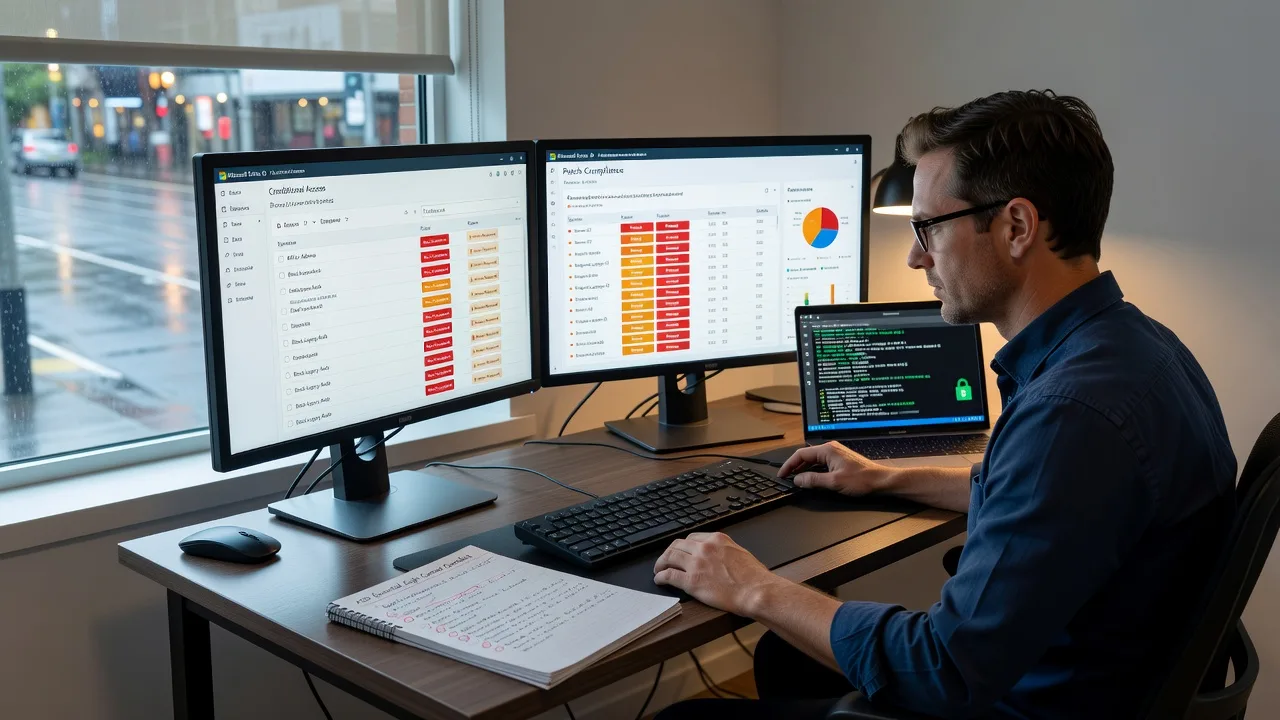
About this service
Get your Melbourne small-to-medium business network aligned with the Australian Signals Directorate Essential Eight—prioritised gaps, fix paths, and plain-English guidance from Fixwebnode. We blend technical depth with human support so directors, clinic managers, and ops leads can reduce cyber risk without drowning in jargon.
What You'll Get
- Essential Eight maturity baseline - Current state scored against ASD levels for the controls that matter most to your estate.
- Risk-ranked gap register - What is urgent vs. what can wait, tied to real attack paths (ransomware, credential theft, email compromise).
- Remediation roadmap - Phased actions for application control, patching, MFA, admin privileges, macros, backups, and more.
- Evidence pack for insurers & boards - Screenshots, config notes, and summary language you can reuse in cyber insurance renewals.
- Human handoff session - We walk your team through findings so non-technical stakeholders understand next steps.
- Optional re-check window - Confirm closed items after you implement changes (package-dependent).
Serving Melbourne & surrounds
Melbourne SMBs face a distinct mix: dense CBD multi-tenant offices with shared Wi-Fi and contractors, industrial and logistics networks near freight corridors, and clinic or education sites juggling telehealth and student devices. We design Essential Eight work around those realities—not a national template with a city name stuck on.
- Professional-services and retail teams in the CBD who need MFA and mailbox hardening without freezing day-to-day work
- Warehouse and light-industrial sites where OT-adjacent PCs, shared admin logins, and delayed patching create Essential Eight gaps
- Remote-first audits with optional on-site validation across metro Melbourne (including practical access notes for Melbourne office towers and suburban business parks when required)
How We Work
- Step 1: Reach Out - Tell us about your network size, Microsoft 365 or on-prem mix, and any insurance or board deadline—we listen first.
- Step 2: Tailored Plan - Fixed-scope quote for Tier 1 infrastructure auditing, plus a clear support path if staff need patient walkthroughs (Tier 2 human digital support).
- Step 3: We Deliver - Remote configuration review, control testing, and documentation; on-site only when physical access or walkthroughs add value.
- Step 4: Confirm & Follow-up - Plain-English readout, prioritised backlog, and optional maintenance or re-test so improvements stick.
Common Issues & How to Fix Them
These are patterns we see repeatedly on Melbourne SMB networks when Essential Eight maturity stalls—and what you can safely check yourself before escalating.
Issue 1: Patching looks "done" but critical CVEs remain on edge devices and servers
Owners see Windows Update green ticks while firewalls, hypervisors, and line-of-business appliances sit months behind—common when IT time is shared across multiple Melbourne sites.
- Step 1: Export a simple inventory: workstations, servers, firewalls, VPN appliances, and major SaaS admin consoles with last successful update date.
- Step 2: For each internet-facing or domain-joined system, confirm the vendor’s latest security advisory is applied (not only OS patches)—schedule a maintenance window for anything older than 30–60 days on high-risk assets.
- Step 3: Re-scan with your patch tool or vendor CLI and keep a dated screenshot; if the same CVE returns after reboot, escalate—policy or agent failure is likely.
Issue 2: MFA covers email but admin and remote-access paths still allow password-only login
Staff use MFA for Microsoft 365 while RDP gateways, legacy VPN, or shared local admin accounts remain single-factor—exactly the path ransomware operators abuse.
- Step 1: List every remote path (VPN, RDP, cloud admin portals, password managers’ emergency access) and mark which require a second factor today.
- Step 2: Enforce MFA on all admin roles first; disable legacy authentication protocols; replace shared admin passwords with individual privileged accounts plus just-in-time elevation where possible.
- Step 3: Attempt a controlled login without the second factor from a test account—if it still succeeds, MFA is not truly enforced; fix conditional access or appliance policy before closing the item.
Issue 3: Backups exist but restores have never been timed—or ransomware-resilient copies are missing
Nightly jobs report success, yet nobody has restored a full file share or critical VM under time pressure; offline/immutable copies are often absent on cost-sensitive SMB setups.
- Step 1: Identify the last successful restore test (not backup job success) for your top three systems—email/data, finance, and line-of-business.
- Step 2: Run a restore of a non-production sample to an isolated location; confirm offline or immutable retention exists separate from the production domain credentials.
- Step 3: Record restore time and completeness; if restore fails, exceeds your recovery objective, or depends on the same credentials an attacker would steal, treat backup maturity as incomplete under Essential Eight.
When DIY is not enough (urgent, unsafe, recurring, or burning time), book Fixwebnode for direct professional support—no freelancers, bidding, or marketplace noise.
Why Choose Fixwebnode
We are a direct provider—Tier 1 enterprise-grade remote IT and Essential Eight alignment, plus Tier 2 patient explanation for owners and non-technical teams. Melbourne businesses get fixed-scope work, local commercial awareness, and documentation you can actually use with boards and insurers.
- ✓ ASD Essential Eight mapped to real SMB constraints (budget, change windows, mixed cloud/on-prem)
- ✓ Melbourne-aware delivery for CBD multi-tenant, industrial, and multi-site estates
- ✓ Direct engagement with clear packages—technical authority without marketplace friction
Expert Insights
After hundreds of SMB reviews, the fastest Essential Eight win in Melbourne professional-services firms is rarely buying another tool—it is closing the admin sprawl gap. A typical CBD practice has three to five people with Global Admin or Domain Admin "just in case," plus a break-glass account that still uses a password stored in the same shared vault as day-to-day logins. Good looks like: one named break-glass account excluded from day MFA only with hardware-backed controls, logged and alerted; privileged roles time-bound; workstation admins stripped from finance and HR PCs. Bad looks like: every IT helper permanently in Global Admin, service accounts with non-expiring passwords in the same OU as users, and macro settings left on "enable all" because a single supplier workbook broke once in 2019. Before your next insurance questionnaire, export Entra ID / AD privileged group membership and reconcile every account to a named human and a business reason—if you cannot explain an account in one sentence, remove or demote it. That single hygiene pass often lifts multiple Essential Eight controls at once (restrict admin privileges, multi-factor, application control readiness) without a six-figure platform project.
Tools & Technologies
Microsoft 365 / Entra ID Conditional Access, Intune and Group Policy baselines, Windows Defender Application Control / AppLocker planning, vulnerability and patch reporting, backup restore validation, CIS-style configuration checks, firewall and VPN config review, ASD Essential Eight maturity mapping, secure remote assessment tooling, and plain-English board packs.
Perfect For
Melbourne SMBs, clinics, education providers, and professional firms that need Essential Eight alignment for cyber insurance, customer security questionnaires, or board assurance—without hiring a full-time security team. Ideal when you want direct technical delivery plus patient explanation for stakeholders who are not security specialists. Growth-focused and cost-effective: fix the highest-risk gaps first, then mature controls in planned phases.
Ready to start? Call 0421498927 or contact us via fixwebnode.com.au/contact-support.
Choose a package
Focused Essential Eight gap snapshot for a single Melbourne SMB environment with prioritised next actions.
Full Essential Eight audit with evidence notes, remediation roadmap, and stakeholder readout for typical SMB estates.
Deep multi-site or complex-tenant Essential Eight programme with re-test window and executive pack for Melbourne organisations.
FAQ
Most Essential Eight auditing is remote-first across Melbourne so we can review Microsoft 365, endpoints, and server configs efficiently. When physical validation helps—firewall appliances, server rooms, or staff walkthroughs in metro offices—we schedule on-site by arrangement. Travel and access notes are agreed up front in your fixed quote; we deliver the work ourselves as Fixwebnode, not through a freelancer marketplace.
It is the ASD’s recommended baseline and is increasingly expected by insurers, enterprise customers, and government supply chains rather than a universal law for every sole trader. We help you reach a practical maturity level that matches your risk, contracts, and budget—prioritising controls that stop the most common ransomware and credential attacks first.
A short environment brief (user count, Microsoft 365 or on-prem, key applications), a technical contact with read-only or supervised admin access, and any insurance or customer questionnaire deadlines. We confirm scope in writing, work to a fixed package price, and explain findings in plain English for owners and IT leads alike.



